
Figma & Vibe Code to HubSpot Theme + Website Migration
Built by - transjt Inc.
Installs - 600+ installs
Rating 4.5
(15)
Requirements
HubSpot Plan HubSpot Account permissions - View the required account permissions
Access Type Shared Figma & Vibe Code to HubSpot Theme + Website Migration Subscription - Free, Creator, Professional, Full HubSpot Website from AI Builder, or Migration from any website to HubSpot CMS plans
Overview
1/2 - Build HubSpot CMS with Vibe Code (Claude Code, Lovable, v0, replit, bolt.new, builder.io, and many more)
Your design is ready. Your website shouldn't take weeks.
The slowest part of a new HubSpot site is rarely the design. It's rebuilding that design by hand as templates and modules, and transjt removes that step. Bring a Figma file or a frontend built with an AI tool, and you get a custom HubSpot theme within a few hours. Planning a relaunch? We also migrate existing websites to a native HubSpot theme.
Who it's for
Corporates. Get campaigns live without waiting for development. If your agency is booked out, IT has other priorities or the relaunch is stuck, your design becomes a native HubSpot theme your marketing team runs on its own, with one brand on every page.
Agencies. More clients, not more staff. If your developers are fully booked or a fixed-price project is running over, hand over a working site instead of a spec. The design survives the build, you keep more of every fee, and clients edit their own content without sending you small-change emails.
Freelancers. Say yes when a client asks whether you can build it too. You don't need to code or hire a developer. Deliver and invoice the whole website, stay a designer, and let your clients manage their pages on their own.
Works with
Design: Figma, UX Pilot, Google Stitch
AI builders: Lovable, v0, bolt.new, Replit, Claude Code, Codex, Figma Make, Builder.io, Rocket, Base44, or any React site in a GitHub repo
Website migration from: WordPress, Adobe Experience Manager (AEM), Squarespace, Wix, Framer, Webflow, Storyblok, Drupal, TYPO3, Contentful or any other CMS (online shops excluded)
In HubSpot: Content Hub themes, templates and modules for website pages, landing pages and the blog
What changes for your team
Marketers edit without a developer. Every section becomes a native HubL module in the drag-and-drop editor: text, images and layout, no dev ticket.
Forms feed your CRM from day one. Connect your designed form to a native HubSpot form, and submissions land in HubSpot as usual.
Your blog matches your brand. The blog listing and blog post templates come from the same design.
Every screen is covered. Desktop, tablet and mobile layouts are included.
You own the result. It's a real HubSpot theme, with no page-builder plugin and no lock-in.
How it works
Bring your design. Export it from Figma with the transjt plugin, or connect the GitHub repo of your AI-built site. Moving an existing website? Scan it and confirm what stays.
Get your theme. transjt turns it into a custom HubSpot theme with native modules, and you see a preview first.
Launch in HubSpot. Install the theme, create your pages in the drag-and-drop editor, and go live.
Try it without risk
Explore transjt on the free plan. Need a single website rather than a subscription? With the one-time Full HubSpot Website export, you start free and pay only after you've seen the preview, and a money-back guarantee covers it. Custom onboarding is available if your team wants a guided start.
Good to know
the first connection between transjt and HubSpot needs Super Admin rights. After that, your team works with normal permissions.
Features
Launch within a few hours a native HubSpot theme
Skip the manual rebuild: your design becomes a HubSpot theme the same day, not weeks later.

Editable by marketing
Native HubL modules in the drag-and-drop editor. Change text, images and sections without code.
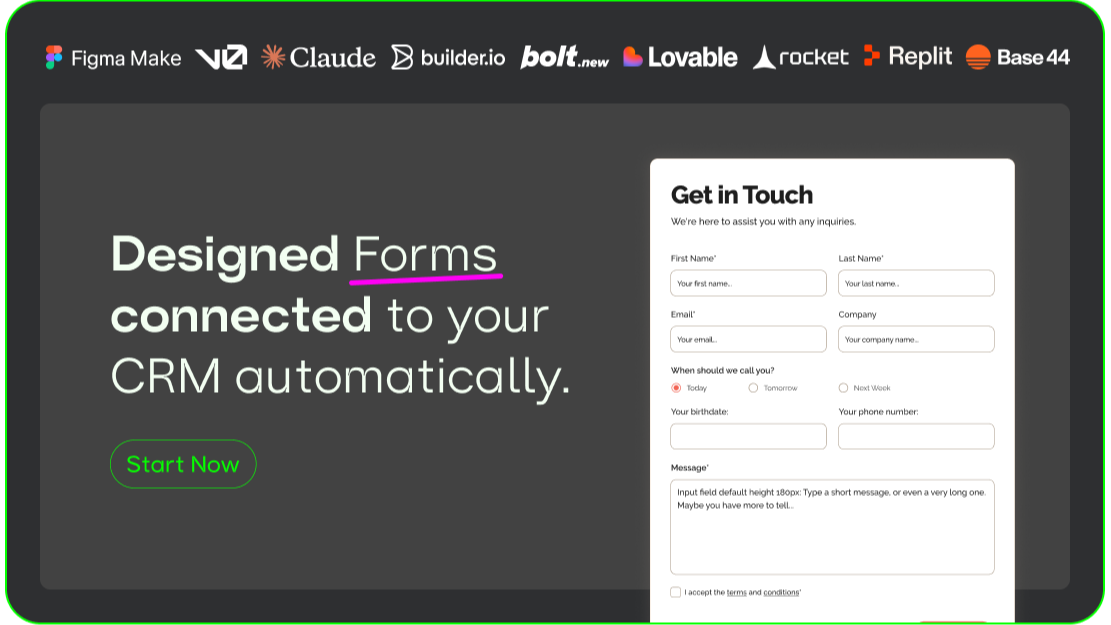
Forms connected to your CRM
Link your designed form to a native HubSpot form and keep your CRM properties intact.
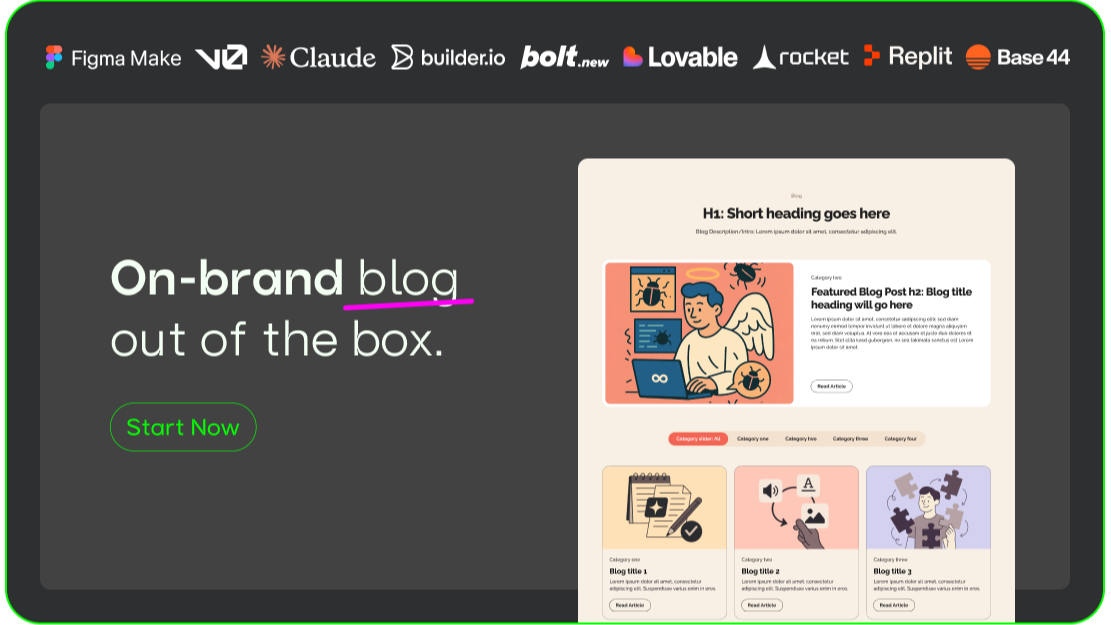
On-brand blog
Blog listing and blog detail templates, generated from your own design.
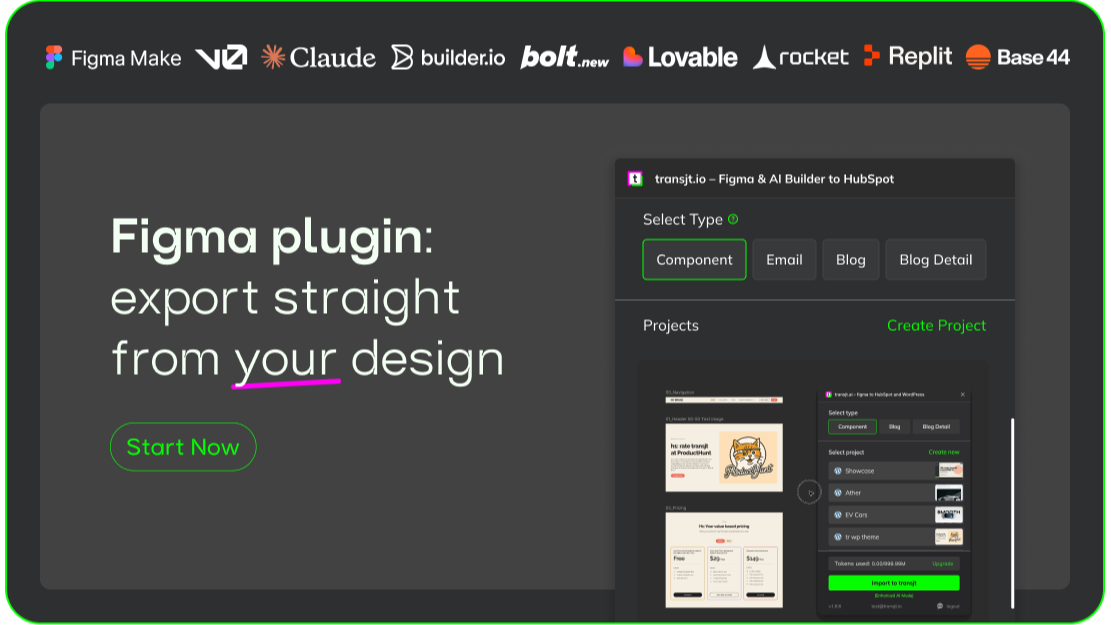
Figma plugin: export straight from your design
Design in Figma, export to HubSpot CMS with the transjt plugin — no handoff files, no rebuild.
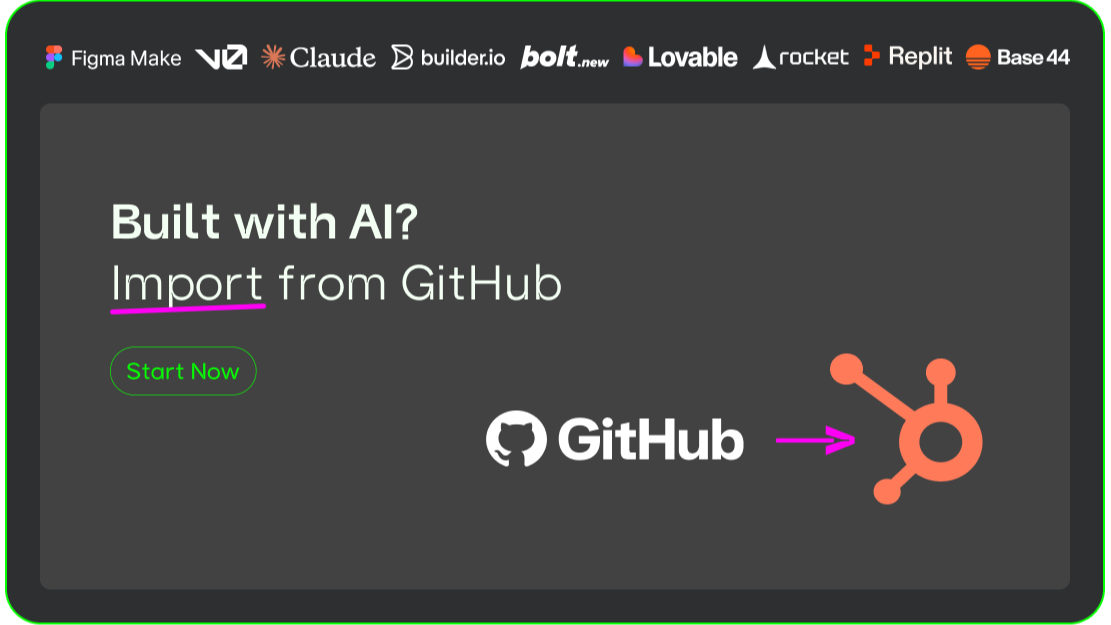
Built with AI? Import from GitHub
Connect the repo of a site made with Lovable, v0, bolt.new, Claude Code or Figma Make and get a native HubSpot theme.
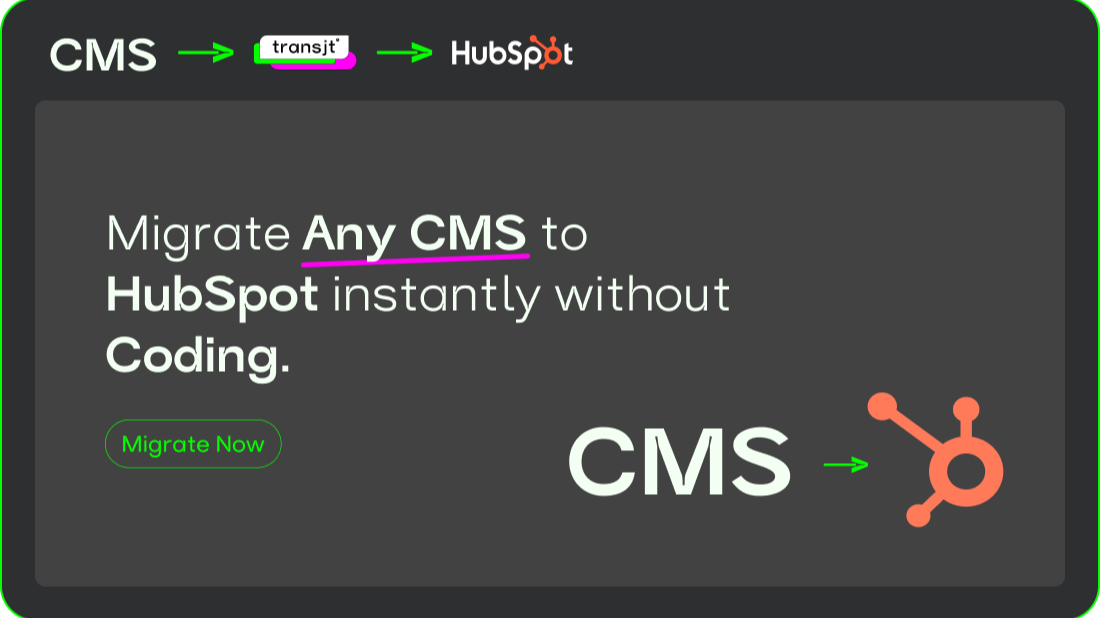
Website Migration to HubSpot
Scan your website, confirm what stays, and get your price. Whatever your CMS, we rebuild your design as a native HubSpot theme and move your content with all pages.
App Functionality
Shared Data
Webpage template | ||
Webpage component |
Reviews
4.5
15
4.5
15
- Nov 5, 2026
simple and calm
gives a breate to the crazy clicks with a breeze
movement easy
instructions were different
Turner, G.
- Aug 11, 2026
Easy Onboarding, Great UI, and Fast Imports at a Good Price
Easy onboarding and has a great UI. Importing is fast, and the AI enhancements are decent. Good price. Easy to integrate as well.
Figma to Wordpress quick exports, reducing process times.
The token limit is something you do have to keep in mind, although transjt already provides a decent number of free tokens.
Mendoza, P.
Pricing
Free
$0
For companies looking to explore transjt with up to one active project.
500.00 tokens
A.I. Code Improvement
1 Project
Free
$0
For companies looking to explore transjt with up to one active project.
500.00 tokens
A.I. Code Improvement
1 Project
* The pricing here is for display purposes only. All prices do not include taxes, incentives, discounts, or other pricing variables. You should contact the partner for the most up to date and correct pricing information. HubSpot does not take any responsibility for this pricing information, which is provided by our partners. Pricing last updated: 11/25/2026
More info
Built by - transjt Inc.
Installs - 600+ installs
Categories Languages this app is available in English
Most popular

Gmail
Bring HubSpot to your inbox with the HubSpot integration for Gmail.

Google Calendar
Book meetings quickly and easily with HubSpot and Google Calendar.
