

VOYCELL
Built by - VOYCELL
Installs - 10+ installs
Requirements
HubSpot Plan HubSpot Account permissions - View the required account permissions
Access Type Shared VOYCELL Subscription - Premium plan
Overview
1/5
VOYCELL’s HubSpot integration connects your calling workflow with your CRM to automatically capture and organize customer interactions.
Users can make and receive calls via VOYCELL, and once a call ends, contact details such as name, phone number, meeting information, and notes are automatically logged in HubSpot. This ensures your CRM stays up to date without manual entry.
By centralizing call data in HubSpot, teams gain better visibility into conversations, reduce administrative work, and improve follow-ups and productivity.
Features
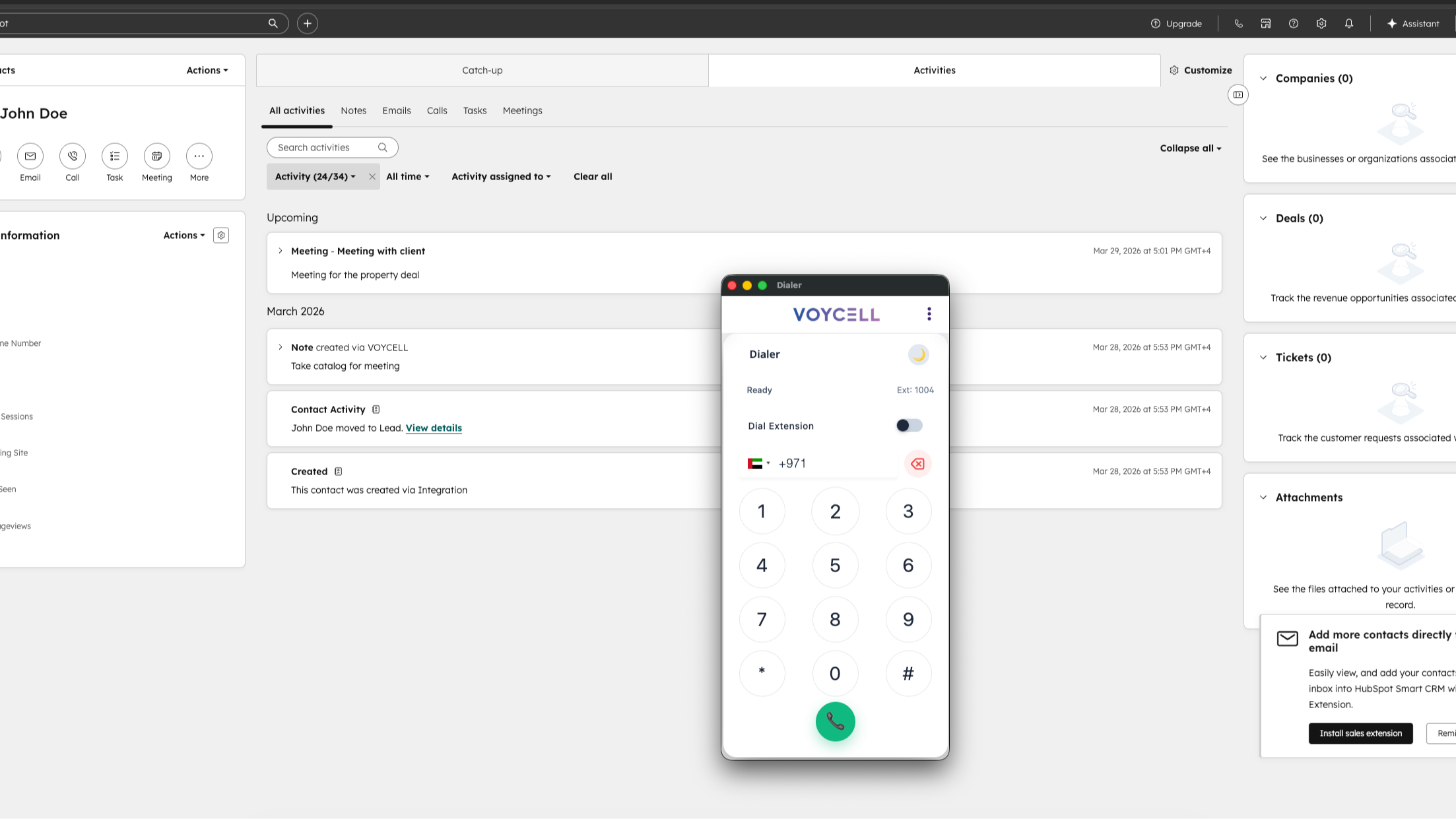
Automatically Log VOYCELL Contact & Activities to HubSpot Records
VOYCELL automatically logs calls, texts, call outcomes, summaries, notes & scheduled activities to the appropriate Contact record in HubSpot. Users can also update or edit HubSpot Contact information within the VOYCELL Dialer.
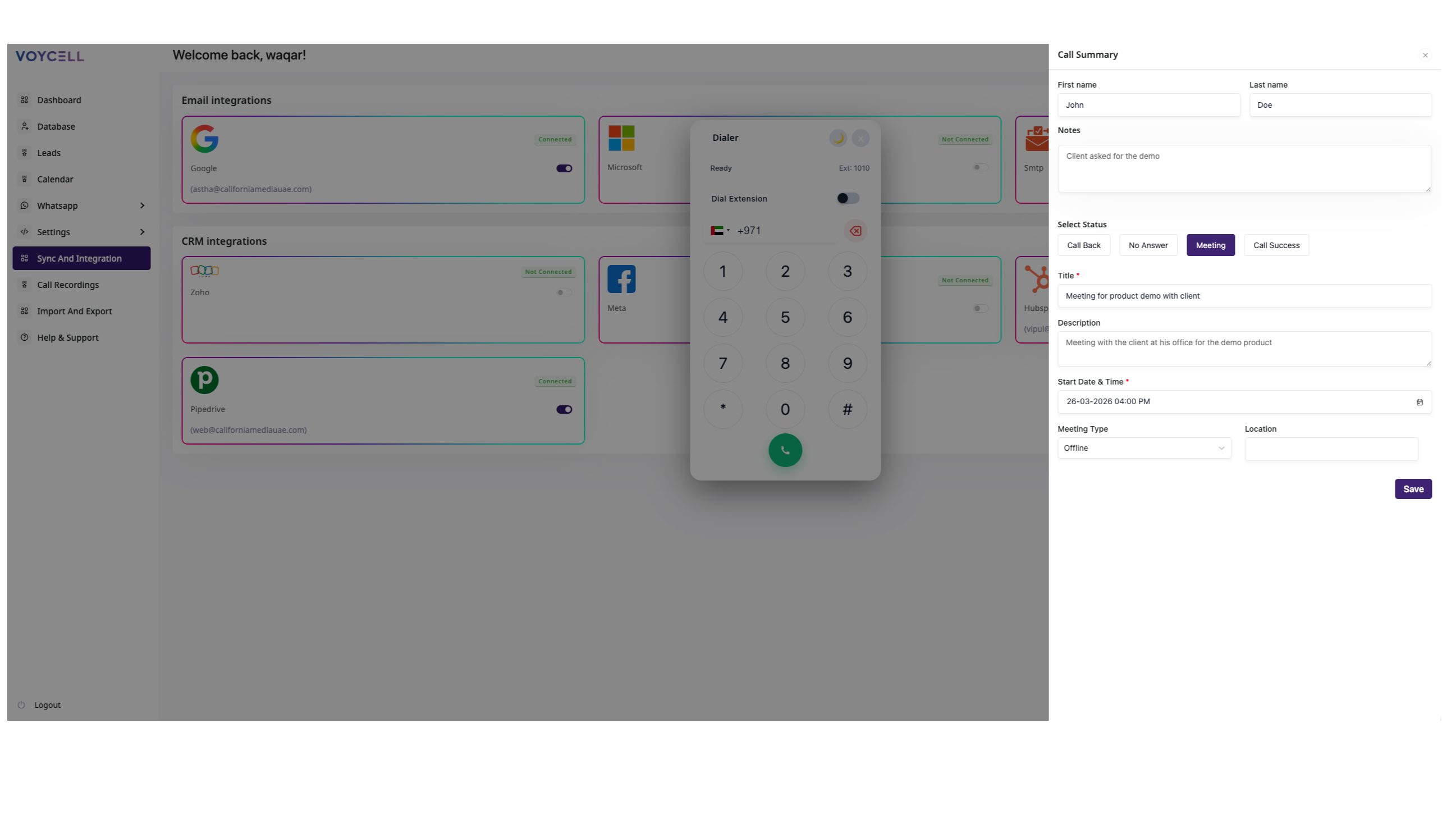
Heads Up Display on Inbound and Outbound Calls
See caller information instantly during inbound and outbound calls, and automatically save all call details to HubSpot once the call ends for accurate record-keeping.
App Functionality
Shared Data
Contacts | ||
Notes |
Reviews
Pricing
Premium
AED 0
/CRMPremium
AED 0
/CRM* The pricing here is for display purposes only. All prices do not include taxes, incentives, discounts, or other pricing variables. You should contact the partner for the most up to date and correct pricing information. HubSpot does not take any responsibility for this pricing information, which is provided by our partners. Pricing last updated: 04/10/2026
Getting attention today
Google Meet
meeting links, recordings & transcripts for Google Meet in HubSpot

Teamwork.com
Link projects, tasks, & time to stay updated on customer projects.
