

WorkBuddy AI
Built by - Tencent
Installs - <10 installs
Requirements
HubSpot Plan HubSpot Account permissions No HubSpot permissions required. WorkBuddy AI may request additional permissions while connecting. Access Type Personal WorkBuddy AI Subscription - WorkBuddy Free or WorkBuddy Pro plans
Overview
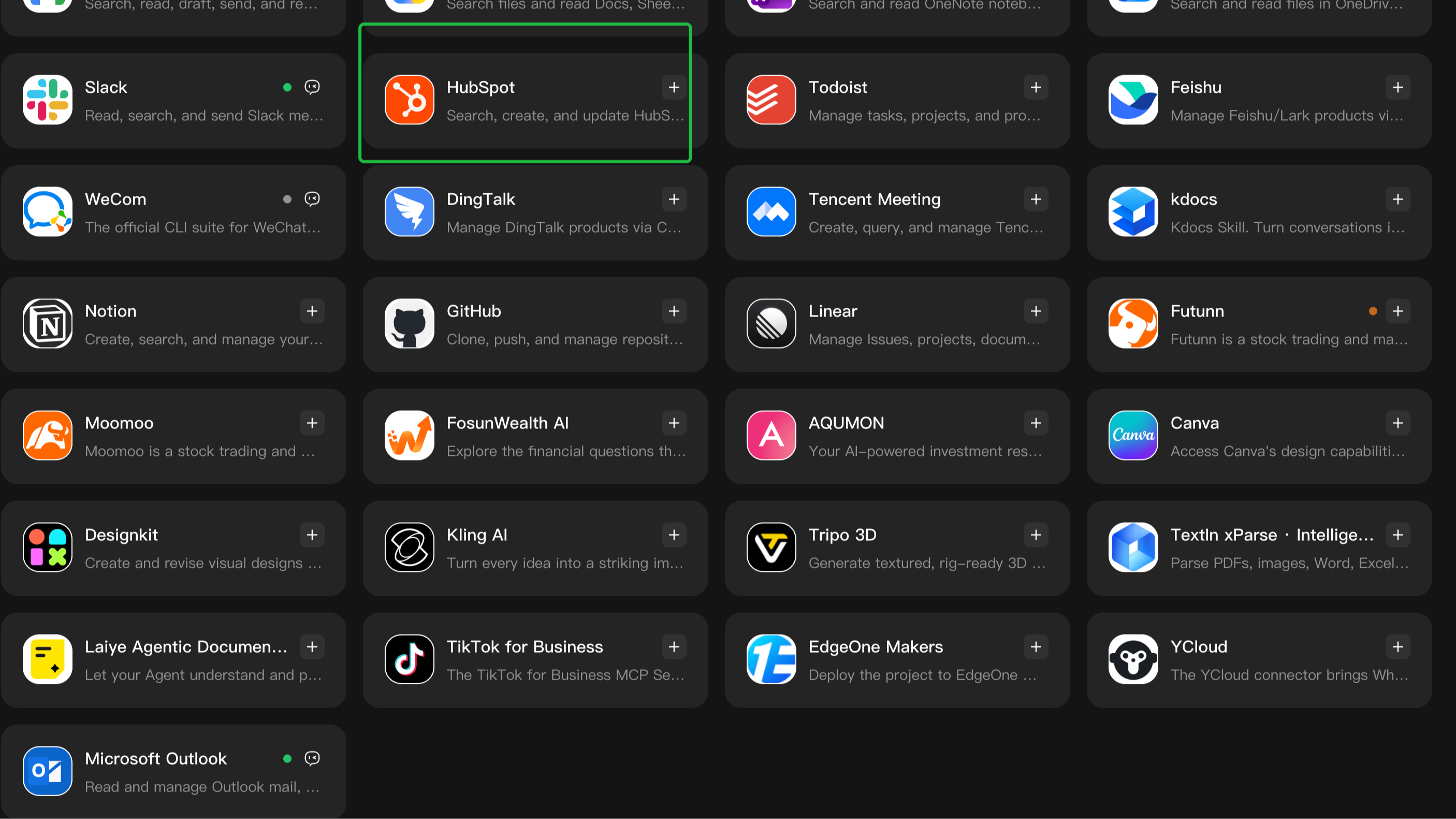
1/1 - HubSpot connector entry in the WorkBuddy desktop app. Select + to start connecting your account.
WorkBuddy is Tencent's AI workspace for everyday tasks, research, and document creation. Its HubSpot integration brings CRM context into your conversations so you can prepare for customer meetings, review opportunities, and draft next steps.
Ask for a contact or company brief, examine deals by pipeline or stage, and prepare a follow-up draft for review. WorkBuddy connects through HubSpot's official MCP server with OAuth and follows the connected user's existing access permissions.
A WorkBuddy account and a HubSpot account are required. Available actions depend on the permissions granted during connection. See the installation guide and pricing page for setup and plan details.
Features
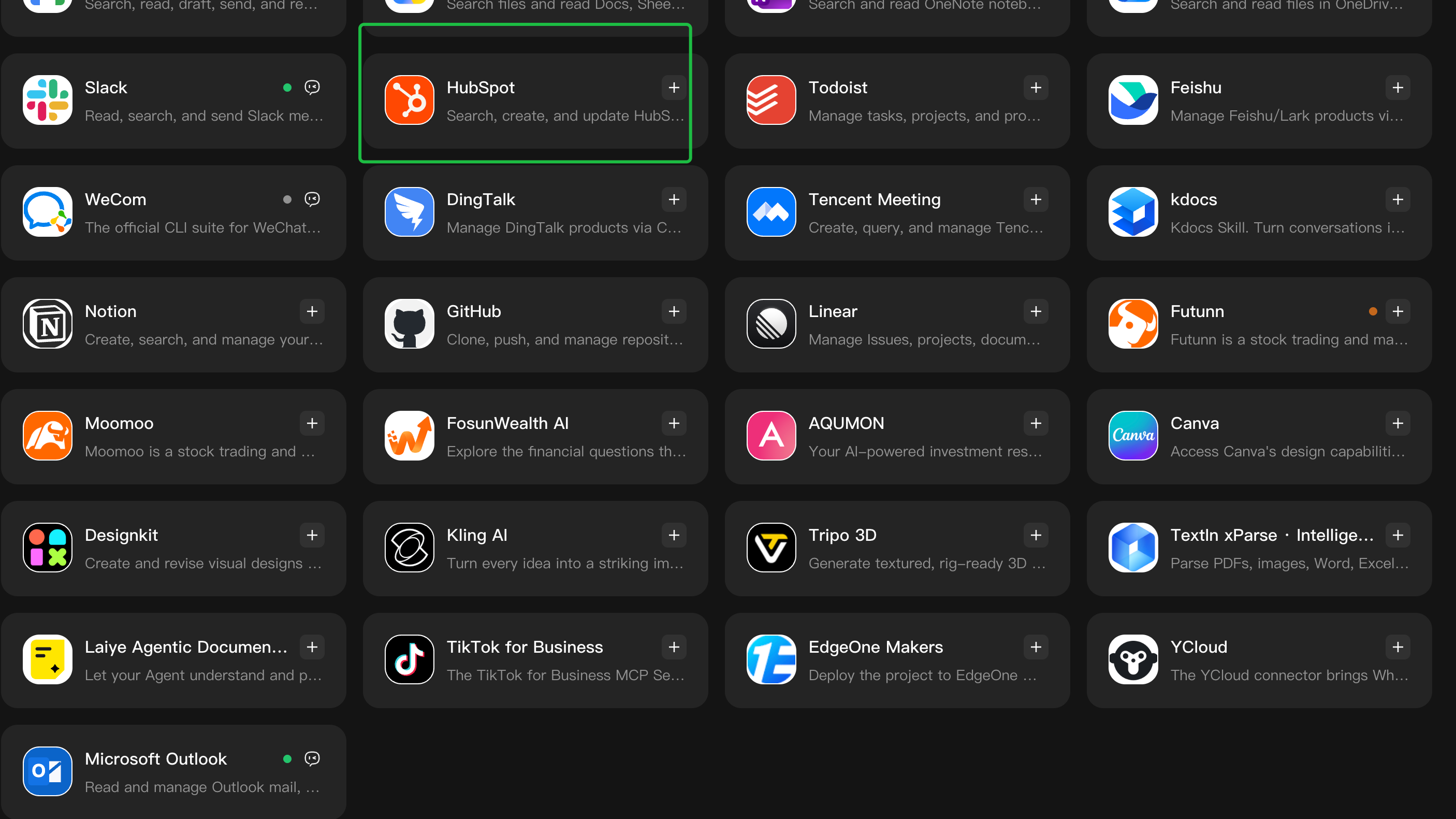
Explore HubSpot CRM in natural language
Search and summarize HubSpot contacts, companies, and deals from a WorkBuddy chat. Prepare customer briefs and review deal stages and amounts using the connected user's existing HubSpot permissions.
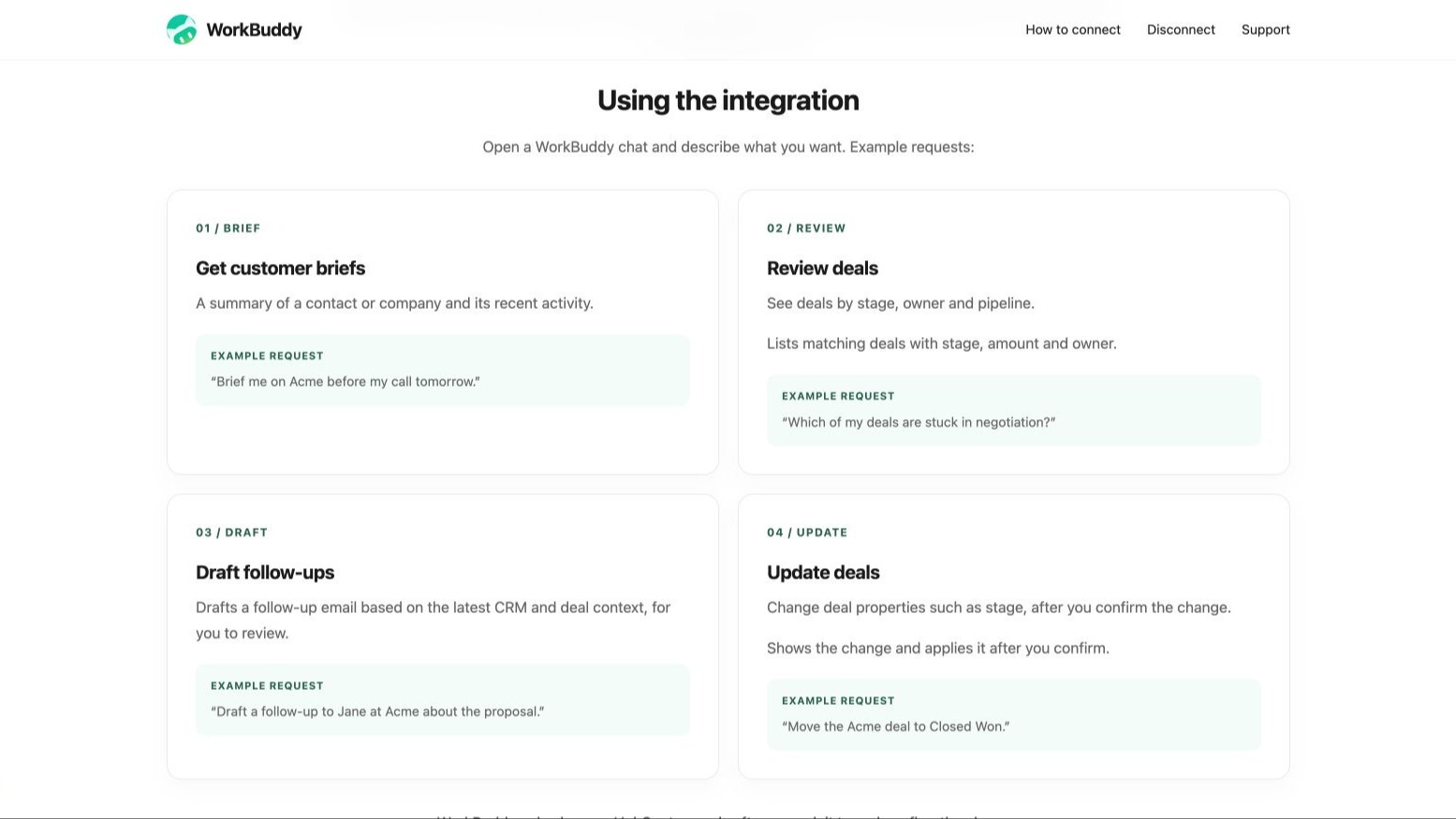
Draft contextual follow-ups
Draft follow-up messages in WorkBuddy using context from HubSpot contacts, companies, and deals. Review and edit the draft in chat before deciding what to do next. This feature does not send the email.
Reviews
Pricing
WorkBuddy Free
$0
Get started with WorkBuddy
Free plan with usage limits. Paid WorkBuddy plans are available for higher usage.WorkBuddy Free
$0
Get started with WorkBuddy
Free plan with usage limits. Paid WorkBuddy plans are available for higher usage.* The pricing here is for display purposes only. All prices do not include taxes, incentives, discounts, or other pricing variables. You should contact the partner for the most up to date and correct pricing information. HubSpot does not take any responsibility for this pricing information, which is provided by our partners. Pricing last updated: 11/16/2026
Most popular
Gmail
Bring HubSpot to your inbox with the HubSpot integration for Gmail.

Google Calendar
Book meetings quickly and easily with HubSpot and Google Calendar.
