

Workflow Event Actions
Built by - Integration Glue
Installs - 100+ installs

Leading
Requirements
HubSpot Plan HubSpot Account permissions - View the required account permissions
Access Type Shared Workflow Event Actions Subscription - Free, Starter, Professional, or Enterprise plans
Overview
1/4
The Events app by Integration Glue enhances event management with its automated "Add to Calendar" button, increasing attendance and streamlining how attendees interact with your events.
This button can be seamlessly generated via HubSpot Workflows and then added as personalisation tokens into your HTML emails and web pages.
It leverages HubSpot record properties to automatically populate event details like title, description, date, time, and location, eliminating the need for manual intervention.
This is a significant improvement over traditional methods that require third-party tools or developers to generate calendar codes. Such methods often involve tedious copy-pasting and can delay communications, increasing administrative burdens.
By simplifying the addition of events to personal calendars, the "Add to Event" button not only saves time but also improves the user experience and can lead to higher event attendance.
Includes:
Any Object (Contacts, Companies, Deals, Tickets, Custom Objects) to any Object Associations
Generation of Add to Calendar code for use in Emails
Generation of Add to Calendar code for use in Web Pages
Generation of iCal files to work with Mac and Mail Apps
Any errors or issues are logged against HubSpot Workflow
Fully managed within HubSpot Workflows - once installed you do not need to login to any other system to manage your association actions.
When you register for Integration Glue, you will get access to a whole bunch of HubSpot Workflow and Data productivity actions, such as Actions to Clone records (including associated records), get User/Owner information and add to a Property or calculate a date.
Get started on our free plan - No credit card required, can cancel at anytime
Integration Glue pricing is based on utilization, so you can use all of our apps together under a single license and you will only be charged for the total credits you use per month.
Integration Glue does not retain any data when using this app; it simply reads and outputs data to your own HubSpot portal.
Features
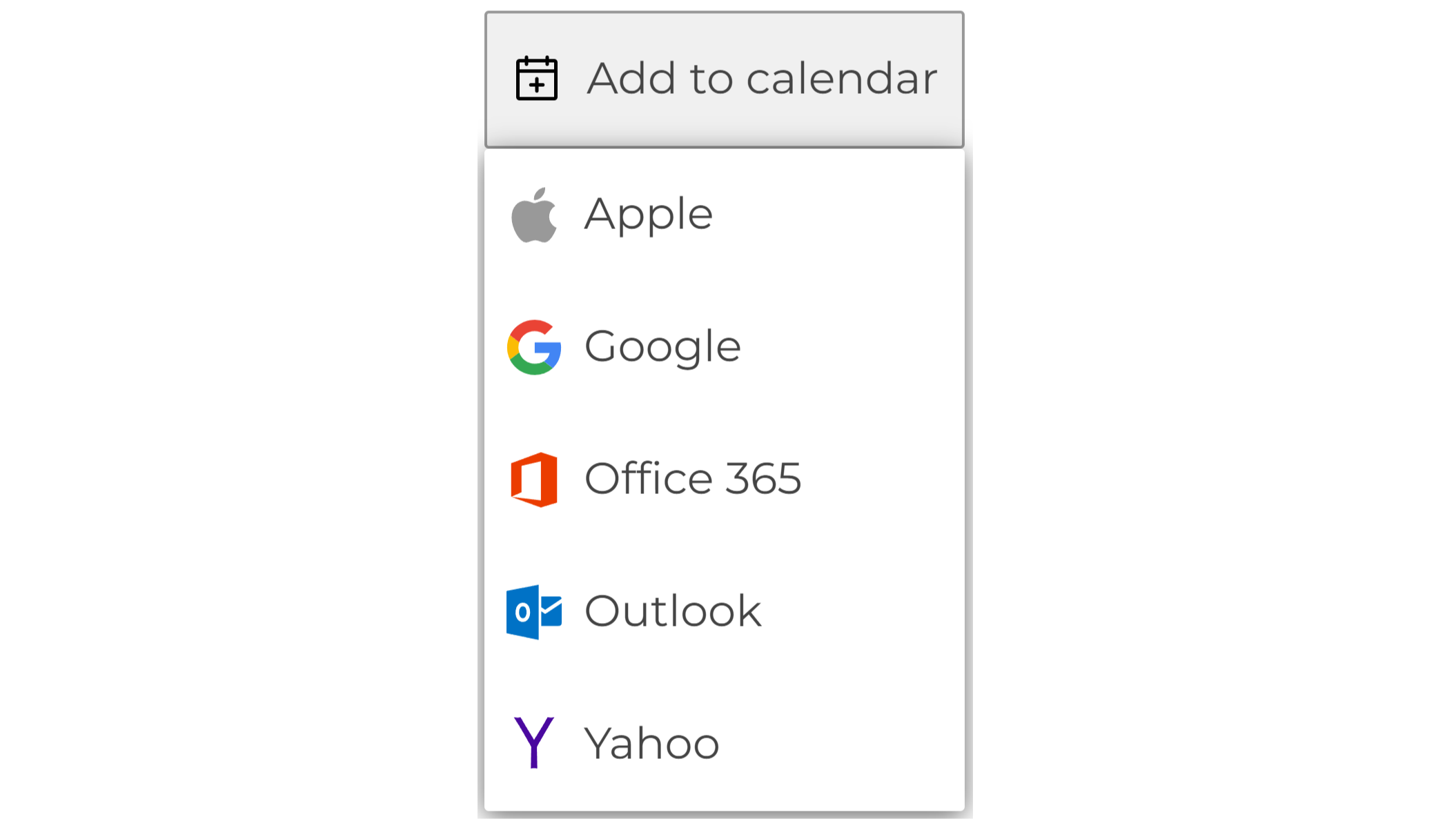
Add to Calendar Web Page Widget
CSS-based widget, on click a dropdown is displayed with add-to-calendar options for Apple, Gmail, Office 365, Outlook, and Yahoo
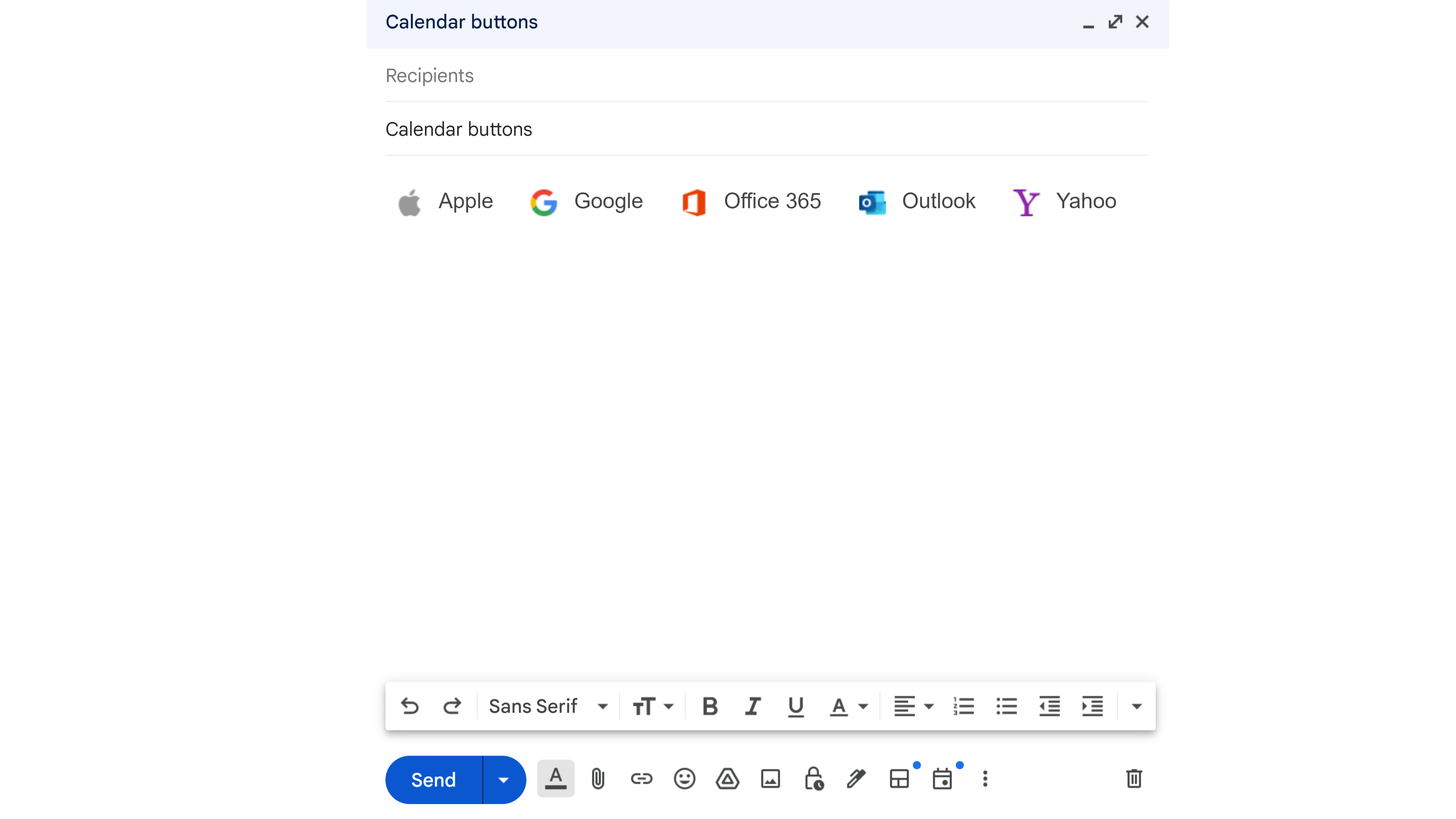
Add to Calendar Email Widget
Inline-styled widget built for Emails, each button is displayed with add-to-calendar options for Apple, Gmail, Office 365, Outlook, and Yahoo
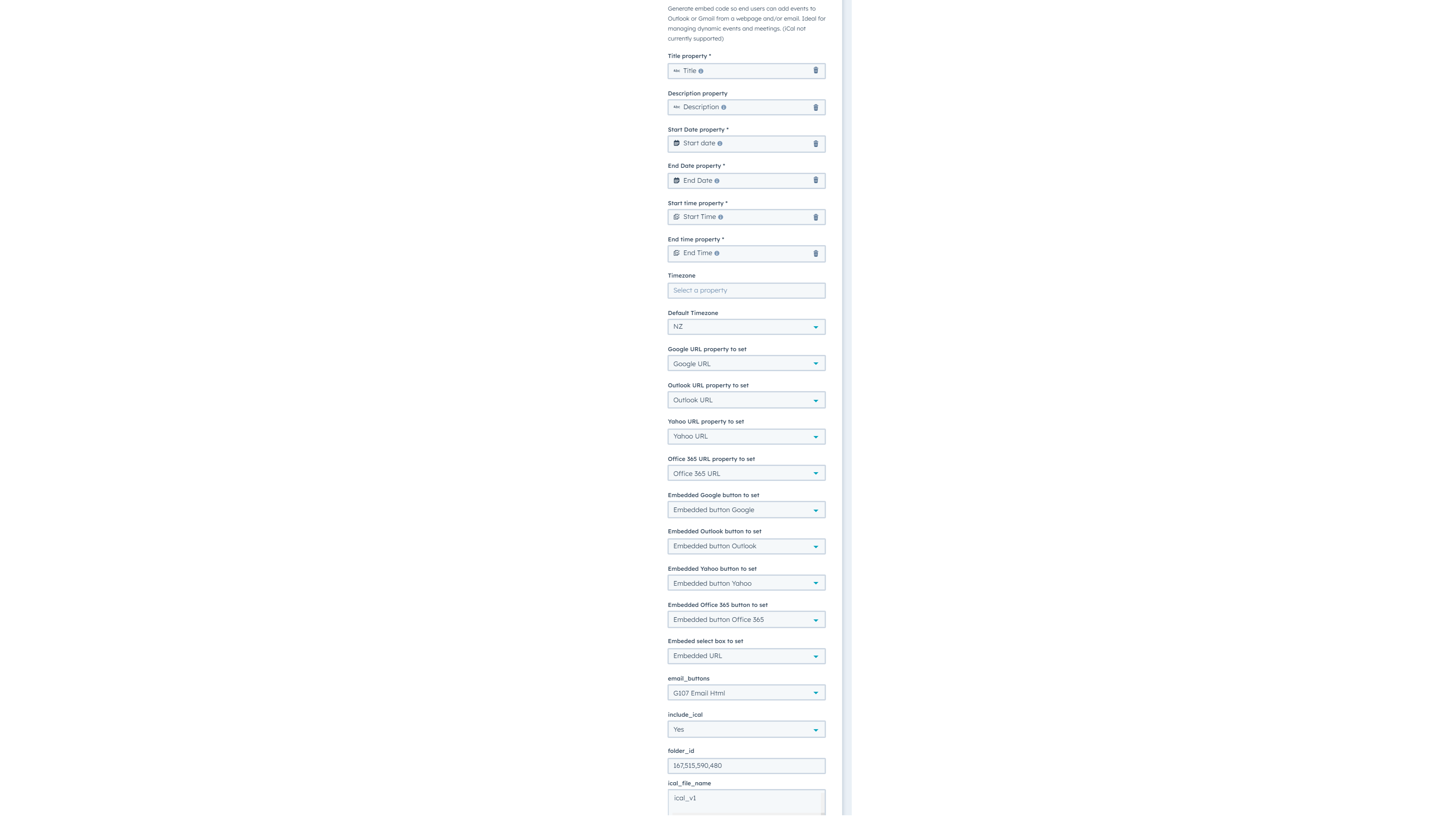
Add to Calendar Workflow Action
Generate embed code for email or web pages based on record properties so end users can add events to their calendars. Ideal for managing dynamic events and meetings.
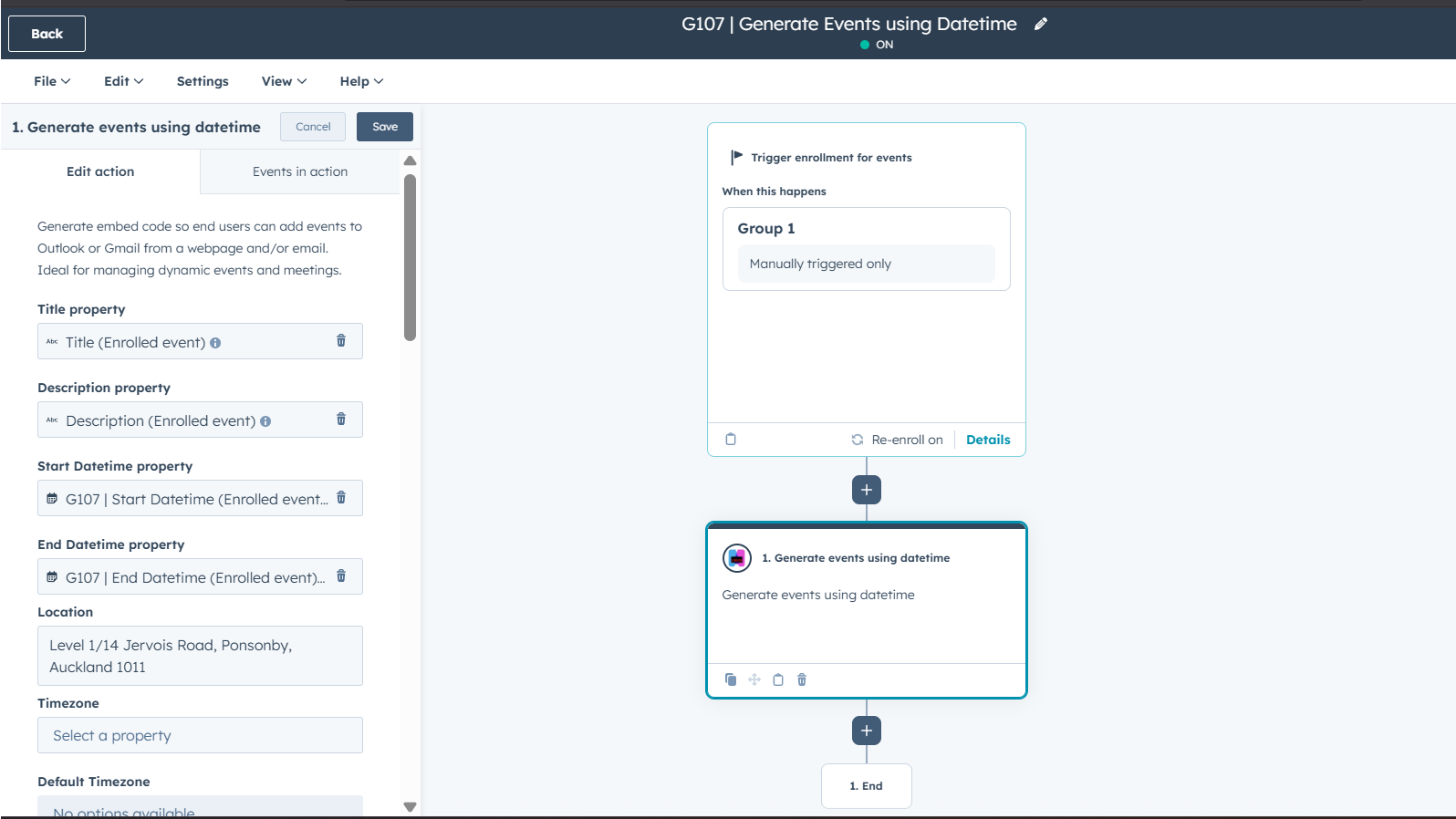
Generate events using datetime
Automatically generate custom events from HubSpot DateTime properties. Create iCal files and calendar buttons for Google or Outlook to automate milestones like appointments or renewals. Use this on any HubSpot object to trigger further automation and notifications ensuring your workflows stay aligned with time-sensitive data and important deadlines
App Functionality
Shared Data
Contacts, Companies, Deals, Tickets, Custom Objects | ||
Contacts, Companies, Deals, Tickets, Custom Objects | ||
Contacts, Companies, Deals, Tickets, Custom Objects | ||
Contacts, Companies, Deals, Tickets, Custom Objects | ||
Contacts, Companies, Deals, Tickets, Custom Objects | ||
Contacts, Companies, Deals, Tickets, Custom Objects | ||
Contacts, Companies, Deals, Tickets, Custom Objects | ||
ICS & iCal Files |
Reviews
Free
$0
Great for small teams starting out or anyone who wants to learn more
Includes 100 credits; Actions use 5 credits each time they run = 20 runs of Custom Actions per month
Free
$0
Great for small teams starting out or anyone who wants to learn more
Includes 100 credits; Actions use 5 credits each time they run = 20 runs of Custom Actions per month
* The pricing here is for display purposes only. All prices do not include taxes, incentives, discounts, or other pricing variables. You should contact the partner for the most up to date and correct pricing information. HubSpot does not take any responsibility for this pricing information, which is provided by our partners. Pricing last updated: 04/08/2026
More info
Built by - Integration Glue
Installs - 100+ installs
Categories Languages this app is available in English
Most popular

Gmail
Bring HubSpot to your inbox with the HubSpot integration for Gmail.

Google Calendar
Book meetings quickly and easily with HubSpot and Google Calendar.
