
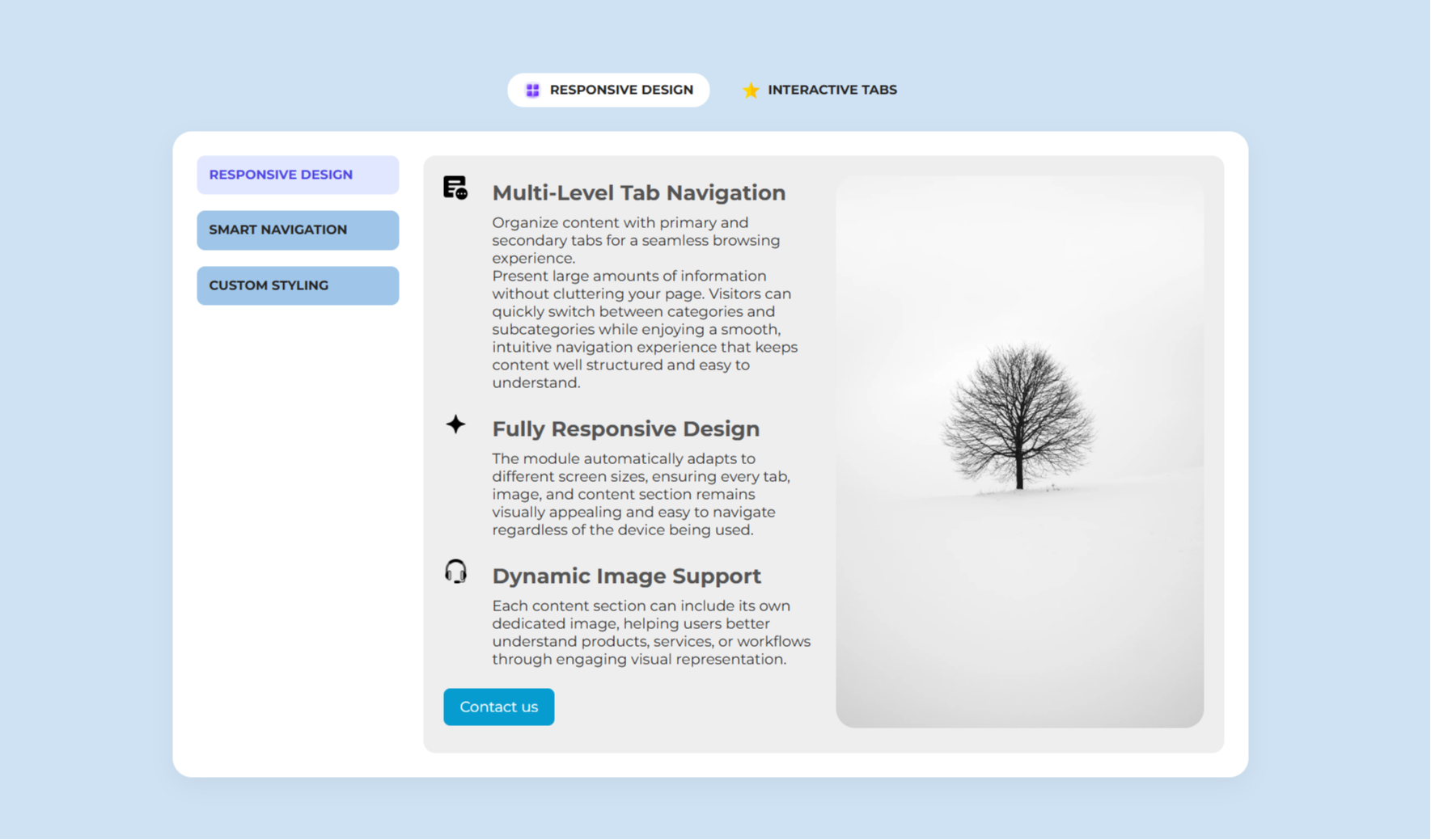
1/2 - Multi-Level Navigation
Overview
Advanced Tab System
The Advanced Tab System Module is a fully customizable module designed to display content in a structured multi-level tab layout. It helps organize large amounts of information into an interactive and user-friendly interface.
The module contains Main Tabs and Sub Tabs, allowing users to navigate between different categories and their related content. Each main tab can have its own icon, title, and multiple sub-tabs.
Every sub-tab supports a list of feature items with icons and descriptive text, making it ideal for showcasing product features, services, solutions, or workflows. Along with the content, users can add an image and a customizable call-to-action button.
The module includes extensive styling options, enabling users to customize colors, backgrounds, typography, spacing, borders, and button styles without editing the code.
Responsive design ensures the module works seamlessly across desktop, tablet, and mobile devices. On smaller screens, both the main tabs and sub-tabs become horizontally scrollable for a better user experience.
The module provides smooth tab navigation without page reloads, ensuring an interactive user experience. Only the selected tab's content is displayed, keeping the interface clean, organized, and easy to navigate.
Images support responsive sizing and lazy loading to improve page performance. Buttons also support multiple link types, including website URLs, email addresses, and phone numbers.
The module uses dynamic repeater fields, making it easy for content editors to add, remove, or reorder tabs and content directly from the editor.
Features
Multi-Level Navigation
The module provides an organized multi-level tab structure that allows users to browse content effortlessly. Main tabs and sub-tabs work together to present information in a clean, structured, and easy-to-understand format.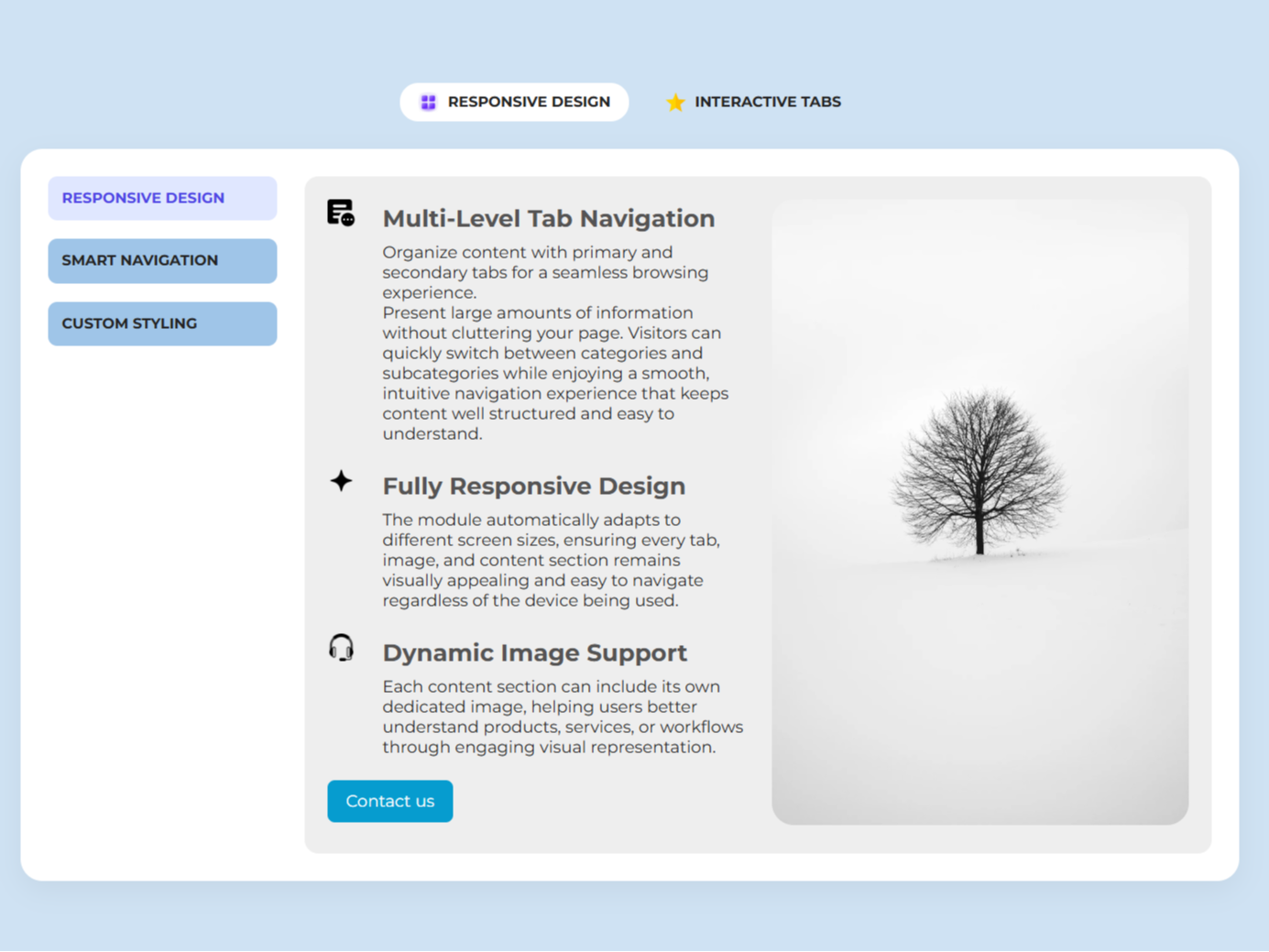
Feature List with Icons
Each sub-tab supports multiple feature items paired with icons and descriptions. This makes complex information easier to scan and improves visual communication.-1.png)
Fully Responsive Design
The module automatically adapts to desktop, tablet, and mobile devices. Scrollable tabs and optimized layouts ensure a smooth browsing experience across all screen sizes.-1.png)
About Module
Total installs Fewer than 10 Created - Jun 23, 2026
Version 1 - Jun 23, 2026
Categories Tags
Requirements
HubSpot Subscription Works with all HubSpot plans
Contact Crowdvolley It Solutions
Legal Stuff
Please refer to the developer's Privacy Policy and Terms for more information.
Support
Crowdvolley It Solutions
- Sector 74, Sahibzada Ajit Singh Nagar, Punjab 140308, India
Visit website
A top-notch HubSpot asset provider. We're just "you" on the provider side of the equation. This is a human-to-human business, so it's all about delivering a good experience to you.