
-2-1.png)
1/5 - Blog Filter Card - Overview
Overview
The Blog Filter Card module is a versatile and fully responsive solution for showcasing blog content within the HubSpot CMS. Designed with flexibility and performance in mind, this module allows content creators, marketers, and developers to present blog posts in a clean, card-based layout that enhances visual engagement and user experience.
Optimized for use across multiple page types—including blog listing pages, individual blog posts, and landing pages—the module ensures design consistency and content relevance throughout your website.
Each blog post is elegantly displayed with a featured image, publish date, title, summary, and a customizable call-to-action. Users can configure the number of cards per row (e.g., two or three) to suit layout preferences and content strategy.
Advanced filtering capabilities enable dynamic display of recent, popular, or related posts, with optional tag-based filtering for targeted content delivery. And can select which blog list type you want to show. The module also offers extensive customization options, including control over the tag display, card styling, button text and icons (HubSpot or custom), section titles, fonts, and color schemes—all accessible through HubSpot’s intuitive drag-and-drop editor.
Built to adapt seamlessly across all devices, the Blog Filter Card module provides a professional and engaging way to elevate your blog presentation while aligning with brand guidelines and enhancing content discoverability.
Features
Dynamic Content Customizable
This module lets users customize the section title, button text, and number of blog posts shown. You can choose the blog list type to display. Each blog card features an image, publish date, title, summary, and a ‘Read More’ button linking to the full post.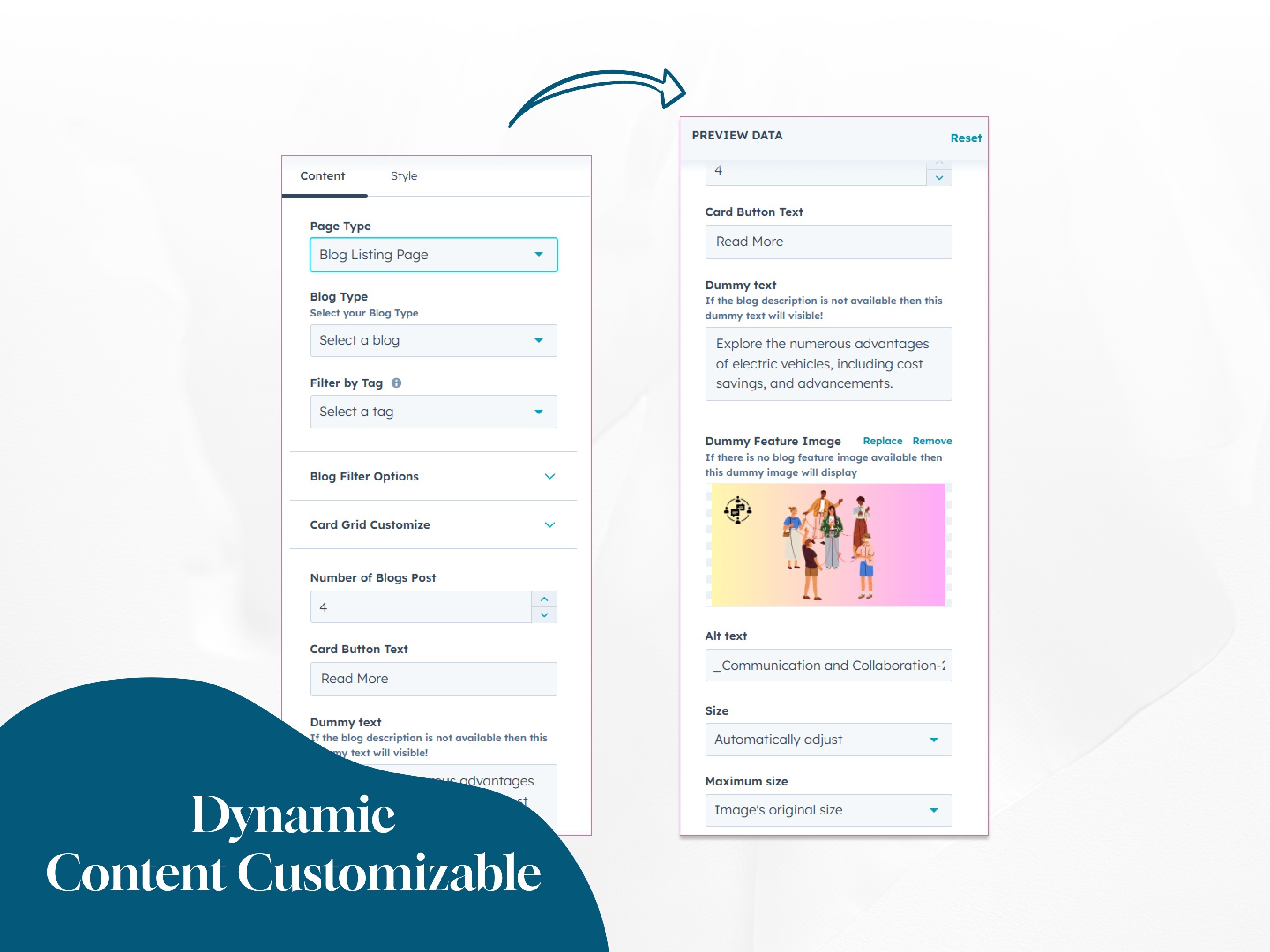
Multi-Page Integration & Flexible Layout
Users can choose to display the module on blog listings, individual posts, or website and landing pages, ensuring consistent design across the site. On website and landing pages, you can show or hide pagination and tag names, and choose between 2 or 3 cards per row for flexible layout control.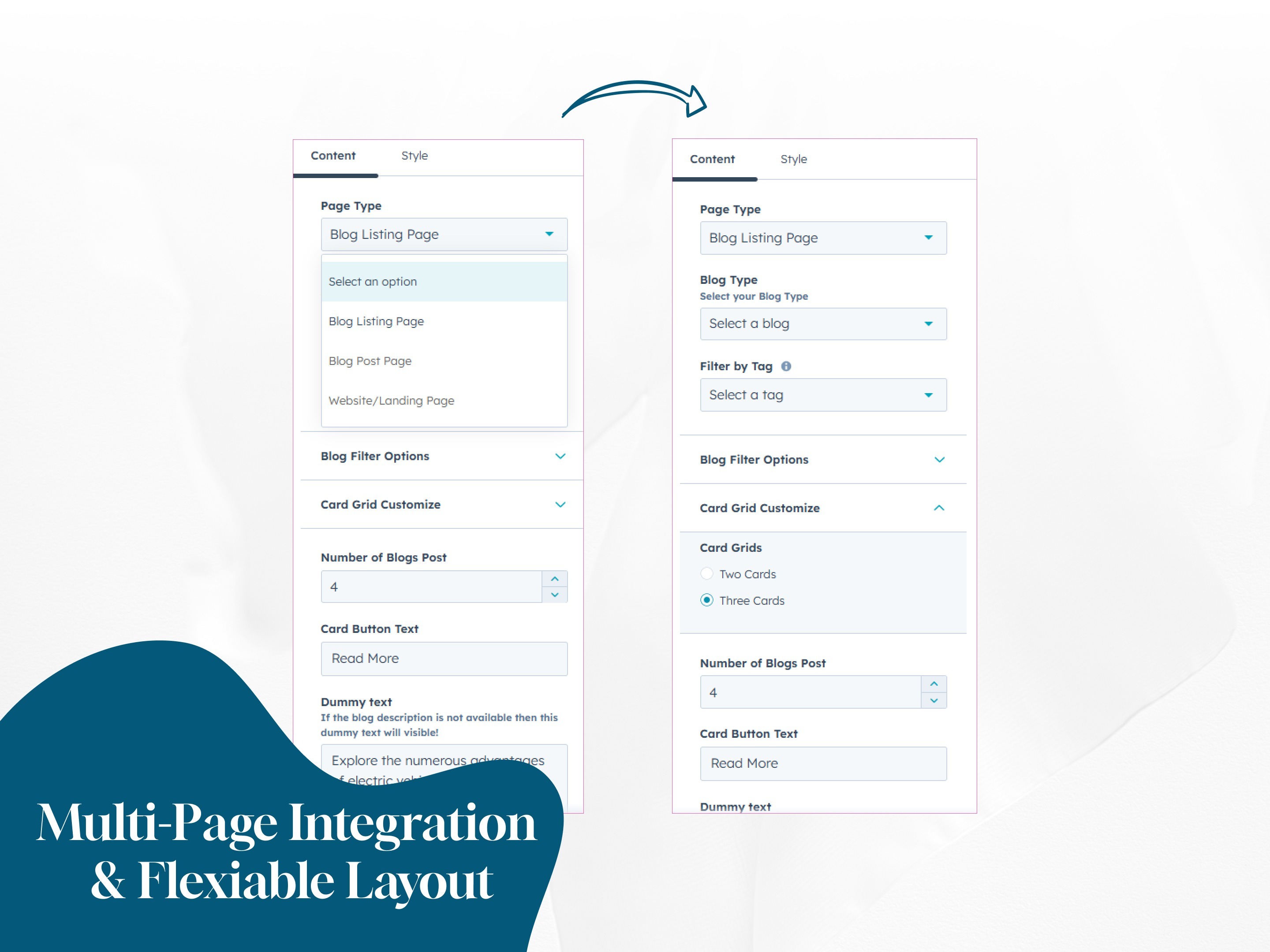
Advanced Filtering Capabilities
To increase content relevance and engagement, the module supports filtering blog posts by type—recent, popular, or related. You can also enable tag-based filtering to display posts associated with specific topics, making the content more targeted and user-relevant.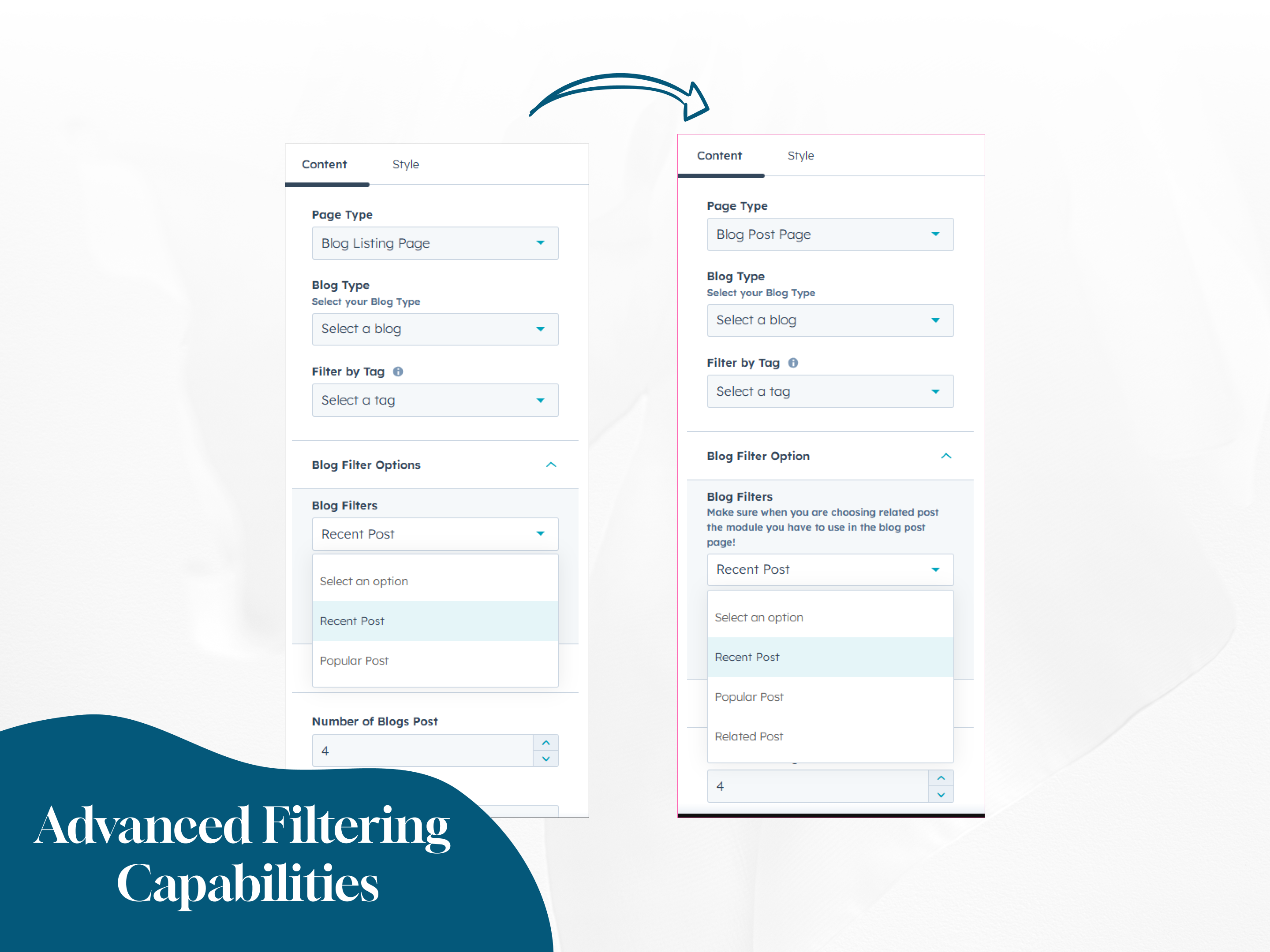
Full Customizable Styles
The module offers extensive styling options, including background color settings, font family and size controls (with separate options for desktop and mobile), pagination style customization and button customization. You can also personalize the card design.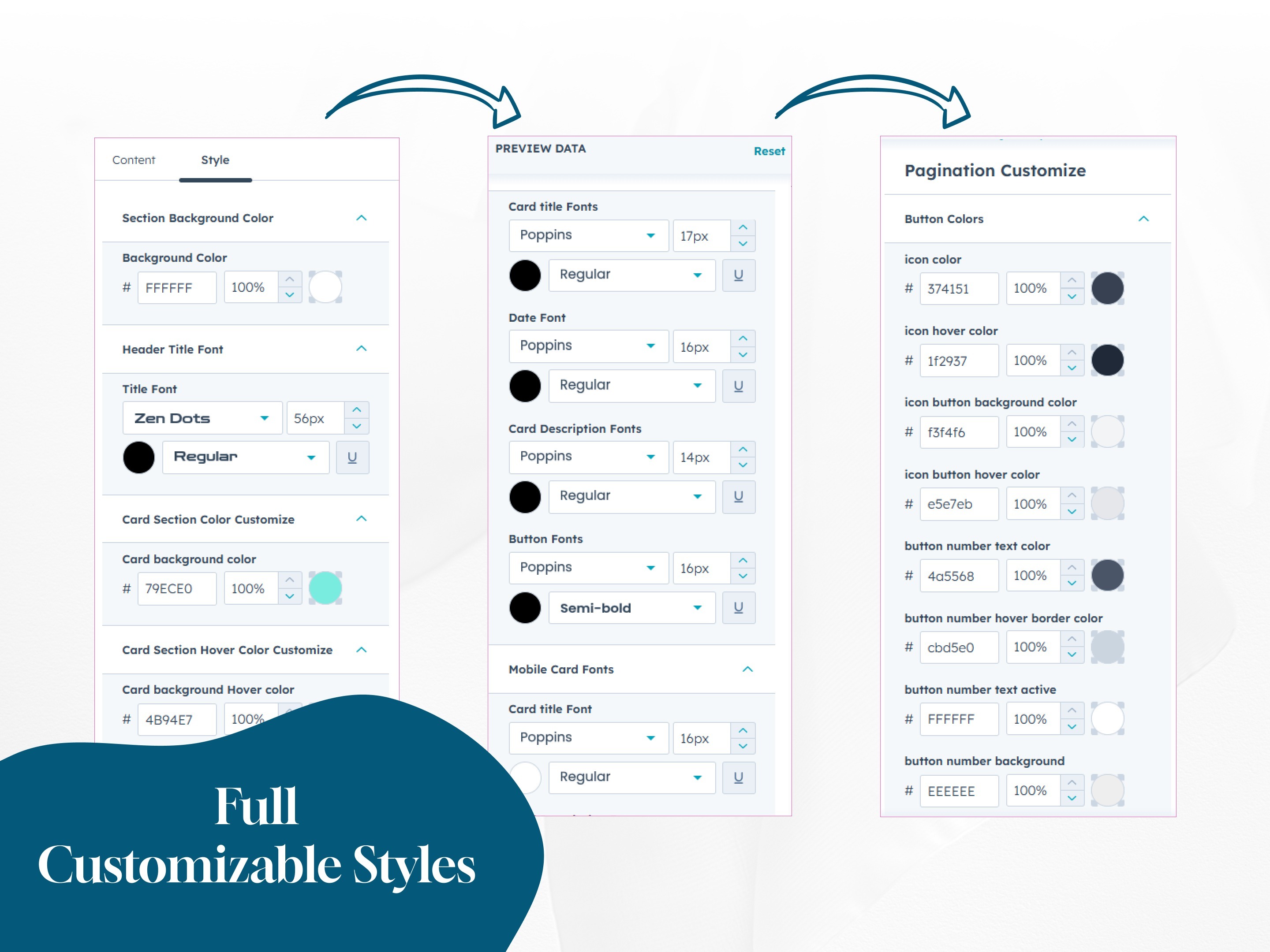
About Module
Total installs - 100+
Created - Jun 3, 2025
Version 1 - Jun 3, 2025
Categories Tags
Requirements
HubSpot Subscription















Contact Hubxpert
Legal Stuff
Please refer to the developer's Privacy Policy and Terms for more information.
Support
Hubxpert
- London, UK
Visit website
HubXpert is your go-to HubSpot partner to grow smarter and faster. We are an Accredited HubSpot Partner specialising in Migration, Integration, and Onboarding, helping businesses build scalable, growth-ready systems on HubSpot. With 100+ HubSpot projects delivered and consistent 5-star reviews, we are trusted globally for our technical depth and execution quality. We don’t just implement HubSpot—we engineer it. From CRM architecture and automation to CMS, custom apps, and full-stack development, we turn HubSpot into a complete sales, marketing, and operations platform that drives measurable growth. At HubXpert, our focus is simple: remove complexity, build systems that scale, and help our clients grow faster with confidence using HubSpot.