
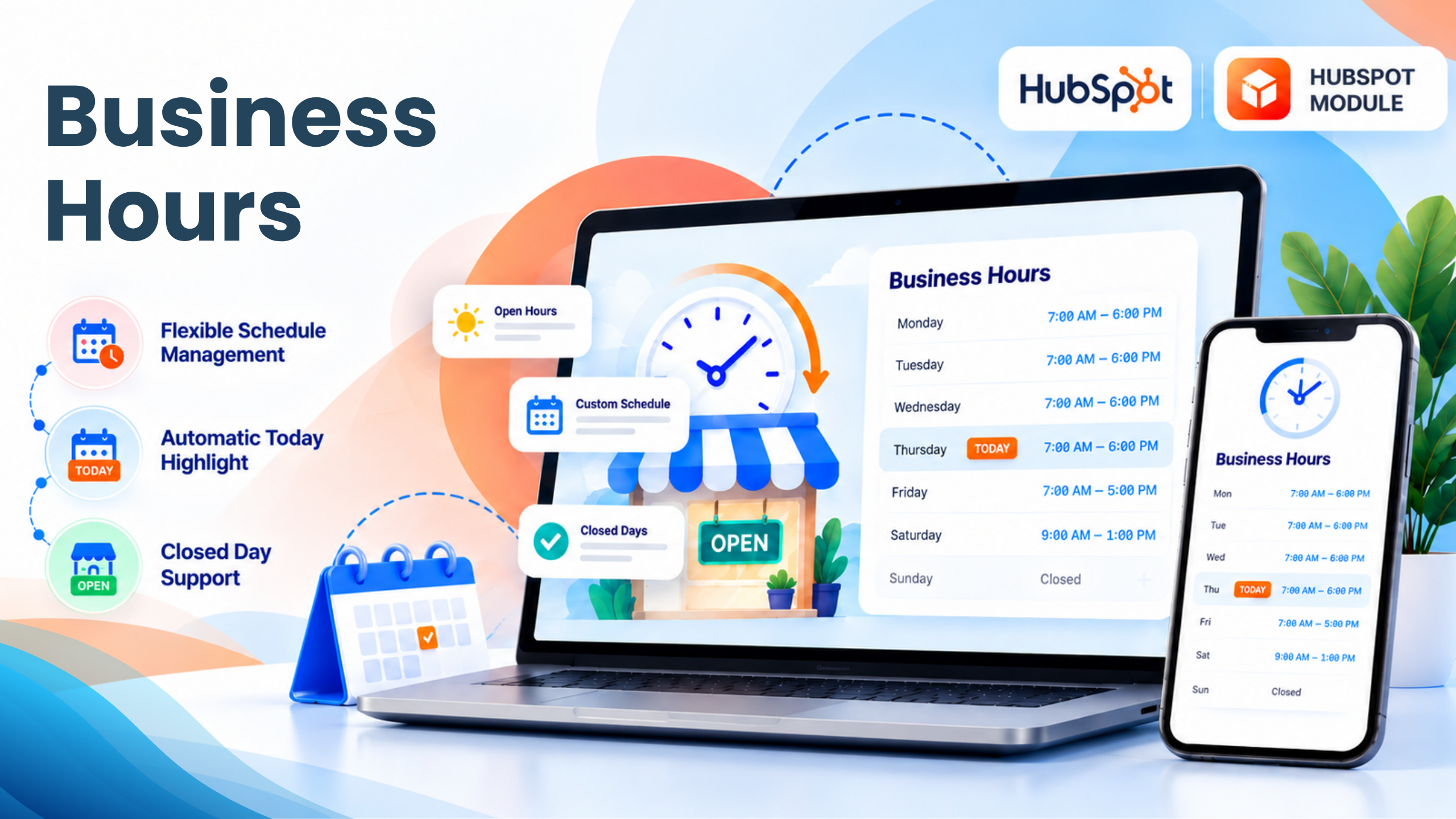
1/5 - Business Hours Section
Overview
Help website visitors quickly understand when your business is available with the Business Hours HubSpot module. Designed for businesses that want to display operating hours in a clear, professional, and easy-to-scan format, this module provides a structured weekly hours table with an automatic “TODAY” highlight to help visitors identify the current day's availability at a glance.
Add your business hours for each day of the week, customize the displayed time and closed-day messages, and control the content and appearance of the section directly from the HubSpot page editor. With flexible content fields and detailed styling controls, the module can be adapted to match your website's branding and layout.
Make Availability Easy to Understand
Whether you're displaying store hours, office hours, customer support availability, appointment hours, or service hours, the Business Hours module gives visitors the information they need before they call, visit, or submit an inquiry. Its automatic TODAY indicator and customizable status messaging make important availability information easier to find and understand.
Features
Flexible Schedule Management
Flexible Schedule Management: Easily configure custom business hours for each day of the week, including opening and closing times, custom day labels, and closed-day settings. Manage schedules effortlessly to keep your business hours accurate, clear, and up to date.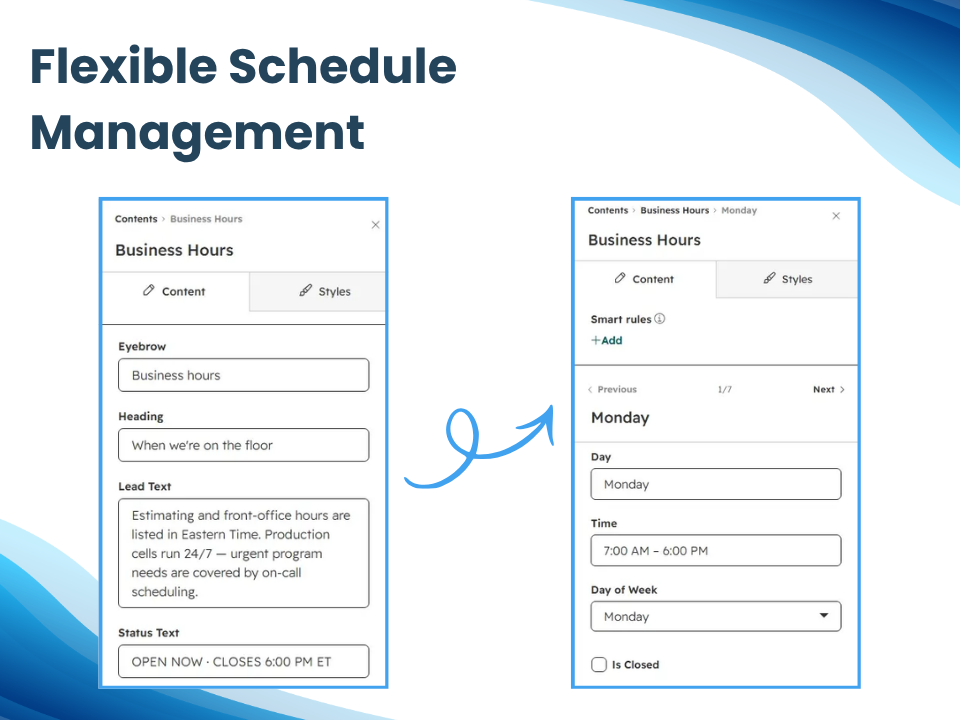
Responsive Designs for all Devices
Display business hours clearly across all devices with a responsive, customizable layout. Showcase weekly schedules, opening and closing times, closed days, and a dynamic “TODAY” highlight to help visitors quickly find current business hours.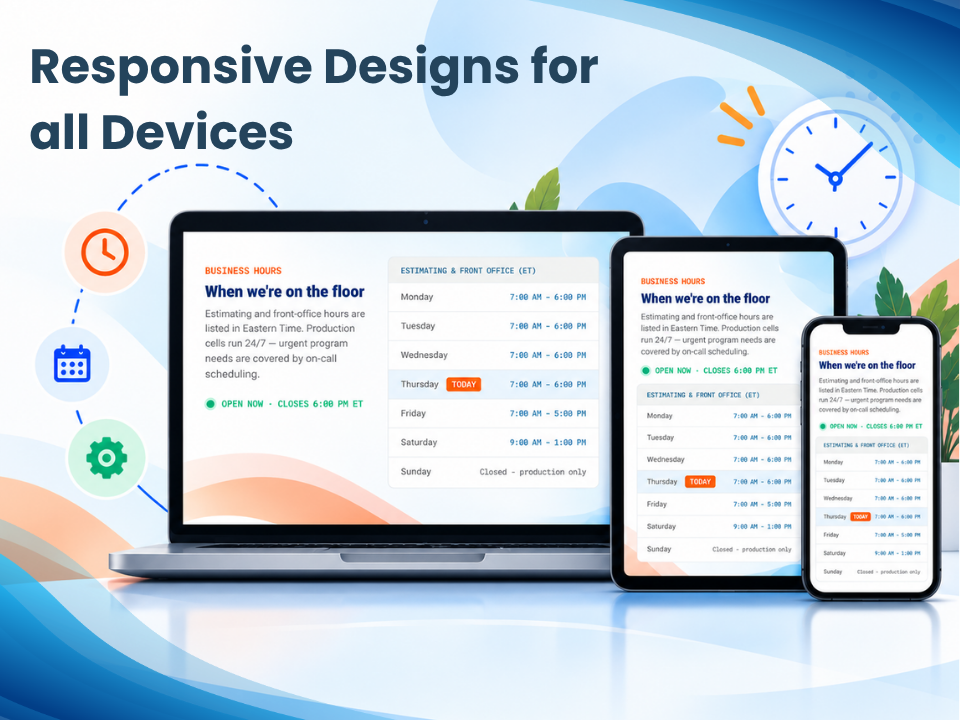
Fully Customizable Styling
Fully Customizable Styling: Customize the module’s appearance with flexible controls for background colors, spacing, typography, font sizes, weights, and styling. Create a polished business-hours display that aligns seamlessly with your website’s branding and design.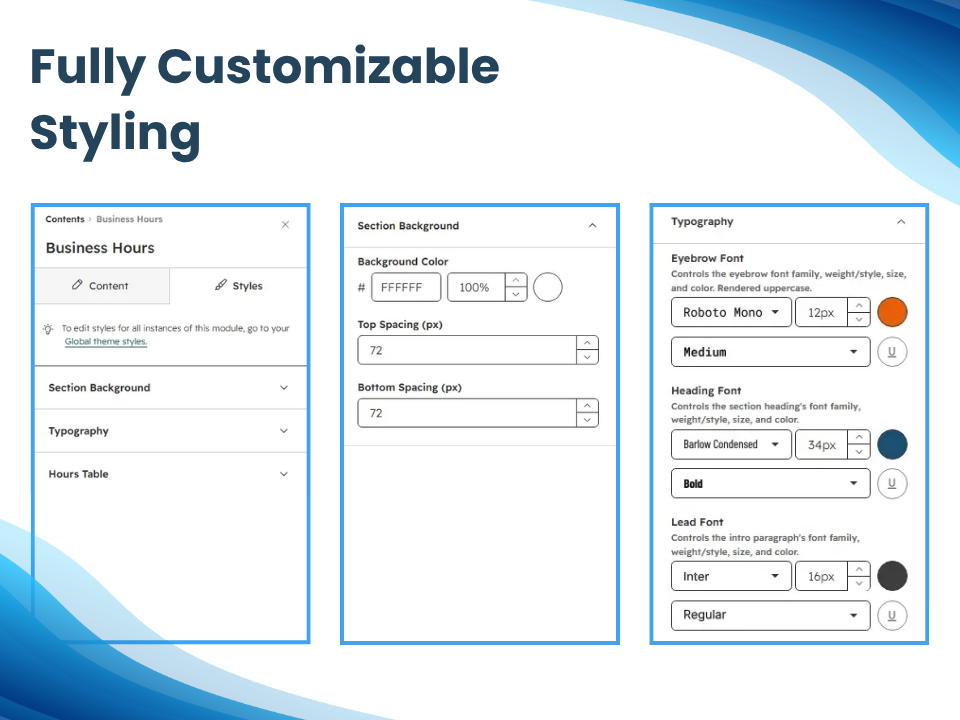
About Module
Total installs Fewer than 10 Created - Oct 1, 2026
Version 1 - Oct 1, 2026
Categories Tags
Requirements
HubSpot Subscription Works with all HubSpot plans





















Contact Dean Infotech
Legal Stuff
Please refer to the developer's Privacy Policy and Terms for more information.
Support
Dean Infotech
- India
Visit website
Dean Infotech is a HubSpot Gold Partner specializing in end-to-end HubSpot consulting, implementation, CRM migration, custom development, integrations, automation, and ongoing support. We help businesses streamline their sales, marketing, and customer service operations by building scalable HubSpot solutions tailored to their unique processes. With extensive experience across multiple industries, our certified HubSpot experts enable organizations to maximize CRM adoption, improve operational efficiency, and accelerate business growth.
Online Support
Email Support
Dean Infotech typically responds in
- Monday
10:00 AM - 7:00 PM (IST) - Tuesday
10:00 AM - 7:00 PM (IST) - Wednesday
10:00 AM - 7:00 PM (IST) - Thursday
10:00 AM - 7:00 PM (IST) - Friday
10:00 AM - 7:00 PM (IST)
