
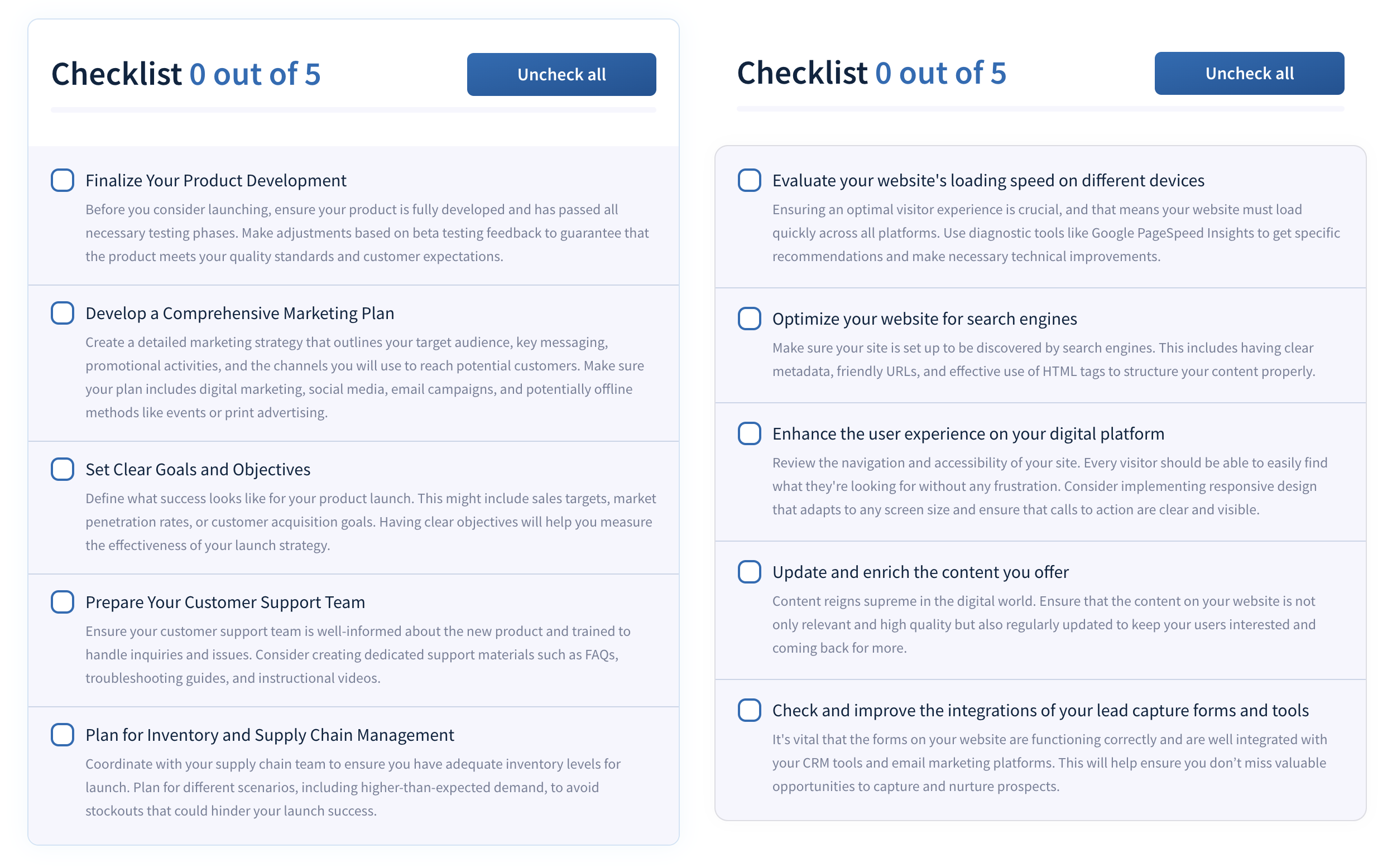
1/2 - Checklist
Overview
Are you looking for a way to keep visitors to your website engaged and on track without any hassle? Our Standalone Checklist Module for HubSpot is the perfect tool to make users interact more with your content and complete important processes step by step.
Enhanced Site Interaction: By including an interactive checklist on your site, you provide users with a clear guide to the steps they need to follow, whether to complete a task or to navigate through your offerings.
Self-Management of Progress: Each user can see their own progress thanks to local storage technology in their browser.
Customization and Flexibility: Align the checklist design with your brand and adjust the visibility of elements such as the title, progress bar, and reset button, creating a tool that integrates seamlessly into your site.
With the Standalone Checklist Module, you not only make your site more interactive, but you also offer your visitors a clear and simple way to consume and process the information you provide them. It’s an excellent way to improve engagement and user satisfaction!
Features
Auto-Save Progress Feature
Enhance user convenience with our auto-save functionality, which automatically records every action taken within the checklist. This feature ensures that users can leave the page or close their browser at any time without losing their progress.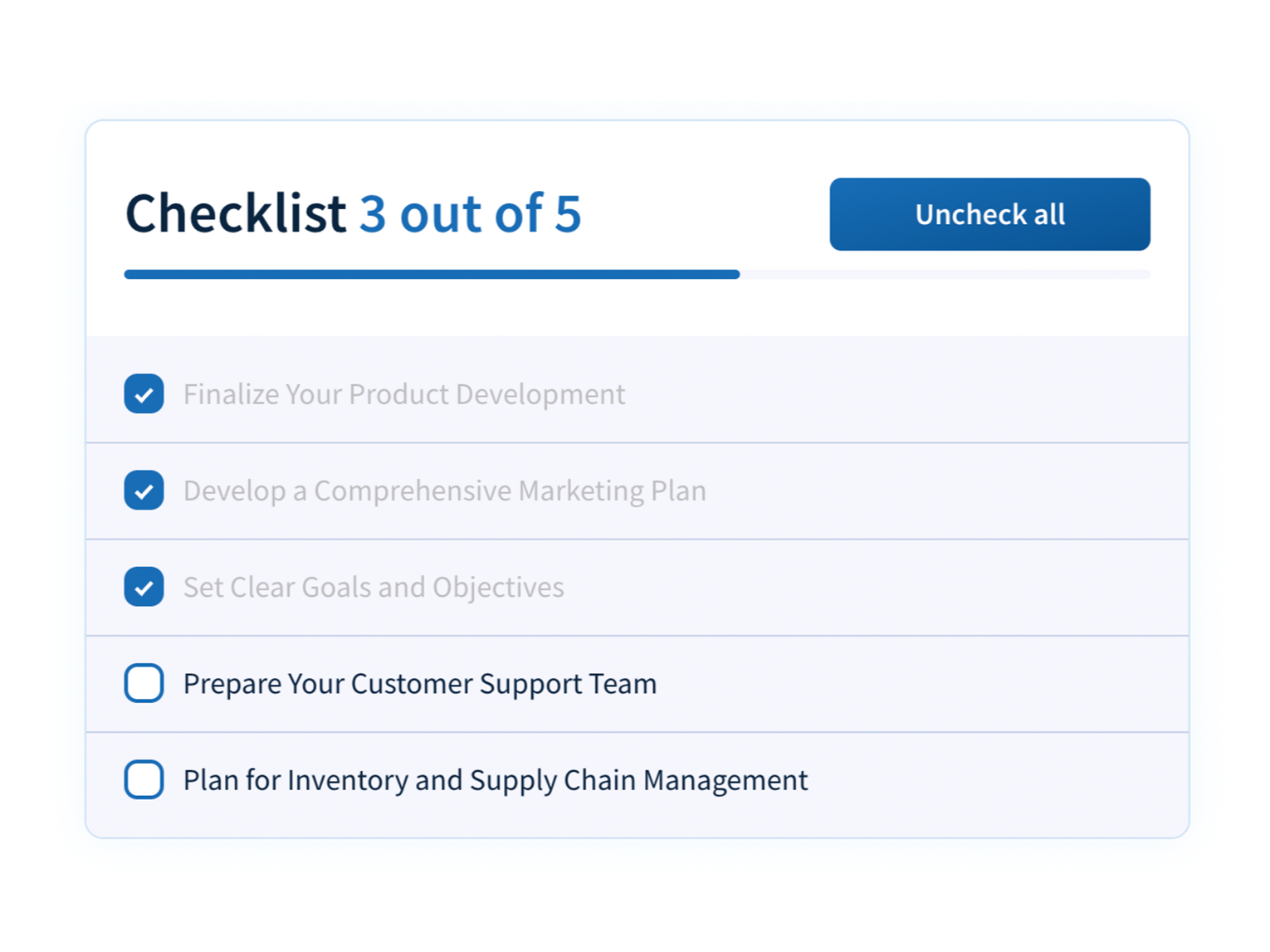
Tooltip
Enhance each item on your checklist with extra guidance by enabling the tooltip feature. This option allows you to display helpful tips or additional information when users hover over or click on an item, making your checklist not only interactive but also more informative and user-friendly.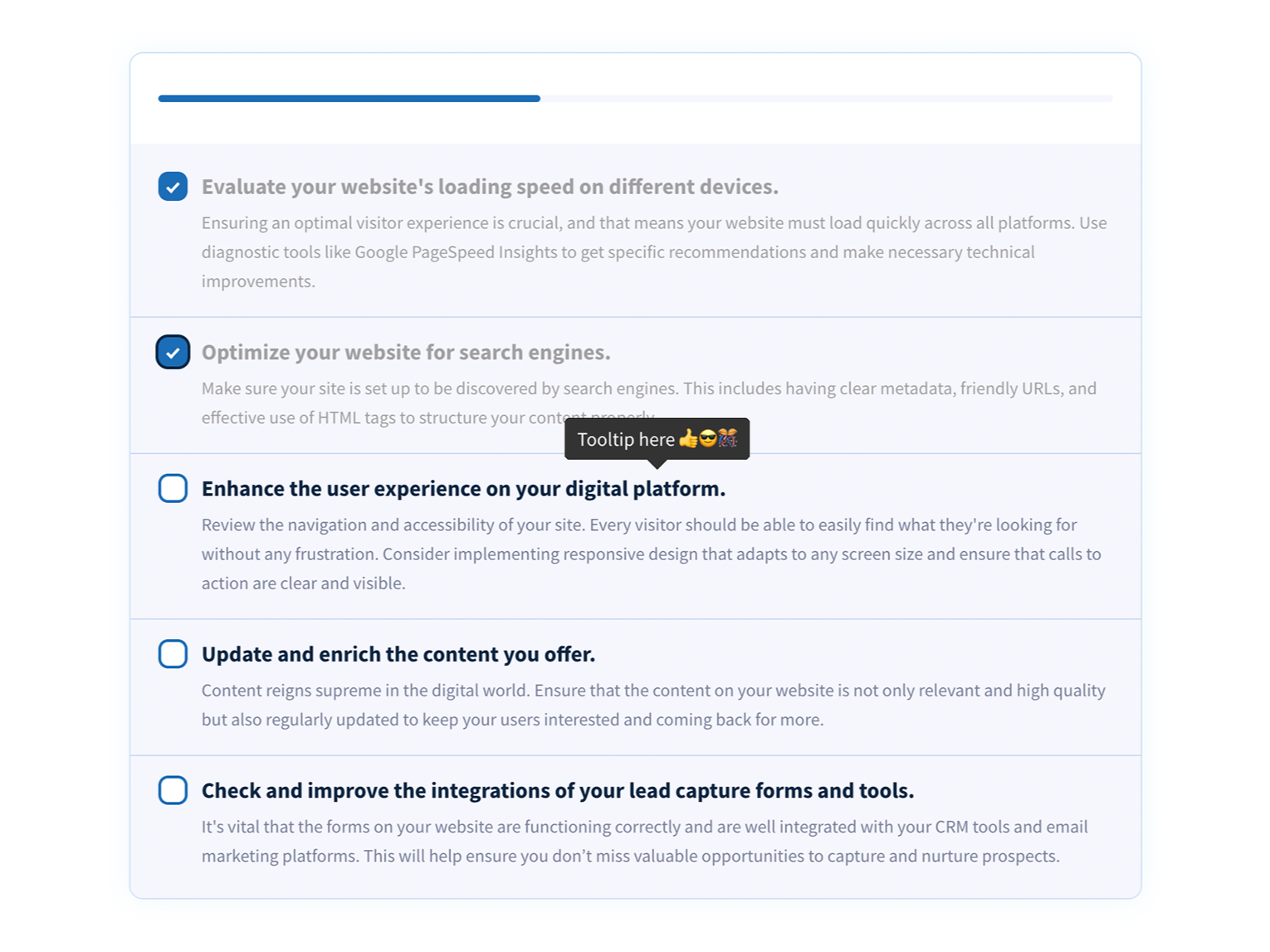
Edit and customize easily.
Discover the power with our checklist module, designed to transform your organizational and tracking strategies. Simply add the items you want to include in your checklist, customize their appearance to your liking, and be amazed by the magic of autosave.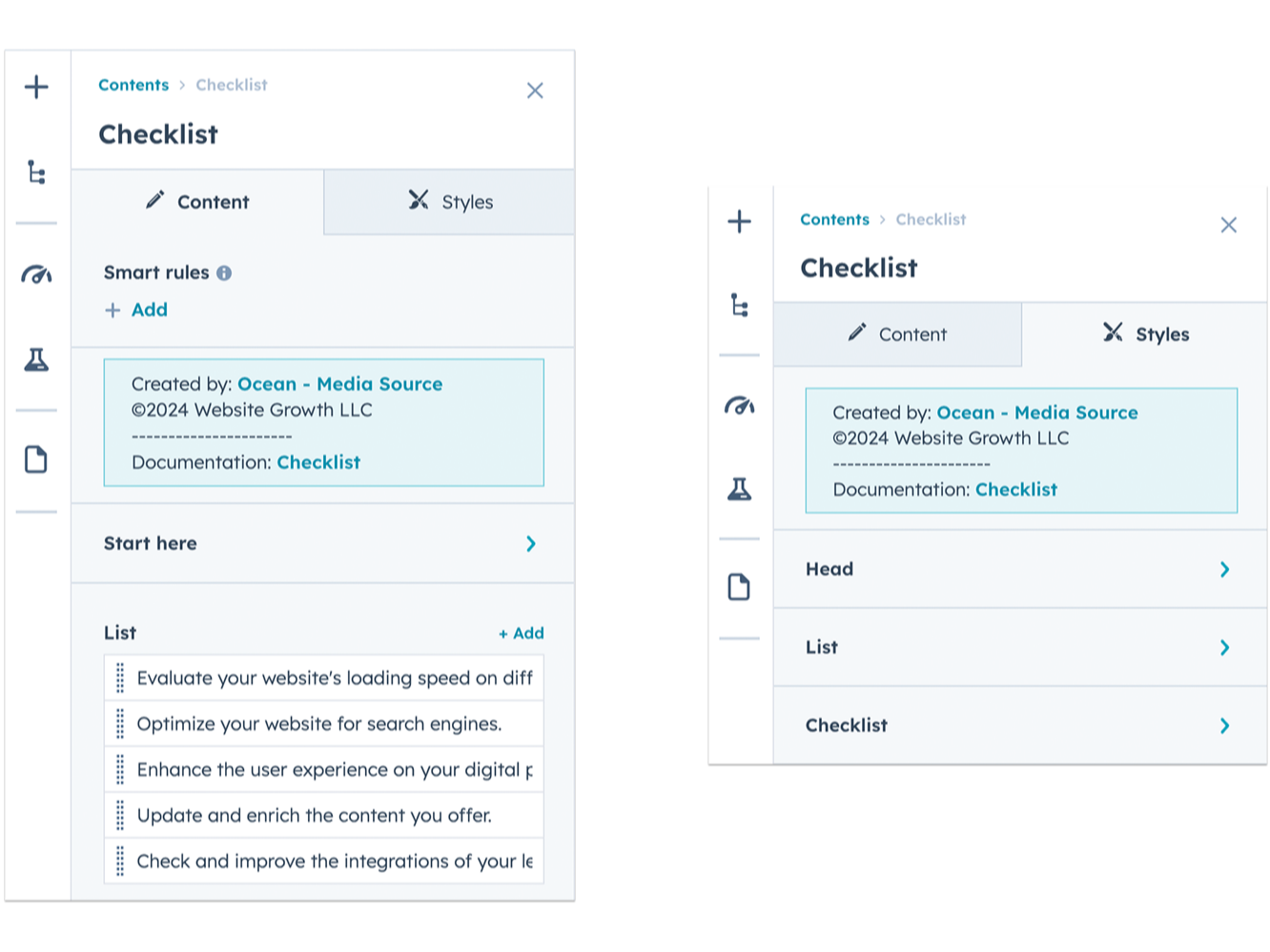
Easy to create from start to finish
Adding one or more items to your checklist will be a piece of cake, you can use HubSpot's AI to improve the detail of your powerful checklist.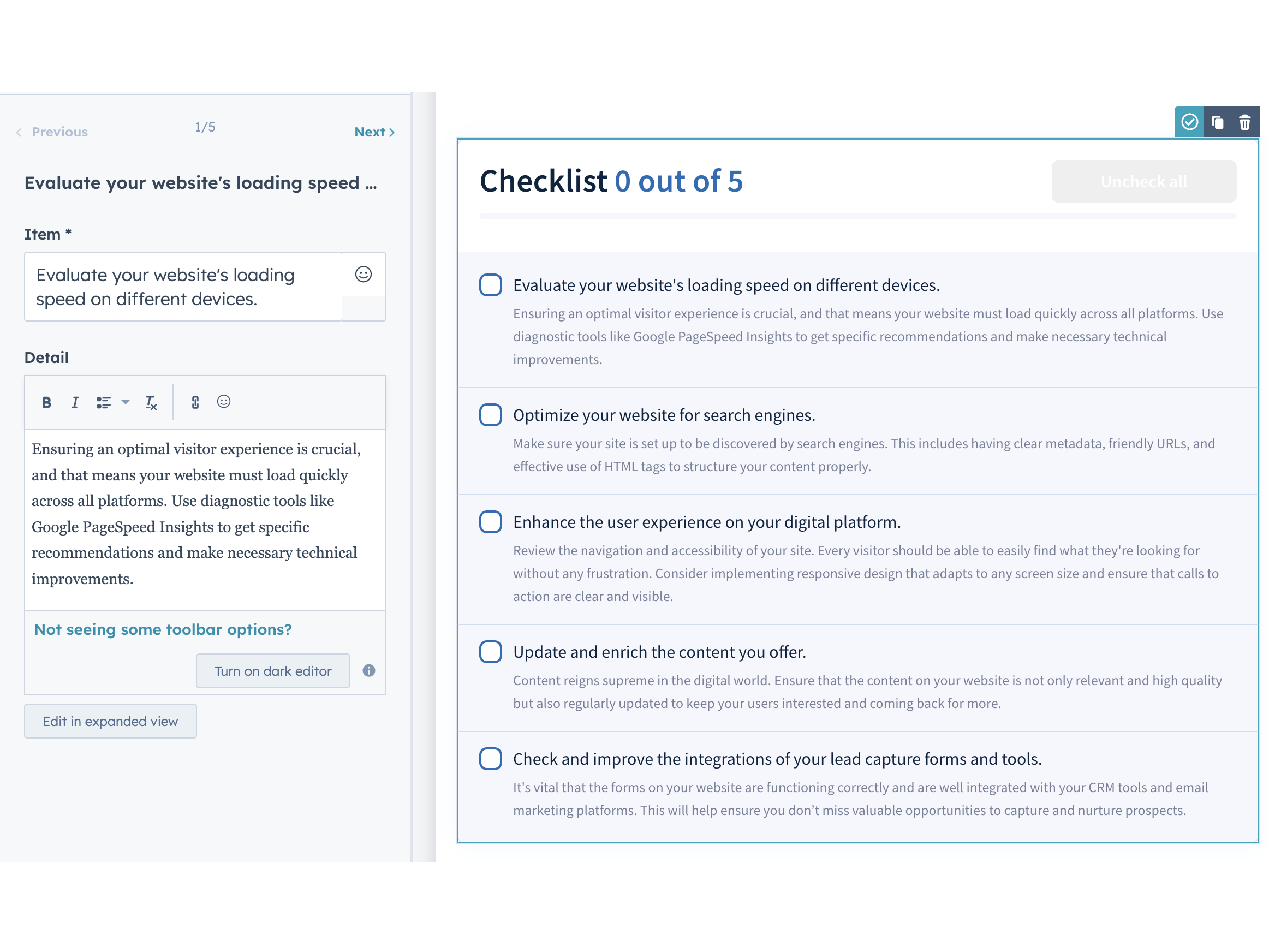
About Module
Total installs Fewer than 10 Created - May 15, 2024
Version 2 - Jul 18, 2025
Categories Tags
Requirements
HubSpot Subscription Works with all HubSpot plans








Contact Media Source
Legal Stuff
Please refer to the developer's Privacy Policy and Terms for more information.
Support
Media Source
- Estados Unidos
Visit website
We are a team of passionate website development professionals helping businesses achieve their marketing and sales goals. We have more than 10 years in the industry and have created hundreds of websites for start-ups as well as large companies. We are passionate about technology and we know the HubSpot CMS which allows us to suggest spectacular things and not limit creativity ... without forgetting the important focus ... the customer comes first.
Unlimited email
Media Source typically responds in
- Monday
10:00 AM - 5:00 PM (CST) - Tuesday
10:00 AM - 5:00 PM (CST) - Wednesday
10:00 AM - 5:00 PM (CST) - Thursday
10:00 AM - 5:00 PM (CST) - Friday
10:00 AM - 12:00 PM (CST)
Checklist Customer Reviews
- Aug 19, 2025
It doesn't work
The checkboxes don't even show up when I try to use this module. I tried all the settings but nothing seems to make the checkboxes visible on my page,
There are some decent settings, but nothing seems to work.
Wurr, A.
Version 2