
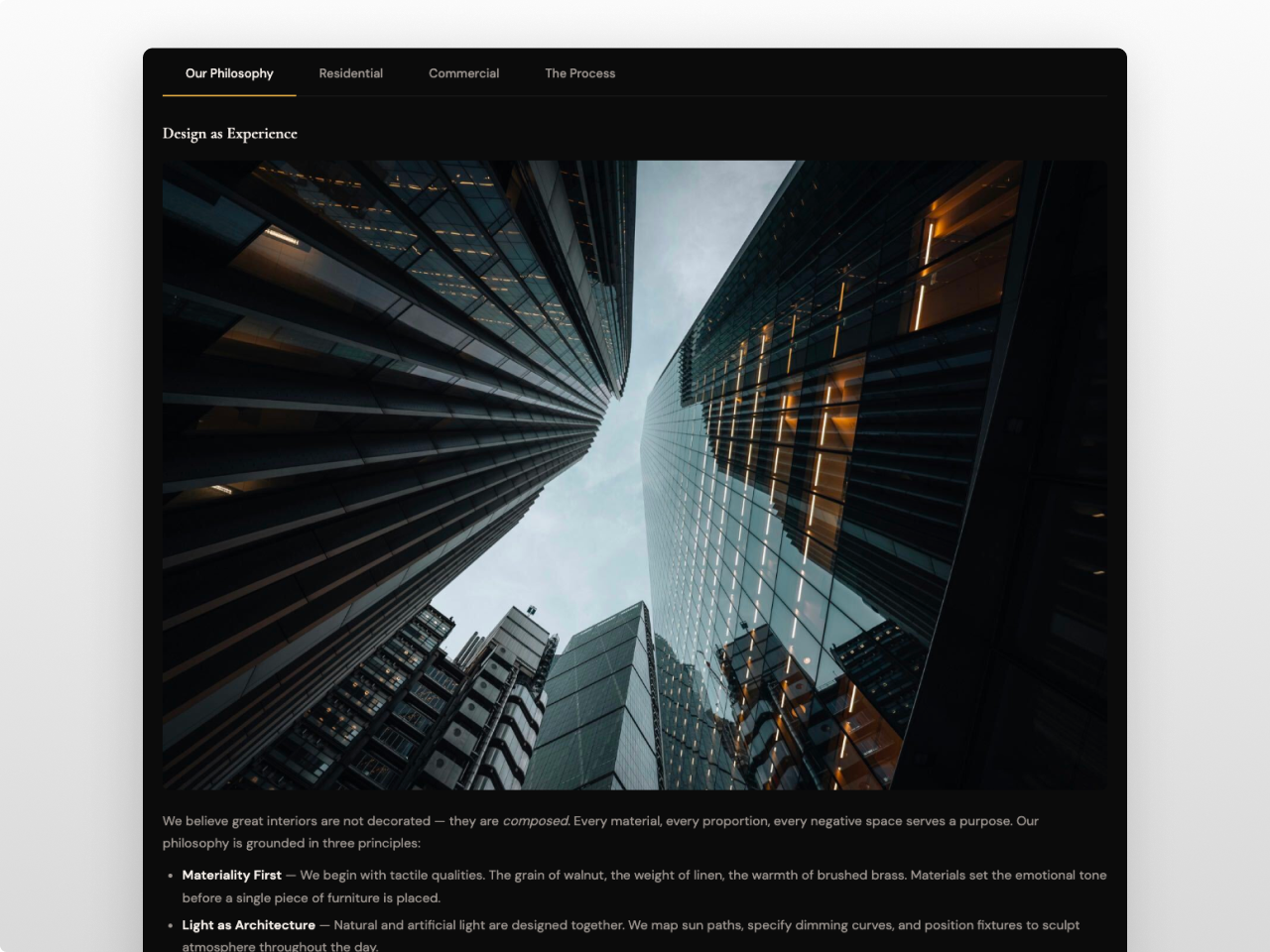
1/3 - Dark luxury aesthetic with left-aligned underline tabs, gold #d4a853 accent, and editorial content.
Overview
A polished tabbed content module with horizontal, vertical, and pill-style tabs that automatically converts to an accordion on mobile. Content Tabs Pro gives you full control over layout, typography, colors, spacing, and form styling from the visual editor. Zero jQuery. Zero code. 60+ style fields.
Each tab holds rich content: text, images, videos, tables, code blocks, multi-column layouts, and embedded HubSpot forms. Add optional icons to tab labels, set a default active tab, and let visitors link directly to specific tabs with built-in URL deep linking.
What you can build:
Service pages with detailed descriptions in each tab
Product feature comparisons with pricing tables and CTA buttons
Documentation and knowledge bases with vertical sidebar navigation
Property listings with photo galleries, floor plans, and neighborhood info
FAQ and support pages with expandable accordion on mobile
Contact sections with HubSpot forms embedded inside tabs
Case studies with stats grids, project details, and video walkthroughs
Tab styles: Horizontal tabs with animated underline indicator. Vertical sidebar tabs for documentation and long lists. Pill tabs with rounded capsule buttons and active background color. Horizontal tabs support left, center, and stretch alignment. Vertical tabs collapse to horizontal on tablet and accordion on mobile.
Content features: 2 to 20 tabs per instance. Each tab has a label, optional icon (HubSpot icon picker), rich text content area, and optional HubSpot form field. Deep linking uses a configurable URL parameter so multiple instances on the same page each get their own link namespace. Content animations include fade, slide up, or instant switching.
Settings: Default active tab selector. Deep linking toggle with custom parameter ID per instance. Mobile accordion conversion with smooth height animation. Three content animation modes. Configurable tablet and mobile breakpoints.
Rich text styling: Content inside tabs is fully styled with scoped CSS. Headings, paragraphs, links, bold, italic, lists, blockquotes, code blocks, pre blocks, tables, horizontal rules, and images all receive consistent typography and color treatment that matches the module's style settings.
Works on any HubSpot template, no theme required.
Features
Three Tab Styles with Full Layout Control
Horizontal underline tabs, vertical sidebar tabs, and rounded pill tabs. Left, center, or stretch alignment. Every detail configurable from the editor: indicator height, padding, gap, border radius, font size, weight, active background, and hover states.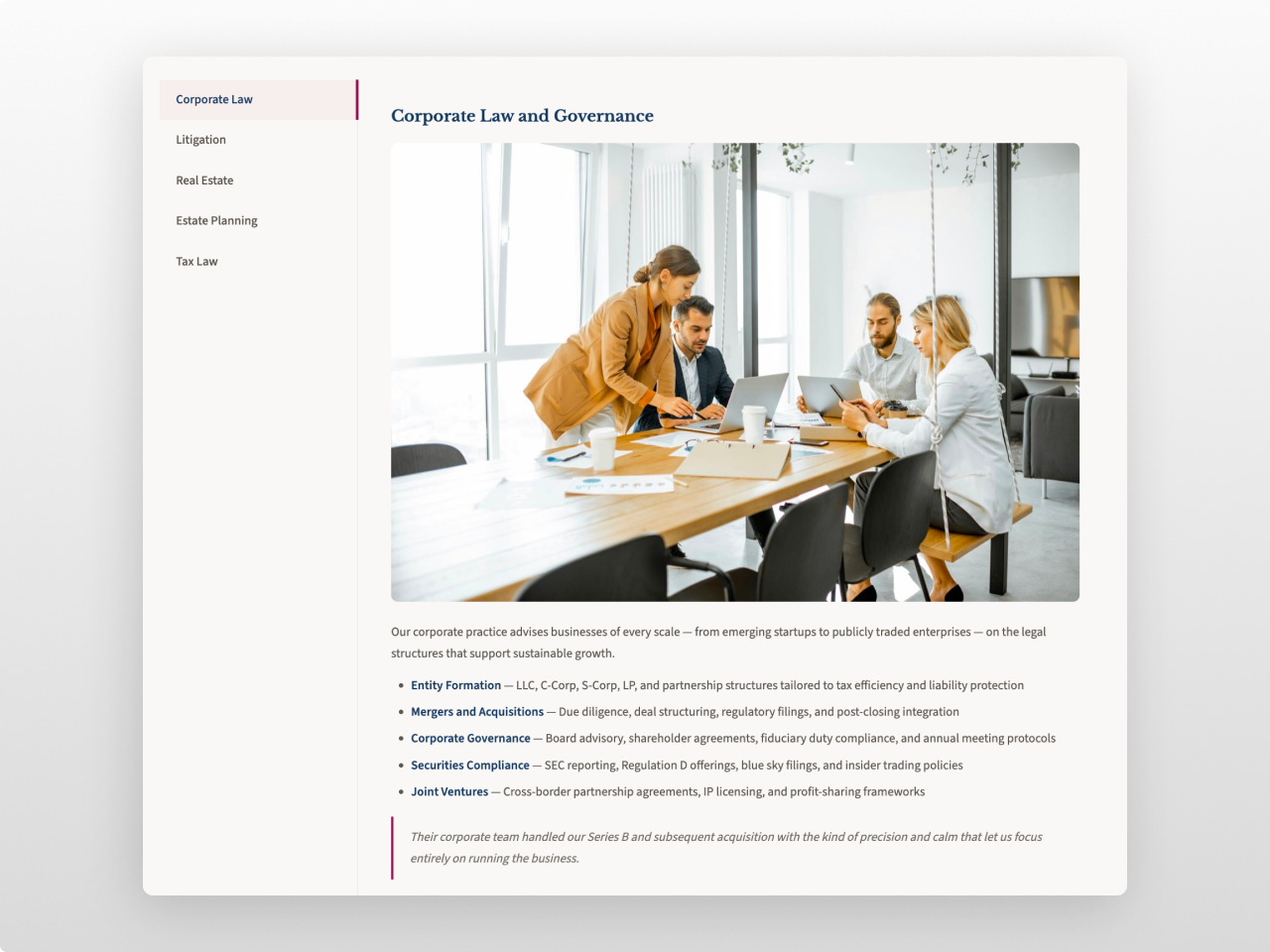
Mobile Accordion with Deep Linking
Tabs convert to a collapsible accordion on mobile with smooth height animations. Share URLs that open a specific tab on load. Each instance gets its own URL parameter so multiple tab sections on the same page work independently.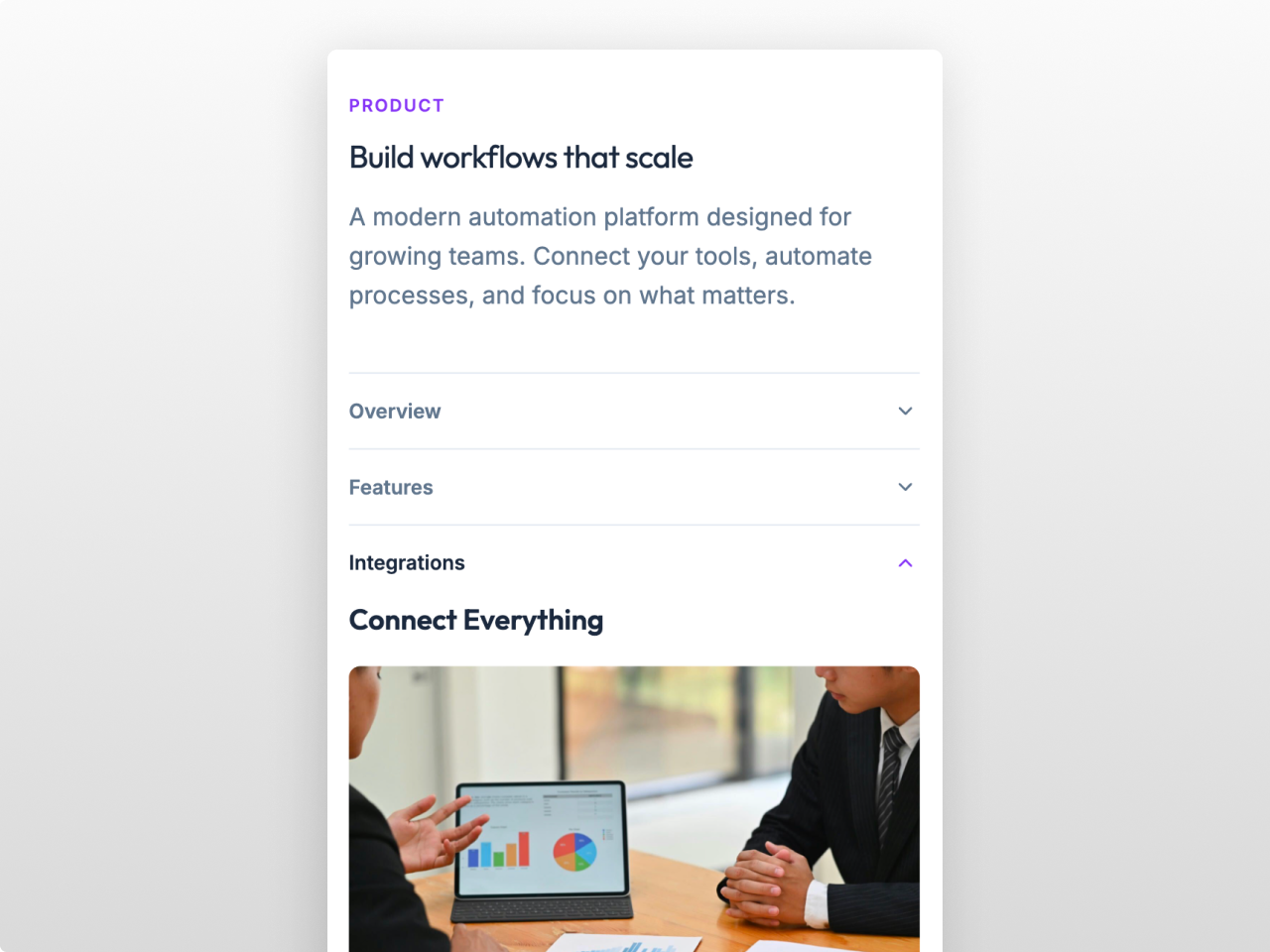
HubSpot Forms with 19 Style Controls
Embed a HubSpot form inside any tab and style it from the editor. Control input backgrounds, borders, focus states, radius, padding, and font size. Customize the submit button with background, hover color, radius, padding, weight, and full width toggle.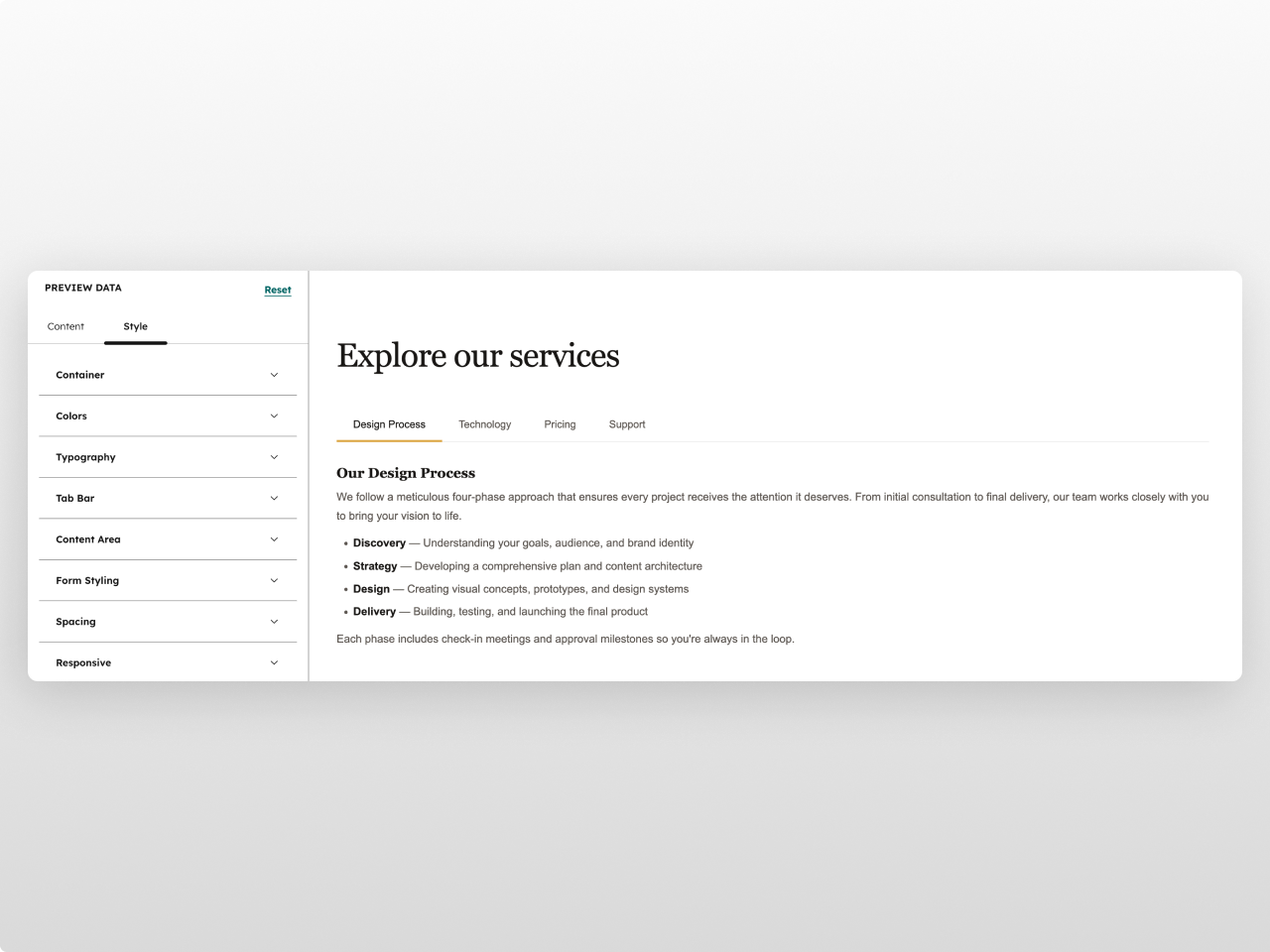
About Module
Total installs Fewer than 10 Created - Apr 6, 2026
Version 1 - Apr 6, 2026
Categories Tags
Requirements
HubSpot Subscription Works with all HubSpot plans

Contact Studio Nope
Legal Stuff
Please refer to the developer's Privacy Policy and Terms for more information.
Support
Studio Nope
- Romania
Visit website
Studio Nope designs and builds fast, clean HubSpot CMS websites and custom themes for teams that care about performance, editing experience, and reliable tracking.
Unlimited email support
Studio Nope typically responds in
- Monday
9:00 AM - 5:00 PM (EET) - Tuesday
9:00 AM - 5:00 PM (EET) - Wednesday
9:00 AM - 5:00 PM (EET) - Thursday
9:00 AM - 5:00 PM (EET) - Friday
9:00 AM - 5:00 PM (EET)
