
1/3
Overview
Enhance your website's visual appeal and user engagement with our versatile Content Banner Module. This module is designed to help you create eye-catching banners with customizable content, images, and call-to-action buttons or links.
Key Features:
Customizable Background: Choose your preferred background color or image, and even add a parallax effect for a dynamic visual experience. An optional overlay feature is also available to create a more dramatic effect.
Flexible Content Placement: You can easily add your banner image and content. The module also allows you to align your content to the left, right, or center, depending on your design needs.
Call-to-Action or Link: Depending on your goals, you can choose to include a call-to-action button or a link in your banner. This feature is perfect for directing users to important pages on your site or encouraging them to take specific actions.
Responsive Design: The module is designed to be responsive, ensuring that your banners look great on all devices, from desktops to tablets and mobile phones.
Override Theme Font Color: This feature allows you to change the font color of your content, overriding the default theme color. This is especially useful when you want your banner text to stand out or match a specific color scheme.
Unique Identifier: Each banner is assigned a unique identifier, ensuring that your custom settings apply to the correct banner even when multiple banners are used on the same page.
Customizable Padding: Adjust the padding of your banner for different devices to ensure optimal display and user experience.
With its range of customizable features, our Content Banner Module offers a unique and effective way to highlight key information, promote special offers, or simply add a visual element to your site. It's a great tool for any website owner looking to improve their site's aesthetics and user engagement.
Features
Customizable Background
Choose from a solid color or an image for your banner's background. Add a parallax effect or an overlay for added visual impact.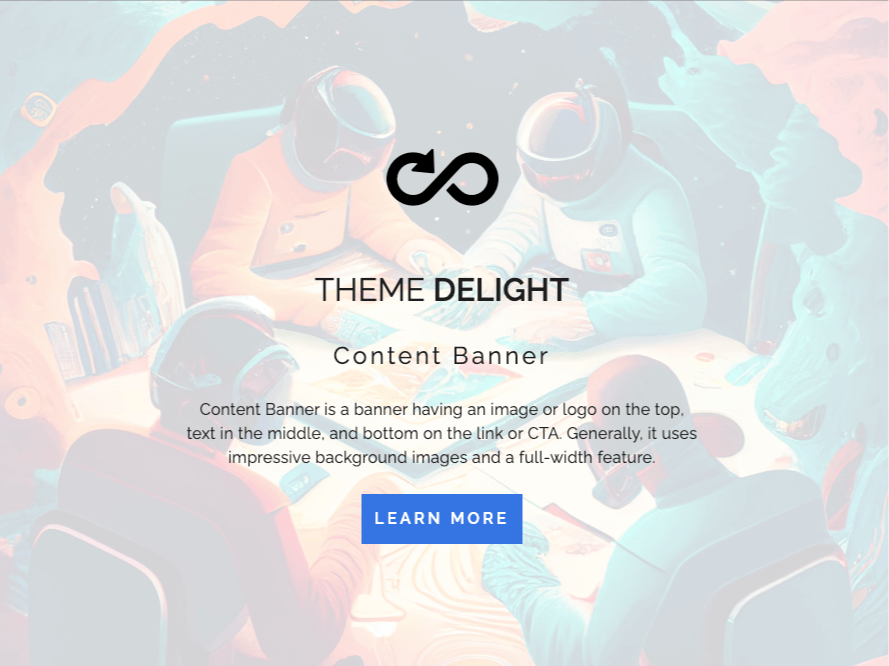
Flexible Content Placement
Align your content to the left, right, or center of the banner for optimal visual appeal and readability.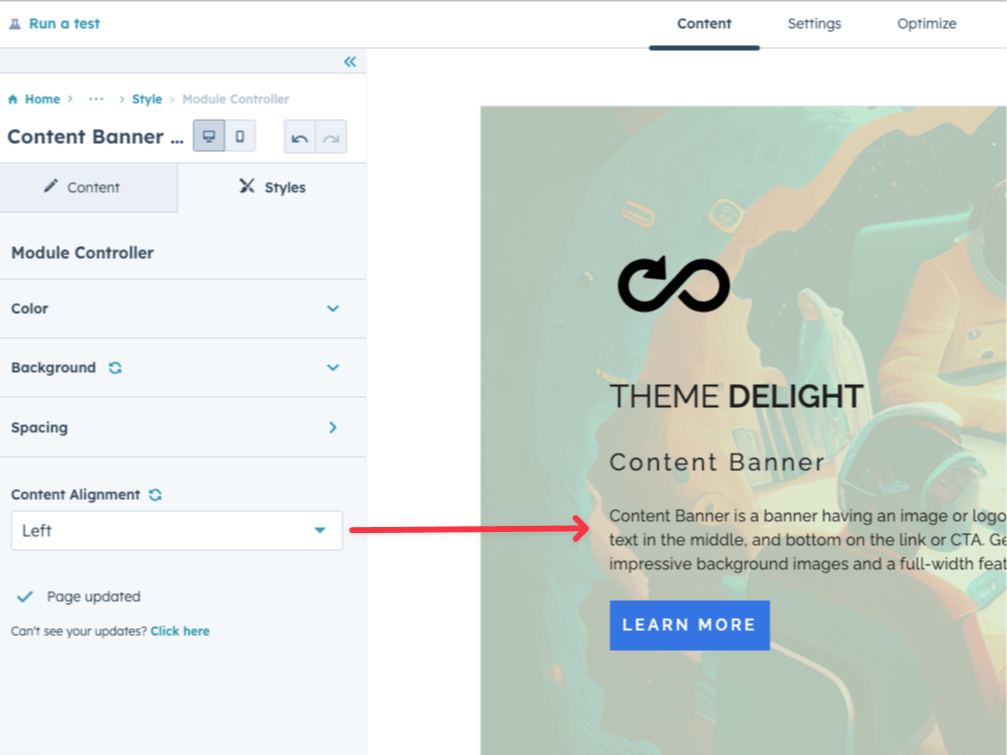
Call-to-Action or Link Option
Includes a call-to-action button or a link in your banner to guide users toward desired actions or essential pages.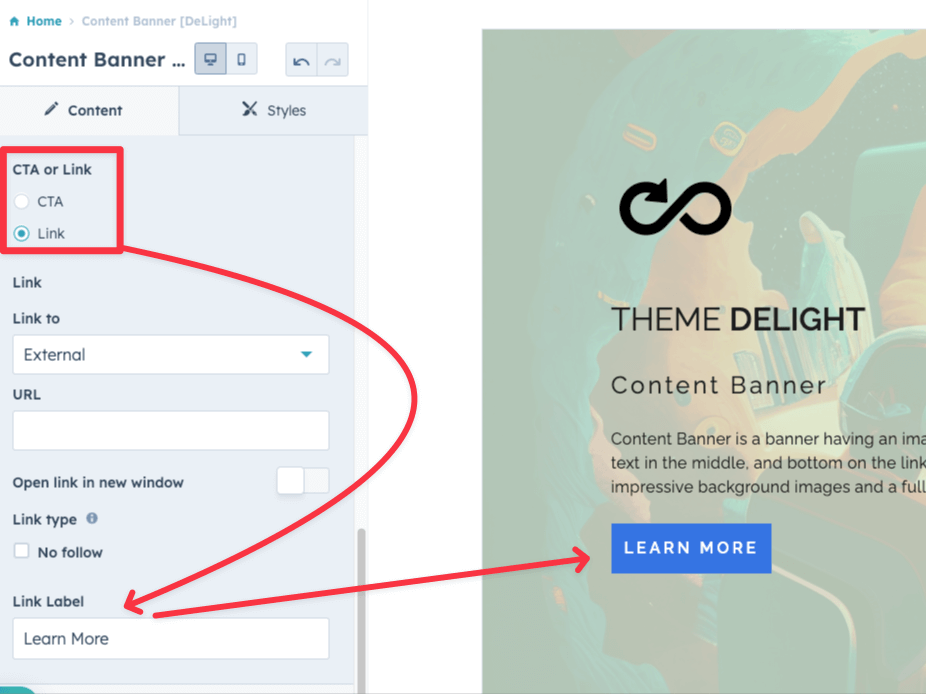
Responsive Design
Ensures your banners look great on all devices, providing a seamless user experience across desktops, tablets, and mobile phones.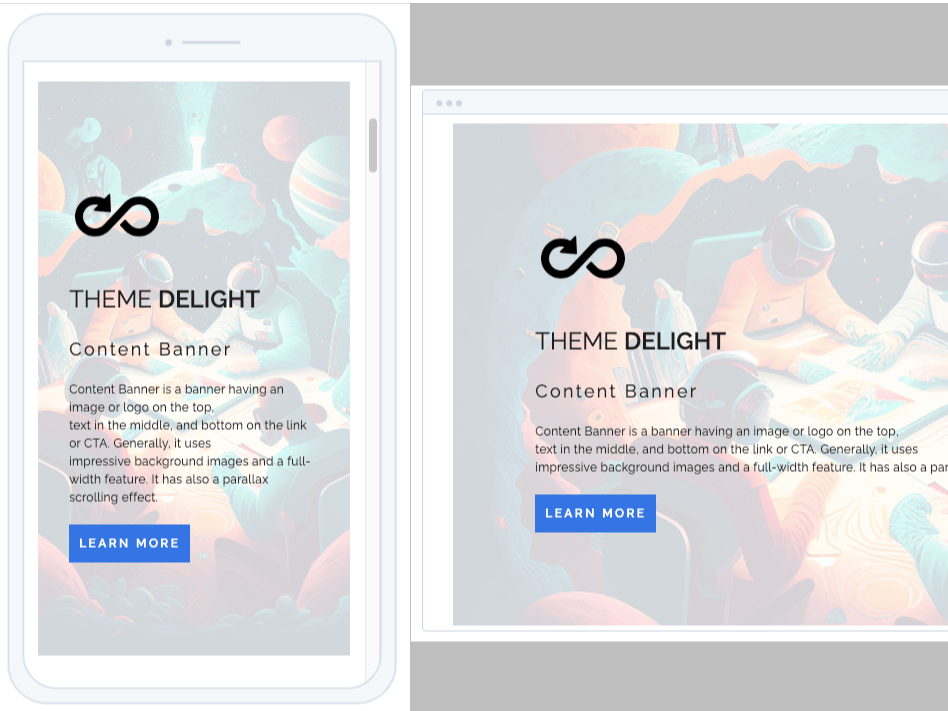
Override Theme Font Color
Change the font color of your content to match your banner design, overriding the default theme color for standout text.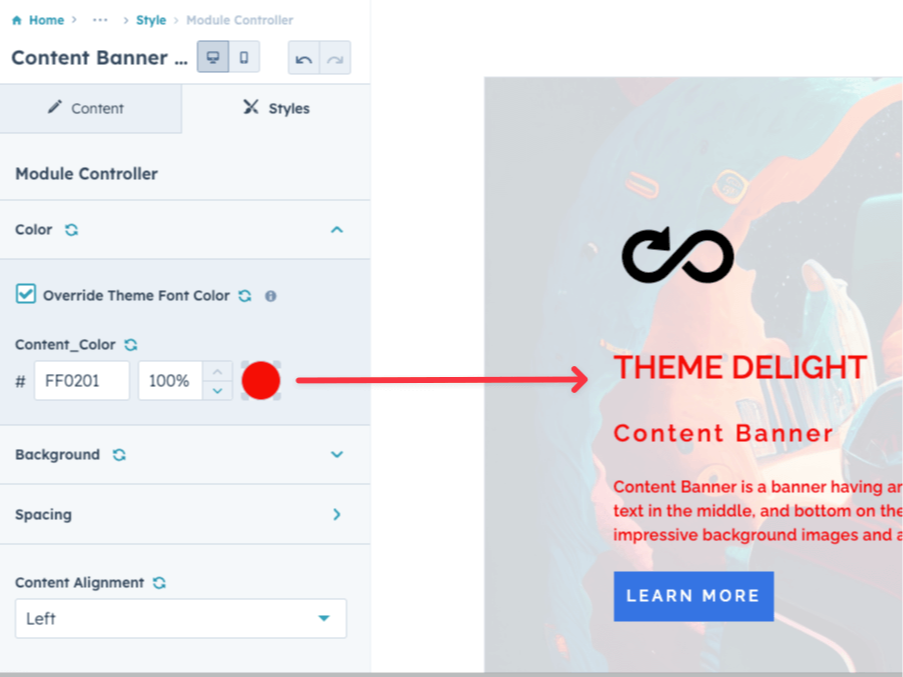
About Module
Total installs - 500+
Created - Jul 31, 2023
Version 3 - Nov 7, 2023
Categories Tags
Requirements
HubSpot Subscription Works with all HubSpot plans
Contact www.freelopers.com
Legal Stuff
Please refer to the developer's Privacy Policy and Terms for more information.
Support
www.freelopers.com
- Dublin, Ireland
Visit website
We are building HubSpot assets for the marketplace, and giving consultancy to generate solid solutions for HubSpot-related cases.
If modules does not work as desired
Discussion on new features
www.freelopers.com typically responds in
- Monday
10:00 AM - 5:30 PM (GMT) - Tuesday
10:00 AM - 5:30 PM (GMT) - Wednesday
10:00 AM - 5:30 PM (GMT) - Thursday
10:00 AM - 5:30 PM (GMT) - Friday
10:00 AM - 5:30 PM (GMT)

Content Utility Banner Customer Reviews
3.7
3
- Sep 9, 2025
I'm confused...
This banner appeared exactly like the listing's picture but NOTHING is editable? Is there a bug?
Not available
Sun, J.
Version 3
- Sep 16, 2024
Underrated! Use this on almost every site I build.
As far as free modules go, this one rips. It has tons of fine tuning and great looking paralax effects to make the site look really crispy.
As long as you have used HS before and are familiar with the CMs it's a breeze
Rusted Rooster, M.
Marketing Services - 2 to 5 employees
Version 3
- Oct 11, 2023
Exactly what I needed
Great module with lots of flexibility and exactly what my team was looking for. Loving the options for parallax, overlay transparency and to go full width. I always look for time saving tools that have a wow factor, this does it.
Very simple.
It's free, flexible, looks great with great options, and they have great support.
N/a
Schulman, S.
Marketing Services - 26 to 50 employees
Version 2