
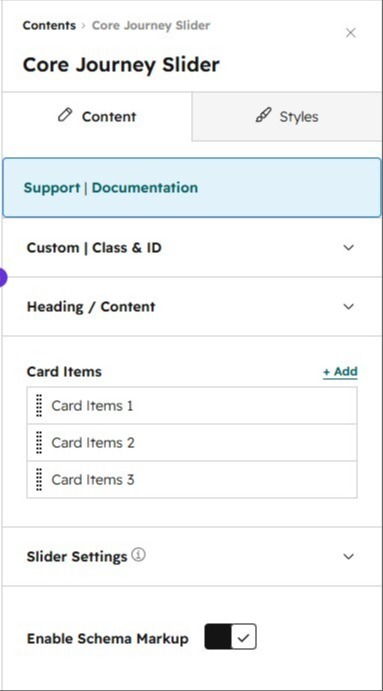
1/3 - Content panel showing Card Items repeater, Heading/Content, and Schema Markup toggle
Overview
Core Journey Slider turns any step-by-step story — customer journeys, service processes, "how it works" sections, case studies — into a polished, interactive carousel that keeps visitors engaged and guides them toward your call to action.
Key selling points:
Engaging coverflow-style slider — Steps glide into focus with a smooth blur-and-scale effect, drawing attention to the active slide while keeping neighboring slides visible for context.
Fully no-code customizable — Editors control everything from the page builder: backgrounds (image, solid color, or gradient with overlay), section spacing per device, content max-width, blur intensity, and per-slide colors — no developer needed.
Rich, flexible slide content — Each slide supports a heading/description, a numbered badge, a featured image with optional blend mode, a repeating strip of supporting logos or images, body copy, and a fully styleable CTA button (including custom colors and hover states).
Built-in autoplay controls — Enable autoplay with an adjustable delay, automatic pause-on-hover/focus, and clickable pagination dots so visitors can jump to any step.
Accessibility-minded — Proper ARIA roles and labels, a live region for screen-reader announcements, keyboard-navigable controls, and autoplay that's automatically disabled for visitors who prefer reduced motion.
SEO-ready out of the box — An optional toggle generates JSON-LD structured data (ItemList schema) from your slide content, helping search engines understand and surface your step-by-step content.
Lightweight and dependency-free — Built with vanilla JavaScript (no jQuery or Slick), so it loads fast and won't conflict with other scripts on the page. Includes a graceful no-JS fallback that displays slides in normal document flow.
Responsive by design — Independent spacing controls for desktop, tablet, and mobile ensure the slider looks great on every device.
Features
Coverflow-Style Slider
Steps glide into focus with a smooth blur-and-scale transition, spotlighting the active slide while keeping neighboring slides visible for context — creating a polished, modern browsing experience.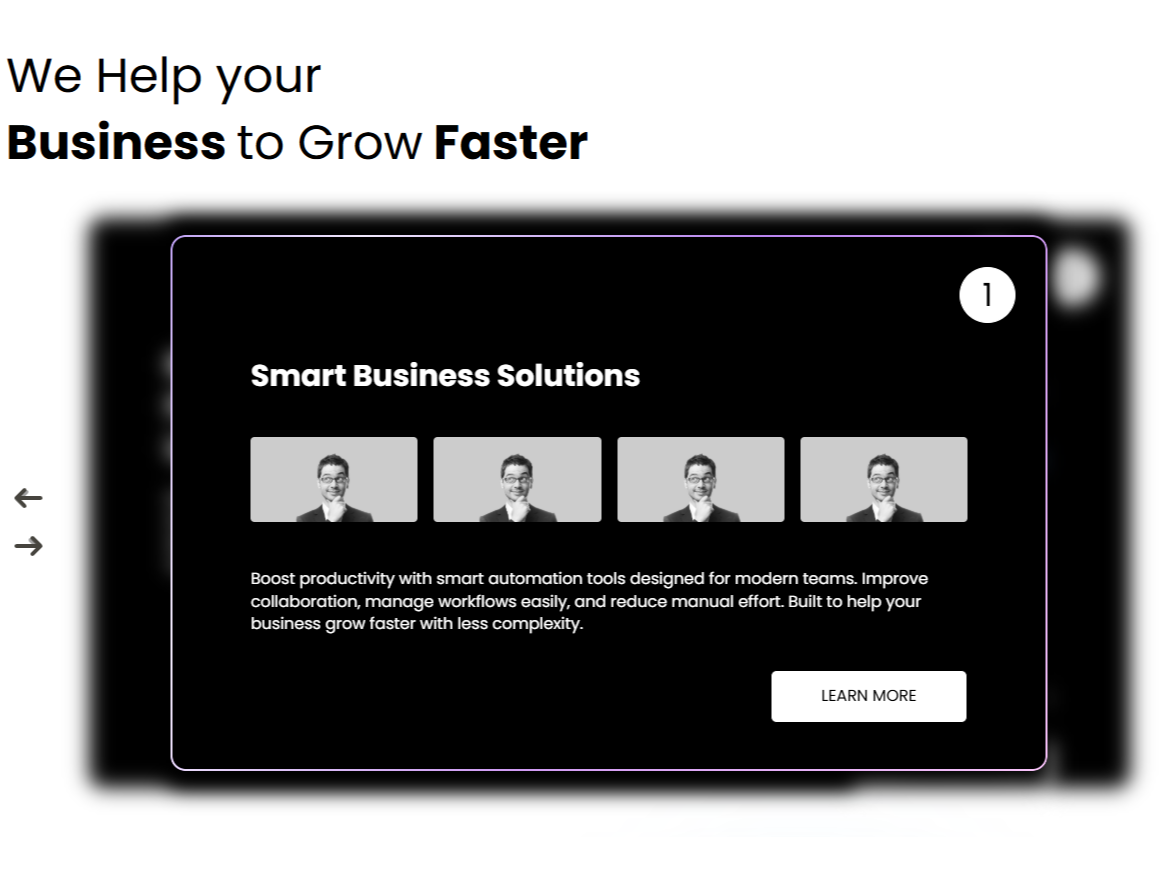
No-Code Customization
Editors can style every section directly from the page builder — backgrounds (image, color, or gradient with overlay), spacing per device, content width, blur intensity, and colors — with no developer required.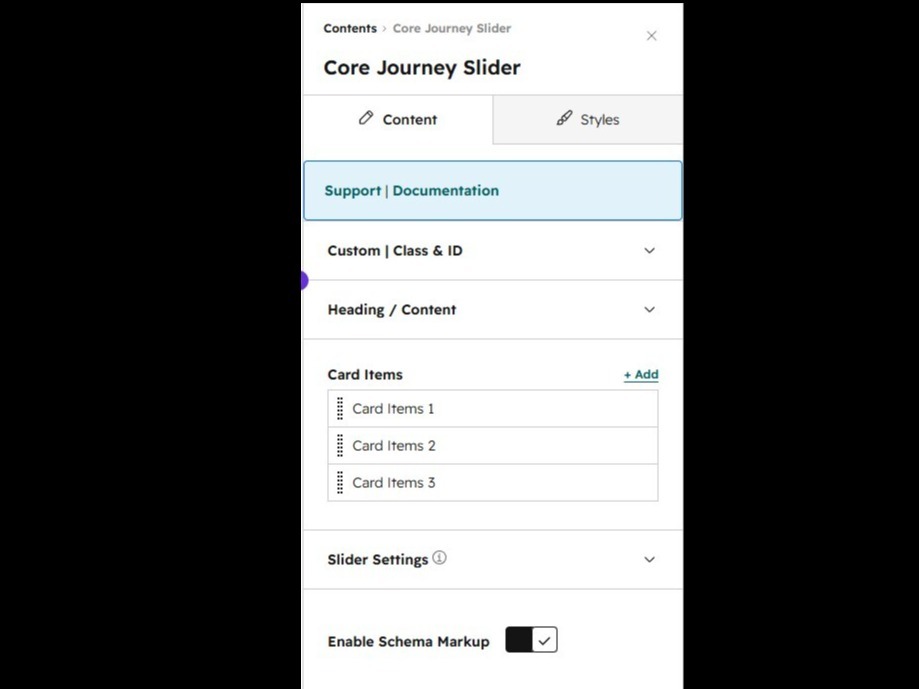
Rich, Flexible Slide Content
Each slide supports a heading and description, a numbered badge, a featured image, a repeating strip of supporting logos, body copy, and a fully customizable call-to-action button.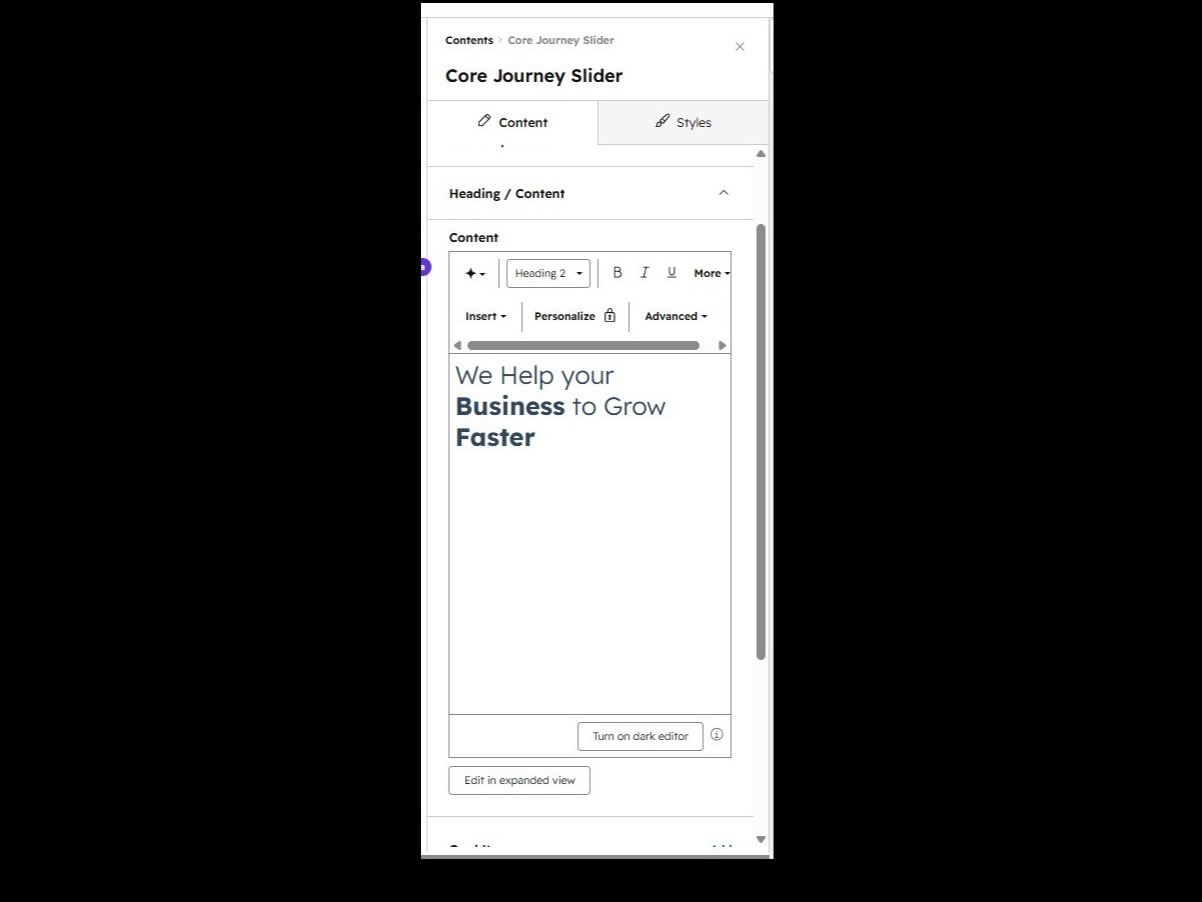
Built-In SEO & Accessibility
An optional toggle generates JSON-LD structured data from your slide content to help search engines understand your story, while ARIA roles, live-region announcements, and reduced-motion support ensure every visitor can navigate with ease.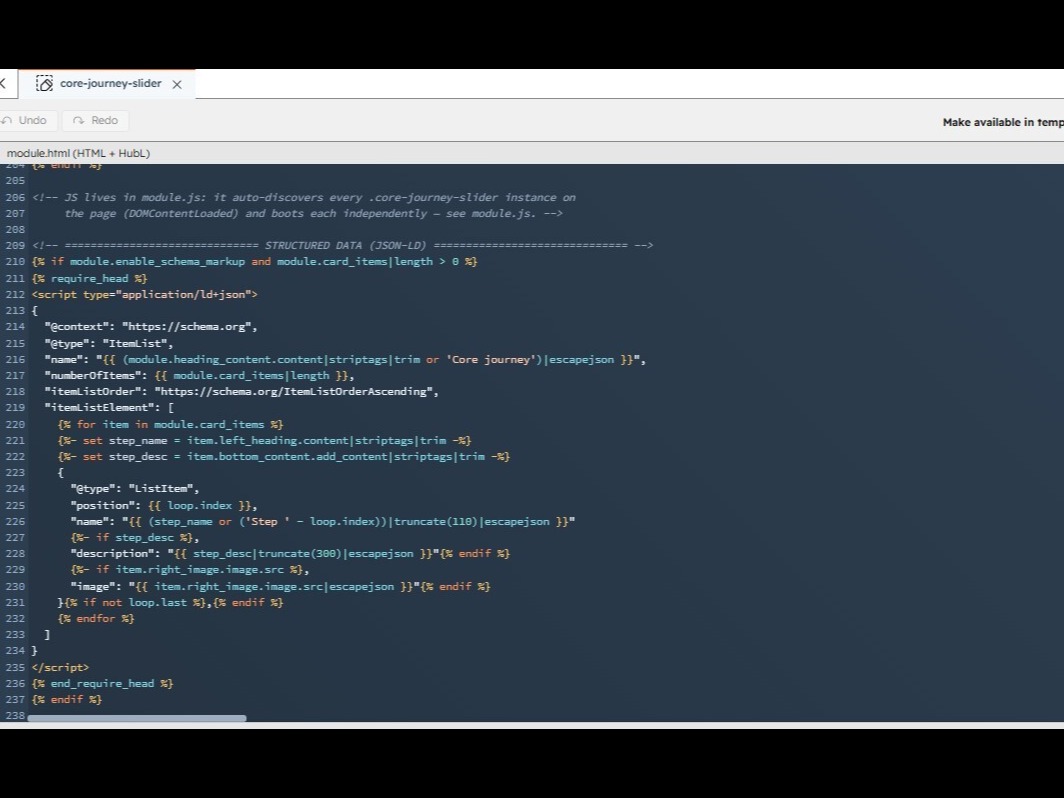
Smart Autoplay & Navigation
Enable autoplay with an adjustable delay, automatic pause on hover or focus, and clickable pagination dots so visitors can move through the journey at their own pace.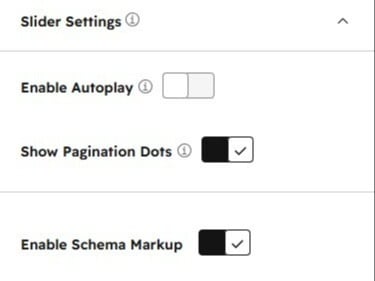
About Module
Total installs Fewer than 10 Created - Jun 8, 2026
Version 2 - Jun 15, 2026
Categories Tags
Requirements
HubSpot Subscription






Contact Phar
Legal Stuff
Please refer to the developer's Privacy Policy and Terms for more information.
Support
Phar
- India
Visit website
We provide end-to-end HubSpot services across both CRM and CMS. Our team helps businesses set up, customize, and optimize HubSpot to streamline operations, improve customer experiences, and drive growth. From CRM implementation and automation to CMS development and ongoing support, we deliver reliable solutions tailored to your business needs.
uniquedeveloper84@gmail.com
Phar typically responds in
- Monday
8:00 AM - 10:00 PM (IST) - Tuesday
8:00 AM - 10:00 PM (IST) - Wednesday
8:00 AM - 10:00 PM (IST) - Thursday
8:00 AM - 10:00 PM (IST) - Friday
8:00 AM - 10:00 PM (IST)