
1/4
Overview
Event Calendar Pro puts a working events calendar on a HubSpot page. Events are rows in the page editor — no HubDB table, no external service, no API key. The same rows render as a month grid, a
list grouped by month, and a single day against a time column. Readers switch views, filter by category, search, and open any entry for the detail.
Repeats are set on the event: daily, weekly, monthly by date or by nth weekday, yearly, with intervals, end conditions and skipped dates. Short months and leap years come out right. Each
entry hands out an .ics built in the browser, with Google Calendar and Outlook links beside it. Times show as typed under a timezone label you set.
On a phone the month reads as a day-grouped list, or keeps the grid with counts, bars or titles cut to fit. Every colour, size, space and word is an editor field, monochrome by default, with the
accent and fonts inherited from your theme.
It does not read from HubDB, a CRM object or an external feed, does not convert times into the reader's zone, and has no week or timeline view.
Features
Events are rows in the page editor
No HubDB table, no external feed. The same rows render as a month grid, a list grouped by month, and a single day against a time column. Weekday offsets come out right, today is marked, and a multi-day event draws as one bar across the cells it covers.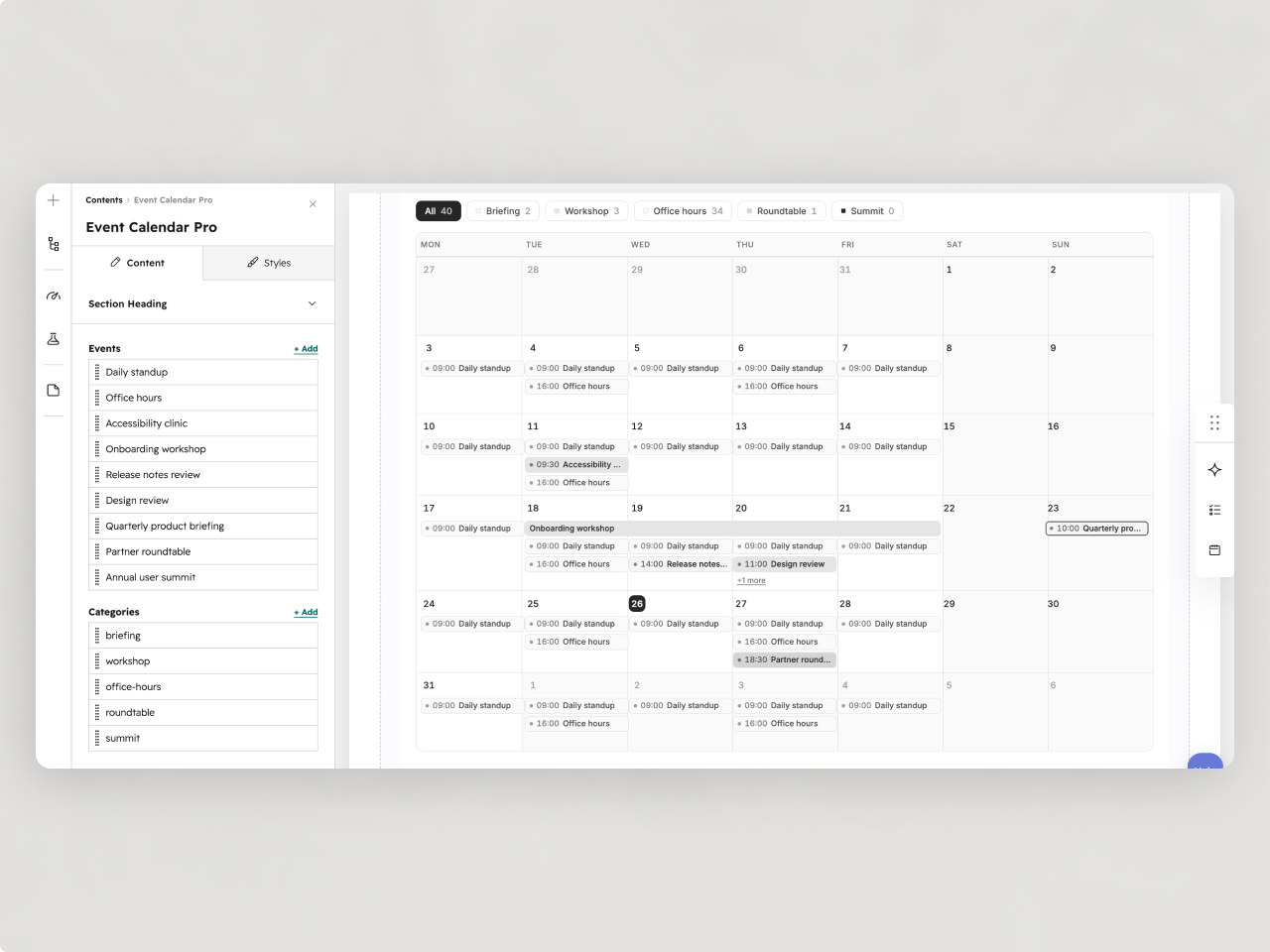
Repeats are set on the event
Daily, weekly by weekday, monthly by date or by nth weekday, yearly. Intervals, end conditions, skipped dates. Short months and leap years come out right. Each event hands out an .ics built in the browser, with Google Calendar and Outlook links beside it.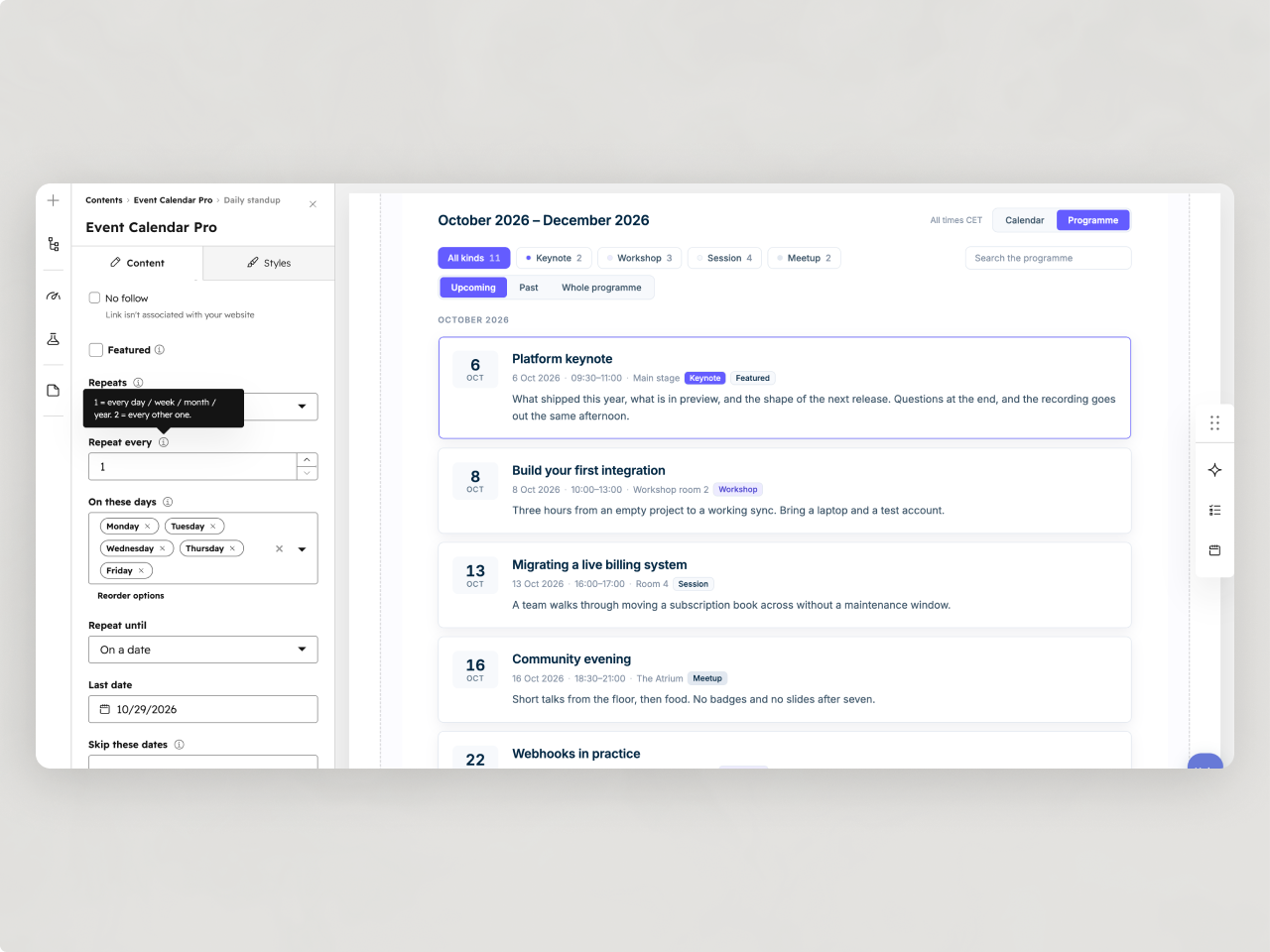
Every value is an editor field
Colours, sizes, spacing, radii, category colours and every visible string. Monochrome by default, accent and fonts inherited from your theme. On a phone the month reads as a day-grouped list, or keeps the grid with counts, bars or titles cut to fit.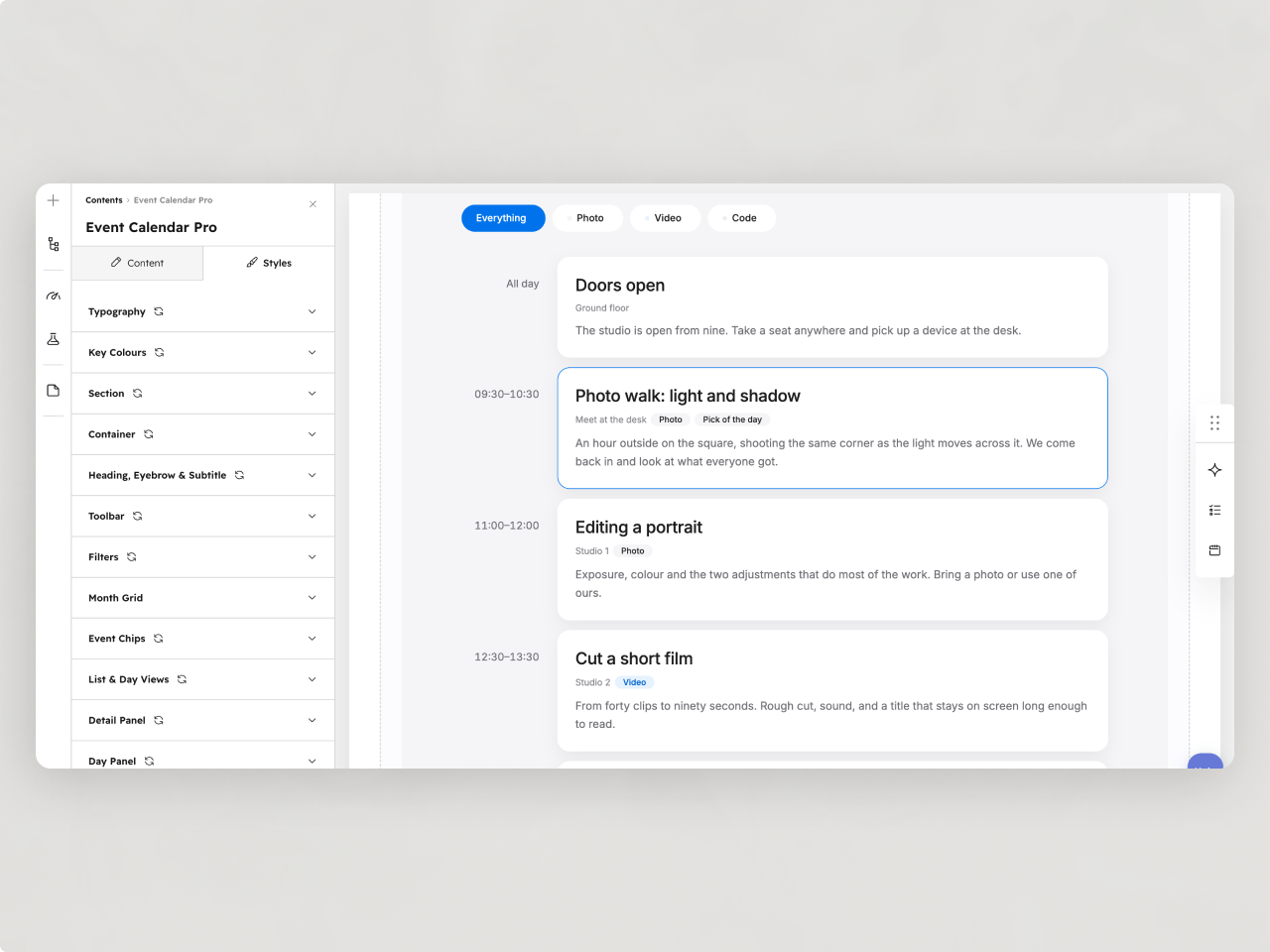
About Module
Total installs Fewer than 10 Created - Aug 26, 2026
Version 1 - Aug 26, 2026
Categories Tags
Requirements
HubSpot Subscription Works with all HubSpot plans
Contact Studio Nope
Legal Stuff
Please refer to the developer's Privacy Policy and Terms for more information.
Support
Studio Nope
- Romania
Visit website
Studio Nope designs and builds fast, clean HubSpot CMS websites and custom themes for teams that care about performance, editing experience, and reliable tracking.
Unlimited email support
Studio Nope typically responds in
- Monday
9:00 AM - 5:00 PM (EET) - Tuesday
9:00 AM - 5:00 PM (EET) - Wednesday
9:00 AM - 5:00 PM (EET) - Thursday
9:00 AM - 5:00 PM (EET) - Friday
9:00 AM - 5:00 PM (EET)