
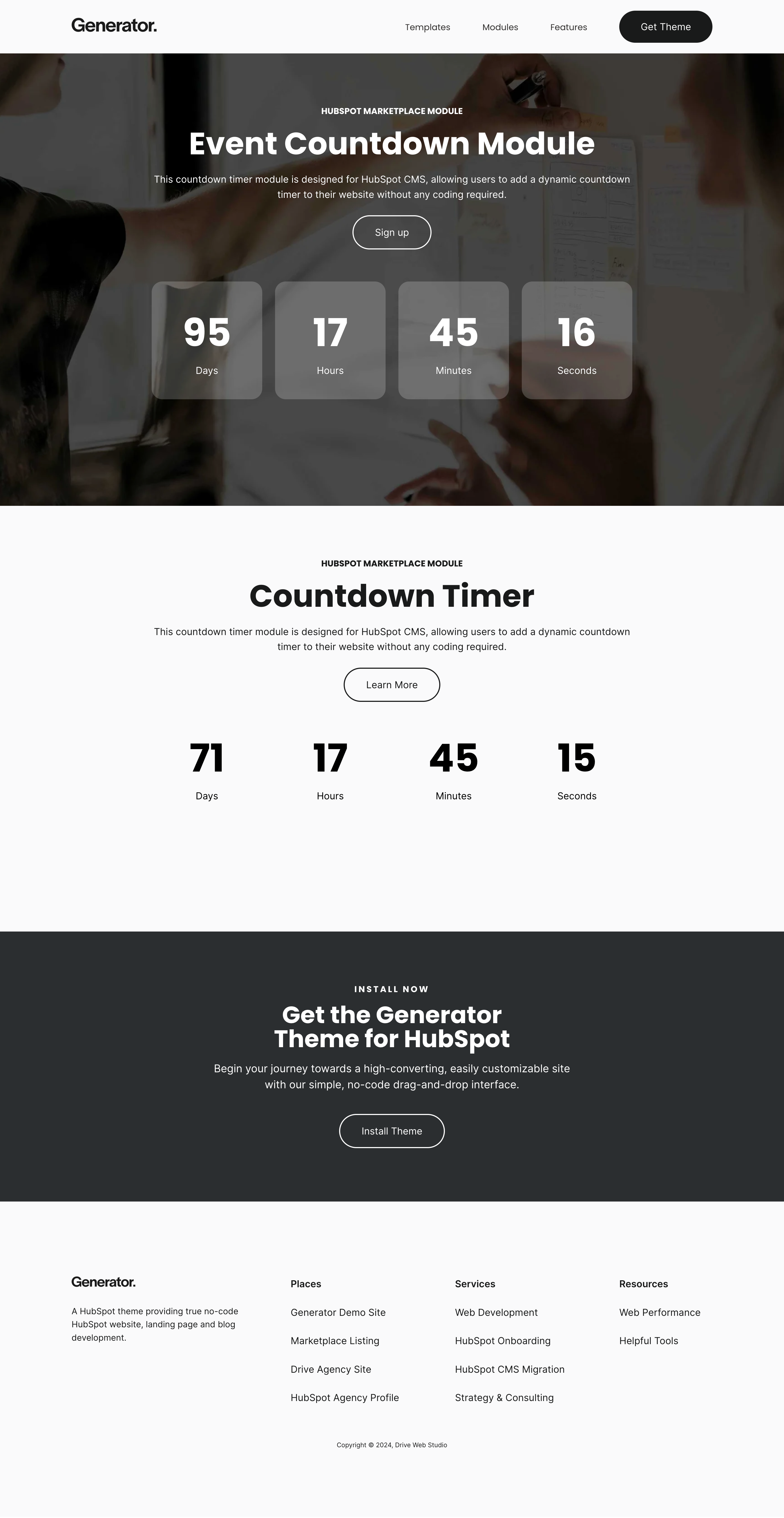
1/3 - Add a dynamic countdown timer to your HubSpot CMS pages, no coding required!
Overview
The Countdown Timer module for HubSpot CMS is a versatile and user-friendly tool designed to enhance your website with a dynamic and customizable countdown feature.
Ideal for promoting events, sales, or any time-sensitive content, this module requires no coding skills and integrates seamlessly into your HubSpot pages.
Key Features:
Easy Setup:
Add a dynamic countdown timer to your HubSpot CMS pages effortlessly. Simply drag and drop the module into your page, configure the settings, and your countdown is ready to go.
Content Editor:
Set the exact date and time the countdown should target using the intuitive content editor. Additionally, you can define a custom expiration message to be displayed once the countdown reaches zero, ensuring your audience is informed when the time is up.
Customizable Styles:
Personalize the appearance of your countdown timer with the built-in styles editor. Adjust the text color and font, set the background color, and tweak the corner radius to match your website's design. You can also modify the module's spacing to ensure it fits perfectly within your layout.
Responsive Design:
The countdown timer is fully responsive, ensuring it looks great on all devices, from desktops to mobile phones. This ensures that your message reaches your audience effectively, regardless of how they access your site.
No Coding Required:
Designed for ease of use, this module does not require any coding knowledge. All settings and customizations are handled through HubSpot's intuitive interface, making it accessible to users of all technical levels.
How It Works:
Step 1: Drag and drop the Countdown Timer module into your HubSpot page.
Step 2: Use the content editor to set the countdown's end date and time, and define your custom expiration message.
Step 3: Customize the appearance using the styles editor, adjusting text, background, corner radius, and spacing to fit your design needs.
Step 4: Publish your page and watch as the countdown engages your audience, counting down to your specified event or deadline.
The Countdown Timer module is a powerful tool for creating urgency and driving engagement on your HubSpot CMS pages. Whether you're counting down to a product launch, an event, or a special promotion, this module provides a seamless and visually appealing way to communicate time-sensitive information to your visitors.
Features
Effortlessly Add a Dynamic Countdown Timer
Drag, drop, and configure your countdown timer without any coding skills needed. Simply integrate the module into your HubSpot CMS pages, set the parameters, and start counting down to your event, sale, or special promotion.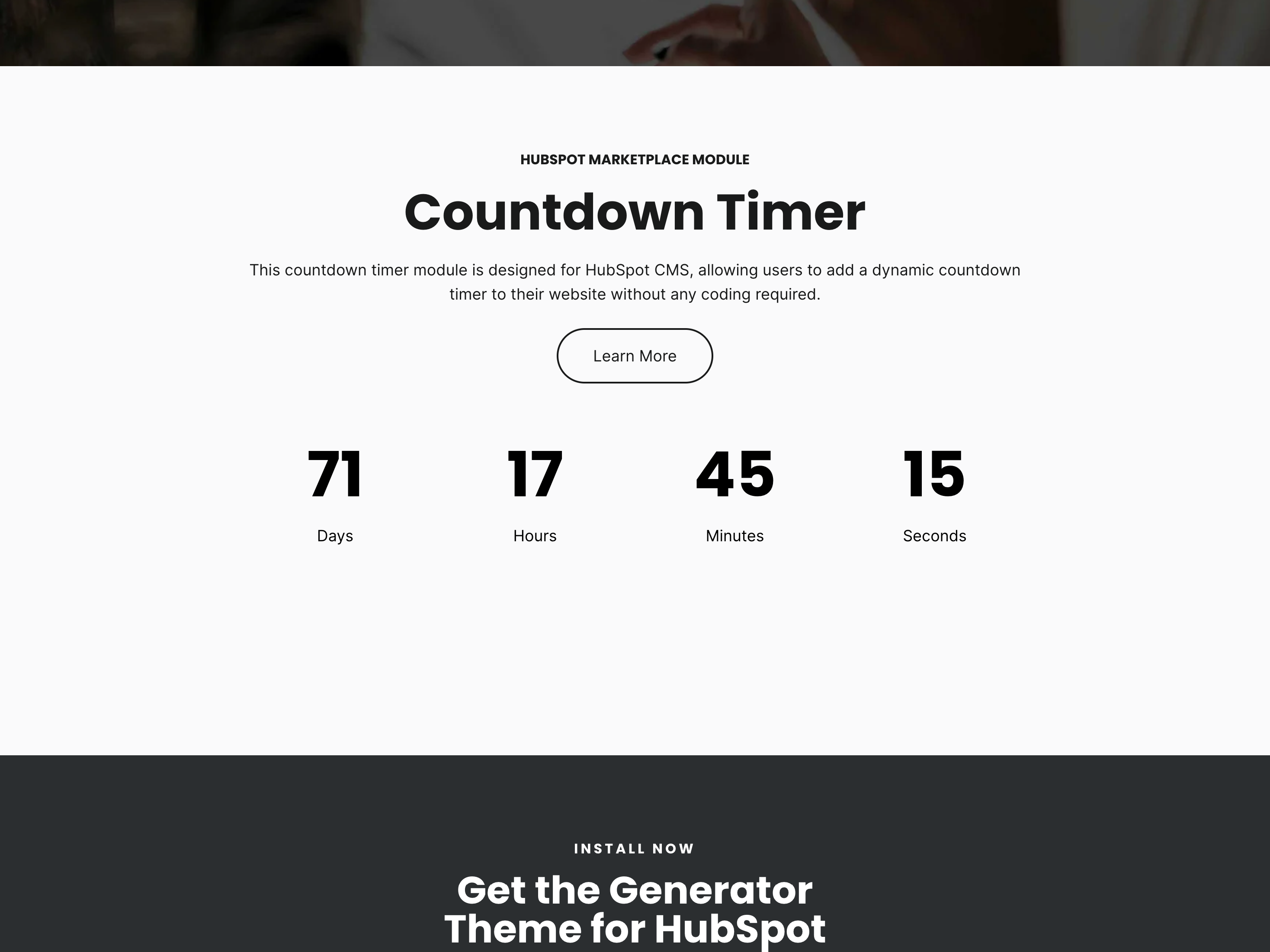
Intuitive Content Editor for Easy Configuration
Set the countdown's end date and custom expiration message quickly and easily. The content editor allows you to specify the exact date and time for the countdown and display a personalized message once the timer expires, keeping your audience informed.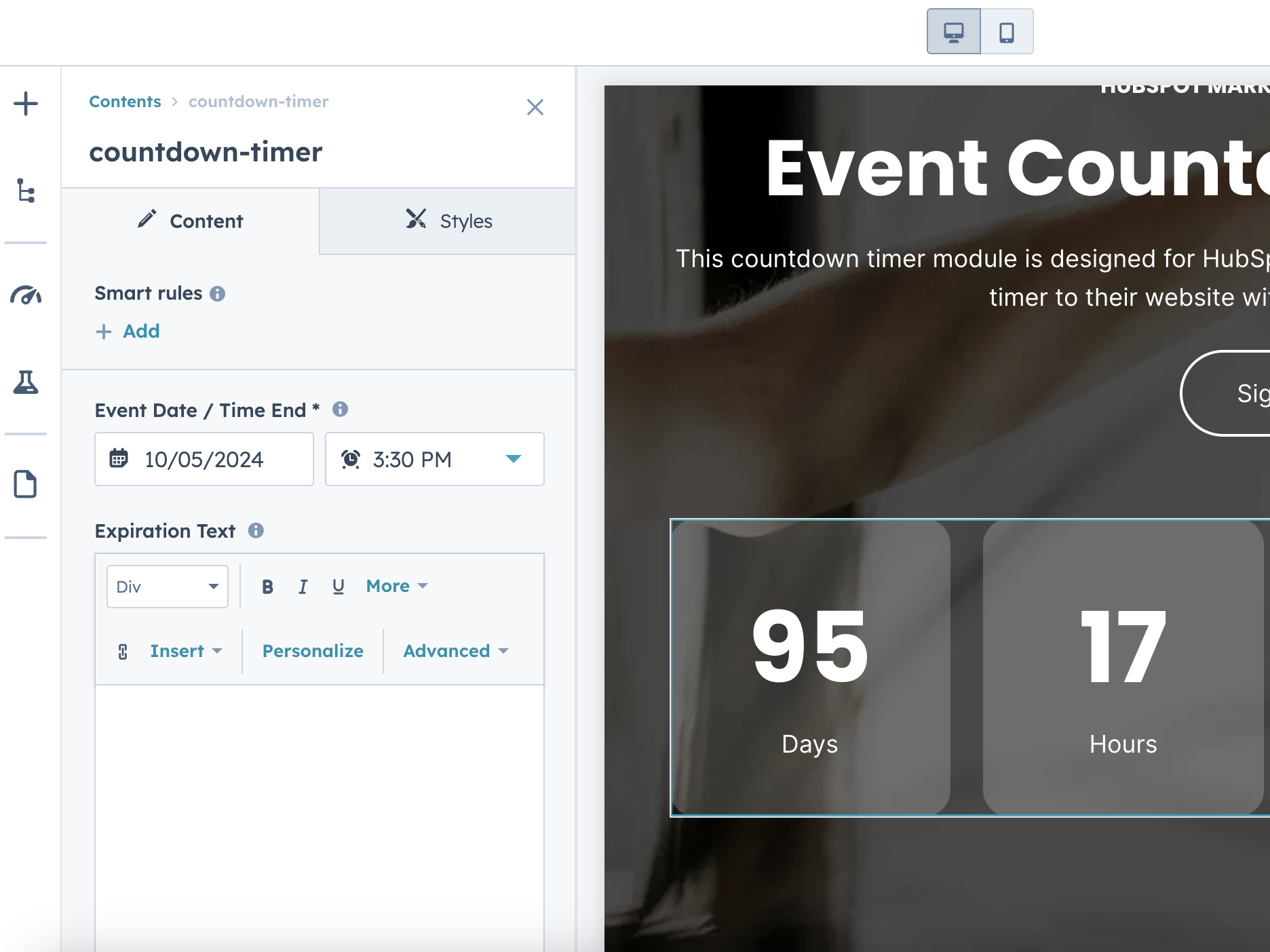
Personalize Your Countdown Timer's Appearance
Adjust text, background, corner radius, and spacing to match your design. The styles editor provides a range of customization options, allowing you to align the countdown timer with your website's aesthetic and branding effortlessly.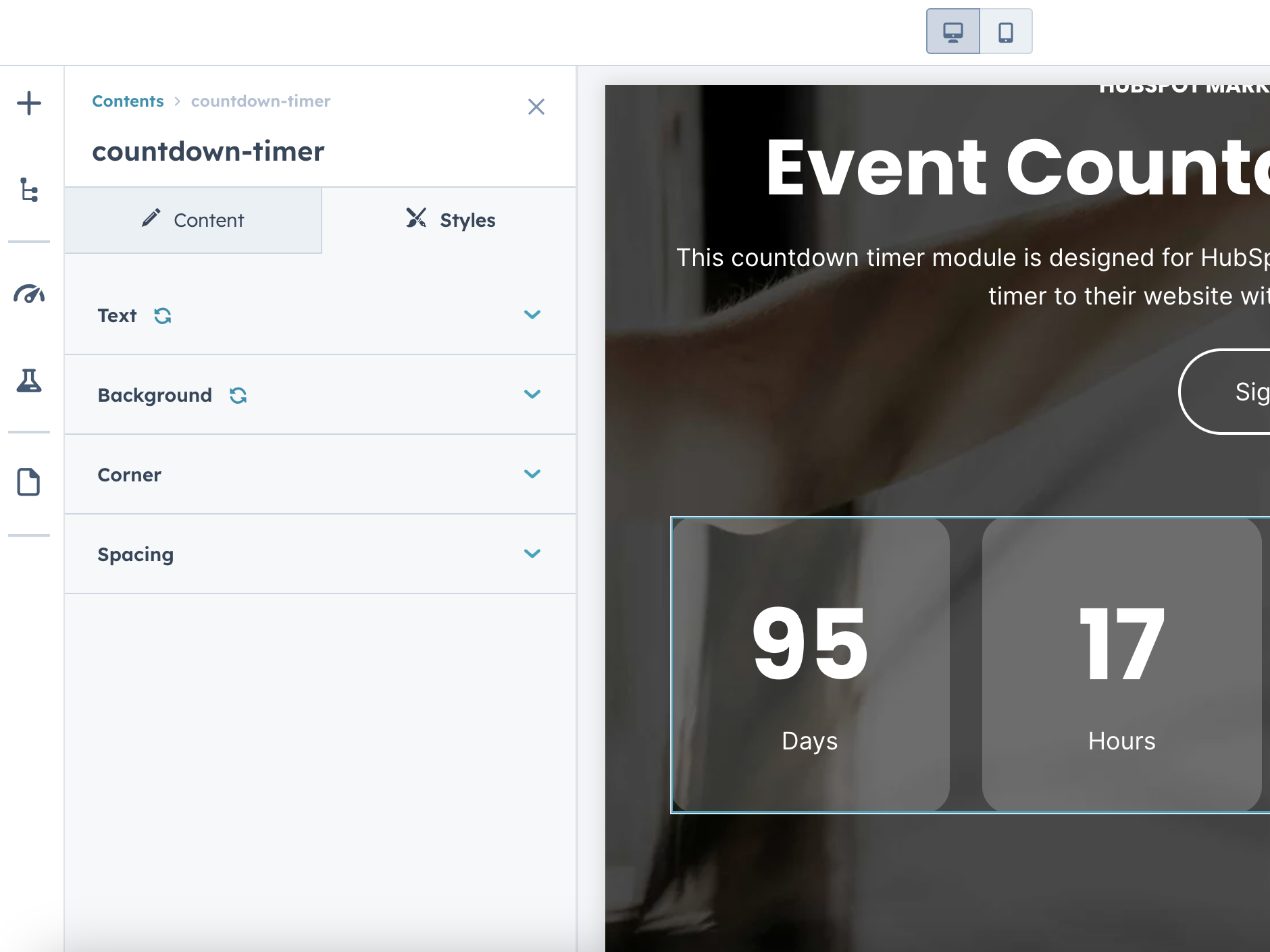
Fully Responsive Countdown Timer for All Devices
Ensure your countdown looks great and functions perfectly on any device. The module is designed to be fully responsive, adapting to various screen sizes and orientations to provide a consistent user experience across desktops, tablets, and mobile devices.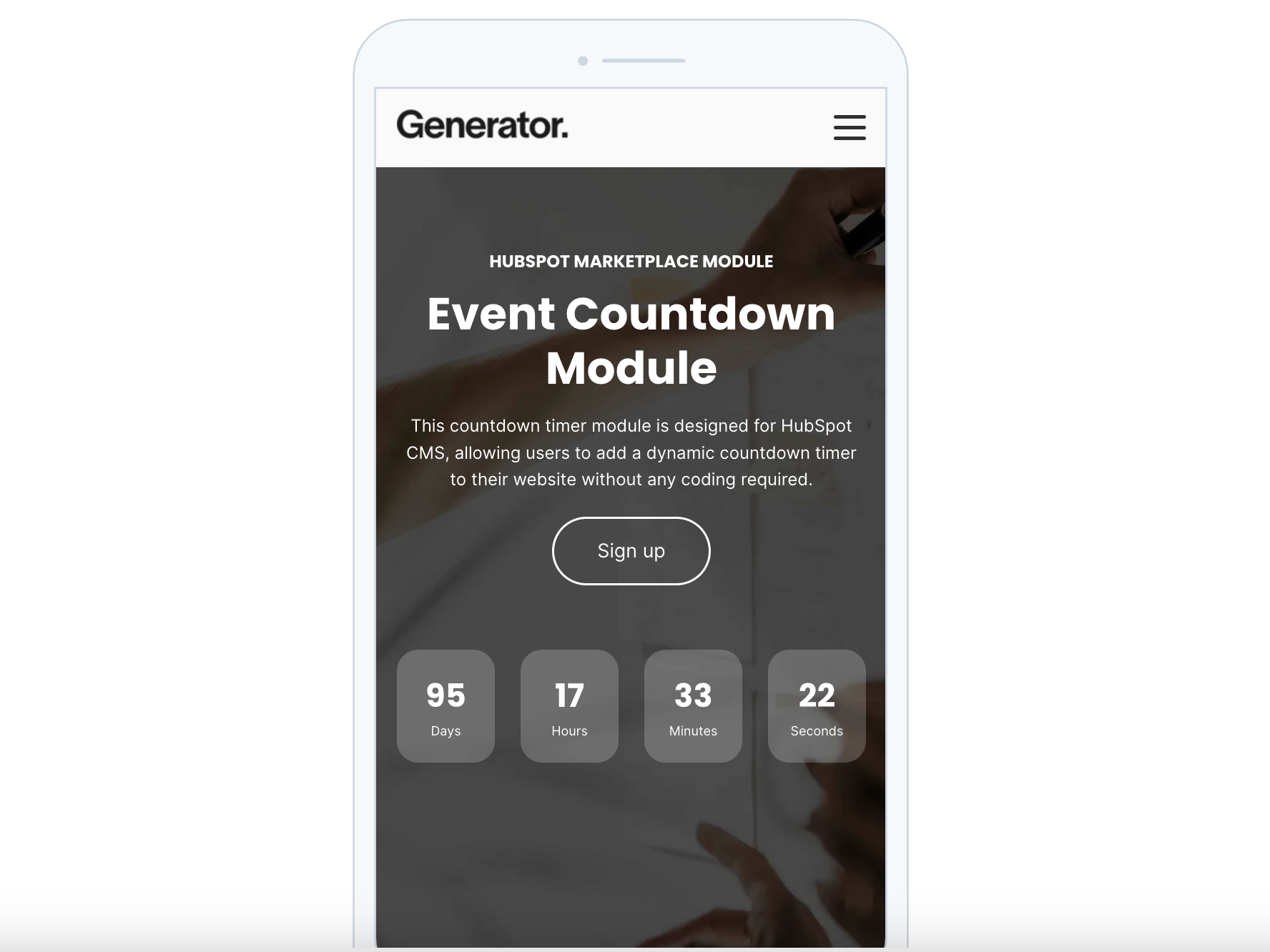
About Module
Total installs - 1,000+
Created - Jul 10, 2024
Version 1 - Jul 10, 2024
Categories Tags
Requirements
HubSpot Subscription Works with all HubSpot plans


Contact Drive Web Studio
Legal Stuff
Please refer to the developer's Privacy Policy and Terms for more information.
Support
Drive Web Studio
- New York, NY, USA
Visit website
HubSpot technical consulting and CMS experts.
Event Countdown Customer Reviews
3.8
4
- Nov 27, 2025
Cool countdown timer
Easy to install and apply to our landing page as expected, also styling could be adopted quickly. Only downside - the units can't be translated manually. I had to write a small Java Script to display German values instead of English.
really easy customizable, fonts, size, color, transparency etc. - really cool timer!
Harling, C.
Version 1
- Nov 11, 2025
Event Countdown
I really liked the overall look and the build of the module. However, there are issues with the line spacing between the number and the copy below. When I reached out for support, I was offered none. Unfortunately, as much as I wanted to use the module, it's not usable as is.
Overall, the theme was very easy to customize except for the spacing between the number and the copy below.
It's a beautiful module.
See above.
Bashaw, M.
Version 1
- Sep 20, 2024
Simple but perfect.
For a free module, this had everything we needed and worked perfectly. Quick install, intuitive set up and did exactly what we needed.
It was easy.
Free. The exact functionality, compatibility and customisation we required.
For a free module you cannot complain, so there are no cons.
Jarvis, R.
Technology - Software - 26 to 50 employees
Version 1
- Jul 30, 2024
muy buen modulo
muy facil de usar y customizar, lo unico es que me gustaria que se pudiera cambiar el idioma
bastante facil
Paz, A.
Technology - Software - 201 to 1,000 employees
Version 1