
1/3
Overview
Hover Utility Card Module is a great-looking module with a visual feast that supports Drag and Drop feature. You can create a nice layout by dropping 1 module or more than 1 module on the same line. Below you can find great features and examples of this module.
✅ Customizable Background:
✅ Flexible Content Placement:
✅ Call-to-Action or Link
✅ Responsive Design:
✅ Override Theme Font Color:
✅ Unique Identifier:
✅ Customizable Padding:
✅ Enable/Disable Unique Hover Effect
✅ Tilt Effect:
✅ Fade Up Animation:
With the Hover Utility Card Module, highlight your product, teammates, services and similar important information about your company with stunning module features.
Features
Customizable Background:
Take full control of your website's appearance by selecting a background that perfectly complements your brand and message. With a wide range of colors and styles, you can effortlessly create a cohesive and visually appealing design.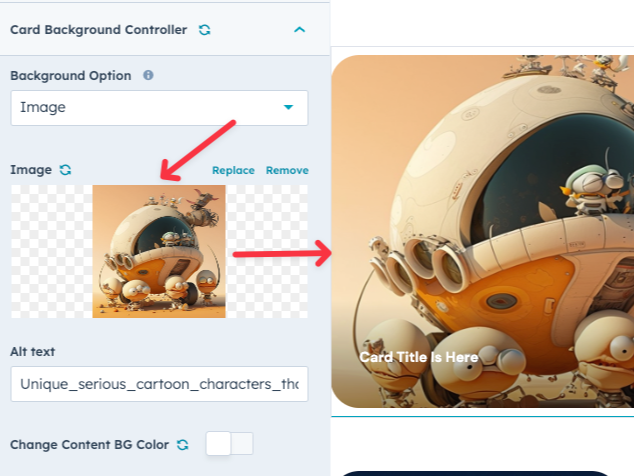
Flexible Content Placement:
Seamlessly arrange your content to suit your preferences. The Hover Utility Card Module empowers you to design and deliver content in an engaging manner.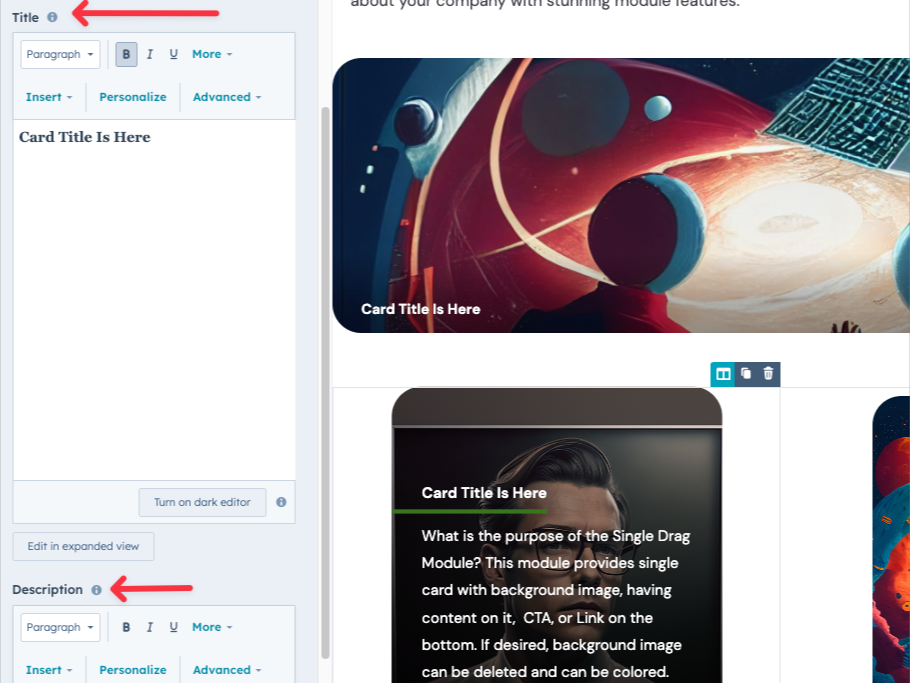
Call-to-Action or Link:
Drive action and conversions with strategically placed call-to-action buttons or links. Direct your visitors to important pages, promotions, or lead generation forms effortlessly.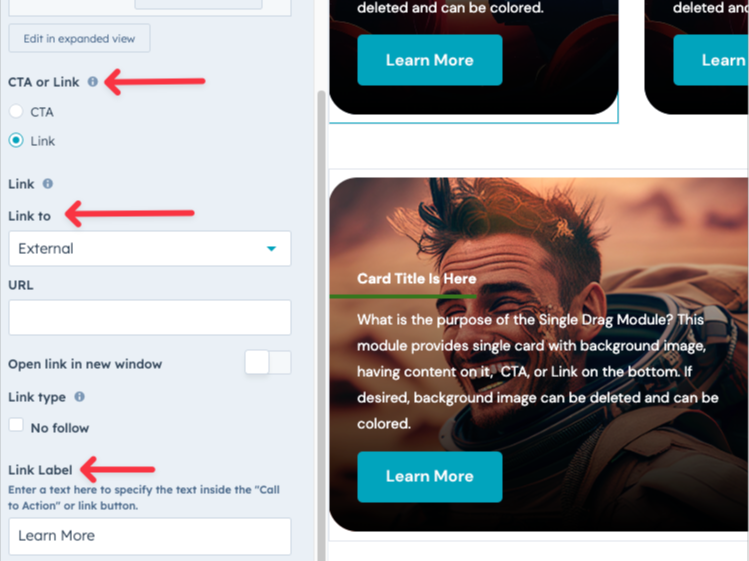
Enable/Disable Unique Hover Effect
The Hover Utility Card Module puts you in control of the hover effect. Enable it for an enchanting visual display, or disable it for a clean, minimalist look.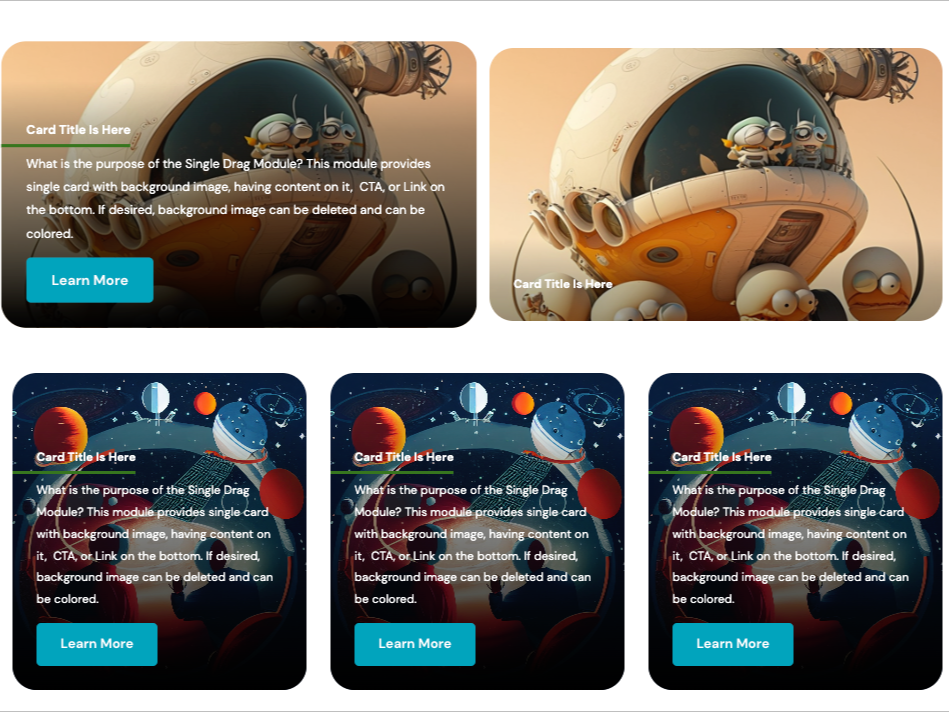
Tilt Effect:
The tilt effect provides animation of the card moving backward in that direction with mouse movements.
About Module
Total installs - 10+
Created - Aug 2, 2023
Version 3 - Feb 20, 2024
Categories Tags
Requirements
HubSpot Subscription Works with all HubSpot plans

Contact Freelopers
Legal Stuff
Please refer to the developer's Privacy Policy and Terms for more information.
Support
Freelopers
- Tallinn, Estonia
Visit website
We are building HubSpot assets for the marketplace, and giving consultancy to generate solid solutions for HubSpot-related cases.
If modules does not work as desired
Discussion on new features
Freelopers typically responds in
- Monday
10:00 AM - 5:30 PM (GMT) - Tuesday
10:00 AM - 5:30 PM (GMT) - Wednesday
10:00 AM - 5:30 PM (GMT) - Thursday
10:00 AM - 5:30 PM (GMT) - Friday
10:00 AM - 5:30 PM (GMT)

Hover Utility Card Customer Reviews
- Feb 25, 2024
Excellent support
The team provided great support in getting this module set up as well as updating it with further improvements for mobile viewing.
It was made easier by team updating the module.
Brings our website to a modern area and helps educe the page size of team page
Controlling the size of the cards with team bios
Weedon, G.
Technology - Software - 26 to 50 employees
Version 3
- Sep 13, 2023
Perfect addition to our website!
This module works exactly as expected and it easy to implement and customize.
Very easy and intuitive
Works as expected and looks amazing
Creating cards of the exact same size is a little tricky depending on the text content. I had to play with adding extra returns, etc. to the text to get everything to line up correctly.
Tenorio, A.
Technology - Software - 51 to 200 employees
Version 1