
1/7
Overview
*This module requires a Mapbox account.
This module empowers users to create interactive, fully customizable maps with ease, helping them showcase locations effectively without the need for coding.
It offers full control over map settings, including zoom levels, map center, and movement dynamics, ensuring a tailored user experience.
The module's standout feature is its extensive styling options—allowing users to customize the side panel, map appearance, popups, and markers to perfectly align with their brand.
Additionally, it’s fully optimized for mobile, providing a seamless experience across all devices.
Whether you're looking to visually enhance your website or provide detailed location information, this module simplifies the process while offering powerful customization features.
Features
Effortlessly Plot Locations Without Code
Easily add locations to your map by simply entering latitude and longitude coordinates—no coding required. Perfect for showcasing multiple locations with precision and ease.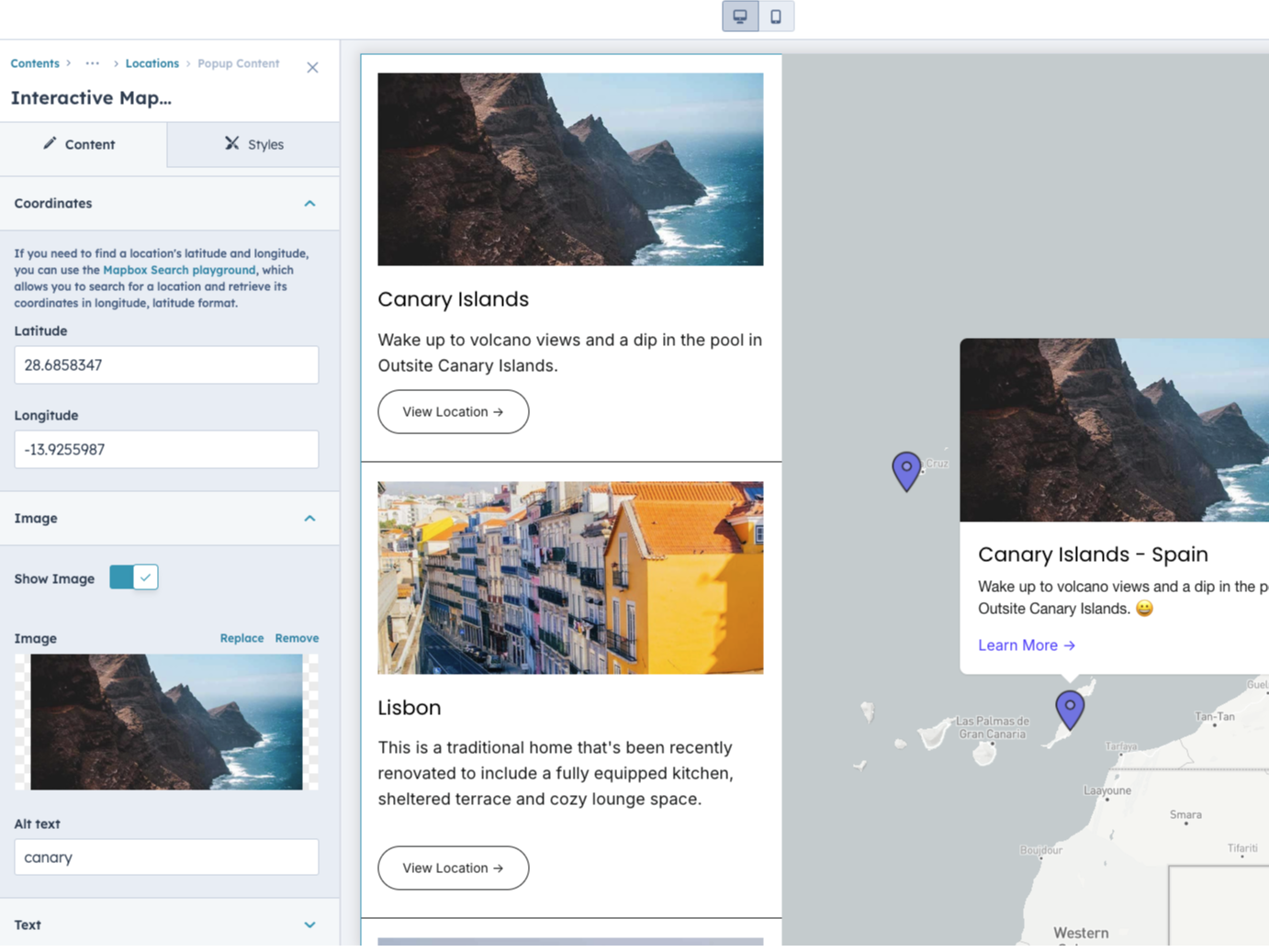
Full Control Over Side Panel Design
Personalize your side panel with customizable background, color, border, spacing, and content styles. Enhance the look of images, titles, descriptions, and buttons effortlessly.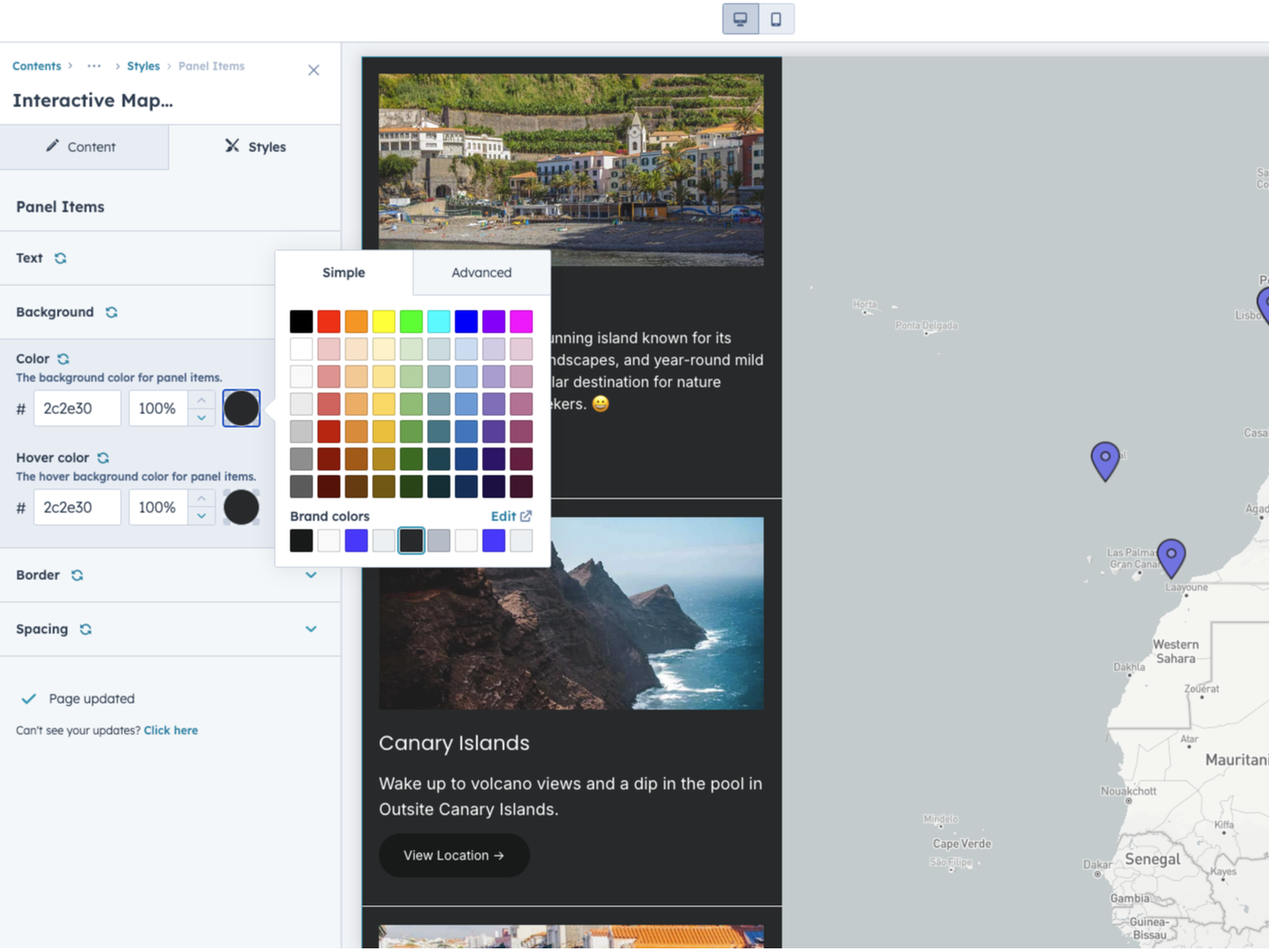
Customize the Map Styling
Choose from default themes like light or dark, or create a fully customized map using Mapbox Studio. Tailor your map’s style to perfectly fit your brand.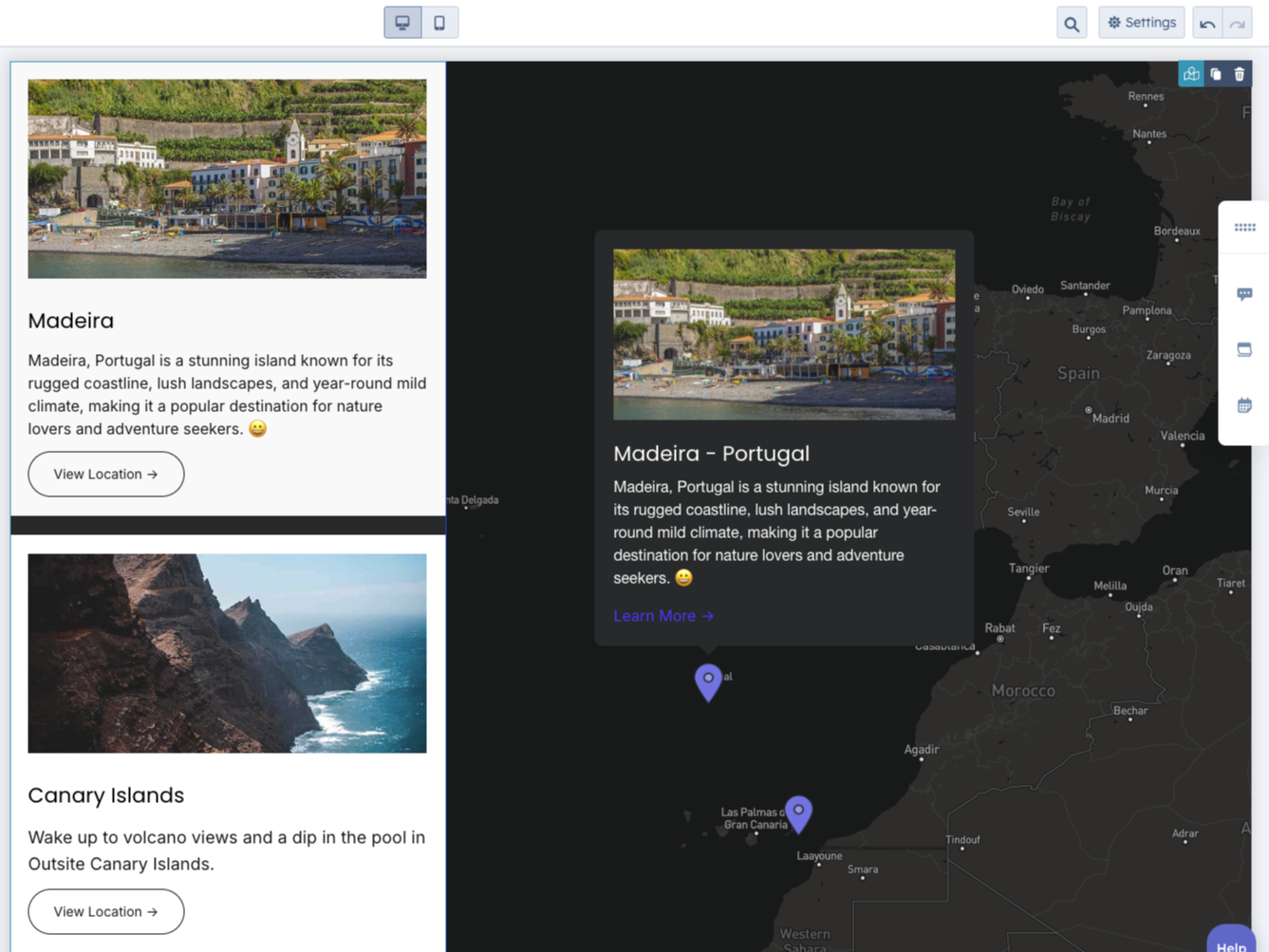
Design the Popups and Markers
Control every aspect of your popups, from image and text spacing to title, content, and button styles. Customize your markers with any image to create a unique user experience.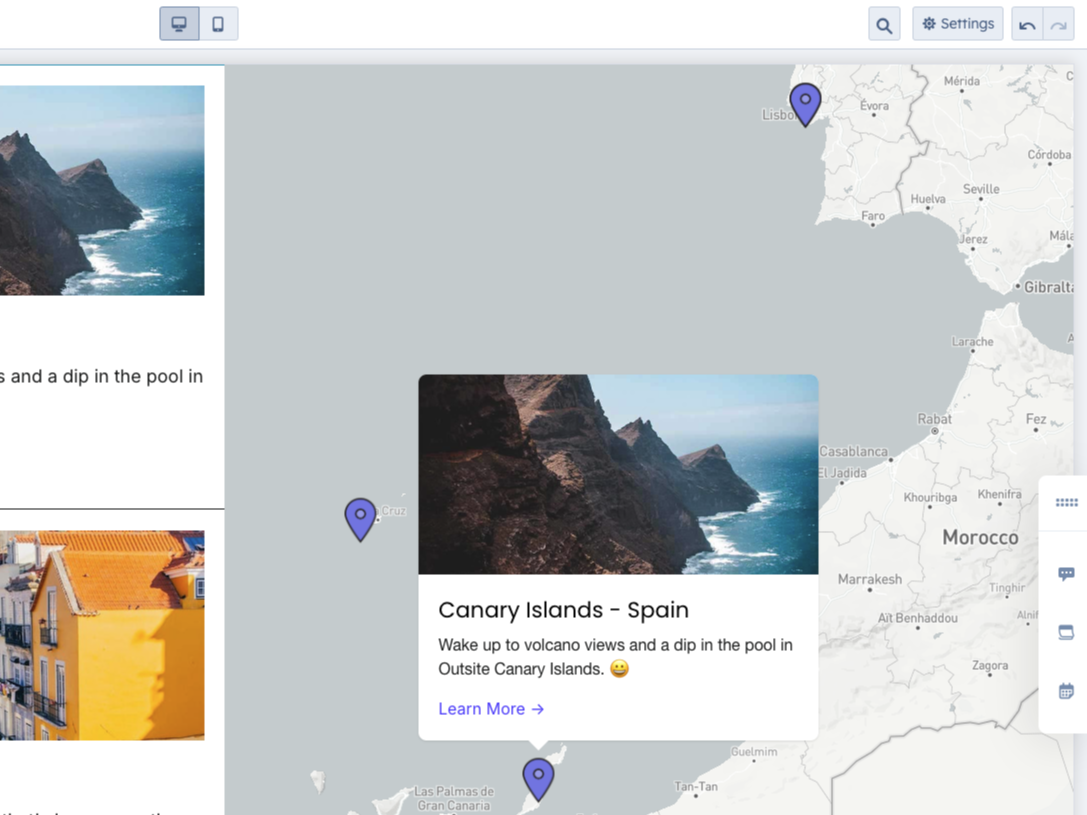
Optimized for Mobile
Enjoy a clean, user-friendly layout on mobile devices with a neatly organized list of all locations. Perfectly optimized for mobile, ensuring a smooth experience on any device.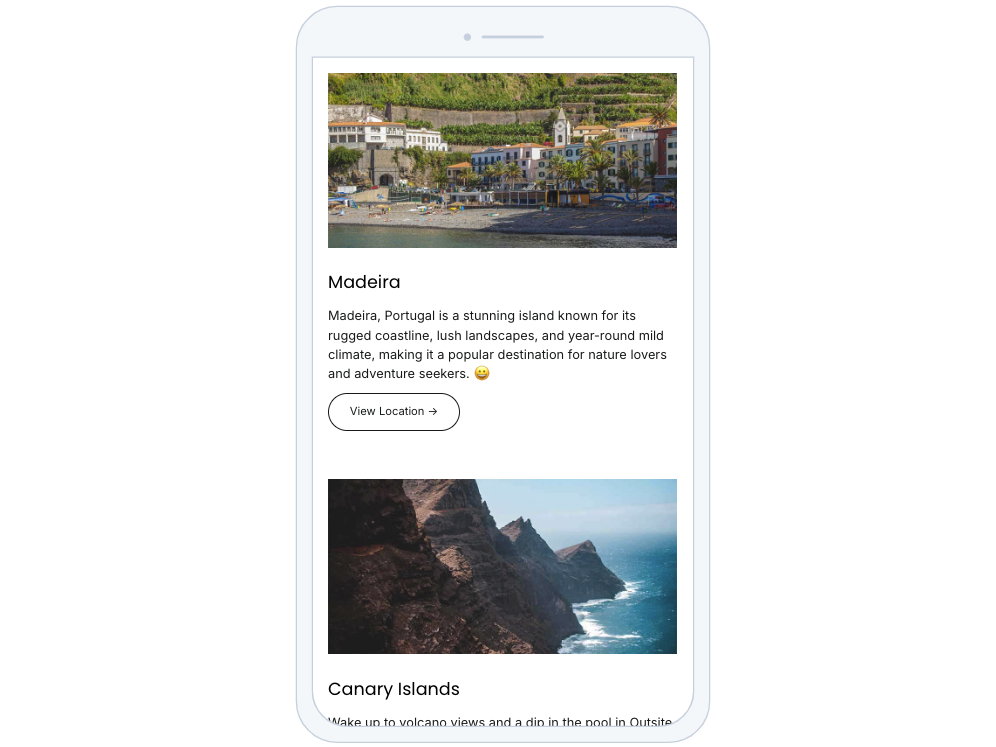
About Module
Total installs Fewer than 10 Created - Aug 20, 2024
Version 2 - Oct 30, 2024
Categories Tags
Requirements
HubSpot Subscription Works with all HubSpot plans


Contact Drive Web Studio
Legal Stuff
Please refer to the developer's Privacy Policy and Terms for more information.
Support
Drive Web Studio
- New York, NY, USA
Visit website
HubSpot technical consulting and CMS experts.
Live 1:1 on-boarding & setup over Zoom
Email support
Drive Web Studio typically responds in
- Monday
10:00 AM - 4:00 PM (EST) - Tuesday
10:00 AM - 4:00 PM (EST) - Wednesday
10:00 AM - 4:00 PM (EST) - Thursday
10:00 AM - 4:00 PM (EST) - Friday
10:00 AM - 4:00 PM (EST)
Interactive Map Customer Reviews
- Jun 5, 2025
⭐⭐⭐⭐⭐ Perfect for Showcasing Multiple Locations!
This HubSpot map module made it incredibly easy to display our many local markets across the US—no coding needed. The customization options let us match our brand perfectly, and mobile optimization ensures a smooth experience everywhere. Best of all, the support was fast and super helpful. Highly recommend for anyone needing a professional, user-friendly mapping solution.
It was very easy and straightforward! The customization options are clearly laid out in the settings panel, and we were able to match our brand colors, markers, and layout perfectly within minutes.
Andrades, R.
Version 2
- Apr 1, 2025
works great!
after a small misunderstanding on our part, it worked flawlessly and super easy. And support answered me right away to answer my questions.
very easy. I have tried several map modules before and they were all very cumbersome. This one is straightforward and very easy.
none
Hohmann, C.
Version 2