
1/5
Overview
This is a Media Content Tabs module. You can modify any content or style settings within this section. Customize media elements, text content, spacing, text colors, button styles, background colors, tab layouts, and other design elements based on your preferences. Multiple customization options are available in this module to control how media, content, CTA buttons, lists, and tabbed sections are displayed and organized for a flexible and engaging user experience.
Features
First Layout
In this layout, a custom content block with image, heading, and CTA appears on the left, while dynamic image are displayed on the right.
Second Layout
In this layout, the heading and CTA appear at the right, with dynmic Image shown on the right side.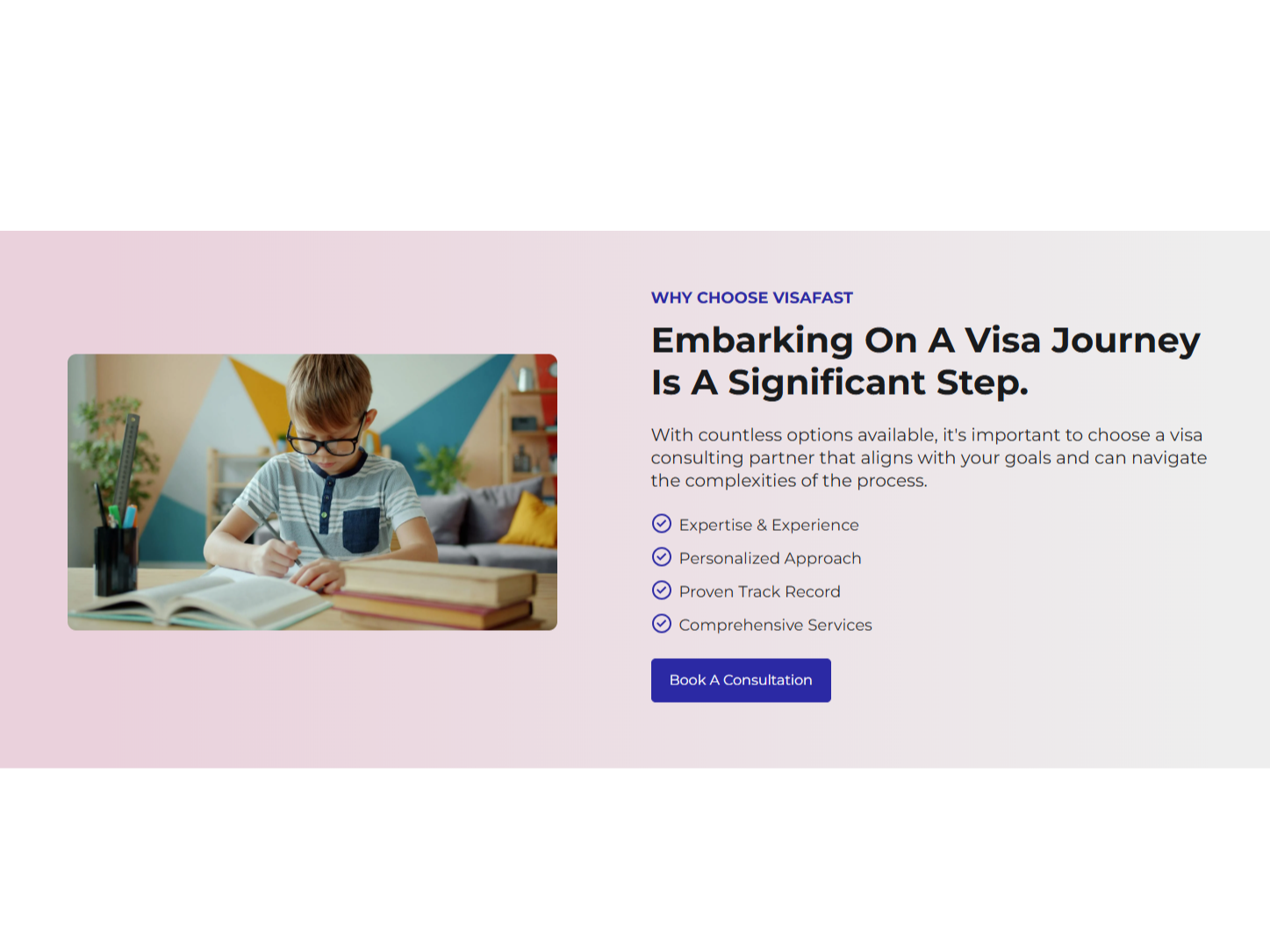
Third Layout
Image is displayed on the left with tabbed content on the right. Selecting a tab updates the related image dynamically. Customize tabs, content, images, CTA buttons, and design settings easily.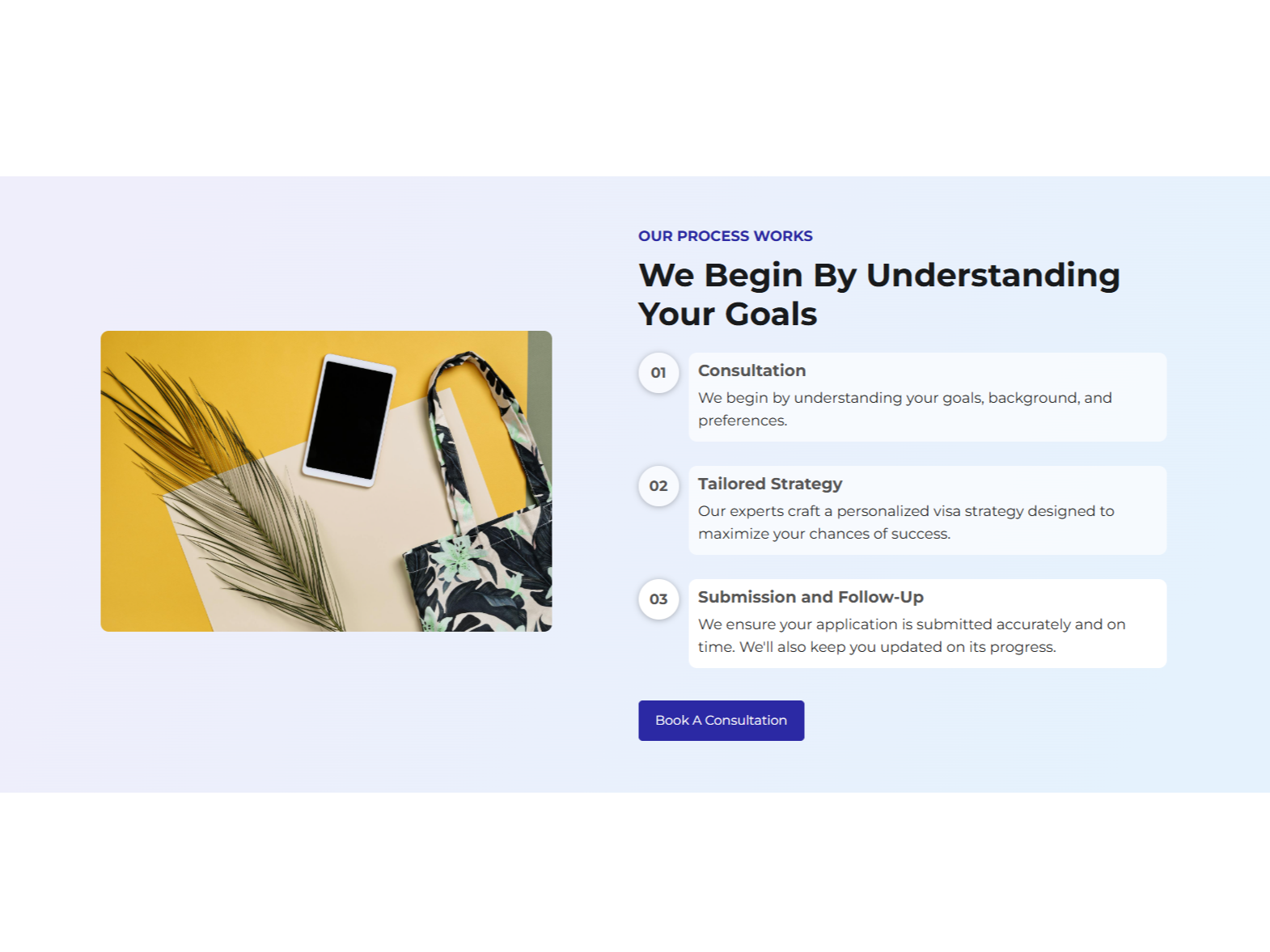
Fourth Layout
Tabbed content is displayed on the left with the image on the right. Selecting a tab dynamically updates the related image. Customize tabs, content, images, CTA buttons, and styles easily.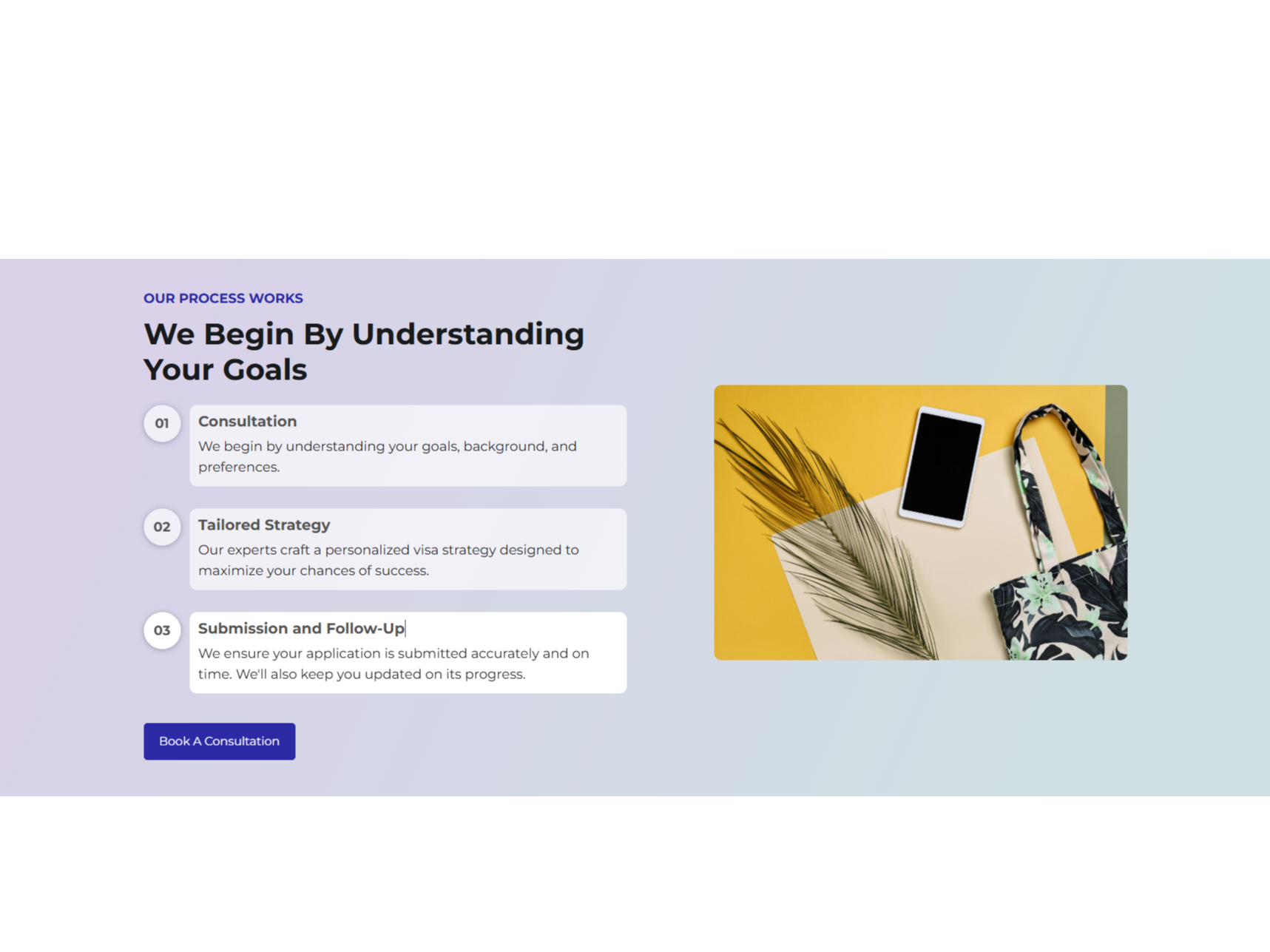
Full Responsive Module - Looks Good on Mobile Devices
Users can crate content blocks that include different variations. If you want to show a title, then toggle on. If you want to hide the title, then toggle off.-Jun-16-2026-09-39-26-6961-AM-1.png)
About Module
Total installs Fewer than 10 Created - Jun 16, 2026
Version 1 - Jun 16, 2026
Categories Tags
Requirements
HubSpot Subscription Works with all HubSpot plans
Contact Crowdvolley It Solutions
Legal Stuff
Please refer to the developer's Privacy Policy and Terms for more information.
Support
Crowdvolley It Solutions
- Sector 74, Sahibzada Ajit Singh Nagar, Punjab 140308, India
Visit website
A top-notch HubSpot asset provider. We're just "you" on the provider side of the equation. This is a human-to-human business, so it's all about delivering a good experience to you.