
.jpeg)
1/3 - Visually track your journey to completion. Watch the bar fill up as you knock out setup tasks.
Overview
The Smart Checklist module is a dynamic, visual tool designed to guide users through any setup, configuration, or training process efficiently. It replaces confusing, long instruction manuals with a simple, interactive success roadmap.
This Module's core power lies in its real-time visual tracking (the progress bar), clear task status labels (Not Started, In Progress, Completed), and a rewarding Completion Pop-up that celebrates the final step. It significantly improves user experience by celebrating progress, reducing friction, and ensuring users complete all necessary steps to achieve their goal.
Key Features:
Visual Progress Tracker: A dynamic bar that fills up in real-time, giving users instant visual confirmation of their success.
Clear Task Status: Provides instant status labels for every task: Not Started, In Progress, or Completed.
Completion Pop-up: Triggers a pop-up message (e.g., "Checklist Completed!") when all tasks are done, celebrating the user's success.
Manage Multiple Flows: Supports creating and managing separate checklists for different goals (e.g., Account Setup, Training).
Full Customization Control: Easily adjust colors, fonts, and layout to perfectly match your brand identity.
Instant Reset Button: Includes a dedicated "Reset Checklist" button that lets users quickly clear all progress and start the process over.
Responsive Design: Guarantees the tool works flawlessly on all devices (mobile, tablet, desktop).
Features
Support for Unlimited Checklists
Easily create and manage multiple, separate checklists for different setup goals.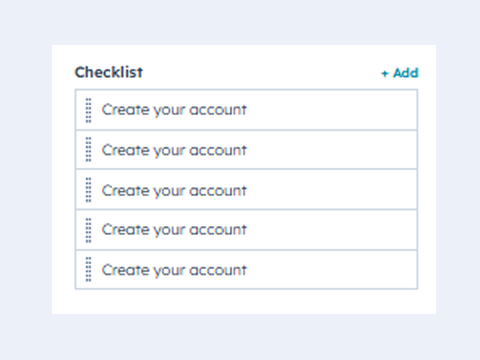
Visual Setup Tracker
See your progress bar fill up as you complete essential setup steps to finish fast.-2.jpeg)
Track Step by Step
Instantly see if a task is Not Started, In Progress, or Completed.-1.jpeg)
Fully Customizable
Customize layouts, styles, and features to match your exact needs.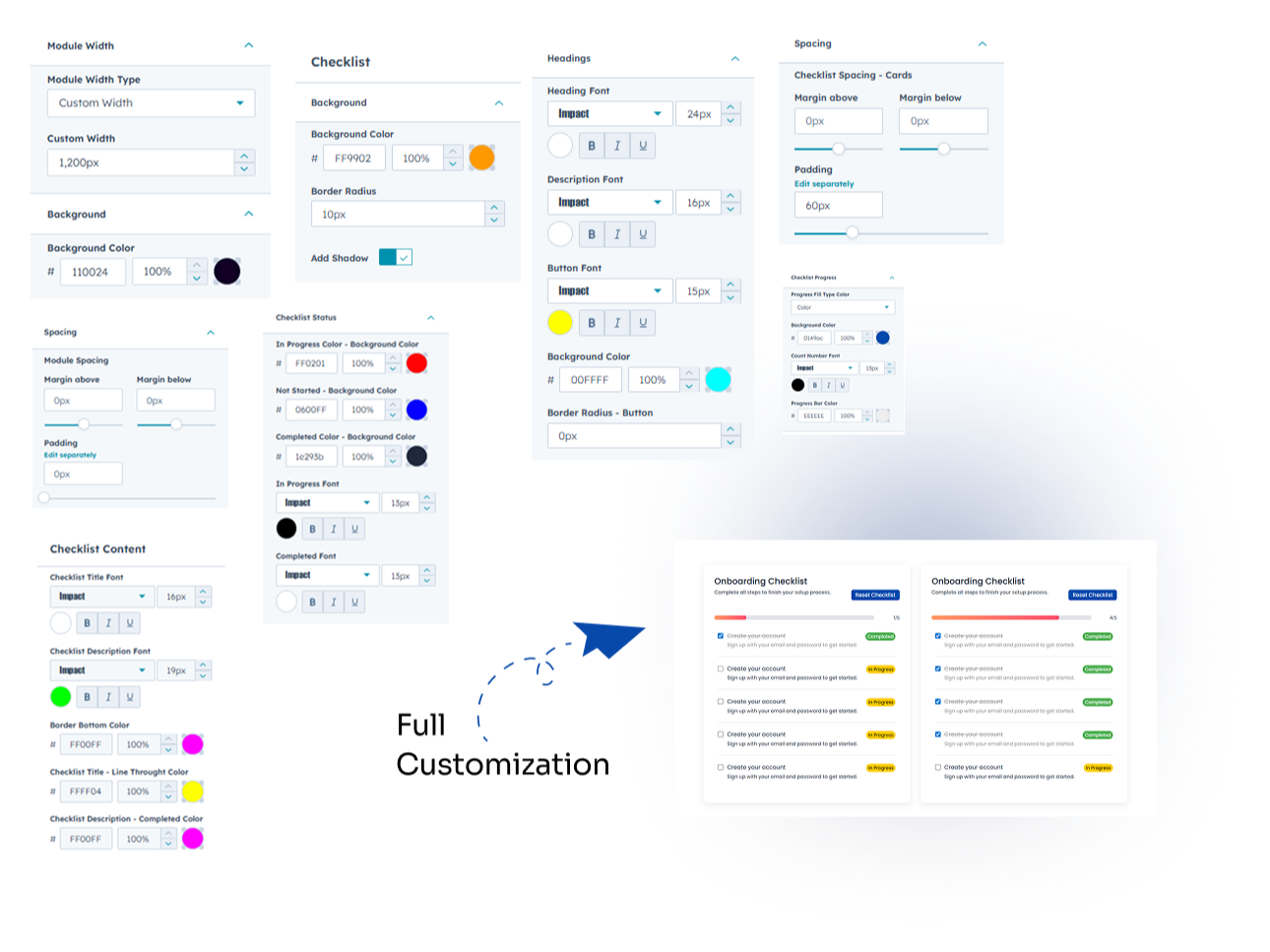
Responsive Layout
Works smoothly across desktop, tablet, and mobile devices..jpeg)
About Module
Total installs Fewer than 10 Created - Sep 30, 2025
Version 4 - Jul 14, 2026
Categories Tags
Requirements
HubSpot Subscription Works with all HubSpot plans
Contact Modfrybus
Legal Stuff
Please refer to the developer's Privacy Policy and Terms for more information.
Support
Modfrybus
- India
Visit website
Modfrybus is specialize in HubSpot web design and development. We craft sleek, custom themes and offer easy-to-use modules. Our friendly support is always here to help you bring your ideas to life.
No-Cost Bug Fixes
Unlimited Email Support
Modfrybus typically responds in
- Monday
11:00 AM - 6:00 PM (IST) - Tuesday
11:00 AM - 6:00 PM (IST) - Wednesday
11:00 AM - 6:00 PM (IST) - Thursday
11:00 AM - 6:00 PM (IST) - Friday
11:00 AM - 6:00 PM (IST)
