
1/5
Overview
Store Locator Pro puts a searchable map of your locations on a HubSpot page. A visitor types a town, filters by category, or presses the near-me button, and gets the closest branch with the distance printed on the card and a directions link that opens in their own map app.
Locations are editor rows. Each one takes a name, address, latitude and longitude, phone, email, opening hours, a category, a photograph, a link and a short note, plus its own detail rows — a line of text with an icon from HubSpot's icon library, for parking, step-free access, click and collect, a late night. Categories are rows too, each with a label and a colour that paints the filter, the card chip and the pin. Build a shop finder, a dealer network, a clinic directory, a list of offices, a stockist page or a set of service points.
Draw it on Google Maps with your own Google Cloud API key, restricted to your own domains. Google's Dynamic Maps allowance covers 10,000 map loads a month at no cost, then $7.00 per 1,000, and the Cloud project needs billing switched on either way. The setup doc walks through creating the key, restricting it and setting a daily quota cap. The other mode is a street map built on Leaflet, which is bundled inside the module. That mode needs a tile provider: several basemap presets draw with no key pasted anywhere, under free terms written for low volume, and a commercial site takes an account with a provider and pastes their key. Set the mode to Google Maps and leave the key empty and the street map is drawn instead, so a published page always shows a map.
Search, category filtering, distance sorting, the radius limit and marker grouping all run in the visitor's browser against the locations already on the page. Nothing is sent to a service. Click a card and the map flies to that location at street level and opens its bubble; click a marker and the card is activated and scrolled into view. Directions links open in Google Maps, Apple Maps, Waze or OpenStreetMap and are plain URLs with the coordinates in them, so they need no account.
Layouts: list beside the map on either side, map above the list, list above the map, map only, list only. The map can hold its place at the top of the screen while the cards scroll under it, and a handle lets a visitor drag it taller or shorter with a mouse, a finger or the arrow keys. Every colour, size, spacing, radius, weight and visible string is a field, monochrome by default, with fonts and the accent colour inherited from your theme. The category filter and radius picker are the module's own listboxes, so they take your styling and answer the keyboard.
What it does not do: it does not read locations from a HubDB table or a CRM object, it does not calculate driving distance or routes, it does not geocode addresses in bulk — you enter coordinates once per location — and it does not supply map tiles or hold a Google key for you.
Features
Google Maps or a street map
Google Maps runs on your own Cloud key, restricted to your domains. The street map is Leaflet, bundled inside the module, on a basemap that draws with no key. Locations, search, distance sorting, marker grouping and the list-to-map sync work the same on either.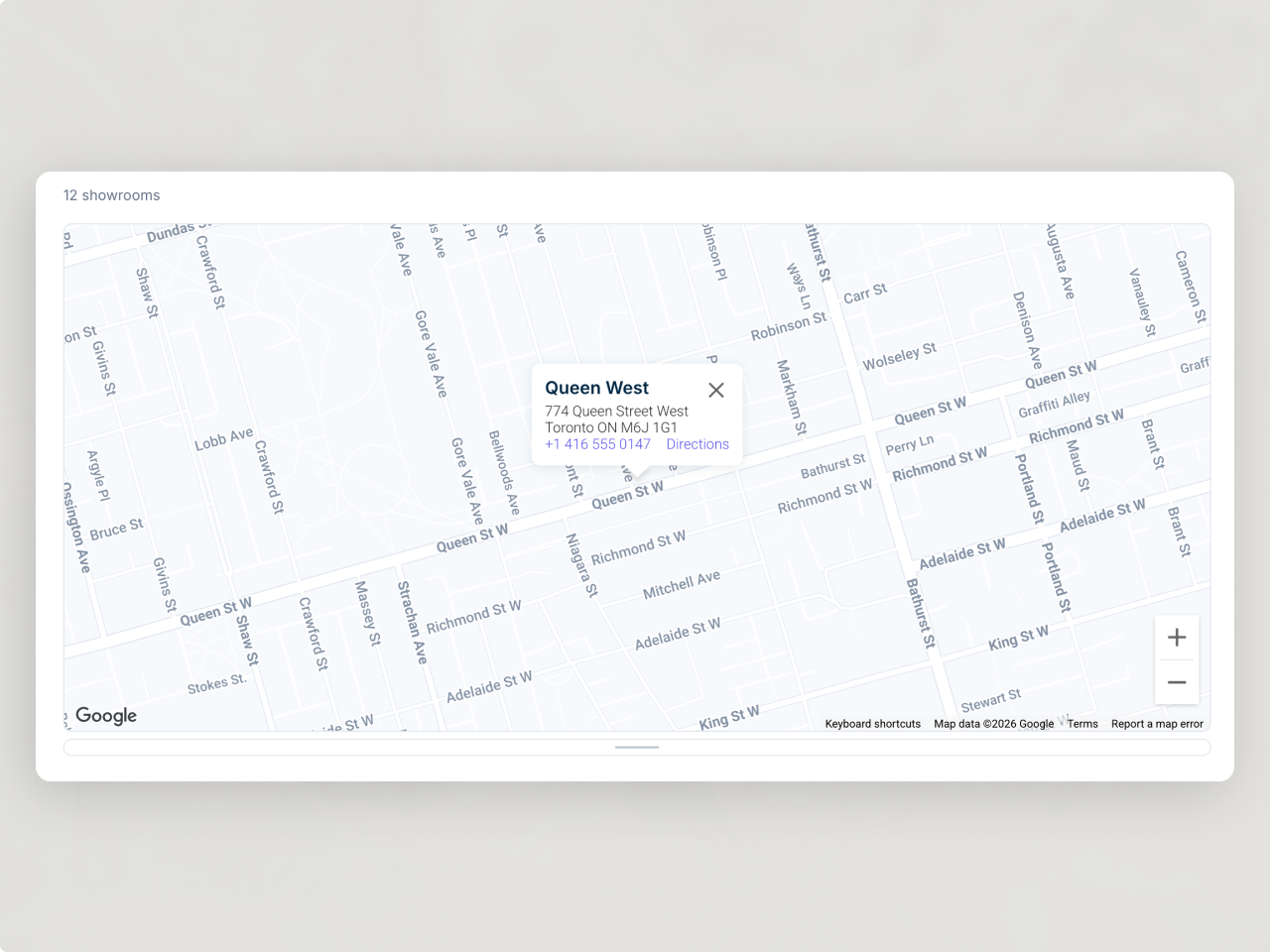
The nearest branch, worked out in the browser
The near-me button asks the browser for a position, measures the distance to every location, sorts the cards nearest first and offers a radius picker. When nothing falls inside that radius it shows the closest locations with their real distances.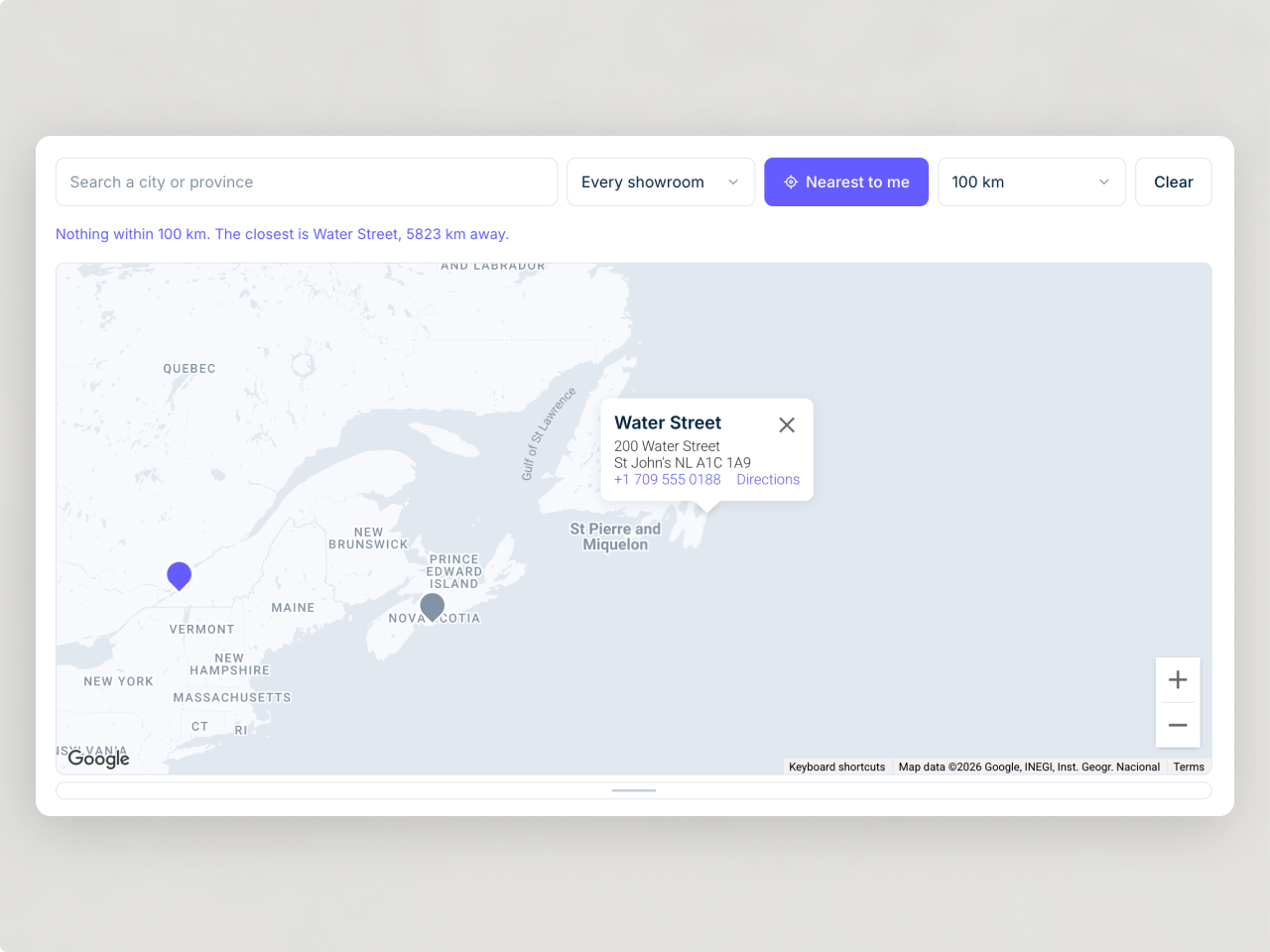
Every value is an editor field
Colours, sizes, spacing, radii, weights, transitions and every visible string are fields, monochrome by default, with fonts and the accent colour inherited from your theme. Cards, pickers, pins and the drag handle are keyboard operable with visible focus rings.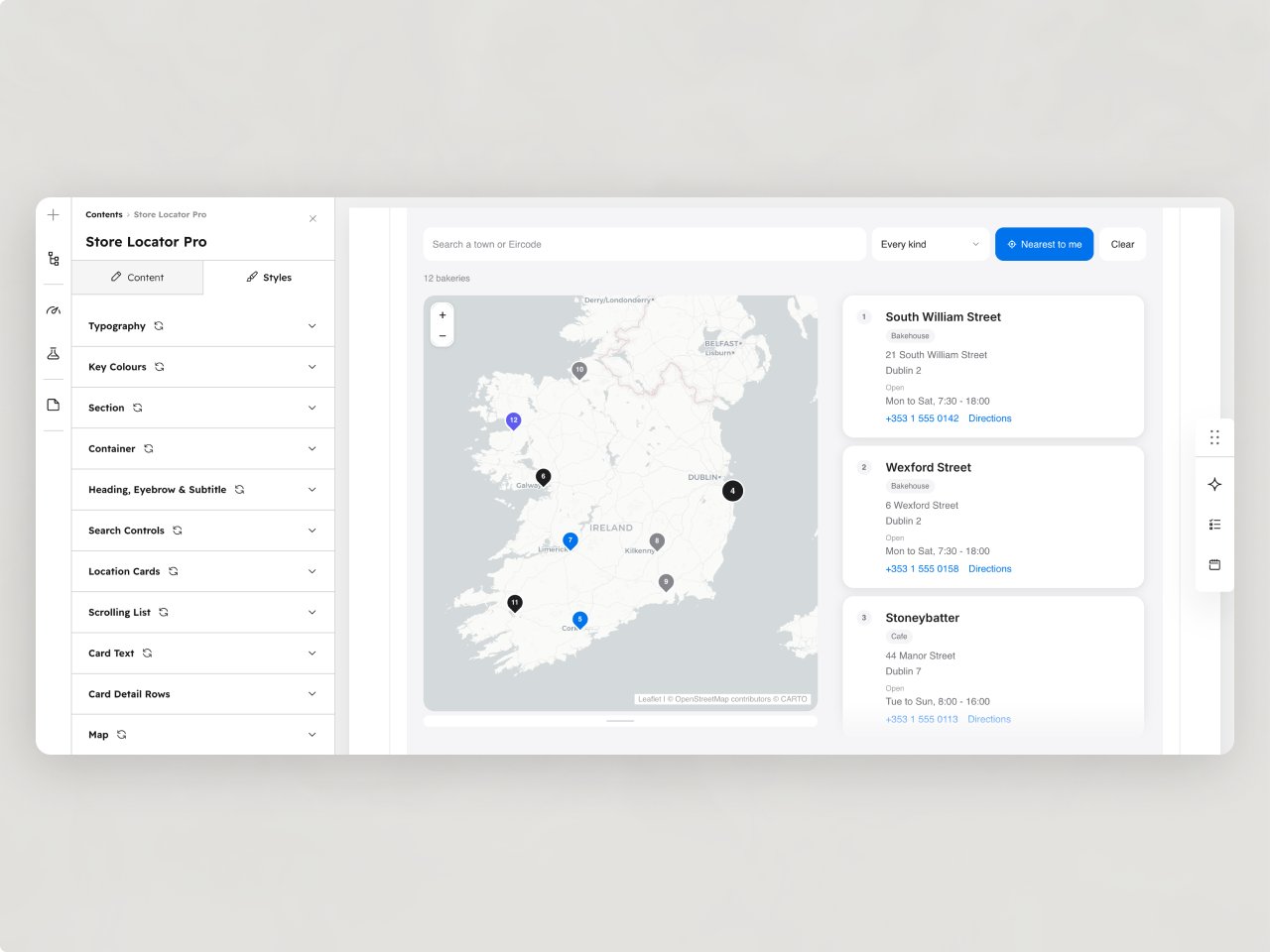
About Module
Total installs Fewer than 10 Created - Aug 26, 2026
Version 1 - Aug 26, 2026
Categories Tags
Requirements
HubSpot Subscription Works with all HubSpot plans
Contact Studio Nope
Legal Stuff
Please refer to the developer's Privacy Policy and Terms for more information.
Support
Studio Nope
- Romania
Visit website
Studio Nope designs and builds fast, clean HubSpot CMS websites and custom themes for teams that care about performance, editing experience, and reliable tracking.
Unlimited email support
Studio Nope typically responds in
- Monday
9:00 AM - 5:00 PM (EET) - Tuesday
9:00 AM - 5:00 PM (EET) - Wednesday
9:00 AM - 5:00 PM (EET) - Thursday
9:00 AM - 5:00 PM (EET) - Friday
9:00 AM - 5:00 PM (EET)