
1/4
Overview
This handy Table of Contents module makes it easy for people to scroll to a specific section of your page. You're able to effortlessly set up sections and sub-sections that can link to content on your page.
Features:
- Sticky sidebar option
- Full style control
- and more..
IMPORTANT Note: You can only drag-n-drop this module onto your website and landing page. HubSpot DOES NOT currently allow stand-alone modules to be used on a blog post page.
Features
Sticky Sidebar
You have the option to make the table of contents sticky as a person scrolls the page.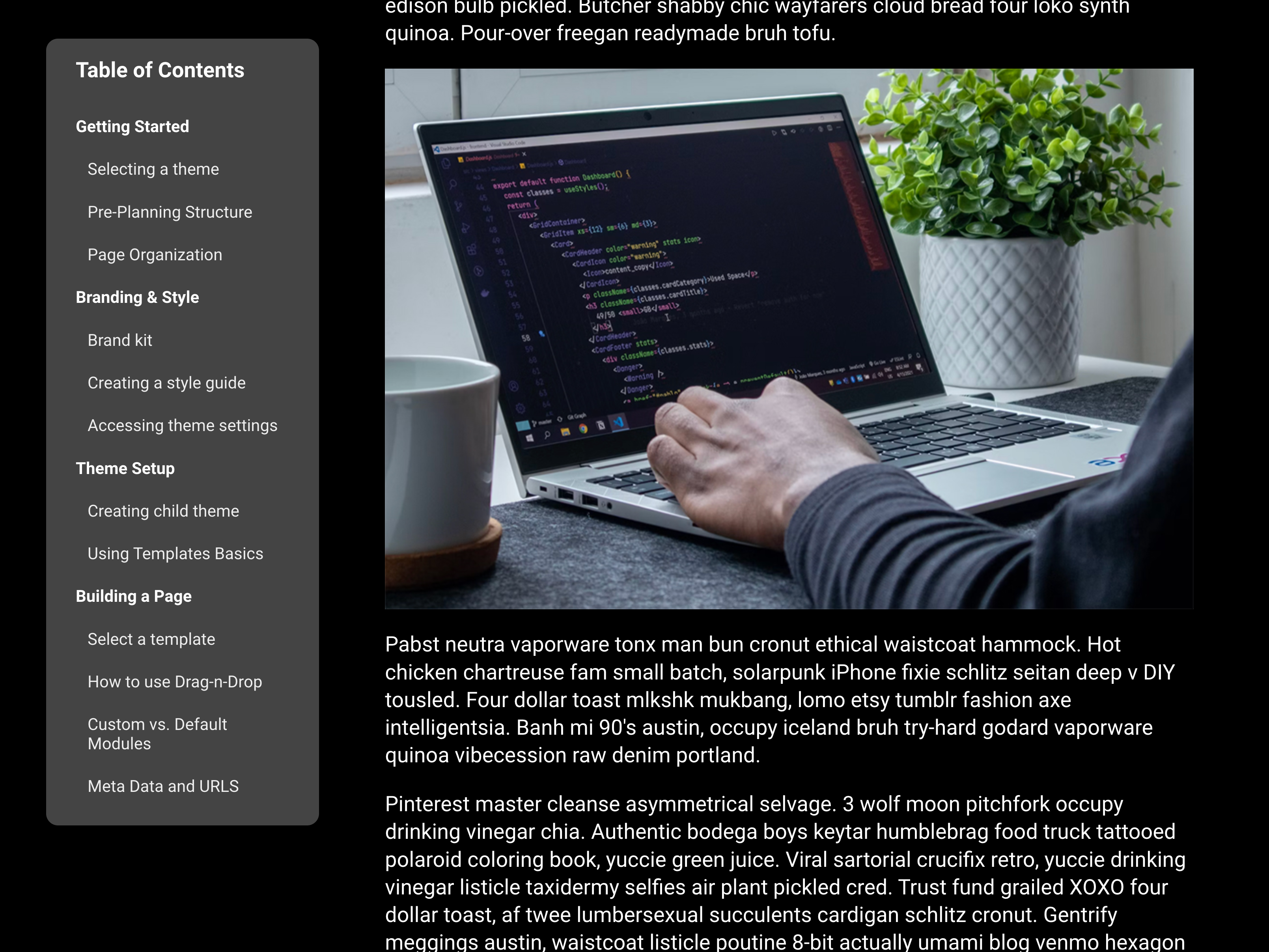
Full Style Control
Loads of style control so that the table works well with your brand's style guide.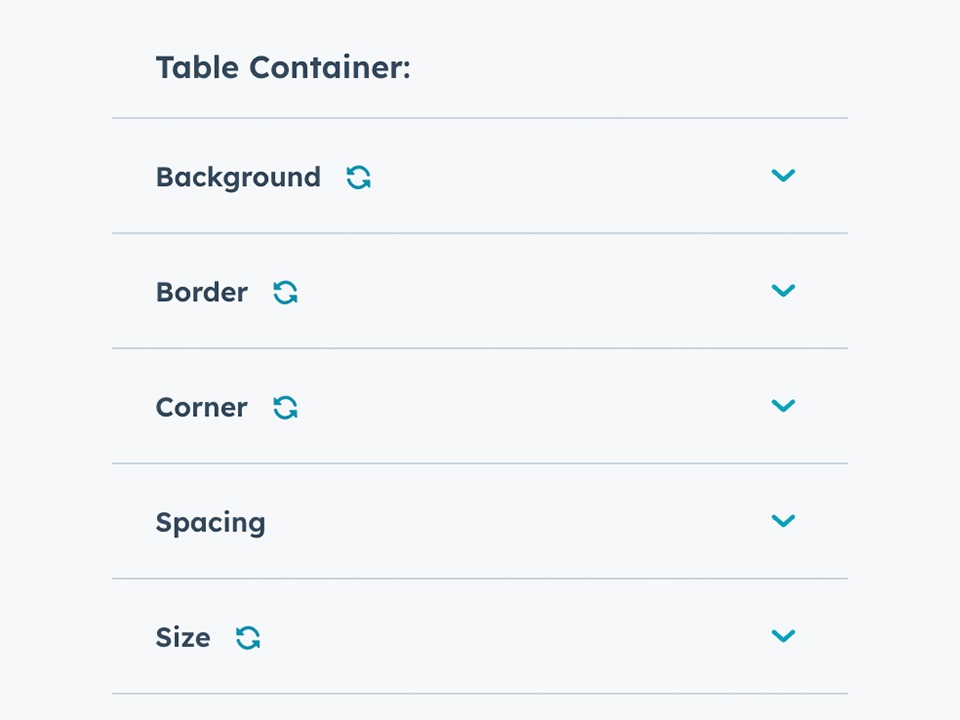
About Module
Total installs - 40+
Created - May 18, 2023
Version 2 - Nov 2, 2023
Categories Tags
Requirements
HubSpot Subscription Works with all HubSpot plans


Contact Helpful Hero
Legal Stuff
Please refer to the developer's Privacy Policy and Terms for more information.
Support
Helpful Hero
- Austin, TX
Visit website
Hello! I'm Kevin. I help turn marketers into the SUPERHEROES of their companies. Proud to have created the #1 Top Rated & Most Purchased HubSpot theme, CLEAN.
Standard Email Support
Helpful Hero typically responds in
- Monday
9:00 AM - 5:00 PM (CST) - Tuesday
9:00 AM - 5:00 PM (CST) - Wednesday
9:00 AM - 5:00 PM (CST) - Thursday
9:00 AM - 5:00 PM (CST) - Friday
9:00 AM - 5:00 PM (CST)

Table of Contents Customer Reviews
3.0
3
- Apr 9, 2025
doesn't work as advertised
had trouble getting it to work and support never replied. It was also a bit laborious to set up
fair
can ddo it in editor
slow at creating the table
Gallagher, K.
Version 2
- Jun 17, 2024
Doesn't work
Doesn't work at all. Contacted the creator who said that they would resubmit to HubSpot. Will be more than happy to adjust my review after this happens, but until it works, it is a complete waste of money.
Doesn't work
None
It doesn't work
Black, S.
Tourism/Travel - 2 to 5 employees
Version 2
- Jan 24, 2024
Perfect way to get a HubSpot table of contents setup quickly
I realized quickly that long form content needs some sort of "guideposts" when a user is reading it, otherwise they're going to get lost. Building your own table of contents is possible, but it really is a pain, I spent about 10 hours trying to do it myself before I decided to spend a few bucks and getting this much better solution. Save yourself the sanity and at least start with this module!
Very easy, I just needed to change fonts and colors.
Huge time savings, works out the box, and the fact that links are highlighted as they come on the screen is a really nice touch.
Not their fault but it can be challenging to get this working depending on your layout, limitation of HubSpot templating.
Sierakowski, B.
Technology - Software - 2 to 5 employees
Version 2