
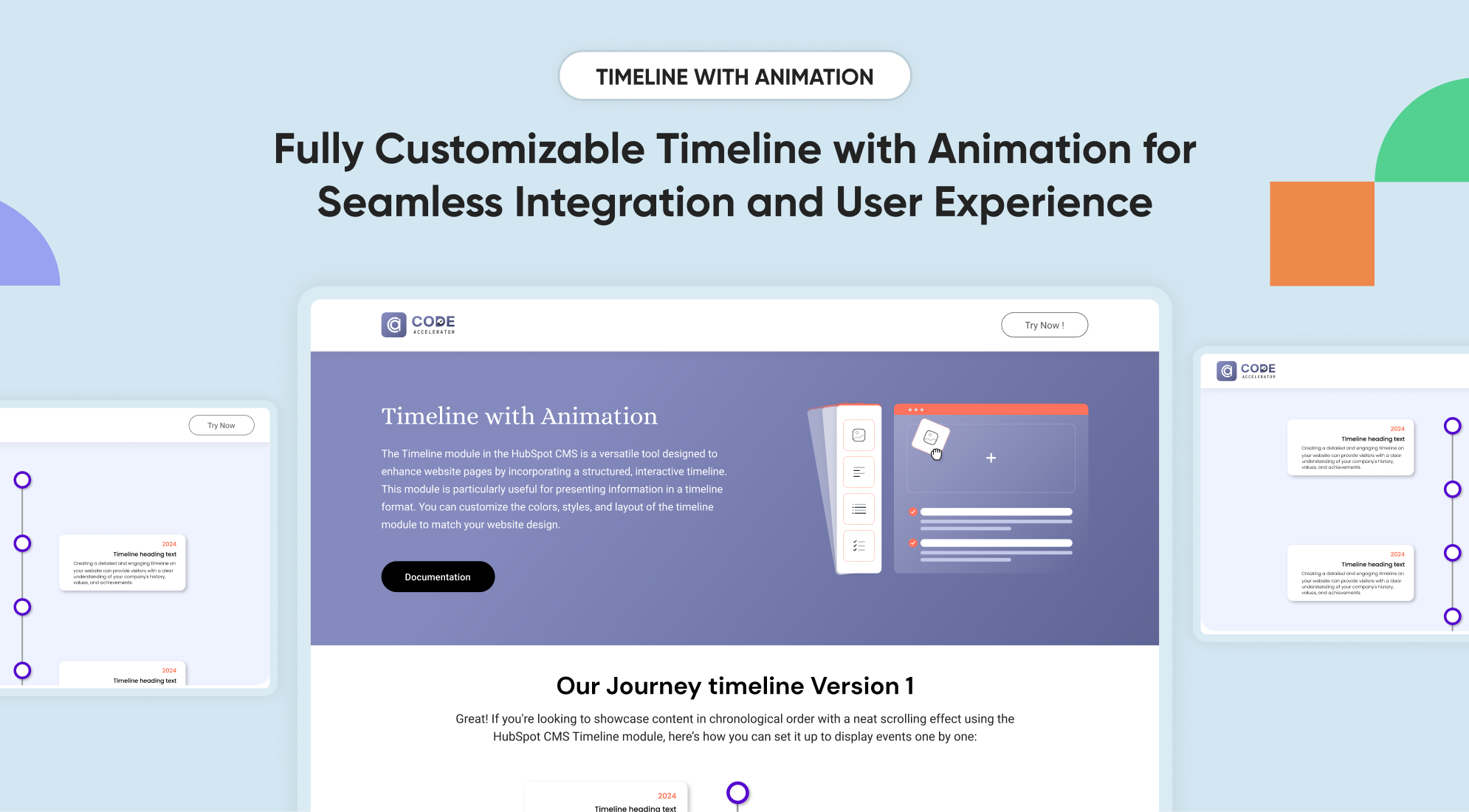
1/7 - Timeline - Thumbnail
Overview
A timeline module is a graphical representation that arranges events or activities in chronological order, allowing users to track progress, understand sequences, and manage tasks effectively. It can be used in various contexts such as project management, historical analysis, education, and personal planning.
Why you need a Timeline Module:
Historical Context: Present historical events or milestones in a clear, engaging manner.
Project Milestones: Display project progress, key milestones, and deadlines in a way that is easy to follow.
Interactive Elements: Interactive timelines can engage users by allowing them to explore events, click for more details, or navigate through different time periods.
Project Updates: Provides stakeholders with a clear view of project timelines, progress, and upcoming milestones.
Event Planning: Shows the schedule for upcoming events, product launches, or other important activities.
Responsive Design: Timeline modules are designed to be responsive, ensuring they look good and function well on different devices and screen sizes.
Dynamic Content: Allows for easy updates and additions, making it simple to keep the timeline current with the latest information.
Check out our Timeline module features:
Support Details :
Please email us: shubham@thecodeaccelerator.com
Book a free consultation: https://thecodeaccelerator.com/book-a-meeting-with-shubham
Discover more: https://thecodeaccelerator.com
Features
Heading & Description
Fully customizable options for heading and subheading allow users to manage section visibility with a single toggle.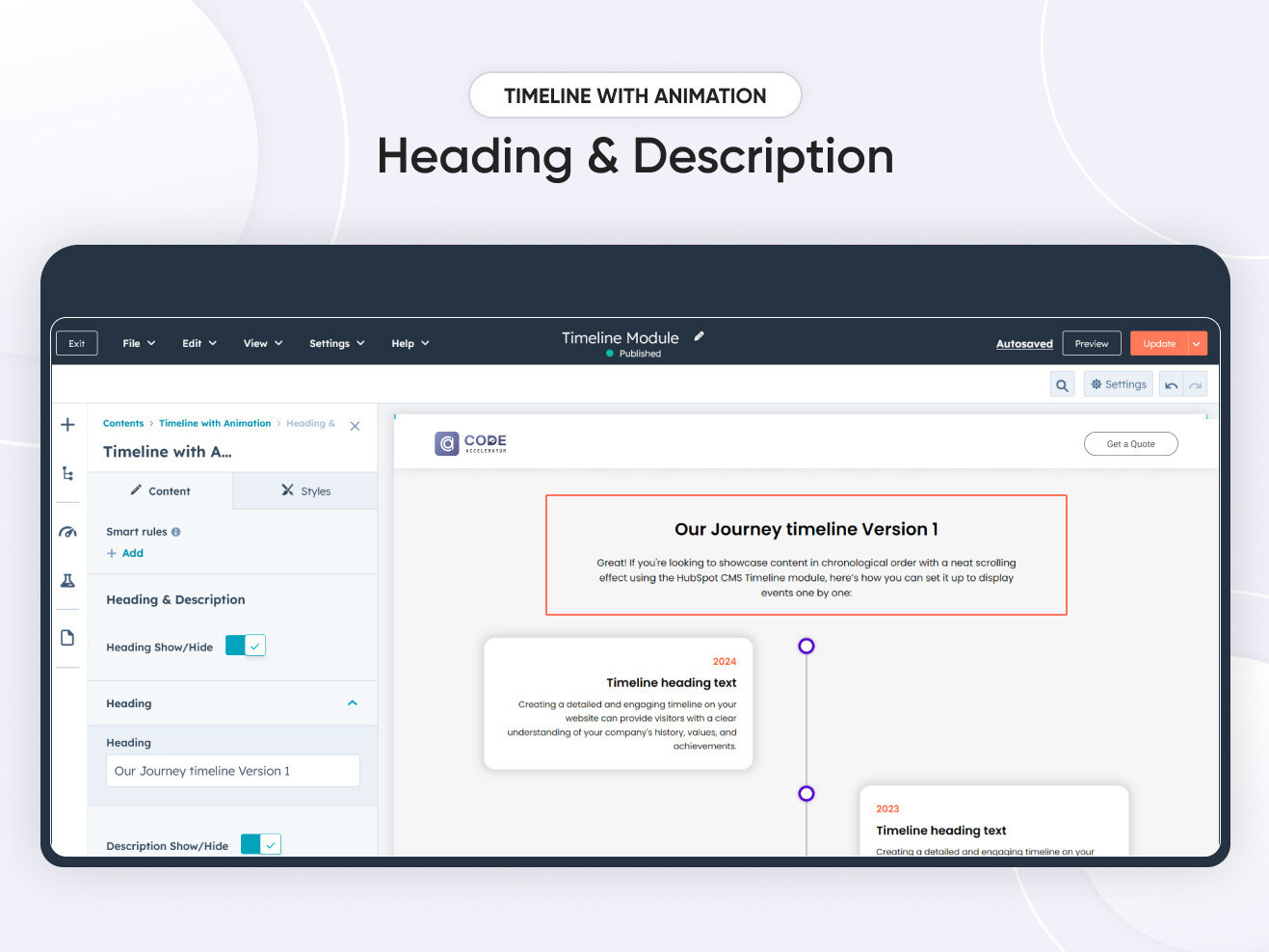
Timeline Content
In module, managing timelines, including adding and removing items and changing titles, descriptions, and years, is quite straightforward.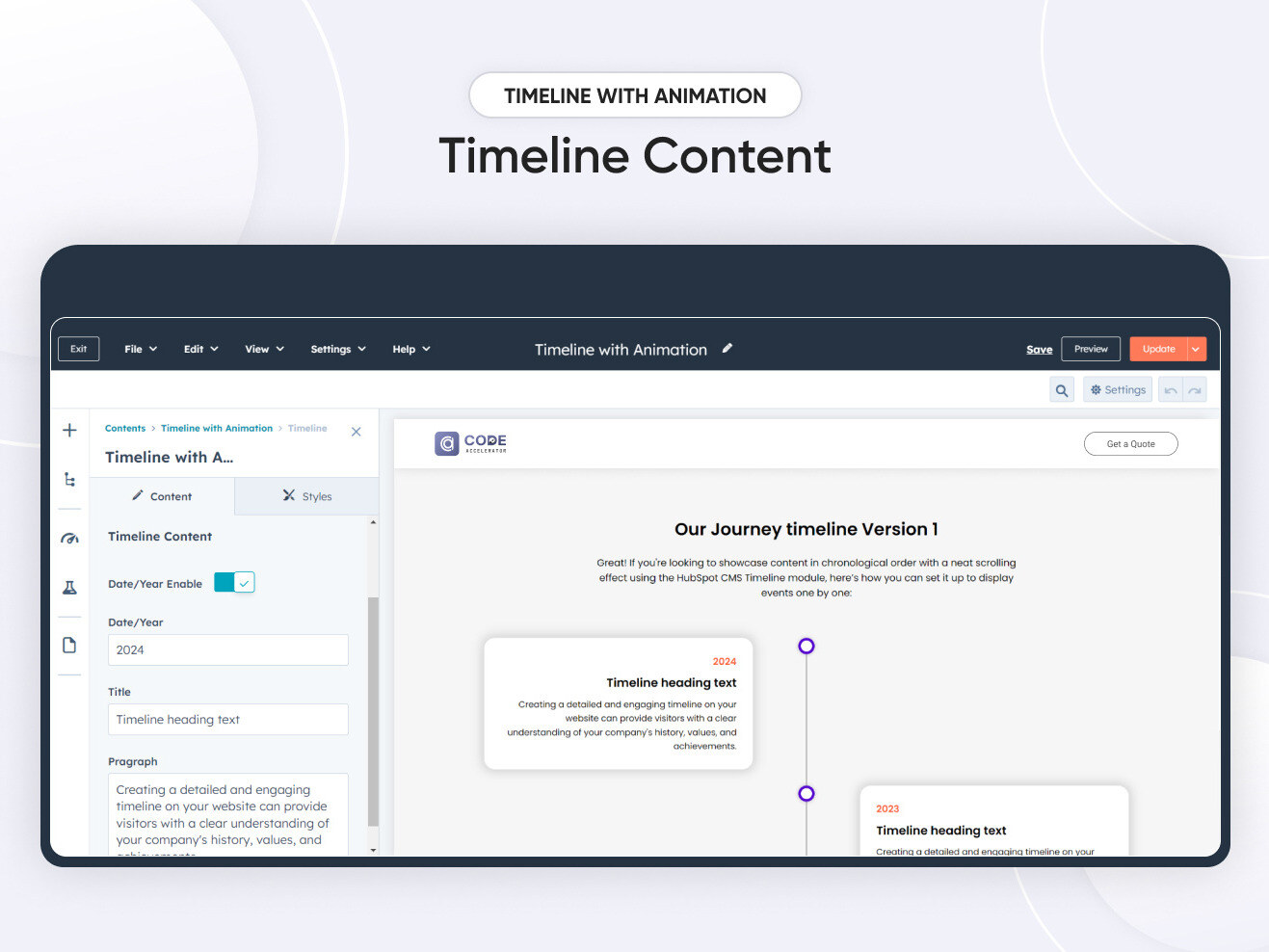
Timeline Position
You can easily customize the timeline in HubSpot by adjusting the following: 1. Timeline Position: Choose to have the timeline start on the left or the right side. 2. Text Alignment: Align the timeline text to the left or right.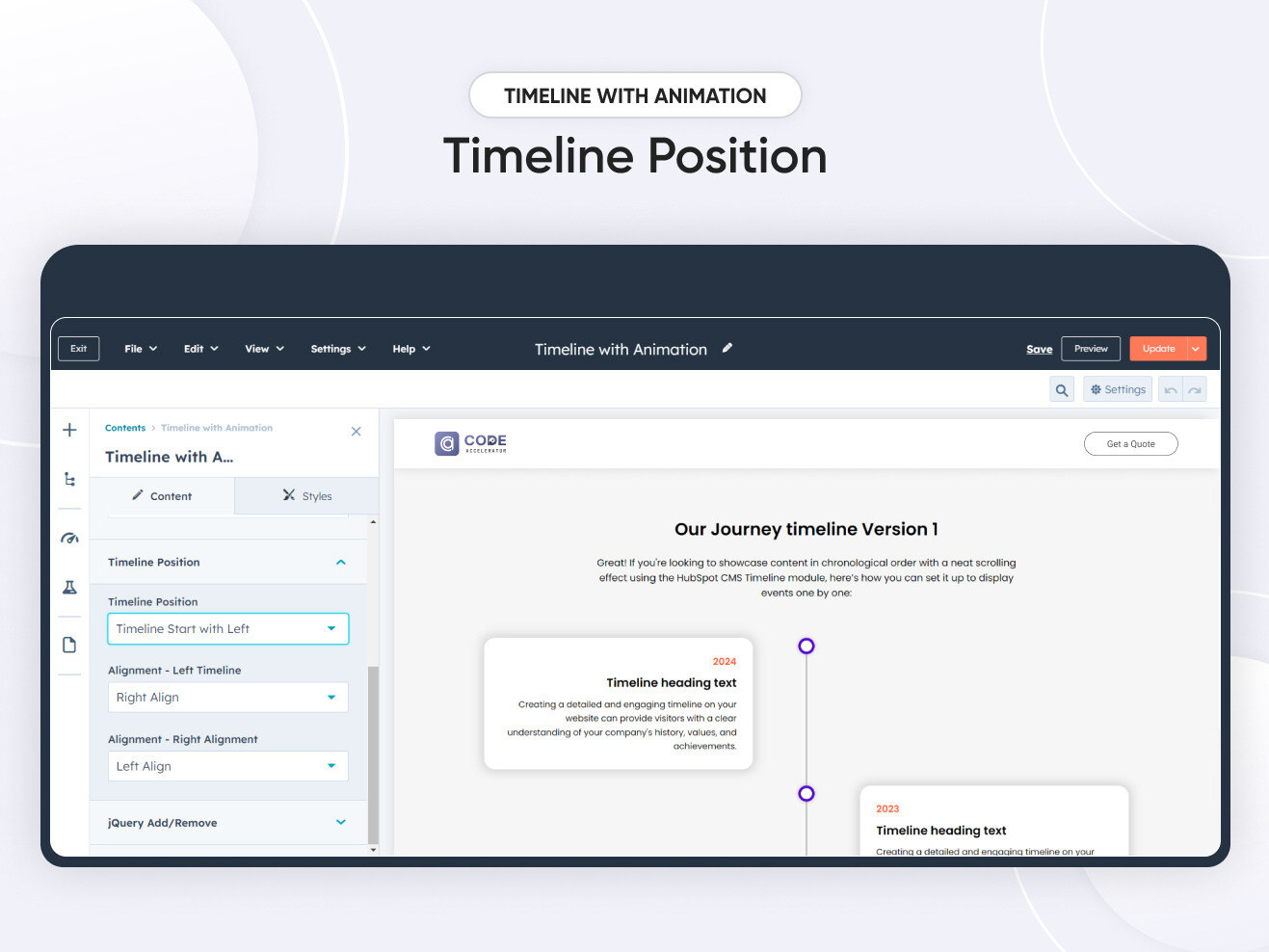
Module Background
The module enables users to customize the background using the gradient, and solid colour features in the style section.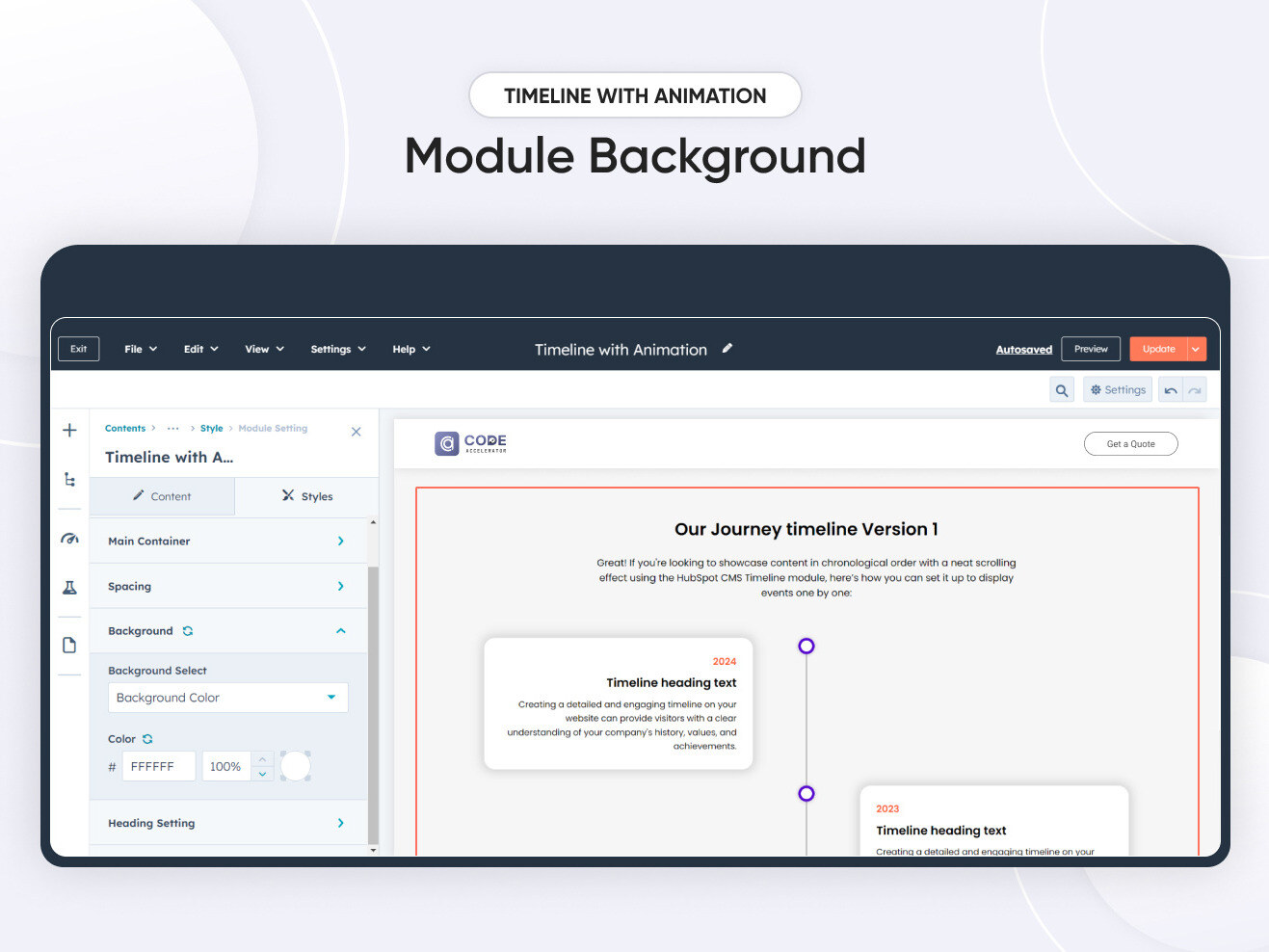
Timeline Setting
Users can customize the background color, spacing, border radius, and max width, including box shadow, vertical border, and dots, to align with their branding.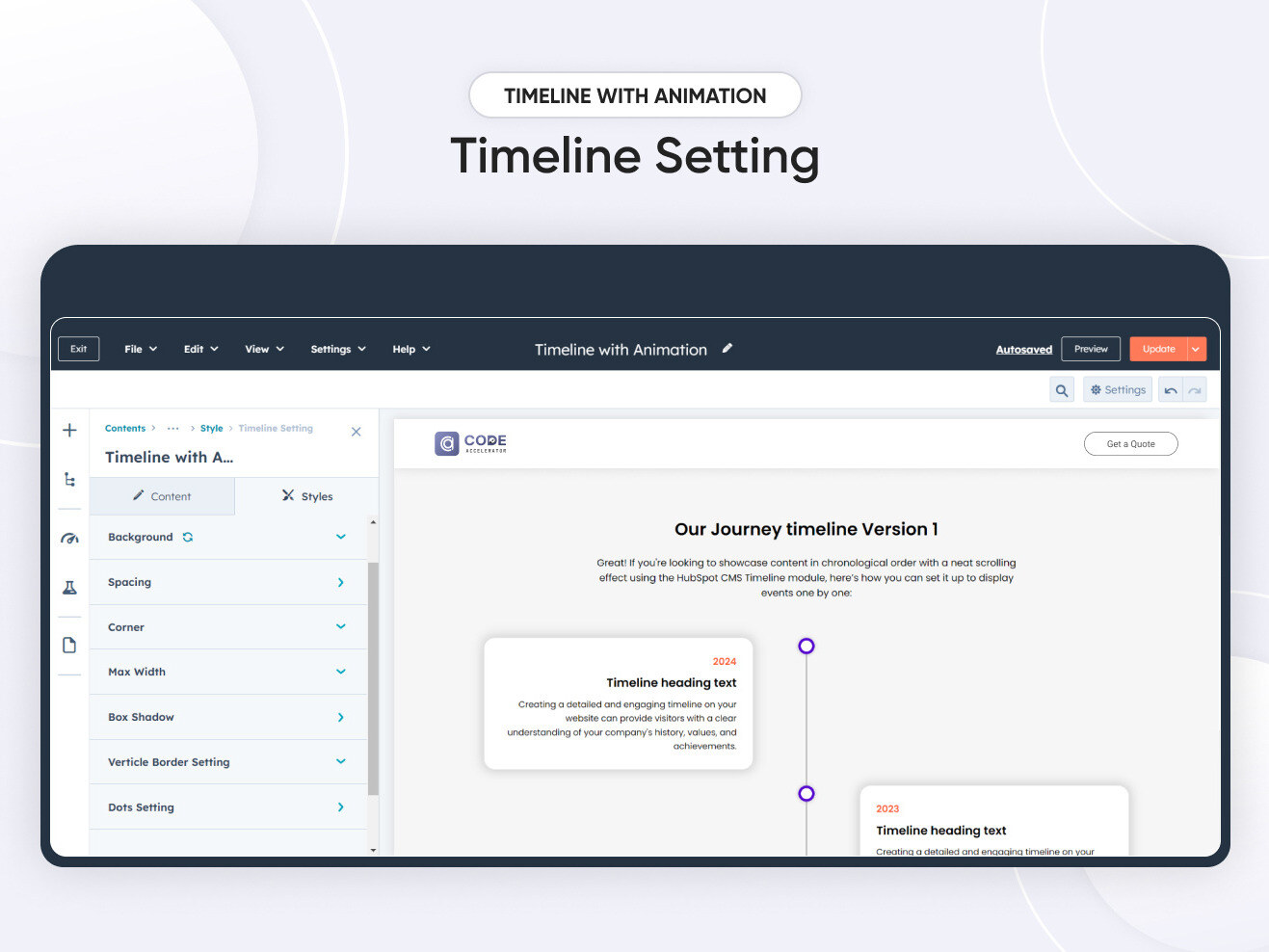
About Module
Total installs Fewer than 10 Created - Oct 1, 2024
Version 1 - Oct 1, 2024
Categories Tags
Requirements
HubSpot Subscription Works with all HubSpot plans











Contact Code Accelerator Private Limited
Legal Stuff
Please refer to the developer's Privacy Policy and Terms for more information.
Support
Code Accelerator Private Limited
- Jaipur, Rajasthan, India
Visit website
Code Accelerator is a certified HubSpot Gold Solution Partner specializing in customized solutions for HubSpot, Marketing Automation, and graphic design services. Our services include HubSpot optimization, onboarding, audit, migration, custom integration, consulting, training, and front-end development. We are certified in various HubSpot areas and also offer graphic design services such as website/landing page mockups, email mockups, logo design, social media creatives, illustrations, and animated videos. At Code Accelerator, we offer high-quality services with quick delivery. Our team blends creativity and technology to provide innovative solutions that make you stand out. When you partner with us, you are on the path to digital success.
Two Zoom Call Support
Help in Setting up according to your branding
Code Accelerator Private Limited typically responds in
- Monday
11:00 AM - 7:00 PM (IST) - Tuesday
11:00 AM - 7:00 PM (IST) - Wednesday
11:00 AM - 7:00 PM (IST) - Thursday
11:00 AM - 7:00 PM (IST) - Friday
11:00 AM - 7:00 PM (IST)


