
1/4 - Timeline Progress Scroll - Overview
Overview
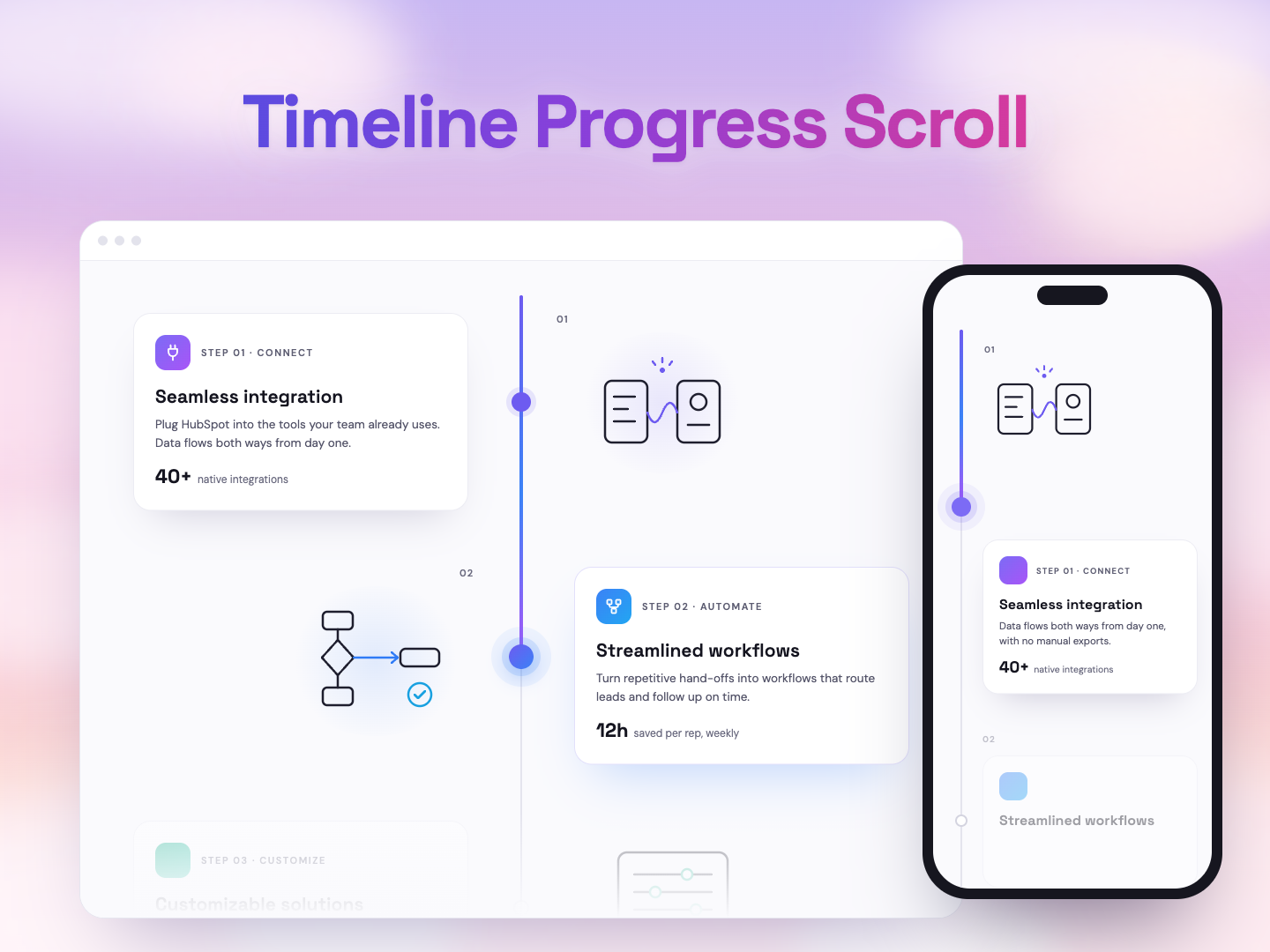
The Timeline Progress Scroll module turns a step-by-step story into a scroll-driven timeline for your HubSpot pages. Each step has a card on one side of a centre line and an illustration on the other, and they come to life as visitors scroll.
Cards swing into place, the line fills with color, and the illustrations draw themselves stroke by stroke. Use it for onboarding journeys, service processes, company history, product roadmaps or any "how it works" section. Everything is edited in HubSpot's drag-and-drop editor, with no code needed.
Key Highlights:
Scroll-Driven Storytelling: The timeline line fills as visitors scroll. Each card swings in on a hinge from its side, and the marker on the line lights up in the step's accent color when its step is reached.
Illustrations That Draw Themselves: Six built-in line illustrations (Connect, Automate, Customize, Analyze, Engage, Scale) draw stroke by stroke as each step comes into view. Paste your own SVG code and it draws the same way, in the same line style.
Photos & Images: Upload a photo, PNG or SVG instead of an illustration. Photos are uncovered with a wipe from the timeline line; SVG files draw themselves.
Light & Dark Mode: Switch the whole section between a light and a dark theme with one toggle. Each mode has its own colors for the page, cards and timeline line.
Customization Made Easy: Every text on the cards and in the heading is rich text with its own show/hide toggle. Colors, fonts, spacing, card style, the timeline line and the animation can all be fine-tuned in the editor.
Smooth on Every Device: Motion is smoothed at any screen refresh rate. On phones, the layout becomes a single column with the line on the left, and visitors who prefer reduced motion see a calm, fully drawn timeline.
Features
Content Customizable
Each step has its own icon, step keyword, title, text, stat value and stat label, plus two accent colors that tint its icon badge, marker, illustration highlights and glow. The section heading has an eyebrow text, heading and description.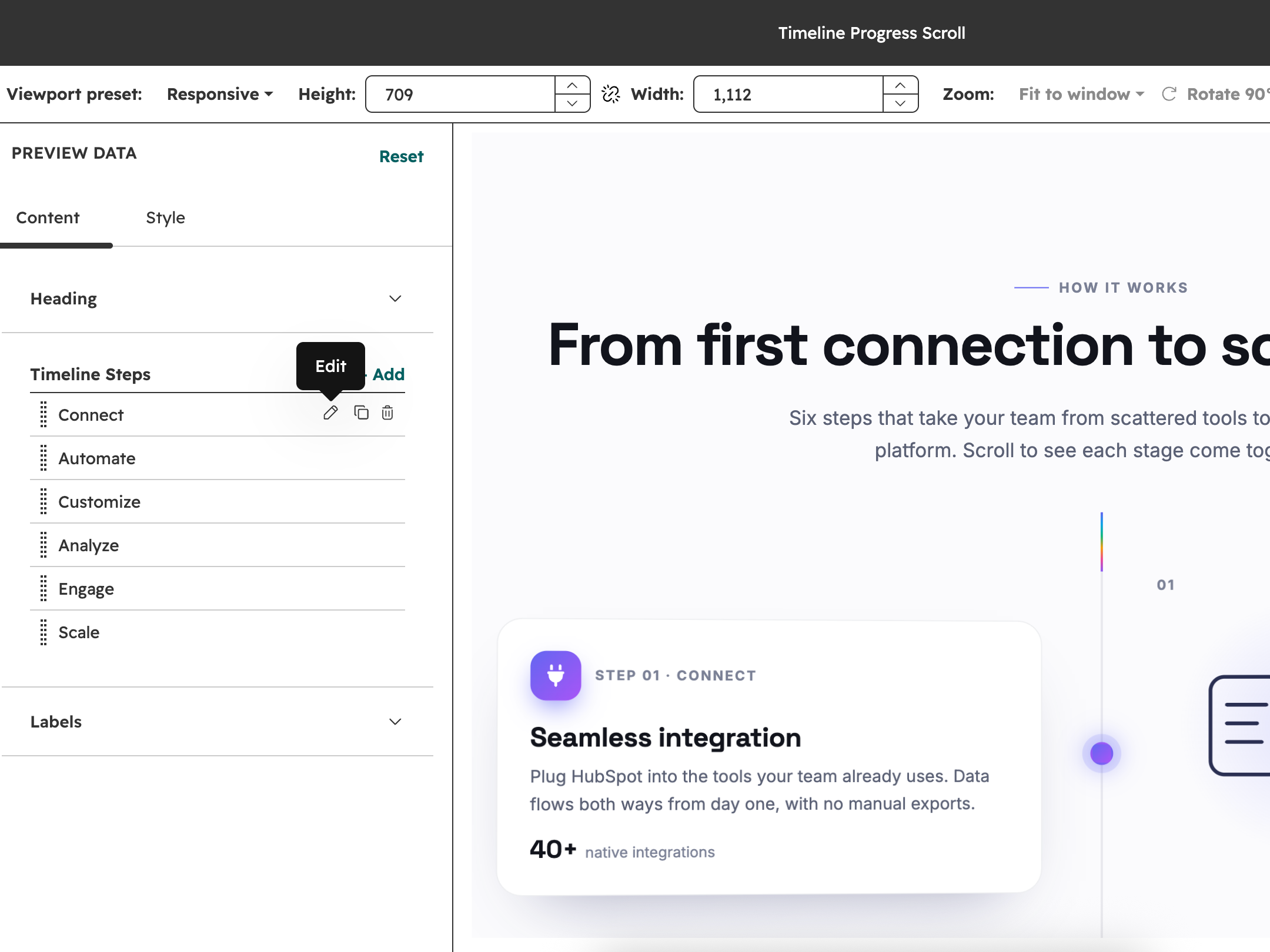
Illustration Options
Each step can show one of six built-in line illustrations, your own pasted SVG code, an uploaded image, or nothing.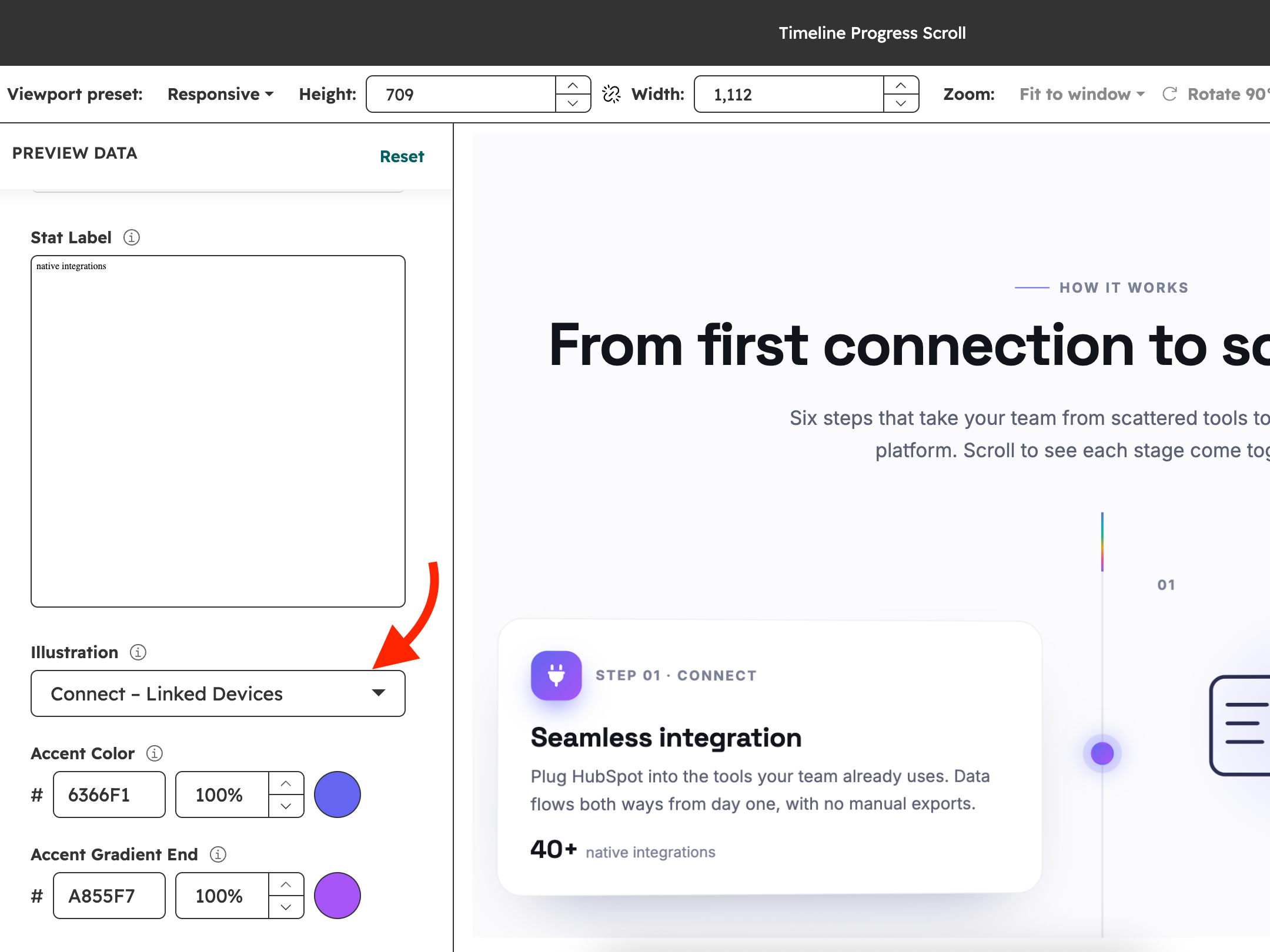
Color Mode
Toggle Dark Mode on or off. Each mode has its own colors for the background, headings, text, labels, cards, card borders, illustrations and icons, so the section fits both light and dark pages.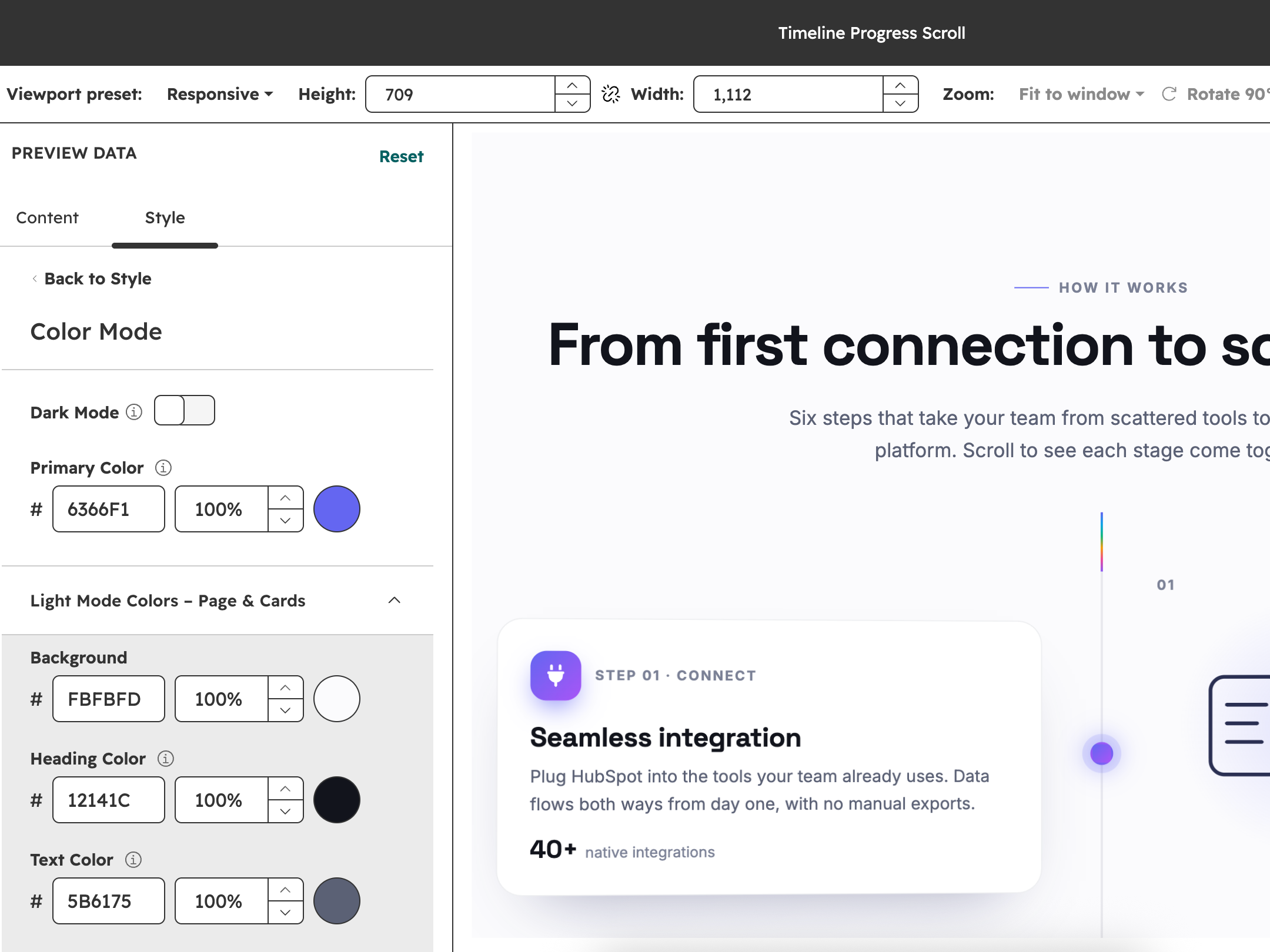
Section and Layout Customization
Choose which side the first card starts on, the space between steps, the content max width and the top and bottom padding. The section background can follow the color mode, use a solid color, an image or a gradient.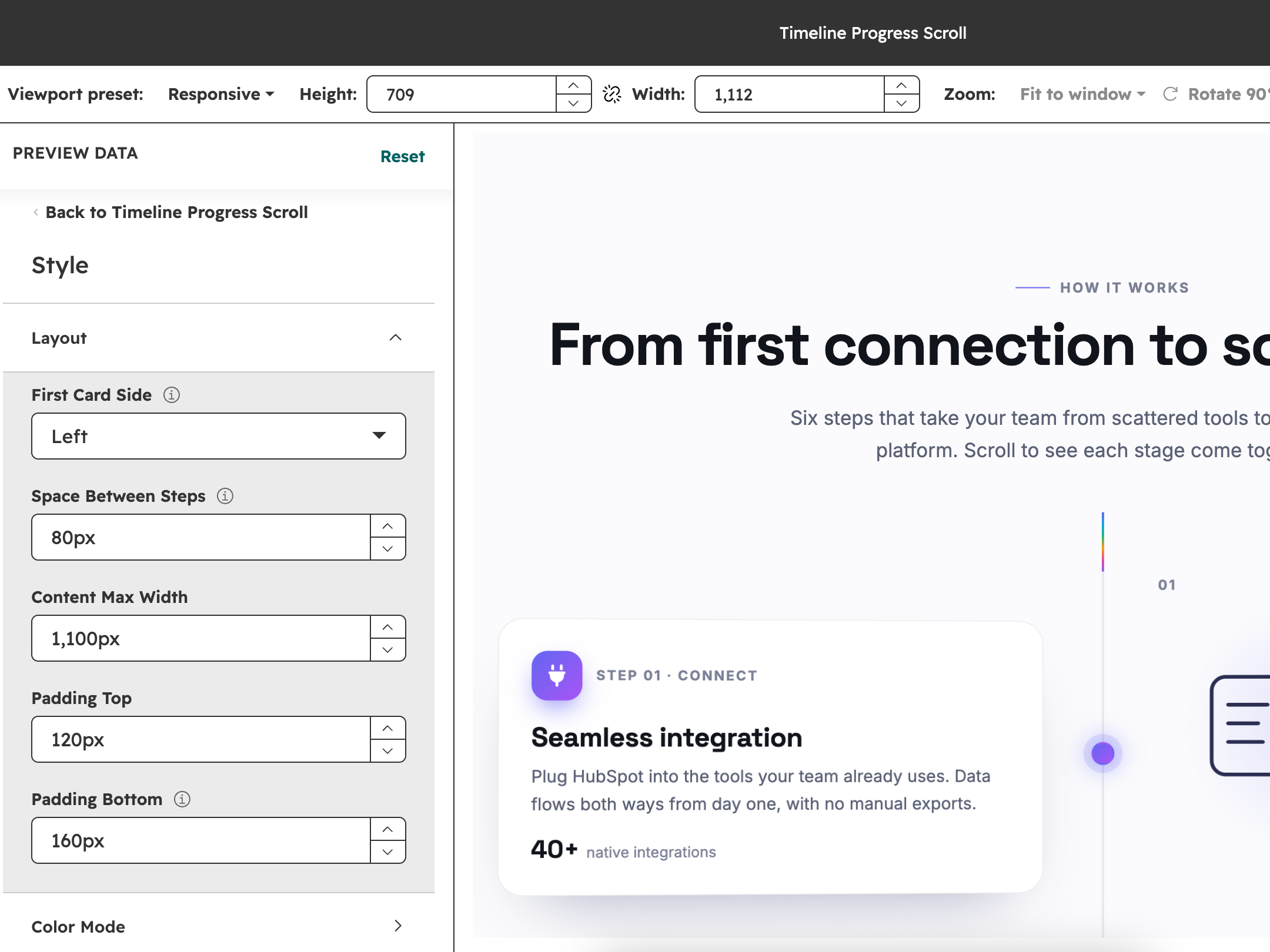
Animation Control
Turn drawing on scroll on or off, choose the motion smoothing (Off, Light, Medium or Heavy), set how far cards swing in, and pick the image reveal (Wipe or Fade & Zoom).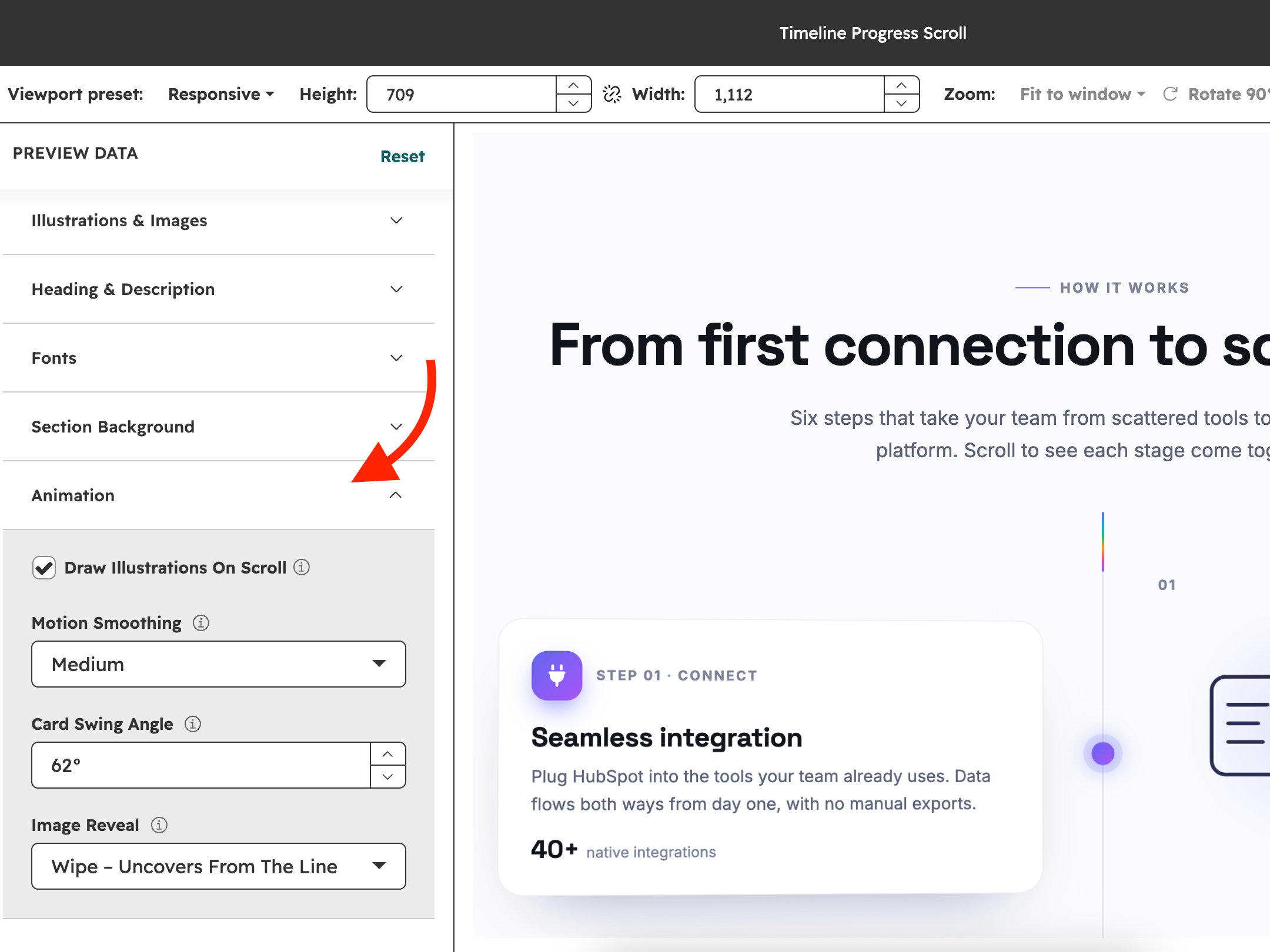
About Module
Total installs Fewer than 10 Created - Oct 19, 2026
Version 1 - Oct 19, 2026
Categories Tags
Requirements
HubSpot Subscription Works with all HubSpot plans

















Contact Hubxpert
Legal Stuff
Please refer to the developer's Privacy Policy and Terms for more information.
Support
Hubxpert
- London, UK
Visit website
HubXpert is your go-to HubSpot partner to grow smarter and faster. We are an Accredited HubSpot Partner specialising in Migration, Integration, and Onboarding, helping businesses build scalable, growth-ready systems on HubSpot. With 100+ HubSpot projects delivered and consistent 5-star reviews, we are trusted globally for our technical depth and execution quality. We don’t just implement HubSpot—we engineer it. From CRM architecture and automation to CMS, custom apps, and full-stack development, we turn HubSpot into a complete sales, marketing, and operations platform that drives measurable growth. At HubXpert, our focus is simple: remove complexity, build systems that scale, and help our clients grow faster with confidence using HubSpot.
