
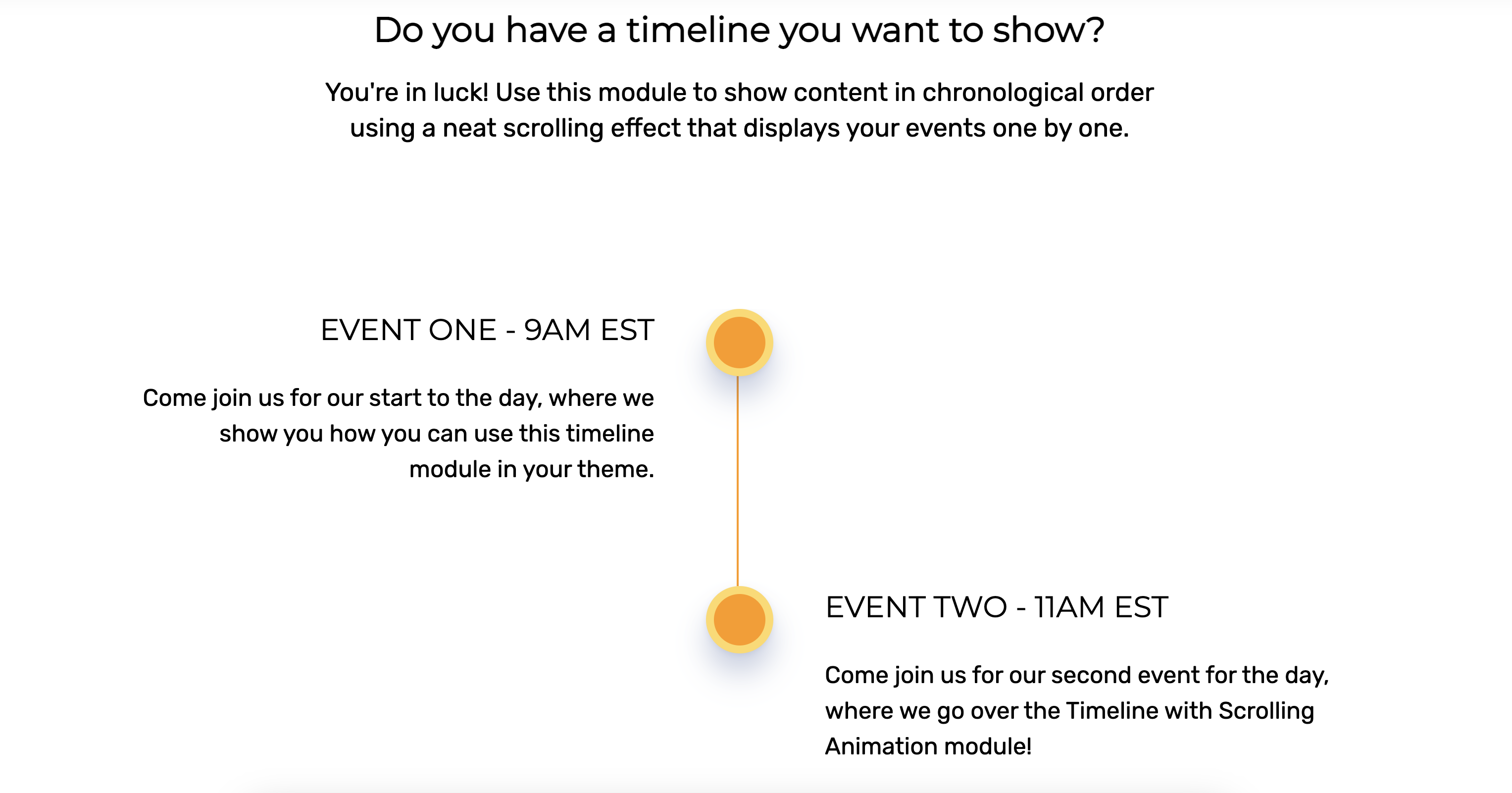
1/2 - Add in events in chronological order. The smooth animation is a great way to add movement to a site.
Overview
Introducing our amazing timeline module for HubSpot! If you're looking to showcase your company's history, highlight your achievements, or create an engaging event schedule, our module is the perfect solution.
With its stunning design and smooth animation, our module makes it easy for your visitors to explore your timeline and discover your story. As they scroll down the page, the timeline unfolds with a delightful parallax effect, revealing each event or milestone in a visually appealing and interactive way.
But that's not all! Our module is packed with features that make it a must-have for any HubSpot user. For example:
- Flexible layout: You can choose from various timeline layouts, such as horizontal, vertical, or diagonal, to fit your content and design preferences.
- Customizable styling: You can customize every aspect of your timeline's appearance, from the font size to the color scheme, to match your brand identity and make it stand out.
- Responsive design: Your timeline will look great on any device, from desktops to smartphones, thanks to its responsive and adaptive design.
- Easy to use: Our module is user-friendly and intuitive, so you don't need any coding skills or technical expertise to create a beautiful timeline.
Our timeline module is the ultimate tool for telling your story, engaging your audience, and showcasing your achievements. Try it now and impress your visitors with a stunning timeline that they won't forget!
Features
Various layout options
Use a back-and-forth style by default, or overload the timeline module to one side, depending on your use case.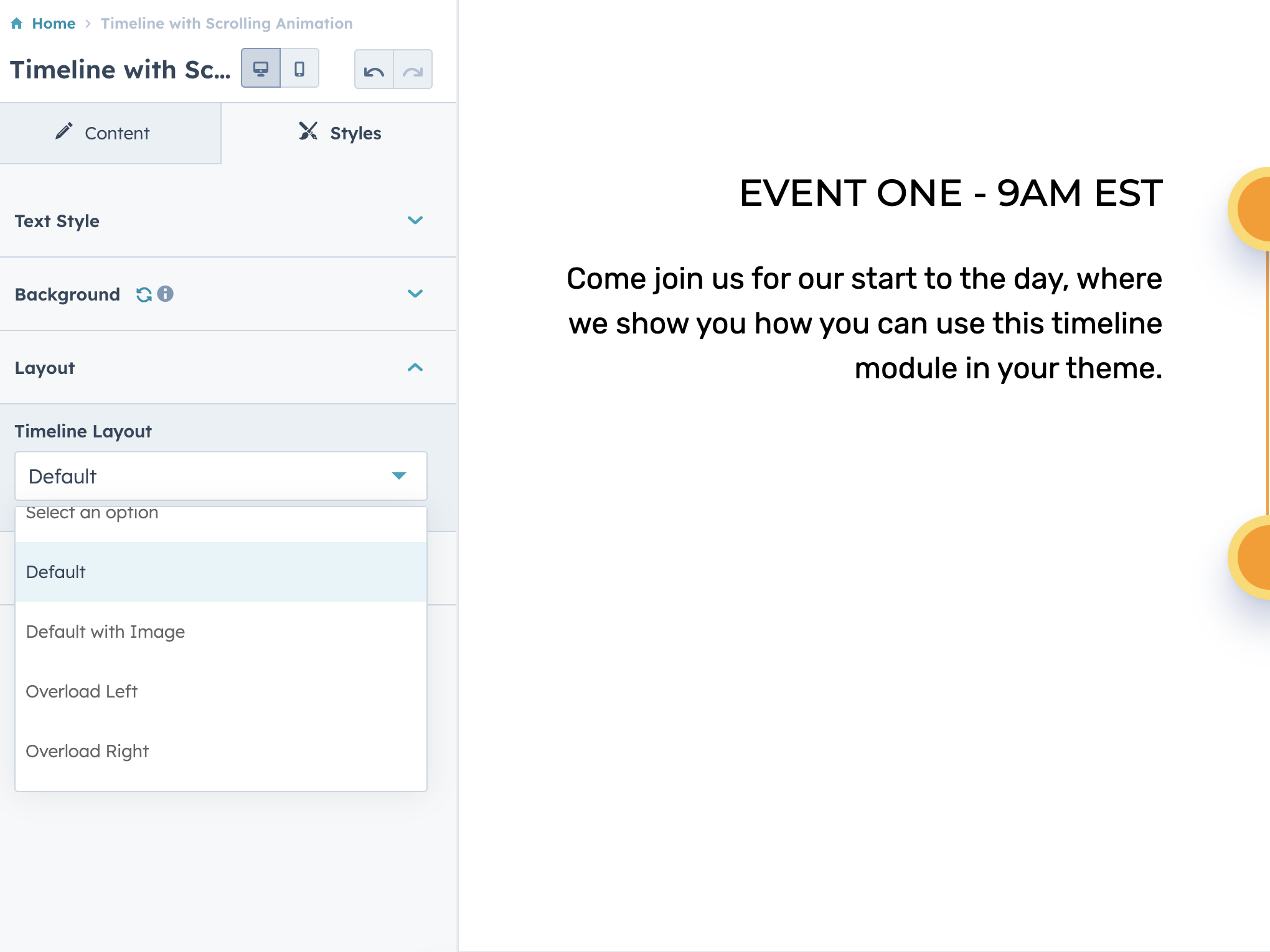
Full control over timeline styles
Choose the color layout that fits your current website branding to make it work best for you!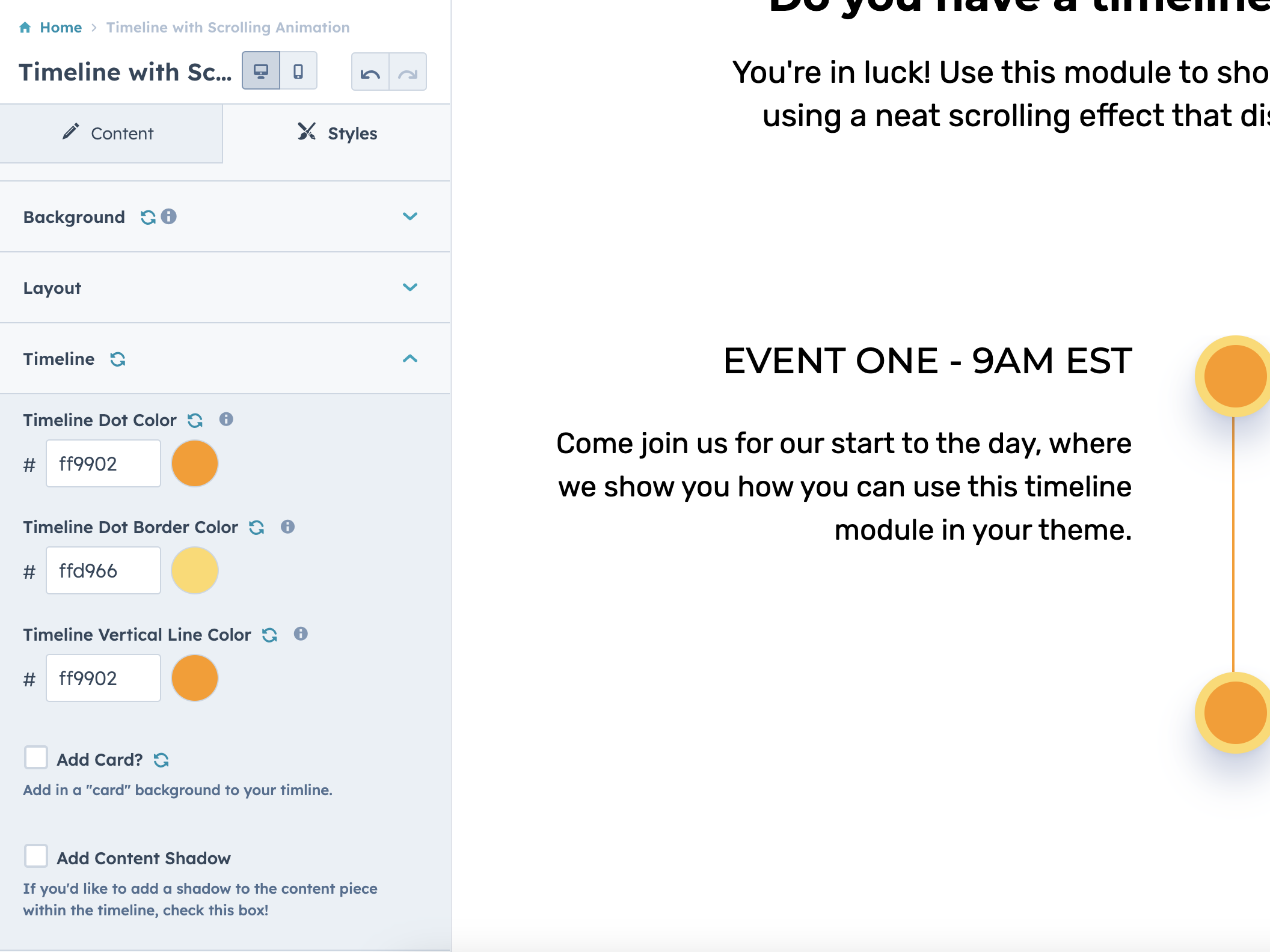
Add as many items as you'd like!
Add up to 20 different elements within the timeline. The Timeline with Scrolling Animation module will work well with any size timeline looking to be achieved.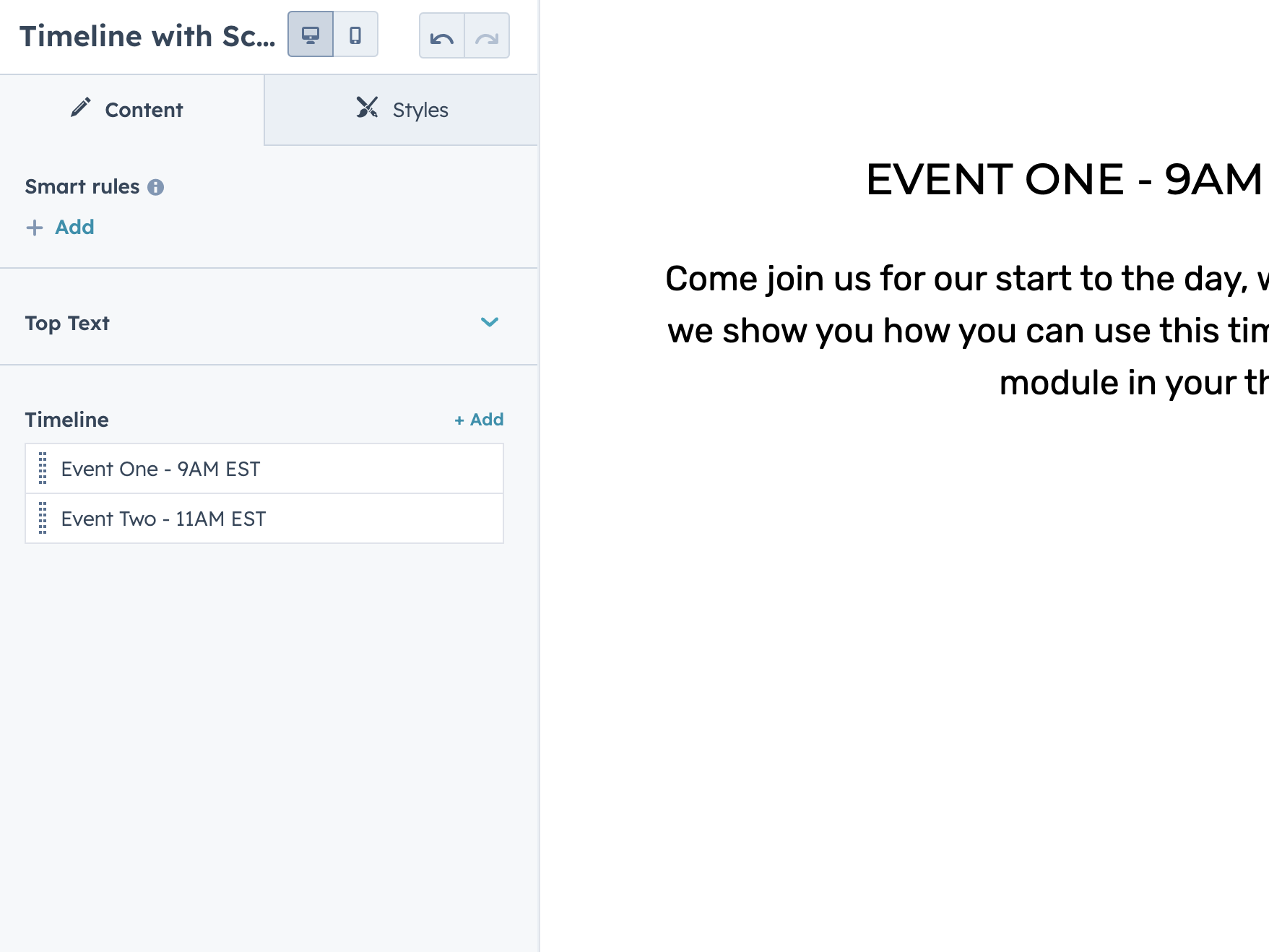
About Module
Total installs - 4,000+
Created - May 24, 2023
Version 11 - Jun 10, 2025
Categories Tags
Requirements
HubSpot Subscription Works with all HubSpot plans































Contact Web Canopy Studio
Legal Stuff
Please refer to the developer's Privacy Policy and Terms for more information.
Support
Web Canopy Studio
- Traverse City, MI
Visit website
Web Canopy Studio is a HubSpot Diamond Partner specializing in website development and inbound marketing. We provide conversion-focused UXD for all industries, and have unparalleled success on the HubSpot platform. We are conversion rate specialists that solve lead generation problems using the inbound methodology.
Email and chat support
Web Canopy Studio typically responds in
- Monday
9:00 AM - 4:00 PM (EST) - Tuesday
9:00 AM - 4:00 PM (EST) - Wednesday
9:00 AM - 4:00 PM (EST) - Thursday
9:00 AM - 4:00 PM (EST) - Friday
9:00 AM - 4:00 PM (EST)

Timeline with Scrolling Animation Customer Reviews
4.4
8
- Apr 10, 2026
Timeline was easy to work with...
It worked just fine for me... mobile version: round dots get clipped a little
Very easy to customize
mobile version: round dots get clipped a little
Bjørn, S.
Version 11
- Feb 3, 2026
Solid timeline plugin
This module works well for creating a straightforward vertical timeline. The built-in styling is a bit restrictive, but it’s easy to customize with a few CSS overrides. Overall, I’m very satisfied with it.
Fairly easy to customize with a few CSS overrides.
Quick to set up, works well for a simple vertical timeline, with minimal configuration.
Limited design options out of the box, needs CSS to achieve a more polished look.
Løvik, T.
Version 11
- May 20, 2025
Perfect
Perfect for me, I would like to emphasize that I highly recommend it. In addition to being very clear, these colors combine very well and this greatly highlights their value.
Yes
Beautiful
None
Unic, G.
Version 10
- Apr 28, 2025
Responsive Support
The first go around with the module had some issues that were pointed out to the developer. The response time by the developer was quick and they released a patch to fix the items within 24 hours. The module is free.
Some of the customizations I was trying didn't work, and within 24 hours the developer pushed an update.
Responsive Developer - Pushed Updates in 24 Hours.
First go around was frustrating and time consuming with options that weren't working.
Jerome, J.J.
Version 8
- Mar 30, 2025
I Like It
When someone scrolls down, this timeline has a cool visual way of appearing.
I give credit that it was easy to edit.
Dameron, J.
Version 8
- Apr 22, 2024
The animated timeline you need!
This animated timeline was a great module for our website. When searching in the marketplace this one checked all our needs (movement, titles, descriptions, & imagery). The module worked great until I realized ti was not formatted for mobile. I reached out to their support who promptly provided feedback and a few days later an update to the module addressing my concern. Great job!
easy
Goclano, J.
Marketing Services - 6 to 10 employees
Version 5
- Oct 12, 2023
Informative and Engaging
The scrolling animation does a great job on illustrating a lot of information in an easy to digest format.
The modules has a lot of customization options but is still very user friendly.
I find it to be a much better way to explain a process than alternatives.
The text box within the timelines can be troublesome in terms of format but that may be more of a HubSpot thing.
Kosuge, A.
Education - 2 to 5 employees
Version 2
- Oct 12, 2023
Not mobile optimized
I was so hoping that this module would work for a client. It was easy to set up and the price ($0) was amazing but it does not display correctly on a mobile device.
It was pretty easy to set up.
Nault, M.
Marketing Services - 11 to 25 employees
Version 2