
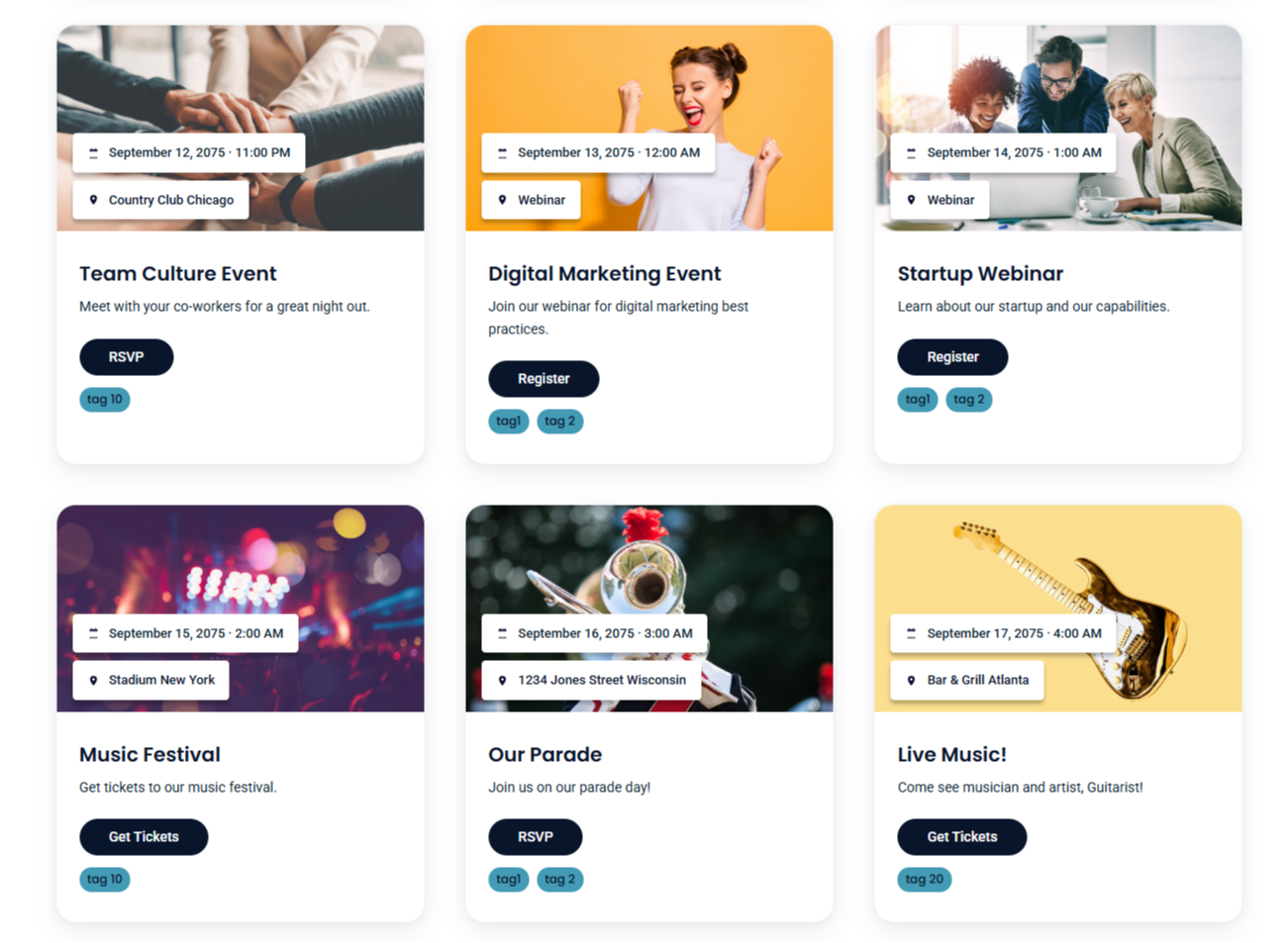
1/3 - Beautifully and easily display your events on any of your pages.
Overview
Ultimate Event Builder
Turn a simple CSV into a beautiful, filterable events grid in minutes. Ultimate Event Builder gives marketers two modern layouts, deep style controls, and a lightning-fast bulk importer—no HubDB or custom objects required.
Two layout options
Layout One – Text-first cards: Clean, content-forward design with clear date/location rows and a CTA.
Layout Two – Image cards: Visual, media-led layout with an image header, overlaid date/location chips, and a CTA.
Switch layouts anytime without touching your data.
Bulk importer (the star of the show)
Upload a CSV exported from Excel/Sheets and instantly generate event cards.
Flexible column mapping (title, description, date, time, address, city, image URL, CTA text, CTA URL, tags).
Header row toggle and smart tag parsing (comma, semicolon, or pipe).
Graceful date parsing (supports common formats and Excel serials in CSV).
Prefer to curate a few? Add manual one-off events—or mix manual + bulk together.
Built-in filters (no coding)
Search across title/description/location/tags
Location dropdown (auto-generated)
Month and Year selectors
Tag chips (with show/hide option)
Upcoming only toggle
Style controls (right in the module)
Pick a font: System, Poppins, Roboto, or Inter
Per-element colors:
Event Title, Event Date, Description, LocationTag styling: Tag background + text colors, show/hide tags on cards
CTA styling: Button background + text colors
Module background color: Apply per instance
All styles are scoped to the module instance—safe for any page or theme.
Why teams love it
Fast setup: Drop the module on a page, upload CSV, done.
Theme-friendly: No global CSS required; everything is namespaced.
Flexible data: Works great for one-offs or large event lists.
No dependencies: Client-side parsing; no HubDB/custom objects to maintain.
What’s included
Module with two layouts, filters, and full style panel
CSV column mapping & tag parsing
Manual events repeater (fallback or add-ons)
Sample CSV template & setup guide (included in docs)
Perfect for: Event calendars, roadshows, training schedules, meetups, webinars, and conference pages.
Features
Create Event Cards in Bulk
Upload a CSV exported from Excel/Sheets and instantly generate event cards. Flexible column mapping (title, description, date, time, address, city, image URL, CTA text, CTA URL, tags).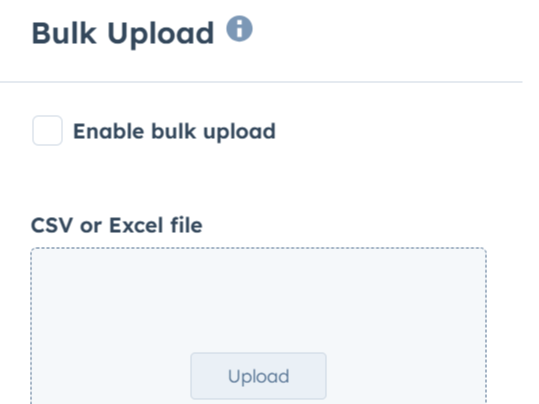
Multiple Layout Options
Layout One – Text-first cards: Clean, content-forward design with clear date/location rows and a CTA. Layout Two – Image cards: Visual, media-led layout with an image header, overlaid date/location chips, and a CTA. Switch layouts anytime without touching your data.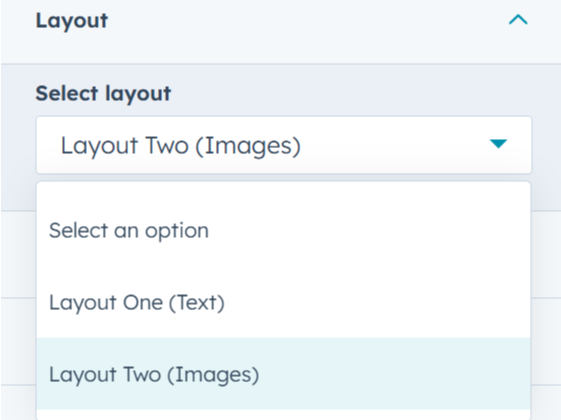
Align Your Brand Guidelines
- Pick a font - Per-element colors: Event Title, Event Date, Description, Location - Tag styling: Tag background + text colors, show/hide tags on cards - CTA styling: Button background + text colors - Module background color: Apply per instance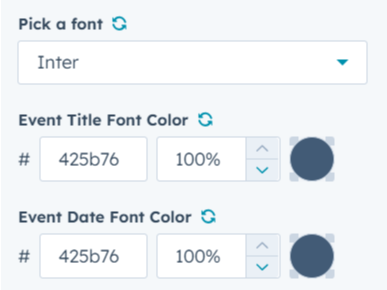
About Module
Total installs Fewer than 10 Created - Sep 30, 2025
Version 1 - Sep 30, 2025
Categories Tags
Requirements
HubSpot Subscription Works with all HubSpot plans

Contact Brand Accurate
Legal Stuff
Please refer to the developer's Privacy Policy and Terms for more information.
Support
Brand Accurate
- Chicago, IL, USA
Visit website
Brand Accurate is a team of experts who specialize in brand strategy, market research, and integrated marketing. Our in-depth process will help you generate leads, develop long-lasting customers, and help your team achieve business growth.
Unlimited Support
Brand Accurate typically responds in
- Monday
8:00 AM - 7:00 PM (CST) - Tuesday
8:00 AM - 7:00 PM (CST) - Wednesday
8:00 AM - 7:00 PM (CST) - Thursday
8:00 AM - 7:00 PM (CST) - Friday
8:00 AM - 7:00 PM (CST)
