

Gmail for Breeze
Get answers from all your work apps within Breeze Assistant
Bygget av - HubSpot
Installeringer - 3K innstalleringer
Krav
HubSpot-abonnement HubSpot-kontotillatelser Ingen tillatelse nødvendig Tilgangstype Personlig Gmail for Breeze-abonnement - Review Gmail's Pricing Page-abonnement
Oversikt
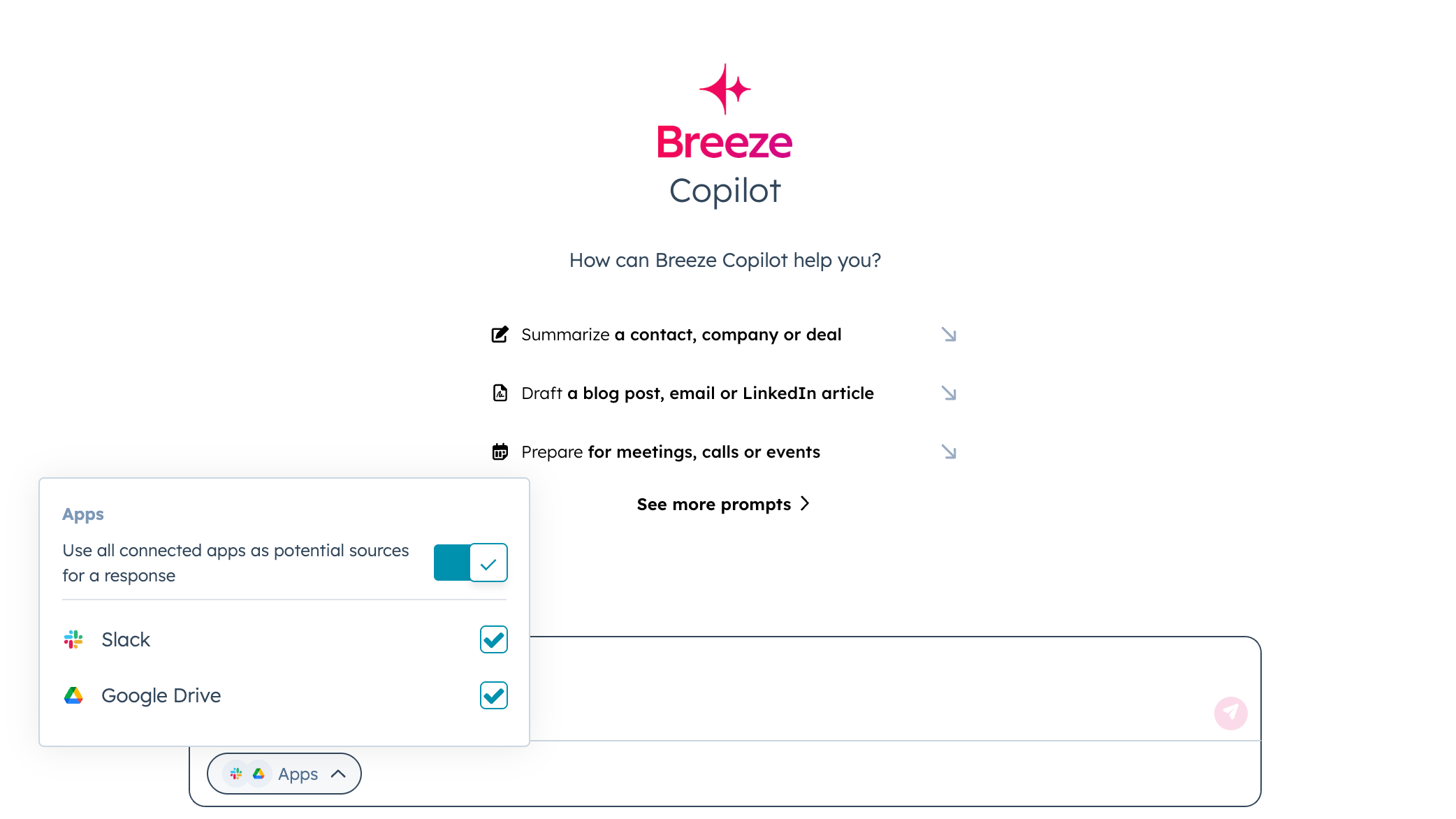
1/4 - Slack for Breeze
Connect Gmail for Breeze so you can instantly search and access important emails, attachments, and communications directly from HubSpot.
For Sales Teams:
Find customer emails with pricing discussions, contract negotiations, or deal-related correspondence
Locate email threads about prospect requirements, objections, or decision-making processes
Search for testimonials, references, or success stories shared via email
Access proposal drafts, quotes, or sales materials sent to prospects
For Customer Support:
Quickly find past email exchanges about similar customer issues or support tickets
Access troubleshooting instructions or solutions previously shared with customers
Locate escalation emails or technical documentation sent by vendors or partners
Search for customer feedback, complaints, or satisfaction surveys received via email
For Marketing Teams:
Find campaign briefs, creative feedback, or approval emails from stakeholders
Access vendor communications about marketing tools, services, or partnerships
Locate performance reports, analytics summaries, or ROI discussions shared via email
Search for content drafts, press releases, or announcement emails
For Project Management:
Search for project kickoff emails, status updates, or milestone confirmations
Find important decisions, approvals, or change requests documented in email threads
Access vendor contracts, statements of work, or project documentation
Locate meeting recaps, action items, or follow-up emails from key discussions
Instead of switching between HubSpot and Gmail to find that critical email, simply ask Breeze Assistant and get the information you need instantly. The integration searches emails and attachments from all inboxes except Spam and Trash folders.
Your email communications become a searchable knowledge base, making every important conversation and document accessible right from HubSpot.
Funksjoner
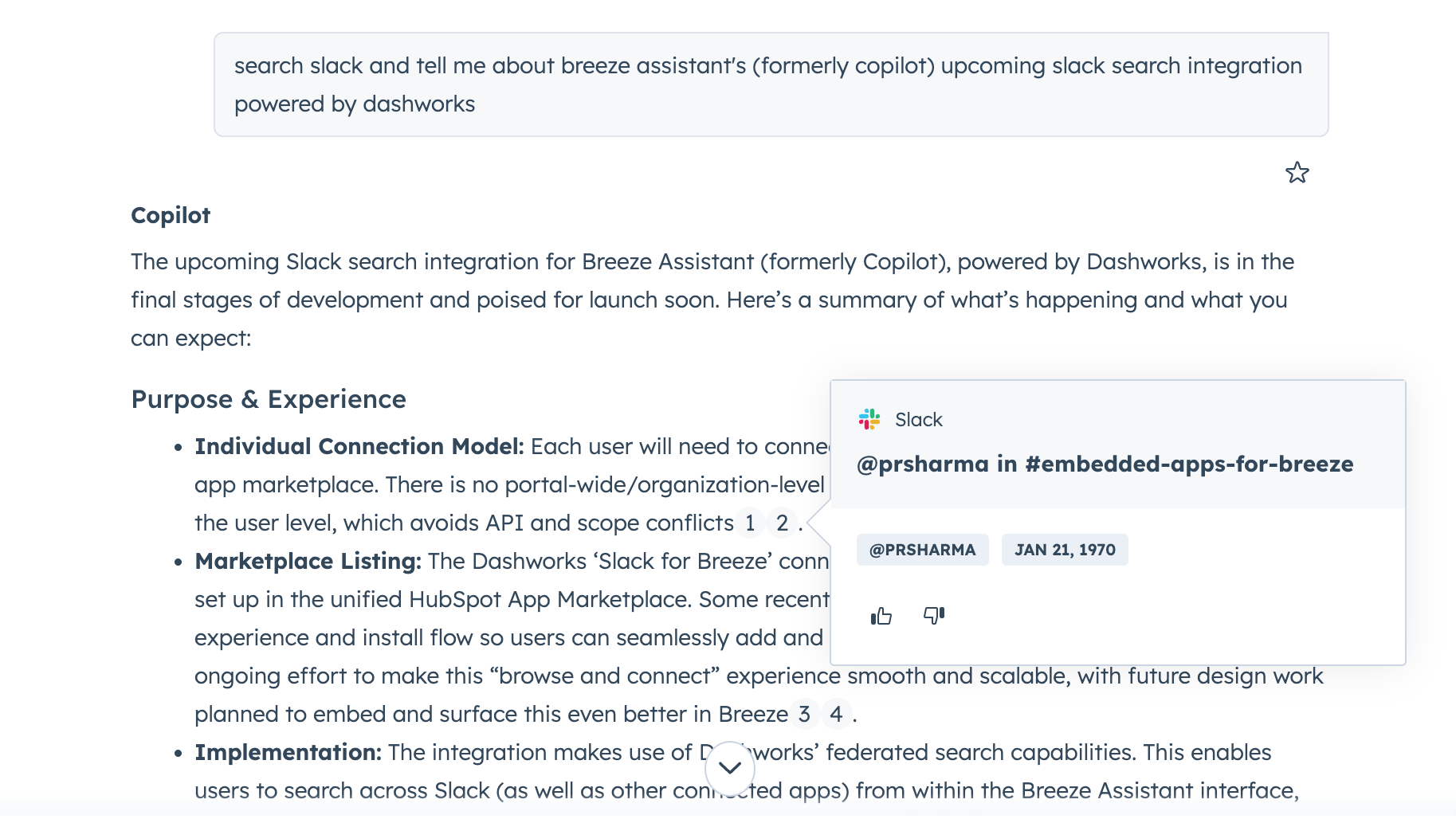
Unified AI Search
Get AI powered answers from all your work applications right inside Breeze Assistant.
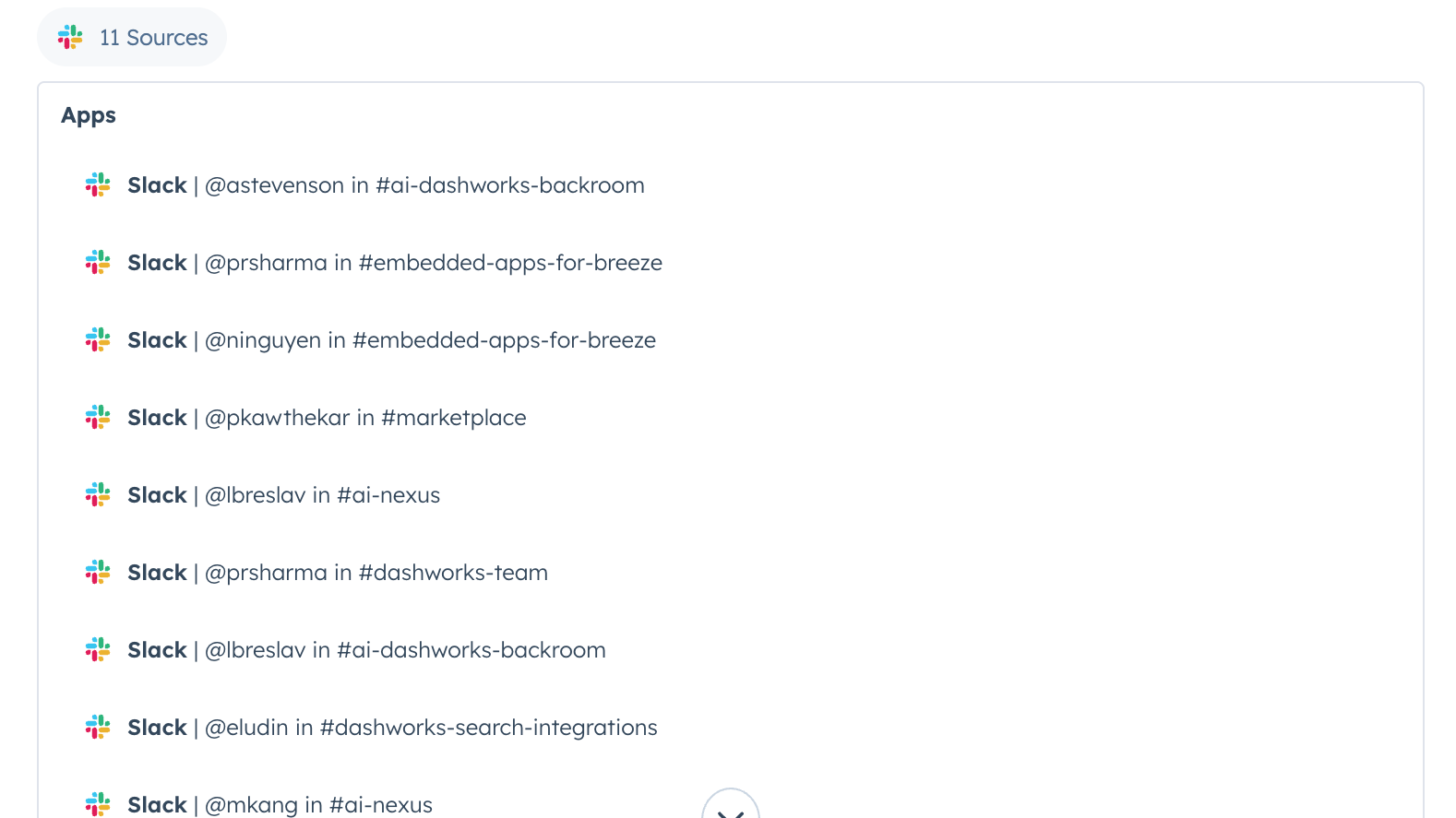
Source Citations
Easily verify answers with inline source citations.
Appfunksjonalitet
Delt data
Messages |
Gjennomganger
Vær den første til å skrive en kundegjennomgang
Review Gmail's Pricing Page
USD 0
Use the 'See all pricing options' link on the righthand side
Make sure to confirm the HubSpot subscription and the Gmail subscription needed to install this integration
Note: "Free" is referring to the cost of the integration, not the app subscriptions
Review Gmail's Pricing Page
USD 0
Use the 'See all pricing options' link on the righthand side
Make sure to confirm the HubSpot subscription and the Gmail subscription needed to install this integration
Note: "Free" is referring to the cost of the integration, not the app subscriptions
* Prissettingen her er kun for illustrasjonsformål. Prisene inkluderer ikke avgifter, insentiver, rabatter eller andre prissettingsvariabler. Kontakt partneren for å få oppdatert og riktig prissettingsinformasjon. HubSpot tar ikke ansvar for denne prissettingsinformasjonen, som gis av våre partnere. Prissetting sist oppdatert: 22.08.2025
Mest populært


