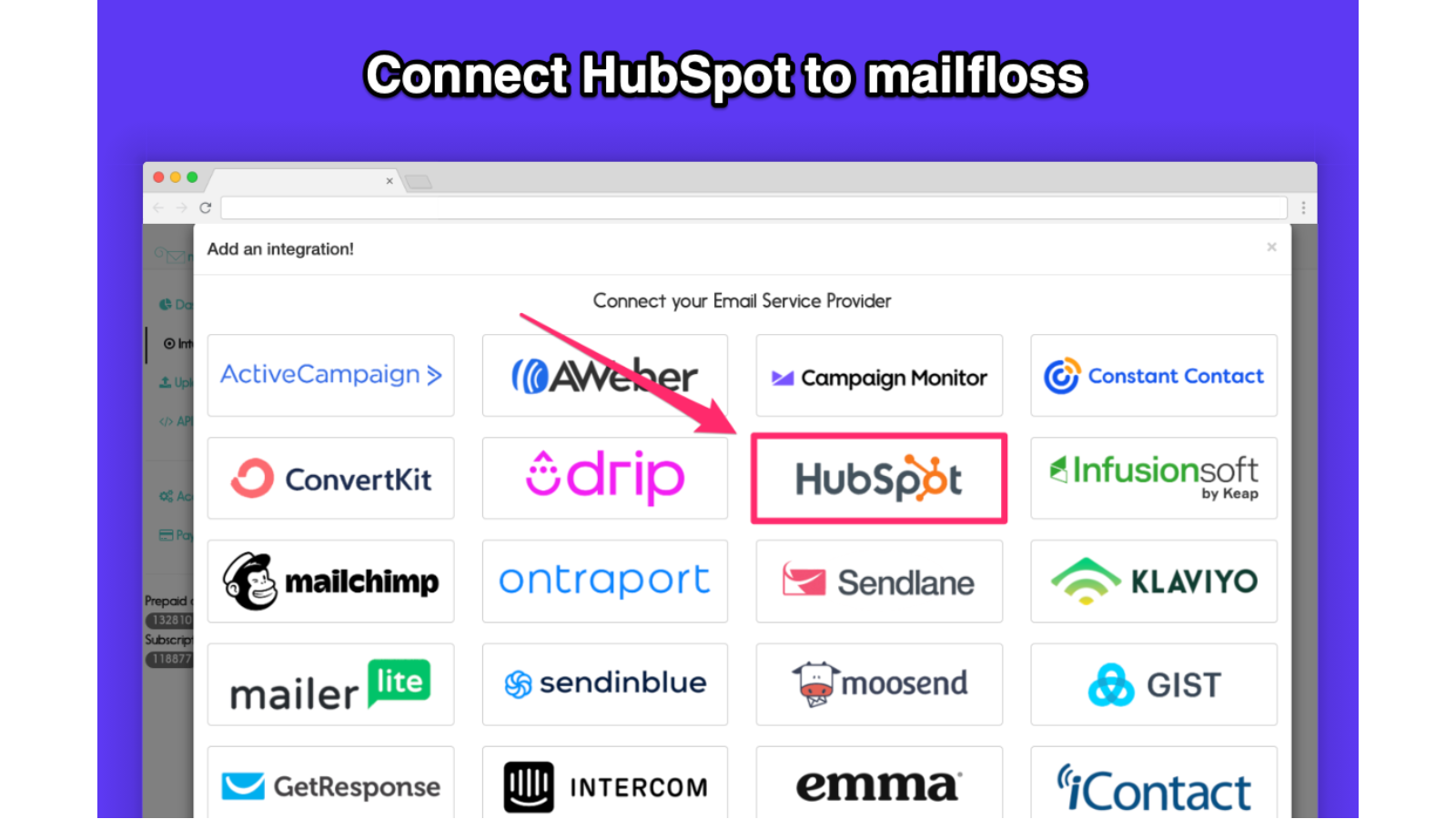
Logo - Full (Color)

Build

mailfloss

mailfloss-icon
App

mailfloss

Automatically clean, fix, tag and verify your HubSpot contacts

Built by
mailfloss
Installs
200+ installs
Rating

3.8(8)

Sign in to installRequires mailfloss subscription

Requirements

HubSpot Plan
    Works with all HubSpot plans
Learn more
HubSpot Account permissions
View the required account permissions
mailfloss Subscription
Launch Lite, Launch Business, or Launch Pro plans

Overview

mailfloss automatically identifies, removes, tags, and fixes invalid email addresses of HubSpot contacts before they become a problem. This ensures the emails you send get in front of your ideal customers and users.

With our HubSpot integration, we make it super simple to keep your contacts clean and protected from hard bounces, typos, spam, and other risky email addresses that will hurt your email campaigns.

mailfloss works daily and in real-time, can fix typos of common email services such as Gmail, Hotmail, AOL, and Yahoo, removes other risky email addresses, and more. The best part is you don't have to lift a finger. It's a set and forget solution and you're in complete control.

Features

Instafloss for HubSpot

Instafloss enhances the email verification experience by providing real-time capabilities for HubSpot. Once you've connect mailfloss with HubSpot, simply turn on the Instafloss switch and mailfloss will take care of the rest. Anytime a new contact enters your HubSpot email database, mailfloss will floss it to ensure it is of the highest quality.
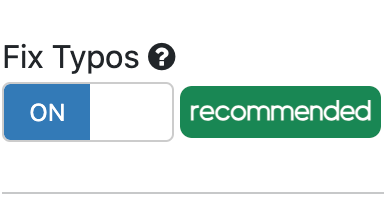
Typo Fixer for HubSpot

The Typo Fixer for HubSpot will automatically fix misspelled email addresses from popular email providers such as Gmail, Hotmail, iCloud, Yahoo, AOL, and so forth, ensuring leads and subscribers (and revenue) do not get lost due to email address typos. This is a powerful feature if your leads and subscribers are B2C, especially if running ads.
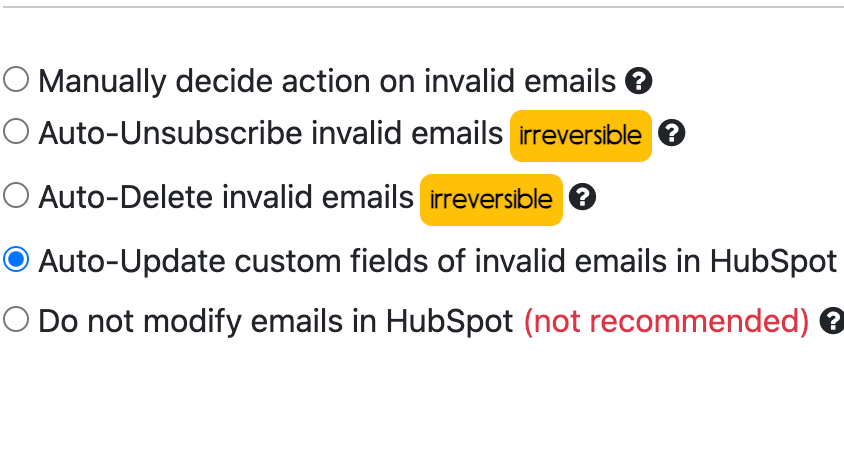
Automate cleaning actions

Set up auto-actions to automatically unsubscribe, delete, or update the custom fields of invalid email addresses. This ensures your sending emails only to the highest quality contacts, ensuring low bounces and high deliverability.
Decay Protection for HubSpot

Automatically protect your HubSpot email database by cleaning out once valid contacts that have since turned invalid due to things like job turnover, email abandonment, business going out of business, and so on. This ensures the email contacts that remain are always of the highest quality.

App Functionality

Shared Data
Data Source
Sync Direction
In HubSpot
In HubSpot

Contacts

Contacts

Contacts

More info about shared data

mailfloss can automatically (hands-free) sync contact data with HubSpot or if you prefer the human touch, only sync data after reviewing the email verification results.

Reviews

Average rating

3.8

Based on 8 ratings


Total reviews

8

Number of reviews all-time


5
37% complete
37 %
4
13% complete
13 %
3
37% complete
37 %
2
13% complete
13 %
1
0% complete
0 %

Average rating

3.8

Based on 8 ratings

Total reviews

8

Number of reviews all-time

5
37% complete
37 %
4
13% complete
13 %
3
37% complete
37 %
2
13% complete
13 %
1
0% complete
0 %

Filter reviews:

Sort:


3/5
    8. mars 2023

Barely effective

Affordable price, a relatively quick delivery, but a very big lack of accuracy despite the custom settings which included aggressive filters. It would be interesting to know how the algorithm works ; some domains were classified as spam for unknown reasons despite recent contact being made. We did a test with a couple of addresses where we could verify if they were still active or not, and more than 20% were not detected by mailfloss.

What problem are you trying to solve?

Clean a large and old database

What do you like?

Price, lot of tag options

What do you dislike?

Analysis only half done

  • ANDRIA, M.

  • Marketing Services
  • 26 to 50 employees

Reply from Wong, M., mailfloss9. mars 2023
Hi Miora, I took a look at your account and noticed that the custom settings were not optimized based on the information I've gathered. Out of the box, mailfloss has what we believe are the most sensible default settings for the majority of our ideal subscribers. If you are B2C, use a supported integration such as HubSpot, have a large email list that you are actively engaged with, and have a growing subscriber base, you are guaranteed to have excellent results with the default settings. If, however, you have an old and large database such as yours, there are a few tweaks that we suggest you make to the settings. There's a "help me decide" link that guides you through how to configure the settings, as well as various in-app tooltips as well as support articles, and we are always happy to help ensure the settings are optimal if you reach out to us. This is an onboarding issue that we are actively working on improving. The user experience when the default settings might not be optimal should be more approachable. Our onboarding needs work in this regard and we have some plans in the future on how to make it better. mailfloss is the only verifier that provides a 100% hands-free, real-time, no-code email verifier that also automatically fixes typos for our supported integrations such as HubSpot. As a result of this power, simplicity, and convenience, we've abstracted away all of the advanced features that the majority of our users won't need. It's a tricky balance to get the settings just right for the majority of our customers without abandoning the ones that may need more configuration. There was a previous review here that mentioned only about 50% of fake emails were discovered, and after we got together and I was able to make suggestions as well as explain the tradeoffs, the results vastly improved. I hope you'll do the same. I'll reach out to you shortly so we can hopefully turn "barely effective" into "very effective" :) - Martin

3/5
    26. mai 2022

Easy to use

The reason for my rating of average is because it only finds about 50% of the fake email accounts. I find myself using a secondary tool

What problem are you trying to solve?

We use mailfloss to clean our email lists and fake leads that come in from our site.

  • Kotler, A.

  • Telecom & Mobile Communications
  • 51 to 200 employees

Reply from Wong, M., mailfloss27. mai 2022
Hi Alex, I've reached out asking for the bounce report and more information. You shouldn't need another tool as mailfloss' Deep Clean engine is very accurate and continuously improving. I have a hunch about what might be happening. Our default settings work well for the majority of users, but in some cases might need tweaking depending on your use case and scenario. Hopefully, it should be just a few button clicks to get you on track. We can definitely do much, much, much better than 50%! Once we have more information we'll be able to make some adjustments and recommendations. - Martin

This app requires one of the following mailfloss subscription plans.

Launch Lite

USD 24,17

/month

For users with smaller email lists

  • 10,000 scanned emails/month

  • Automatic Daily Cleanup

  • Decay Protection

  • Whitelist/Blacklist Options

  • 1 ESP Integration

  • Zapier access

  • API

  • $0.005 overage per email

  • 10% off prepaid credit purchases

  • Auto-Remove invalid emails

Launch Lite

USD 24,17

/month

For users with smaller email lists

  • 10,000 scanned emails/month

  • Automatic Daily Cleanup

  • Decay Protection

  • Whitelist/Blacklist Options

  • 1 ESP Integration

  • Zapier access

  • API

  • $0.005 overage per email

  • 10% off prepaid credit purchases

  • Auto-Remove invalid emails

* The pricing here is for display purposes only. All prices do not include taxes, incentives, discounts, or other pricing variables. You should contact the partner for the most up to date and correct pricing information. HubSpot does not take any responsibility for this pricing information, which is provided by our partners. Pricing last updated: 19.02.2025

More info

Built by
mailfloss
Installs
200+ installs
Categories
Languages this app is available in
English

Nye produkter

HubSpot solutions partner illustration
Need more help?

Build a custom solution with help from a HubSpot solutions partner.

Connect with HubSpot solutions partners for any business need. Browse recommendations, hire the right fit, and get your project started.