

Microsoft Excel Connector
Bygget av - Superjoin
Installeringer - 90+ installasjoner

Leading
Krav
HubSpot-abonnement HubSpot-kontotillatelser - Vis nødvendige kontotillatelser
Tilgangstype Delt Microsoft Excel Connector-abonnement - Starter, Basic, Pro eller Enterprise-abonnementer
Oversikt
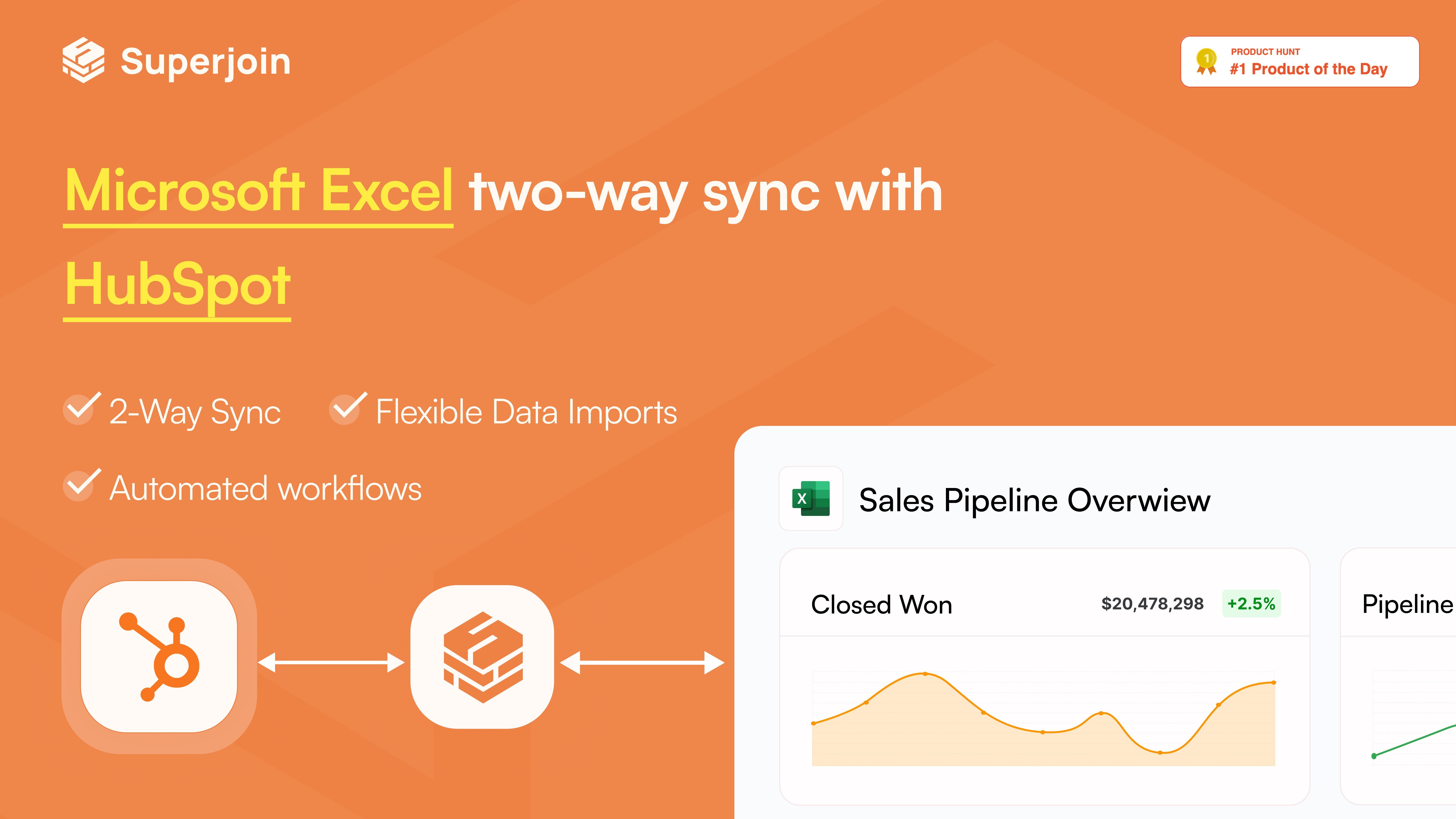
1/5 - Work with live HubSpot data directly from Microsoft Excel
Effortlessly sync your HubSpot data with Microsoft Excel using Superjoin. Our Excel connector makes pulling data fast, easy, and accurate—so you can focus on growing your business, not managing spreadsheets.
HubSpot-Specific Advantages
Work with Big Data, No Limits: We’ve unlocked up to 250,000 rows per sync, so you never have to worry about hitting HubSpot’s API limit of 10k rows.
Complete object associations: From Contacts to Deals to Custom Objects, Superjoin understands and connects every object in your HubSpot data automatically.
Preview Before You Pull: See a live preview of your data before it lands in Sheets. No more guesswork, no more surprises.
Custom calculated fields: Need to track MRR, lead scores, or custom metrics? Create and save formulas once and reuse them anytime.
Core Features
Data Sync That Just Works: Move data from HubSpot to Microsoft Excel with complete control and accuracy.
Schedule It and Forget It: Set up automatic data refreshes in your desired frequency - hourly, daily, weekly or monthly - to keep your Excel and HubSpot in sync, hands-free.
Get Notified When It Matters: Get alerts in Slack or via email when your data changes, like pipeline updates or new meeting thresholds.
Collaborate without chaos: Share any query with your team and manage their access so you have complete control.
Connect More Than Just HubSpot: Superjoin also works with tools like MySQL, Chargebee, Salesforce, Linkedin Ads, Google Analytics, Jira, Shopify, and more - so you can build a full picture.
Popular Use Cases
Build GTM Dashboards in Excel: Create real-time GTM reporting by combining HubSpot data with campaign performance, sales activity, and CRM pipeline data - all auto refreshed on a schedule.
Add Complex Calculated Metrics to Your HubSpot Data: Create custom fields like weighted pipeline value, lead score, or ARR in Sheets, and push them back to HubSpot for workflow triggers or rep visibility.
Multi-Source Revenue Forecasting: Bring in historical sales performance from HubSpot, layer in data from your billing system (like Stripe or Chargebee), and generate weighted forecasts in Excel—automatically refreshed and shared with leadership.
Trusted by Teams that move fast
#1 Product of the Day on Product Hunt
Certified App on the HubSpot Marketplace
Built with security and privacy in mind
Trusted by high-growth teams and global innovators like Truecaller, HYROX, Kintsugi, and Crowdcube.
Why Choose Superjoin?
Because moving fast shouldn’t mean breaking your data. Superjoin isn’t just a connector, it’s the control center for your HubSpot data. It’s built for operators who need power and flexibility: large-scale syncs, deep customizations, and automation that actually saves time. You've already outgrown basic tools like Coefficient, Zapier, or Supermetrics - Take your next big step up with Superjoin.
Funksjoner
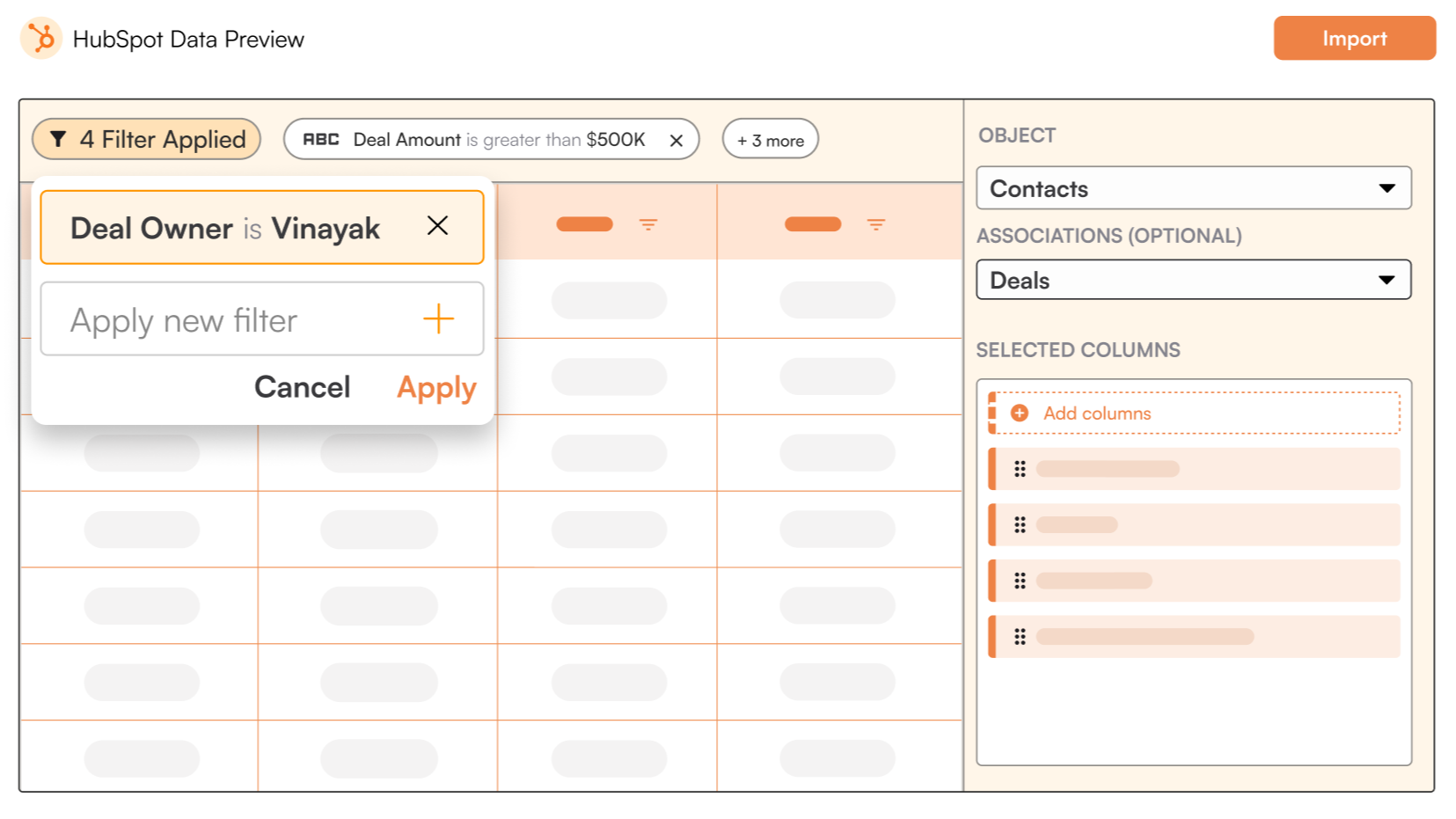
Smart Data Preview
Preview your Data before importing it into your Excel sheet
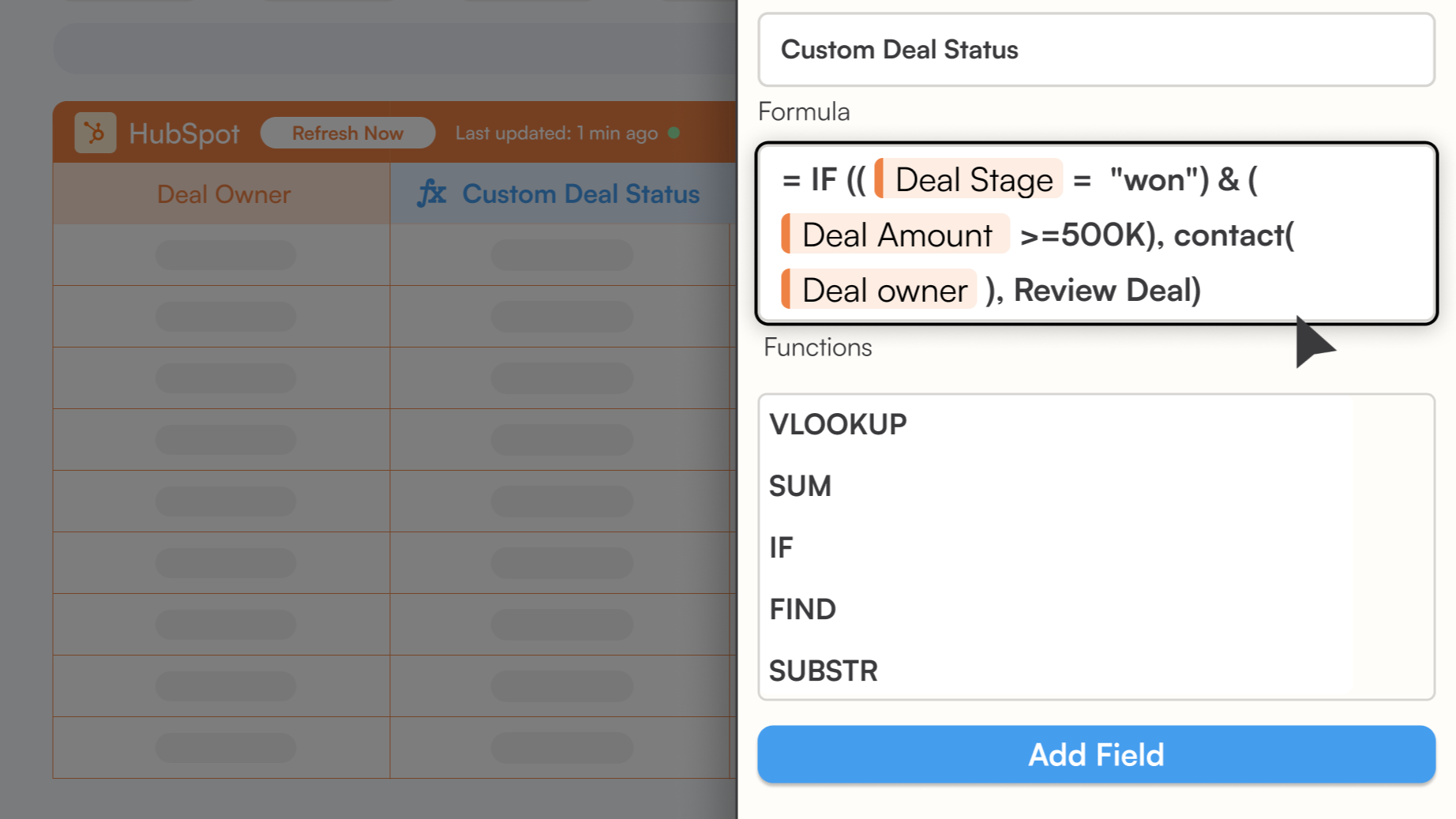
Create Calculated Fields
Create fields with custom formulas and apply dynamic calculations using other data fields in your HubSpot data.
Appfunksjonalitet
Delt data
Companies | ||
Contacts | ||
Deals | ||
Tickets` | ||
Quotes | ||
Deal Split | ||
Custom Objects | ||
Goals | ||
Products | ||
Engagements | ||
Tasks | ||
Notes | ||
Calls | ||
Emails | ||
Meetings | ||
Postal Mail | ||
Line Items | ||
Owners | ||
Contact Properties | ||
Company Properties | ||
Deal Properties | ||
Carts | ||
Payments | ||
Leads | ||
Orders | ||
Subscriptions | ||
Invoices | ||
CRM Associations | ||
Contact Lists | ||
Discounts | ||
Fees | ||
Taxes | ||
Marketing Email Analytics | ||
Analytics |
Gjennomganger
Starter
USD 0
For ad-hoc data needs
Free Forever
1 HubSpot account
Manual Data Refresh
Import from HubSpot to Excel 5,000 row limit.
Export from Excel to HubSpot with a 100 row limit.
Starter
USD 0
For ad-hoc data needs
Free Forever
1 HubSpot account
Manual Data Refresh
Import from HubSpot to Excel 5,000 row limit.
Export from Excel to HubSpot with a 100 row limit.
* Prissettingen her er kun for illustrasjonsformål. Prisene inkluderer ikke avgifter, insentiver, rabatter eller andre prissettingsvariabler. Kontakt partneren for å få oppdatert og riktig prissettingsinformasjon. HubSpot tar ikke ansvar for denne prissettingsinformasjonen, som gis av våre partnere. Prissetting sist oppdatert: 11.08.2025
Å få oppmerksomhet i dag

Zoom Phone for HubSpot
Enhance your HubSpot experience and streamline your workflows.

Zapier
The easiest way to automate and connect HubSpot to 8,000+ apps
