
1/2 - Thumbnail Image
Overview
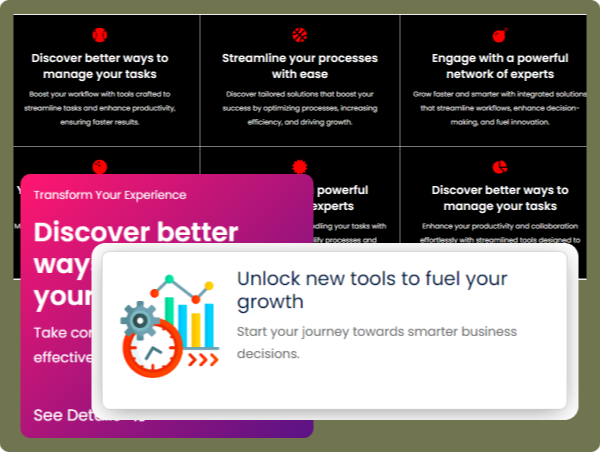
The Media Box Module is a versatile content block designed to display text, icons, images, and buttons in an engaging and structured way. It offers various customization options, making it ideal for showcasing information in a visually appealing manner. Users can configure layout, styles, and interactive hover effects to enhance user experience.
Features
Layout & Positioning
Choose from grid layout options for flexible content arrangement. Select icon/image type and position for precise alignment.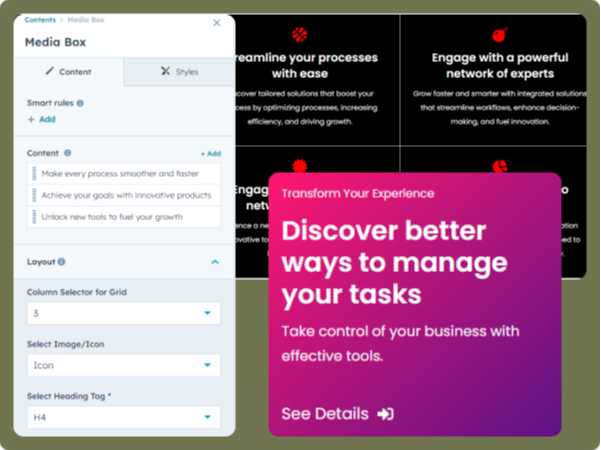
Content Options
Add Title, Subtitle, Description, and Icon/Image for a rich media display. Include a button with text, an icon, and a link for actionable engagement. Background customization with color, gradient, image, or no background options.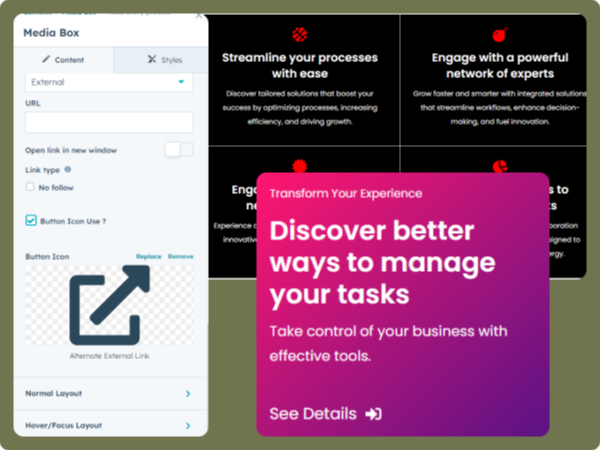
Styling & Customization
Adjust box height, alignment, spacing, border, and shadow for a polished look. Define title, subtitle, and description colors along with spacing controls. Modify icon size and color, ensuring a cohesive design. Configure hover effects to maintain consistency between default and interactive states.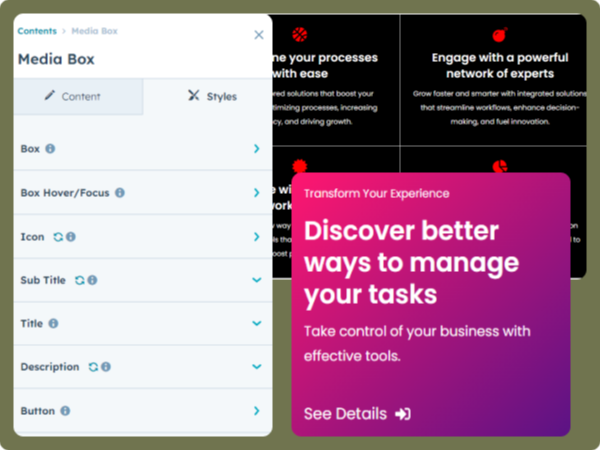
About Module
Total installs Fewer than 10 Created - Feb 4, 2025
Version 1 - Feb 4, 2025
Categories Tags
Requirements
HubSpot Subscription Works with all HubSpot plans
Contact ScWebInfo
Legal Stuff
Please refer to the developer's Privacy Policy and Terms for more information.
Support
ScWebInfo
- India
Visit website
We are capable of offering a pixel-perfect website quickly & around time.