
1/5
Overview
The Multi Layout Tabs module is a powerful, flexible, and fully customisable module for HubSpot that helps you display your content in an engaging, organised, and creative way, all without writing a single line of code.
With four unique layout styles and advanced design controls, you can create anything from a feature showcase to a team section, all within elegant, interactive tabs.
What Makes It Special
4 Distinct Tab Layouts
Image + Title + Content
Image Overlay Content
Two-Column Content
Image with Description
Advanced Styling Options
Choose background types: color, gradient, or image
Adjust container width to fit any design
Select grid layout: 3, 4, or 5 columns
Style every element individually from titles, descriptions, and images to buttons and links
Smart Image Controls
Set aspect ratios
Apply rounded corners
Customize overlay effects for a modern look
Special Tab Effects
Pill-Shaped Tabs for a soft, modern UI
Full-Width Tabs for bold, section-spanning designs
Ease of Use
Intuitive, no-code editing directly inside HubSpot
Fully responsive across all screen sizes
Comes with a video tutorial for quick setup and guidance
Why Choose Multi-Layout Tabs
Fully customizable to match your brand
Create multiple tab styles and layouts in one module
Improve user engagement and visual storytelling
Features
4 Unique Tab Layouts
Choose from Image + Title + Content, Image Overlay, Two-Column, or Image with Description to design tabs that fit your content perfectly.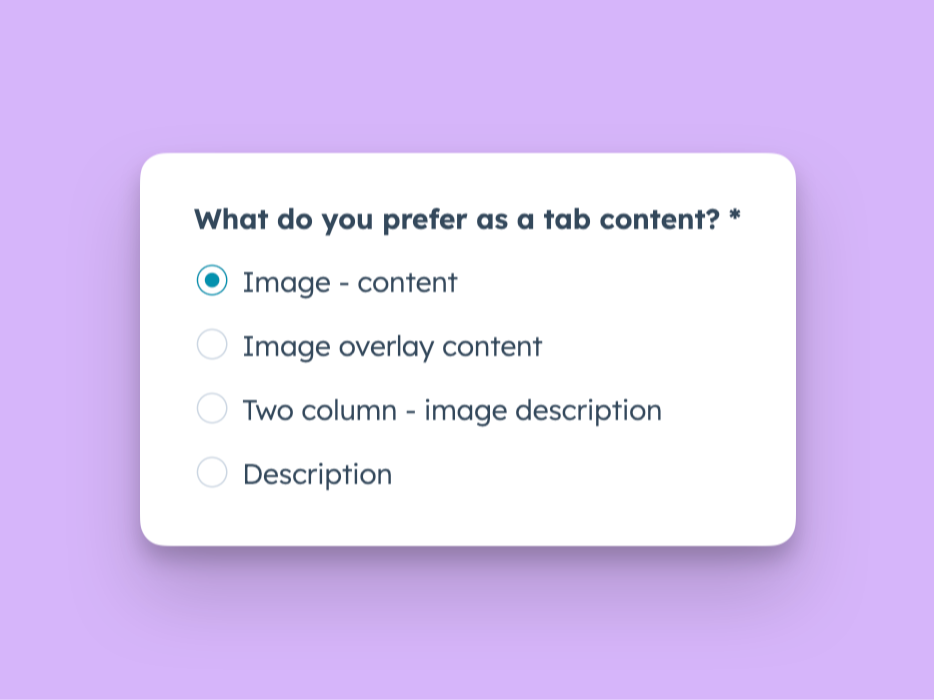
Advanced Customization Options for Tab's each element
Easily style colors, backgrounds, spacing, typography, and more all within HubSpot’s editor.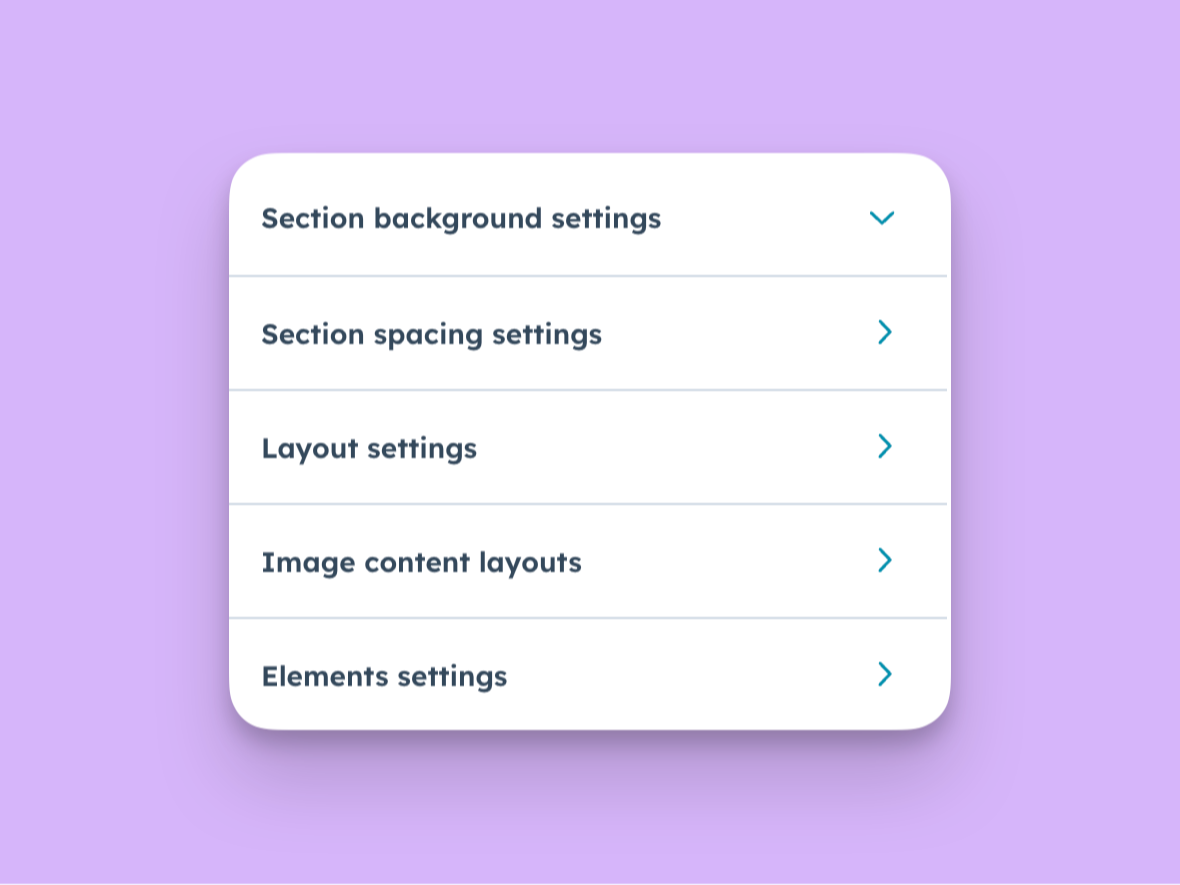
Flexible Grid & Layout Control
Select from 3, 4, or 5-column layouts and adjust container width to create balanced, responsive tab designs.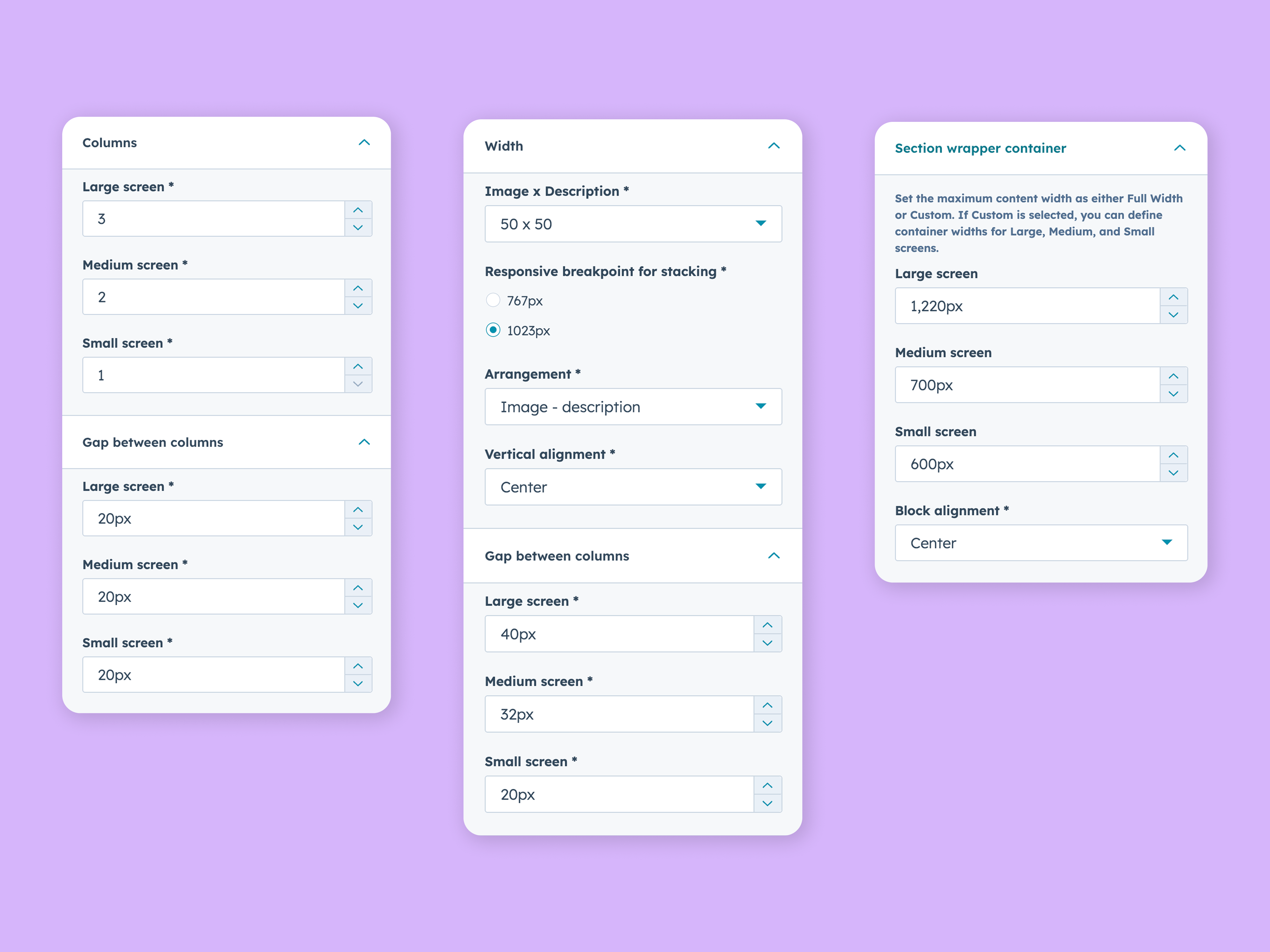
Special Tab Styles
Add modern visual appeal with Pill-Shaped Tabs and Full-Width Tabs for a sleek, professional layout.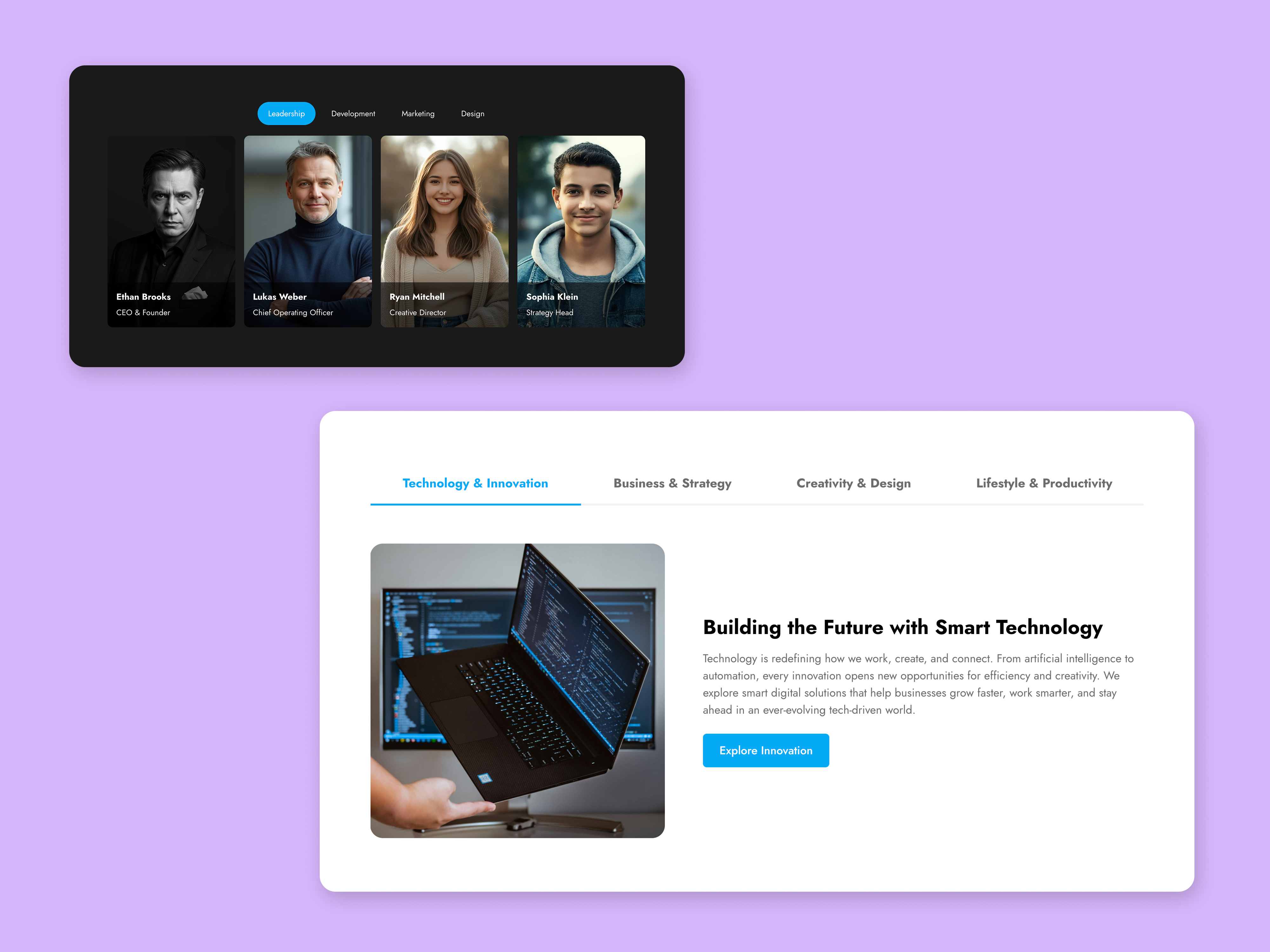
User-Friendly & Responsive
No coding required! Fully responsive design and a step-by-step video tutorial make it easy for anyone to set up and customise.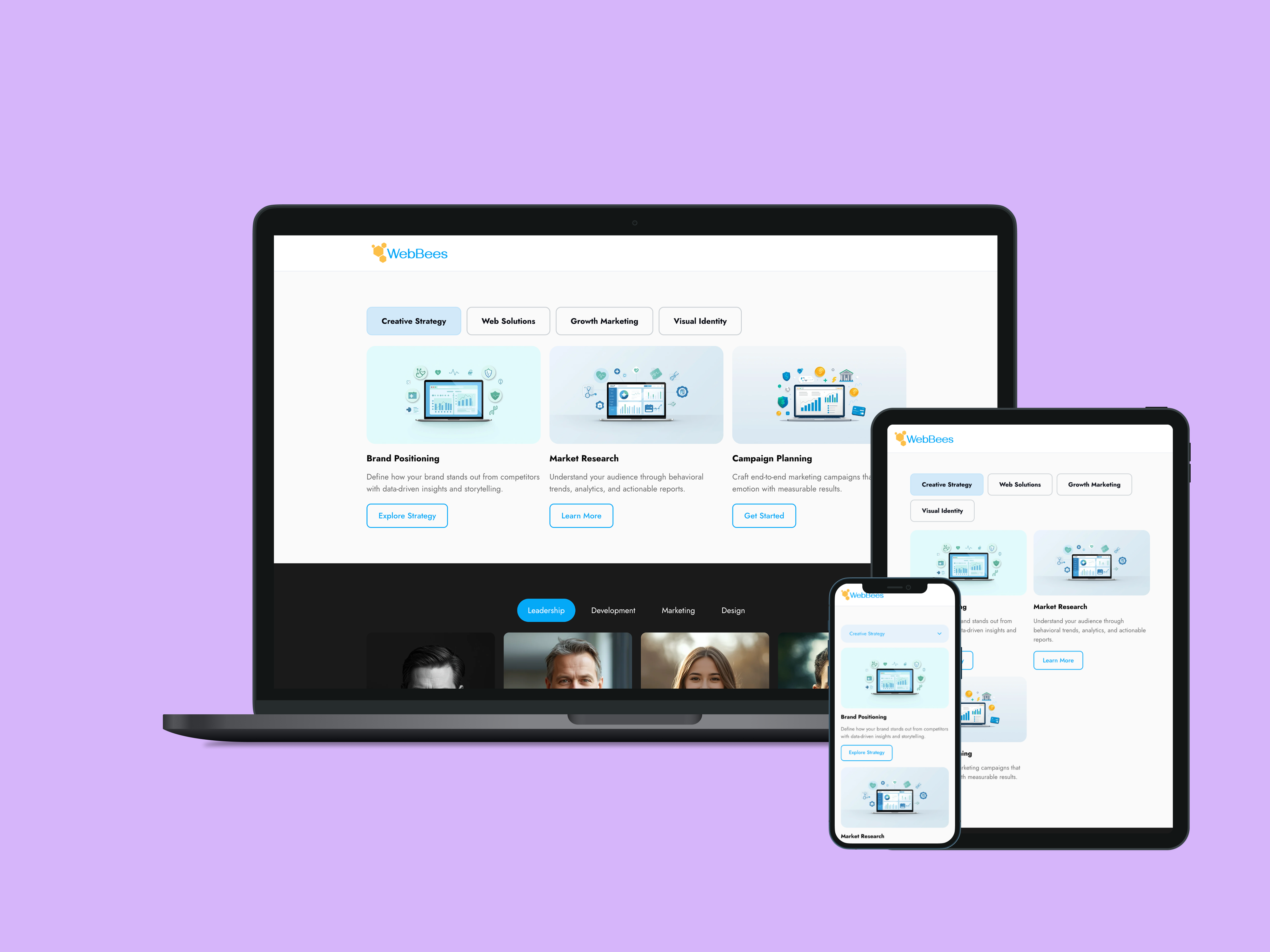
About Module
Total installs Fewer than 10 Created - Oct 29, 2025
Version 2 - Nov 13, 2025
Categories Tags
Requirements
HubSpot Subscription Works with all HubSpot plans
Contact WebBees
Legal Stuff
Please refer to the developer's Privacy Policy and Terms for more information.
Support
WebBees
Improve your HubSpot website with custom modules and themes from WebBees. Check out our solutions today!