

Excel Integration
สร้างโดย - Datawarehouse.io
ติดตั้ง - 300+ การติดตั้ง
คะแนน 3.7
(3)

Premier
ข้อกำหนด
แผน HubSpot สิทธิ์บัญชี HubSpot ไม่จำเป็นต้องมีสิทธิ์อนุญาตจาก HubSpot Excel Integration อาจขอสิทธิ์เพิ่มเติมขณะเชื่อมต่อ ประเภทสิทธิ์การเข้าถึง แชร์แล้ว การสมัครใช้บริการ Excel Integration - Lite, Standard, Advanced หรือ Max แพ็กเกจ
ภาพรวม
1/6
Connect HubSpot to Excel and sync 100+ HubSpot data tables automatically — contacts, companies, deals, tickets, campaigns, custom objects and every custom property. The HubSpot Excel Connector by Datawarehouse.io builds all your tables and relationships, and keeps them in sync on your schedule. In Excel you connect once through Data → Get Data, and from then on you can easily refresh your workbooks.
No CSV exports, no HubSpot API code, no copy-paste. Point-and-click setup takes under five minutes, and every plan is a fixed monthly price with unlimited records and a 14-day free trial.
What changes when HubSpot data lives in Excel properly
Your workbook stops going stale — hit Refresh and the numbers update. The export you downloaded this morning was already out of date; this isn't
PivotTables on live CRM data — build pipeline, campaign and ticket reporting the way your team already builds everything else
Power Query does the shaping — clean, merge and reshape HubSpot data once, then let it repeat automatically every refresh
Rebuild the monthly deck once, not every month — board reports, commission calcs and forecast models point at a source that updates itself
Keep history HubSpot doesn't — property, deal, ticket and lifecycle change history land in your database, so you can trend pipeline movement over years without row caps
Blend HubSpot with your other numbers — finance, product, support and ad platform data alongside CRM data in the same workbook
What gets synced
The complete HubSpot data model, including custom properties on every object: Contacts, Companies, Deals, Deal Splits, Leads, Owners, Teams and Associations · Campaigns, Campaign Metrics, Campaign Revenue, Marketing Emails, Marketing Events, Form Submissions and Lists · Quotes, Invoices, Payments, Subscriptions, Orders, Line Items and Product Libraries · Tickets, Ticket Pipelines, Feedback Submissions and NPS · Website Pages, Page Analytics, Web Traffic and Custom Events · Custom Objects, Workflows, Goals, and full property change history.
Why choose Datawarehouse.io's HubSpot Excel integration
Purpose-built for HubSpot — objects, properties and associations arrive pre-modelled with keys and relationships already built, so lookups and joins work without VLOOKUP gymnastics
Fixed, predictable pricing — priced by refresh frequency, never per record. Unlimited records, unlimited storage, unlimited users
More than HubSpot — Google Ads, LinkedIn Ads and Meta Ads are included as additional data sources at no extra cost, so you can put spend next to closed revenue in one sheet
Enterprise-grade security — SOC 2 certified, GDPR compliant, encrypted in transit and at rest, with read-only access to a database that's yours alone
Proven at scale — a HubSpot Certified App processing over 2 billion HubSpot records a day across 10,000+ installs
Getting started takes three steps
Authenticate your HubSpot portal with one-click OAuth (Super Admin, under two minutes)
Start your 14-day free trial and connect your workbook through Data → Get Data
Your tables sync automatically from there — build your first PivotTable immediately
ฟีเจอร์
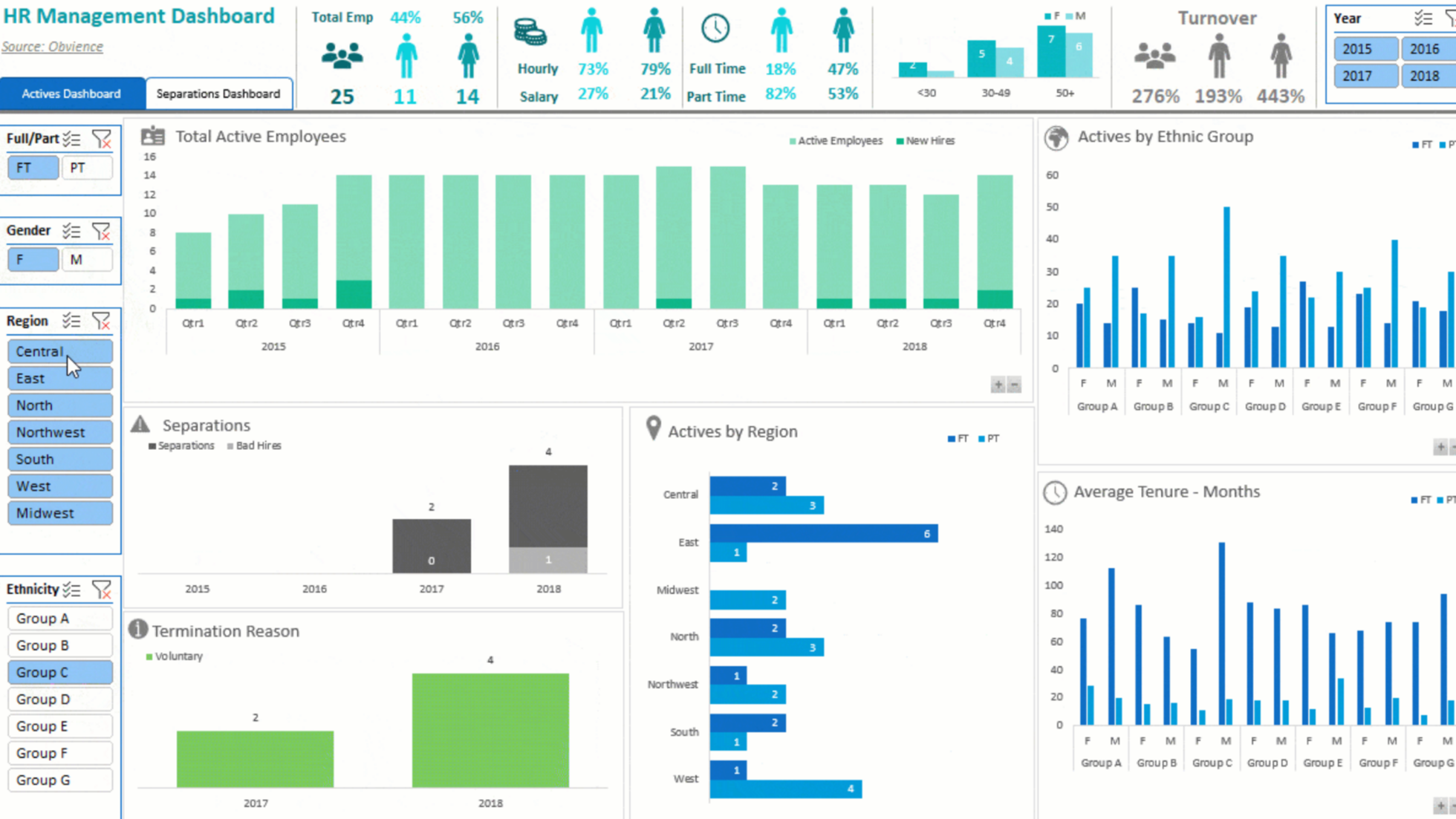
Work in a tool you already know
Bring HubSpot data into Excel, so your team can analyze it using familiar features like pivot tables, charts, and formulas. Build spreadsheets tailored to your unique goals—track campaigns, monitor pipelines, or measure customer success on your terms. Excel makes it simple to share reports in a format everyone understands.
-1.png)
Powerful SQL Server Based Integration
Datawarehouse.io process' over 2 billion HubSpot records daily. We service thousands of HubSpot customers with a platform built exclusively for HubSpot. By using the Excel Connector from Datawarehouse.io you gain access to a powerful enterprise grade data warehouse that you can connect to excel for rapid and reliable reporting.
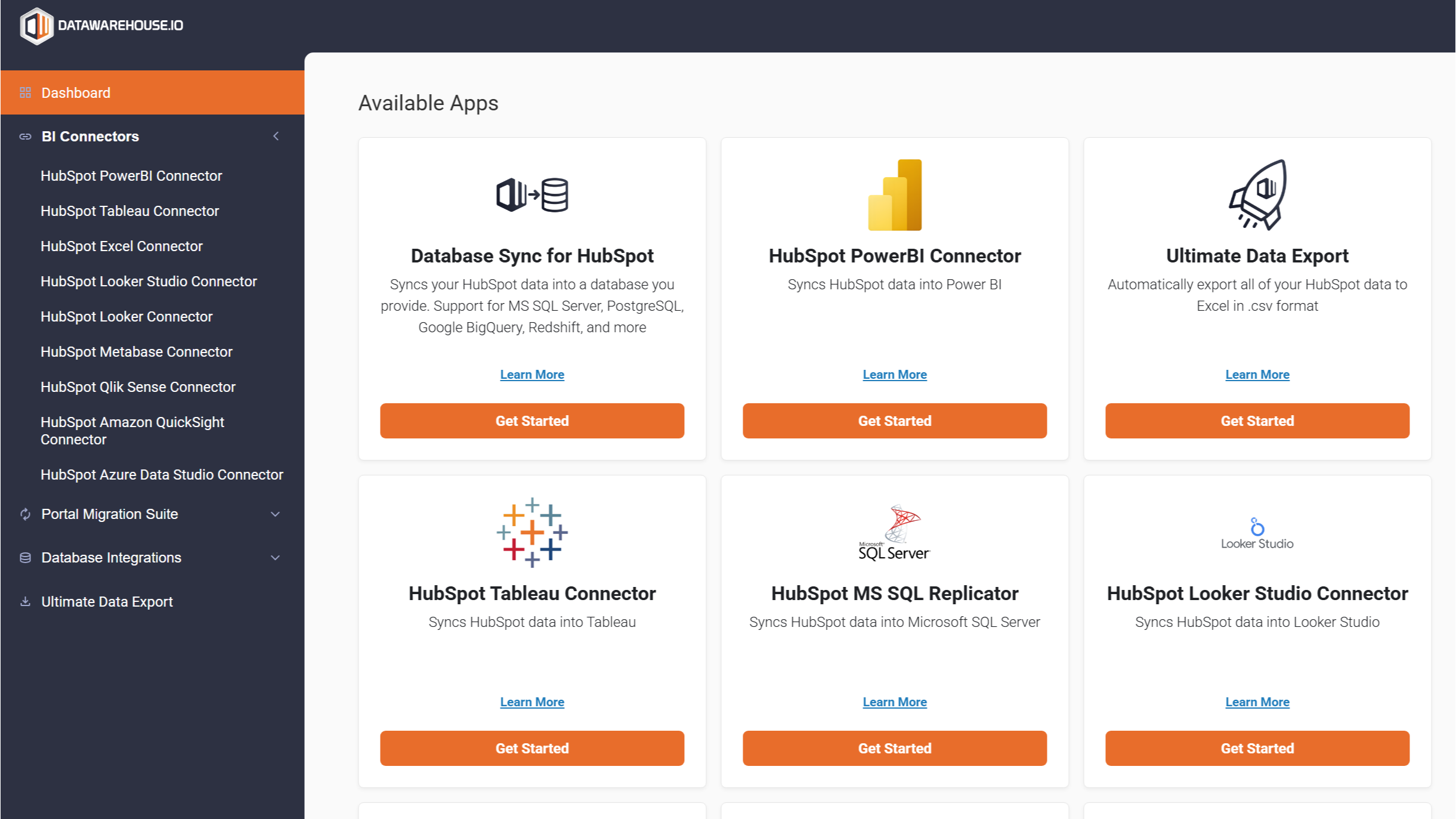
Intuitive and easy to use platform
With just a few clicks in the Datawarehouse.io app you can spin up your free trial of the HubSpot Excel Connector. HubSpot + Excel gives your team flexibility and familiarity. Datawarehouse.io makes the connection effortless—and with fixed pricing, you’ll always know what to expect.
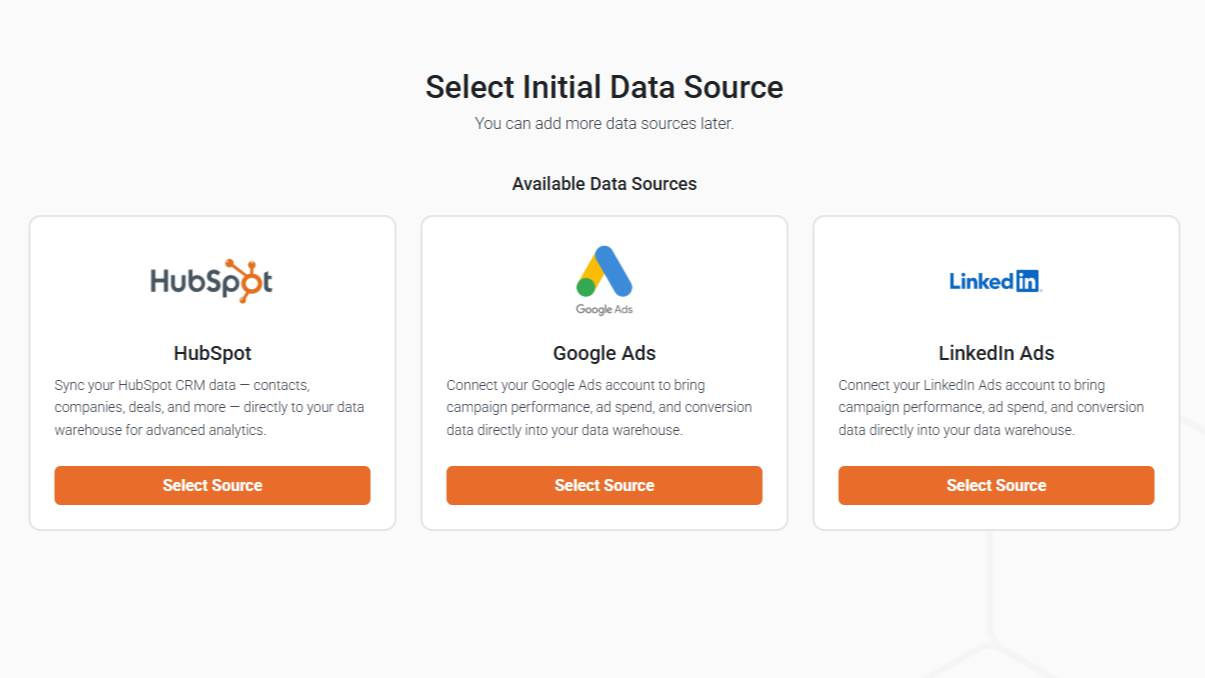
Support for Multiple Data Sources
Need more than just HubSpot data? Datawarehouse.io has support for multiple data sources included in every version of the app! Create robust top to bottom marketing funnels by integrating multiple data sources into Datawarehouse.io.
ฟังก์ชันการทำงานแอป
ข้อมูลที่แบ่งปัน
Companies | ||
Contacts | ||
Deals | ||
Engagements | ||
Email Events | ||
Tickets | ||
Owners | ||
Products | ||
Forms | ||
Associations | ||
Deal Pipelines | ||
CampaignEmailEvents | ||
Custom Objects | ||
Quotes | ||
Website Pages | ||
Workflows | ||
Feedback Submissions | ||
Goals | ||
Company Properties History | ||
Contact Properties History | ||
Deal Properties History | ||
Engagements History | ||
Ticket Properties History | ||
Product Properties History | ||
Chatflows | ||
ContactSubscriptionType | ||
Line Items | ||
Deal Segments (Lists) | ||
Company Segments (Lists) | ||
Custom Object Segments (Lists) | ||
Contact Segments (Lists) | ||
Invoices | ||
Payments | ||
Subscriptions | ||
Orders | ||
Leads | ||
Deal Splits | ||
Custom Events | ||
Marketing Events | ||
Appointments | ||
Courses | ||
Listings | ||
Services | ||
Projects |
รีวิว
- 7 ก.ย. 2025
Reliable and effective app
The integration is reliable, and surprisingly easy to set up. It’s already saving me hours each week and giving me insights into my team’s performance that I couldn’t get before in the native reporting that HubSpot provides. For those that are used to working in excel this is exactly what you are looking for. I used it to build some rather complicated reports for our leadership and the support team was able to help solve the few questions I had.
Data refreshes easily
Donavan, M.
- 3 เม.ย. 2024
Wonderful. Truly game changing for our sales reporting!
We struggled for a long time to get HubSpot reporting in a format we could work with. Eventually we gave up. Like most businesses, we use Excel spreadsheets and pivot tables every day and using this tool just feels natural - it also avoids the need to export data from HubSpot every time. Data refreshes regularly and our reports can now be integrated with our other business reports with ease. The flexibility is the key benefit - we can analyse the data any way we want, create formulas and present in a format the business is used to seeing.
Sales reporting and forecasting
Familiar interface with Excel. We found reporting from HubSpot clunky. The functionality is only limited by your Excel and pivot table skills
A little tricky to have the filed shared with others as they need to re-authorise the link to the database, but once that hurdle is overcome it's a breeze. The support from the team at Datawarehouse has been exceptional. They always respond within an hour or two.
Smyth, S.
การก่อสร้างและการบูรณะ - พนักงาน 201 ถึง 1,000 คน
การกำหนดราคา
Lite
US$99
/เดือน24 Hour Refresh Rate
Supports Multiple Data Sources
Unlimited Users
Unlimited Storage
Unlimited Data Processed
No limits on Row count or Contact Count
Fixed Rate Pricing
GDPR Compliant
Lite
US$99
/เดือน24 Hour Refresh Rate
Supports Multiple Data Sources
Unlimited Users
Unlimited Storage
Unlimited Data Processed
No limits on Row count or Contact Count
Fixed Rate Pricing
GDPR Compliant
* ราคาที่แสดงนี้มีไว้เพื่อแสดงข้อมูลเท่านั้น ราคาทั้งหมดยังไม่รวมภาษี สิทธิพิเศษ ส่วนลด หรือตัวแปรราคาอื่นๆ คุณควรติดต่อพาร์ทเนอร์เพื่อรับข้อมูลราคาล่าสุดและถูกต้องที่สุด HubSpot จะไม่รับผิดชอบใดๆ ต่อข้อมูลราคานี้ซึ่งจัดทำโดยพาร์ทเนอร์ของเรา การกำหนดราคาอัปเดตล่าสุด: 30/09/2026
ข้อมูลเพิ่มเติม
สร้างโดย - Datawarehouse.io
ติดตั้ง - 300+ การติดตั้ง
หมวดหมู่ ภาษาที่แอปนี้สามารถใช้ได้ ญี่ปุ่น โปรตุเกส - บราซิล ฝรั่งเศส สเปน อังกฤษ และอิตาลี