
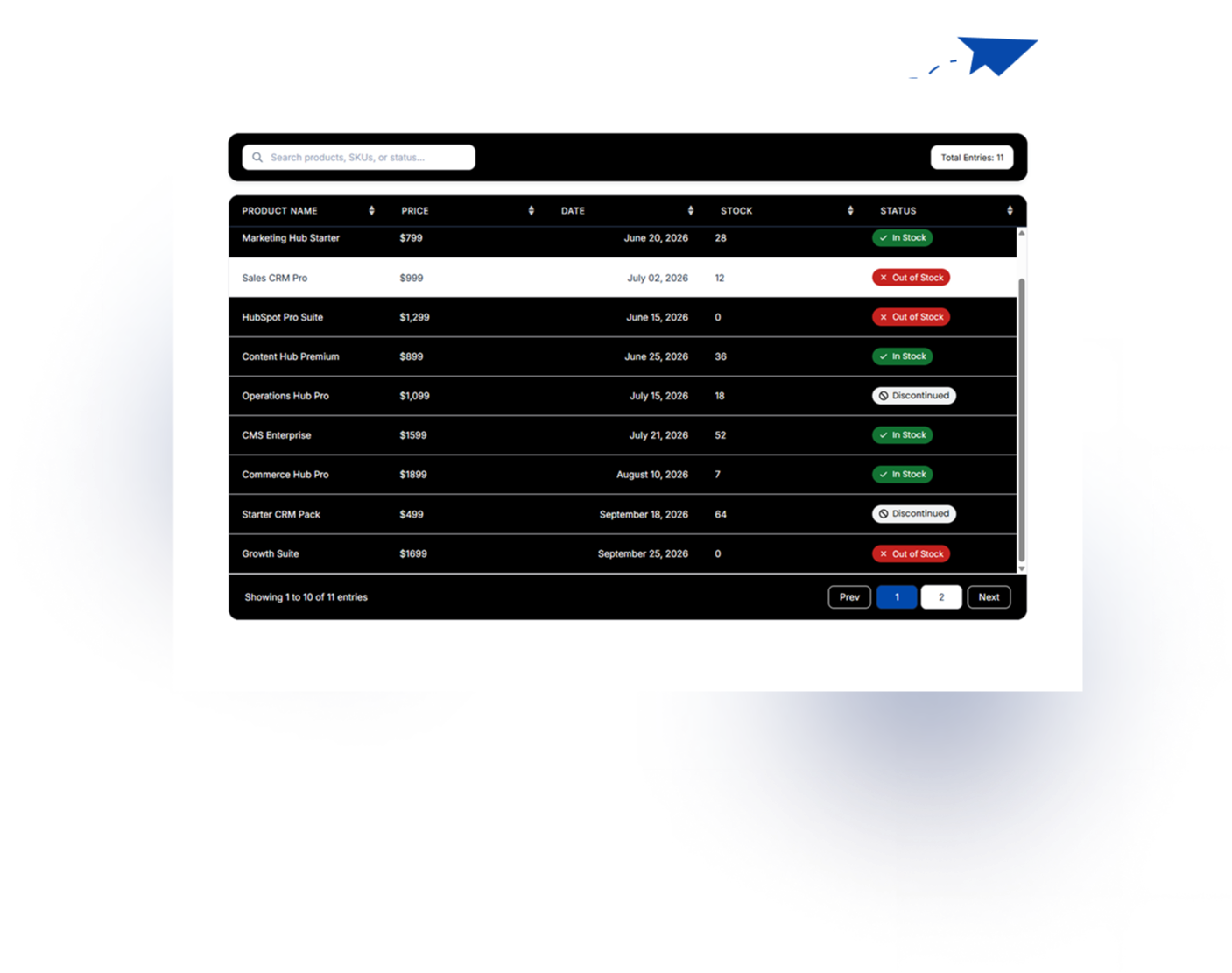
1/4 - Organize your data with customizable cells, alignment options, search, and easy navigation.
Overview
Smart Data Table makes it easy to display large amounts of information in a clean, organized, and responsive table. Add multiple entries with text, numbers, dates, icons, and other content, while customizing individual cell alignment and table styling. Built-in search, keyword highlighting, entry controls, pagination, and total entry counts help visitors quickly find and navigate your data.
Key Features:
Multiple Table Entries – Add and manage multiple entries to display your data in an organized table.
Multiple Data Types – Add text, numbers, dates, icons, and other content to individual table cells.
Search & Highlight Keywords – Add a search bar to find information quickly and highlight matching keywords.
Custom Cell Alignment – Set left, center, or right alignment for individual cell content.
Entries Per Page – Choose how many entries to display per page, such as 5, 10, or 20.
Smart Pagination – Automatically manage pagination based on the number of entries displayed per page.
Show/Hide Pagination – Easily enable or disable pagination based on your table requirements.
Total Entries Count – Display the total number of available entries for better data visibility.
Advanced Table Controls – Manage search, pagination, entries, and other table display options with ease.
Fully Responsive – Keep your table clean, readable, and easy to use across desktop, tablet, and mobile.
Fully Customizable – Customize table styling and layout to match your website design.
Features
Multiple Table Entries
Add multiple table entries to organize and display all your data with ease.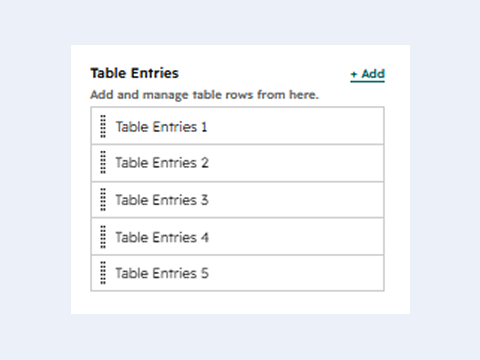
Search & Highlight
Add a search bar to quickly find data and highlight matching keywords instantly.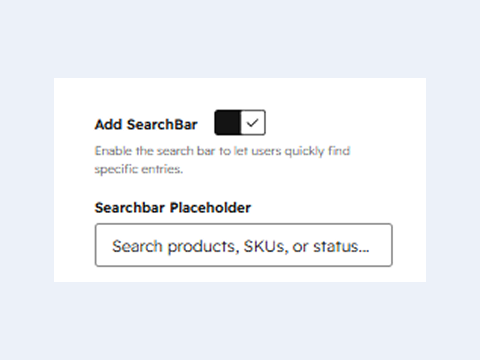
Advanced Table Controls
Manage table display with flexible controls for pagination, entries, search, and more.-1.png)
Full Customization
Enjoy complete control with full customization options for your design.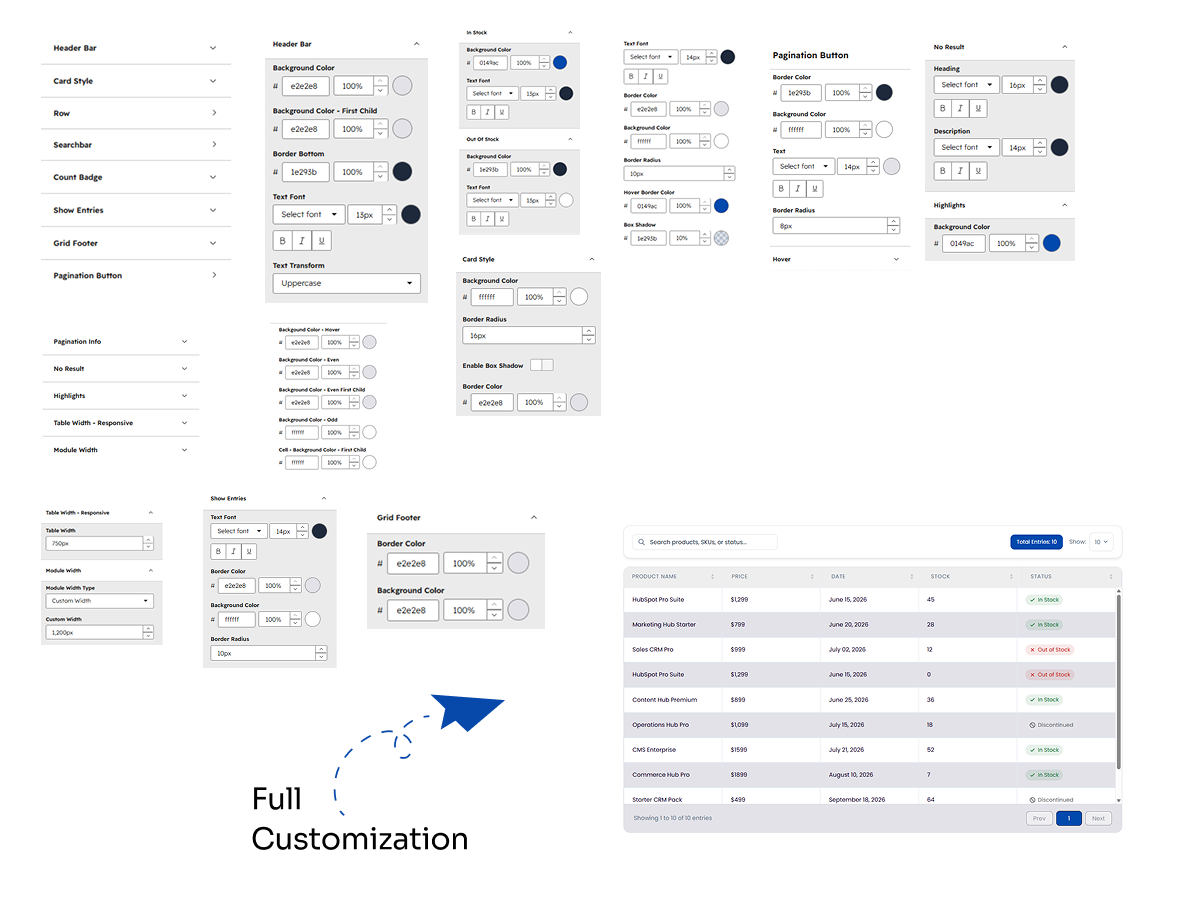
Fully Responsive Design
The module is optimized for all devices, ensuring a seamless experience on desktops, tablets, and smartphones.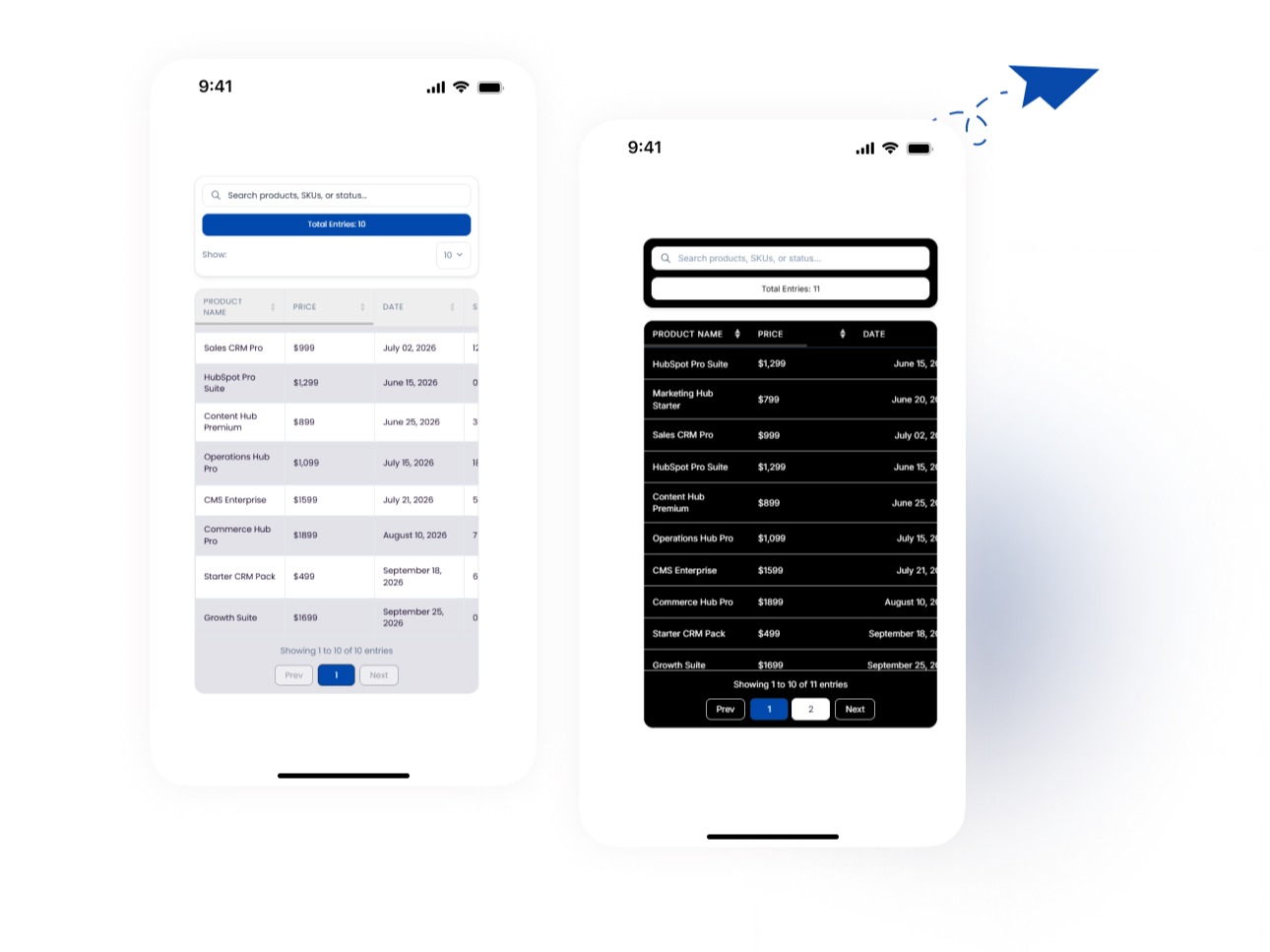
About Module
Total installs Fewer than 10 Created - Aug 31, 2026
Version 2 - Aug 31, 2026
Categories Tags
Requirements
HubSpot Subscription Works with all HubSpot plans
Contact Modfrybus
Legal Stuff
Please refer to the developer's Privacy Policy and Terms for more information.
Support
Modfrybus
- India
Visit website
Modfrybus is specialize in HubSpot web design and development. We craft sleek, custom themes and offer easy-to-use modules. Our friendly support is always here to help you bring your ideas to life.
No-Cost Bug Fixes
Unlimited Email Support
Modfrybus typically responds in
- Monday
11:00 AM - 6:00 PM (IST) - Tuesday
11:00 AM - 6:00 PM (IST) - Wednesday
11:00 AM - 6:00 PM (IST) - Thursday
11:00 AM - 6:00 PM (IST) - Friday
11:00 AM - 6:00 PM (IST)
