

總覽
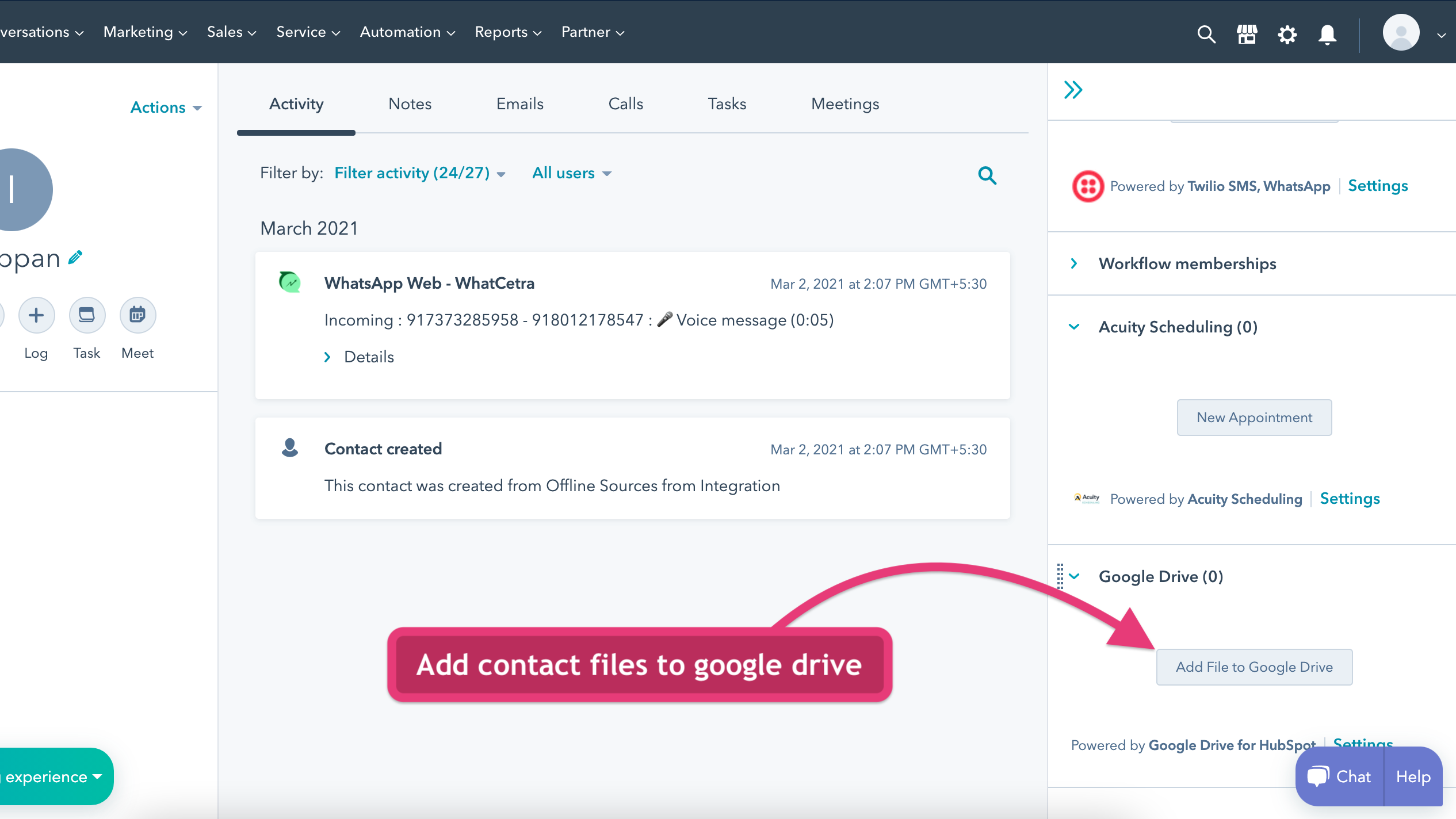
1/2 - Add contact files to Google Drive
Google Drive for HubSpot extension lets you manage your contact files in Google Drive easily.
Using this extension, you can easily add files to any HubSpot contact.
This extension fetches the files added for the CRM contact and files can be renamed and downloaded easily.
You can also organize the files with creating multiple nested folders for better file management.
功能

Add contact files to Google Drive
Go to any contact in HubSpot CRM In the right section, find Google Drive card. Click Add file to Google Drive button Authorise Google Drive and upload files to be stored in Google Drive for that contact
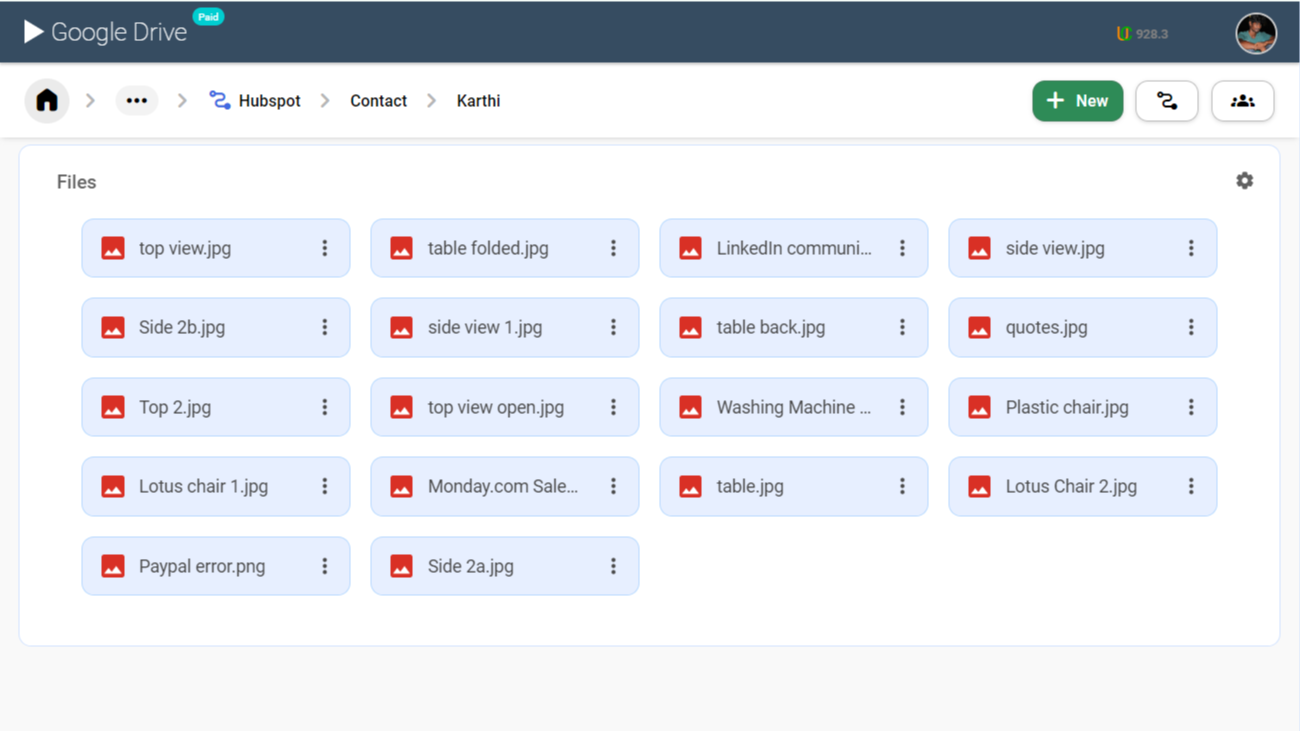
View/Upload files to Google Drive from HubSpot Contact
Go to any contact in HubSpot CRM In the right section, find Google Drive card. Click Add file to Google Drive button Authorise Google Drive and view files stored in Google Drive for that contact Click download on any file to view the file content
應用程式功能
共用資料
 HubSpot attachments |
評論
2.3
6
2.3
6
- 2026年8月27日
Graham, K.
- 2025年6月4日
共享驱动器访问权限缺失--团队协作的主要限制因素
不能满足我的需求
将 Google Drive 连接到 HubSpot
无法连接到共享的 Google Drives,因此我的团队无法看到我附加的文件
Freeman, K.
價格
Classic
US$4
/ 月Add contact files to Google Drive
Sync contact attachments in Google Drive
The pricing will be charged per user
Classic
US$4
/ 月Add contact files to Google Drive
Sync contact attachments in Google Drive
The pricing will be charged per user
* 此處顯示的價格僅供參考。所有價格均不包含稅金、獎勵、折扣或其他價格變數。如需最新的正確價格資訊,請連絡合作夥伴。HubSpot 對合作夥伴所提供的價格資訊不承擔任何責任。上次更新價格時間:2025/08/09
New arrivals

Trestle Phone Validation
Stop wasting time on bad phone data

DevRev
Push Computer data into HubSpot – keep your CRM enriched with operational context.
