
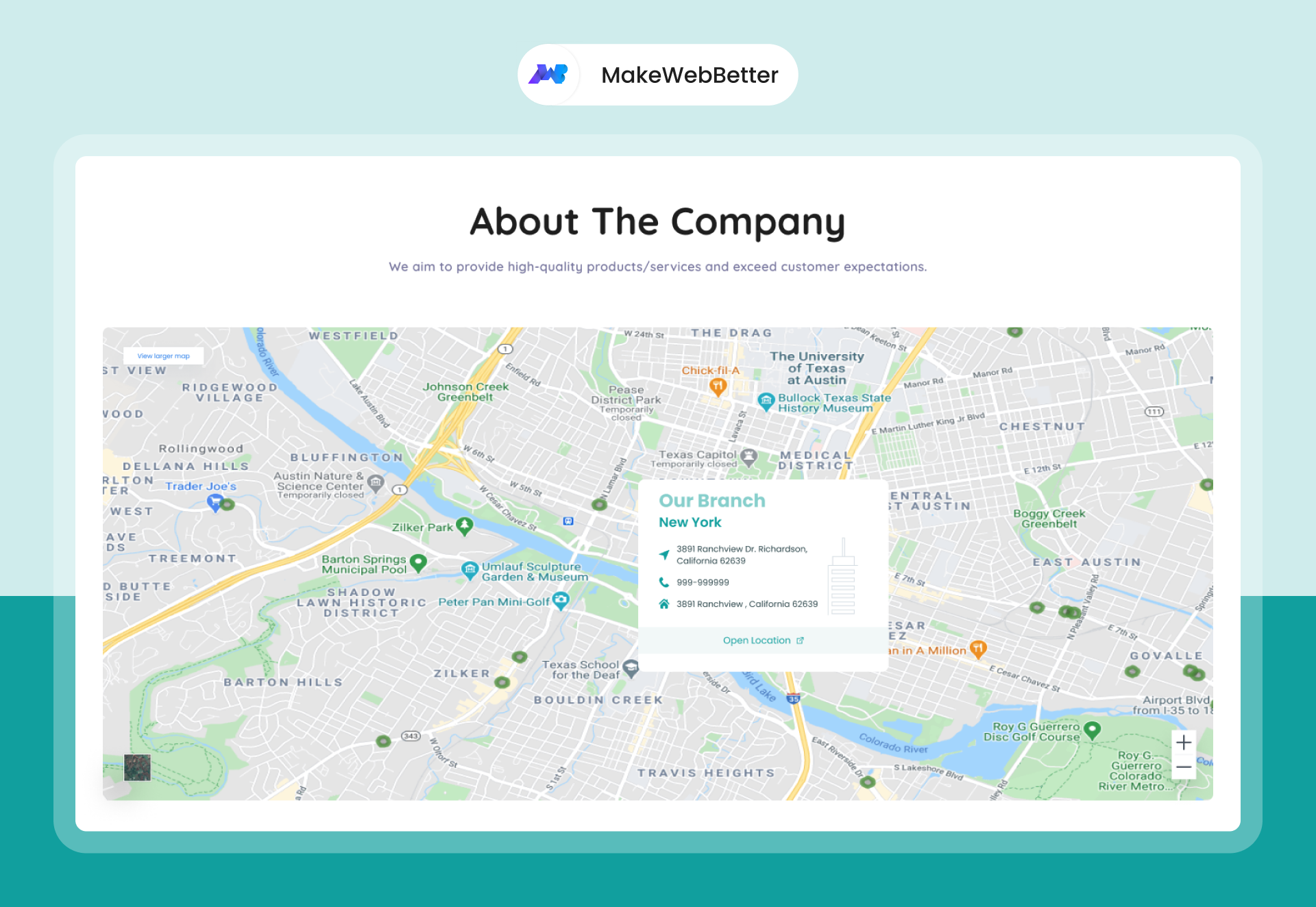
1/4 - Location Finder : Basic Layout
Overview
Location Finder, as the name suggests, lets you add your outlet’s location pin to your website. It is ideal for businesses that have a physical storefront.
Tired of receiving emails and calls from customers asking “exact location” of your store? The solution is adding a map to your web page that will make it easier for your customers to locate you.
This module is best if you work as a franchise and want to target consumers around your respective areal outlets.
Here’s why a Location Finder module is an uncompromised add-on to your business:
With this module, visitors can quickly and easily navigate to your business, improving their overall experience on your site.
By providing visitors with a clear and easy-to-use map, you can increase the likelihood that they will convert into customers by visiting your physical location.
The map can be customized to match the look and feel of your website, ensuring a seamless user experience.
The module is fully mobile-responsive, allowing visitors to access your map on any device, including smartphones and tablets.
The map can be integrated with other HubSpot tools, such as forms, making it easy to collect information from visitors who are interested in visiting your business.
Including a map on your website can improve your search engine rankings, as search engines consider the presence of a map to be a positive signal of relevance and credibility.
To top it all off, it is completely free of codes! Just drag and drop and your map is ready.
Here’s a brief overview of HubSpot’s Location Finder Module
Customizable map styles, including color schemes, markers.
Ability to add markers on multiple locations on the map.
Customizable info windows to display additional information about a specific location on the map.
Multiple layout support, choose between basic and advanced map layouts.
Ability to pin multiple locations on map (requires api key)
Responsive design and clean UI.
Choices between various Map Themes like Default, Silver, Retro, and Night Time (requires api key).
Book a Free 1-hour Consultation
Connect with us on Skype: makewebbetter
Email us at support@makewebbetter.com
Check out more such HubSpot themes at https://makewebbetter.com/hubspot-themes
Features
Customizable map styles
The map module in HubSpot allows you to customize the color schemes and markers used on the map. You can change your map’s appearance, background image, location pointer, location card, and a lot more to personalize it to your business needs.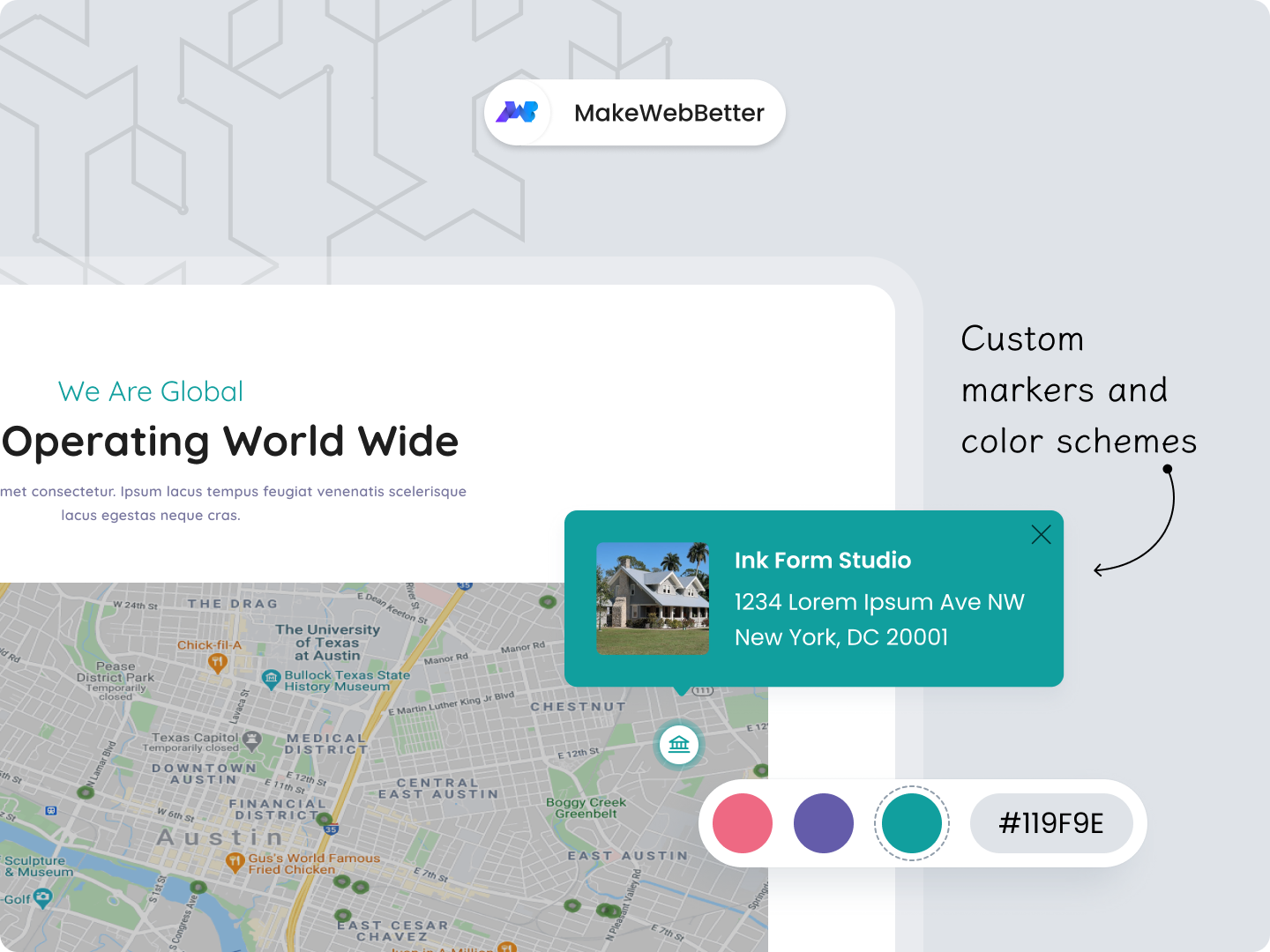
Customizable info windows
The module also allows you to create custom info windows, called “Location card” and “Info card” that display additional information about specific locations on the map, providing visitors with relevant details about your business or organization.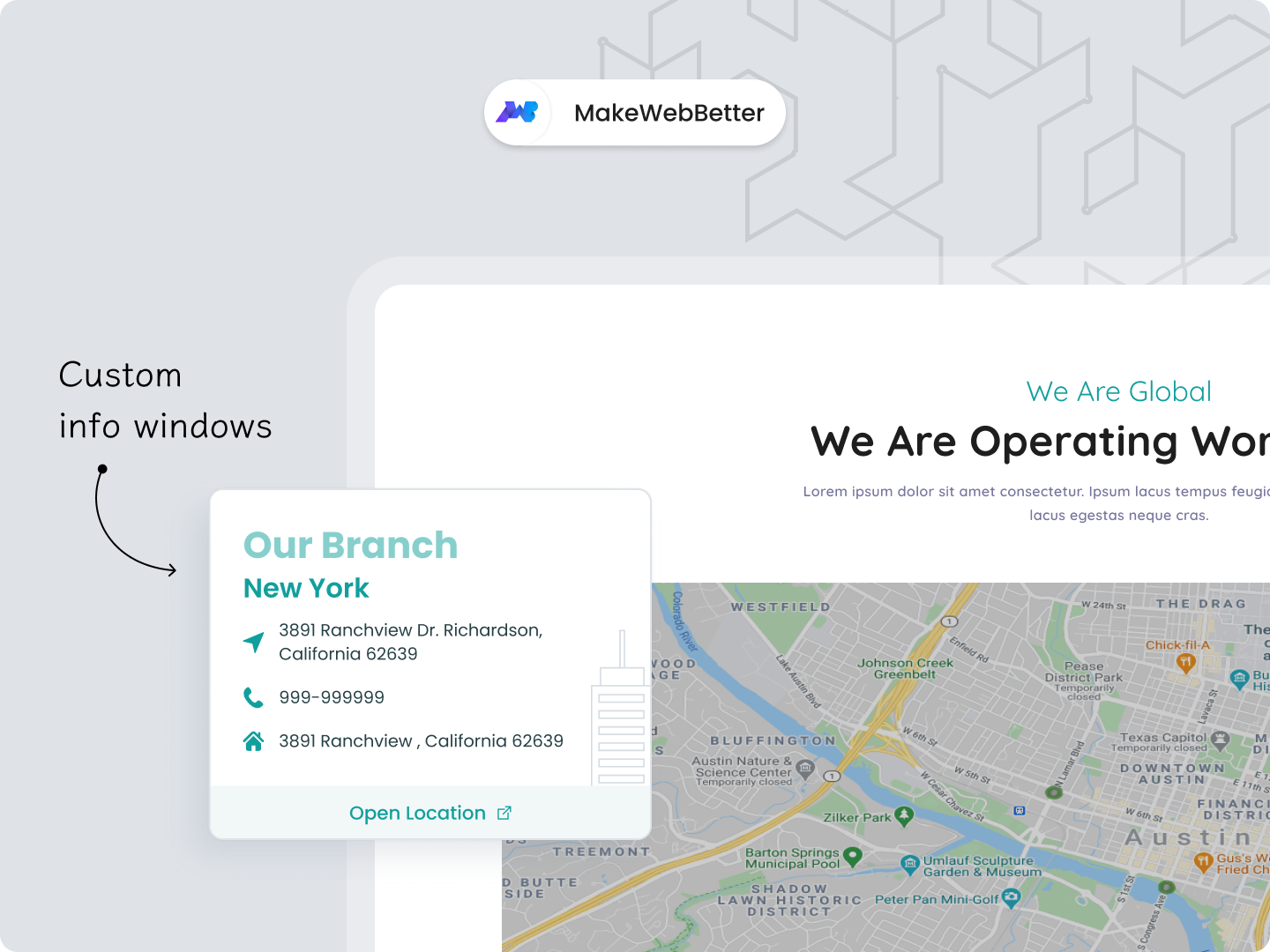
Multiple layout support
Layout options like basic and advanced map layouts allow you to choose the layout that best fits your website's outlook. Both of these layouts have amazing features, but the advanced layout has a lot more extended features to customize your map and make it look more attractive and clickable.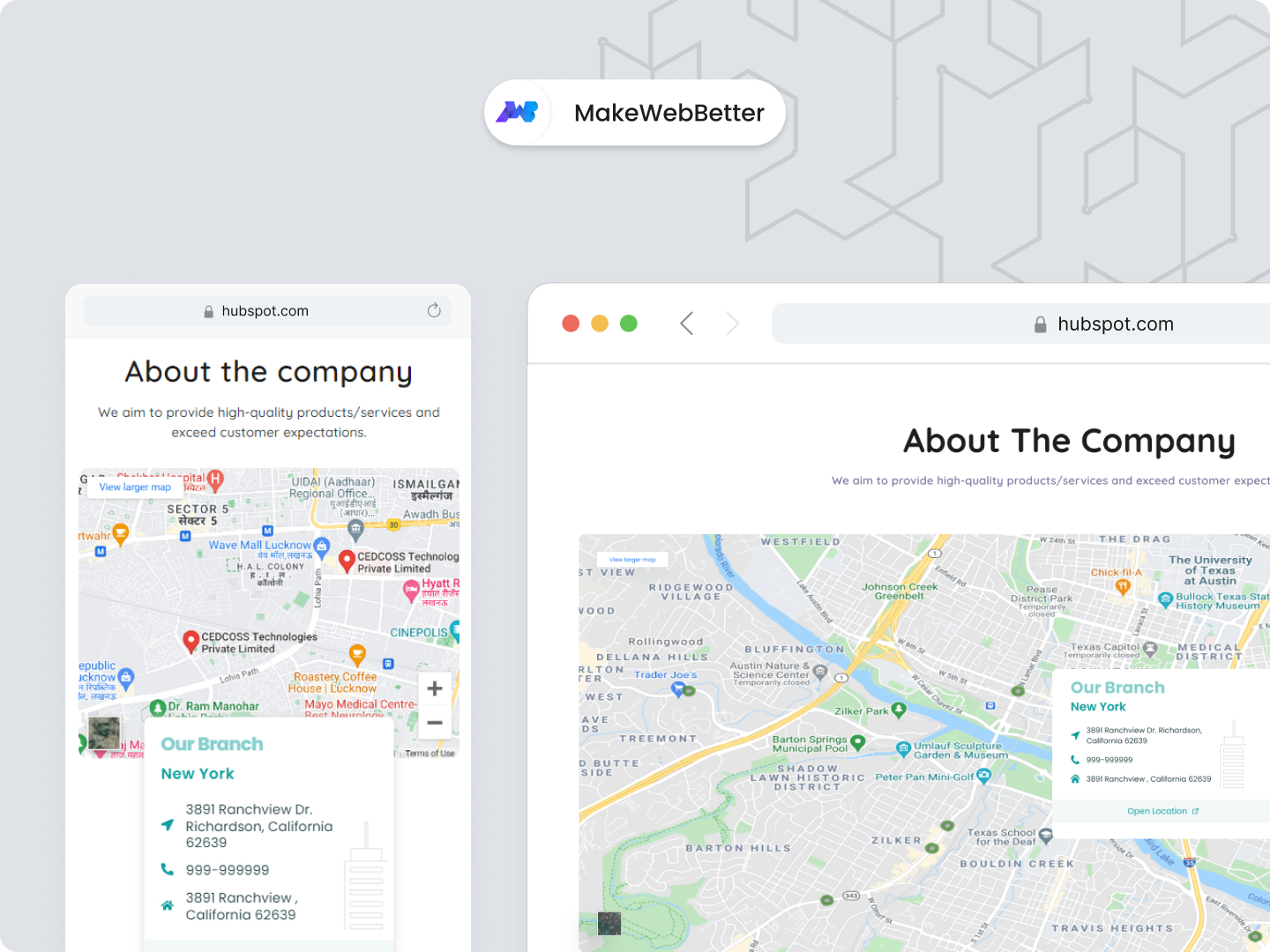
Ability to pin multiple locations on map
The module allows you to add multiple location pins on your map. This is a great add on for businesses with multiple storefronts in a specific region. This helps attract customers around your outlet. Do remember that this function requires an API key for authentication and security of your webpage.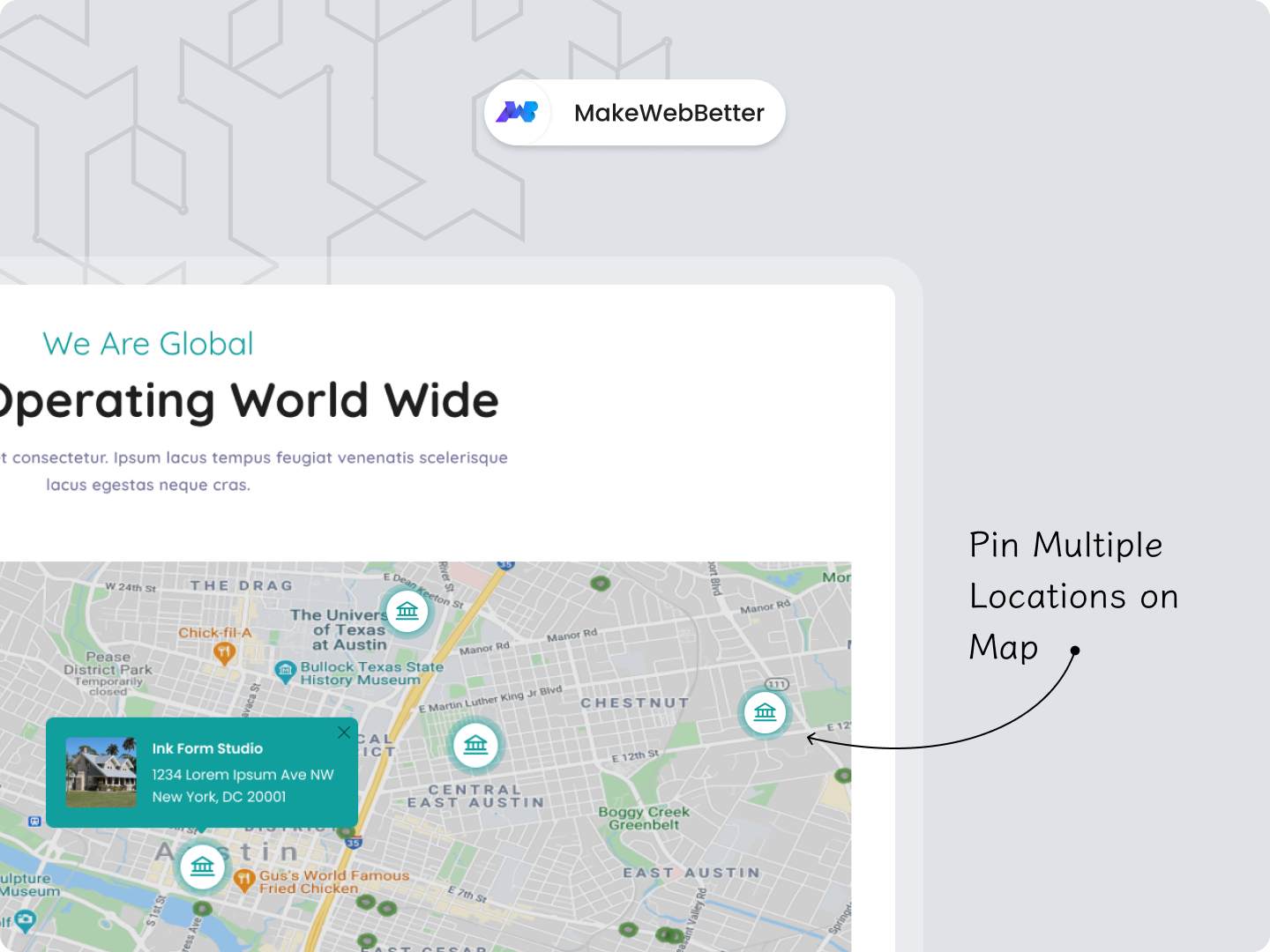
About Module
Total installs - 1,000+
Created - Jun 15, 2023
Version 8 - Jul 18, 2024
Categories Tags
Requirements
HubSpot Subscription Works with all HubSpot plans













Legal Stuff
Please refer to the developer's Privacy Policy and Terms for more information.
Support
MakeWebBetter
- Portland
Visit website
We are a team of developers, designers, bloggers and creative artists working together to make utilities, plugins, themes that would enhance overall user experience and make life much easier. Our goal is to make web better for everyone and we try to add a small contribution to the world :)
email
Live Chat
MakeWebBetter typically responds in
- Monday
9:30 AM - 4:30 PM (+05) - Tuesday
9:30 AM - 4:30 PM (+05) - Wednesday
9:30 AM - 4:30 PM (+05) - Thursday
9:30 AM - 4:30 PM (+05) - Friday
9:30 AM - 4:30 PM (+05)


Location Finder Customer Reviews
- Sep 4, 2024
Great module
This is yet another feature by MakeWebBetter that I'm thrilled with. The list is ever growing!
Extremly
I am horrible with technology, so for me the greatest pro was getting support with this any everything else I had questions with from the fabulous team
Primorac, J.
Education - 1 employee
Version 8
- Sep 28, 2023
Great module but could be so much better by adding one feature
Everything was good, except for the fact that you can't add multiple businesses to a single location, which basically meant that it was not a fit for us.
Fairly decent customization ease. You'd probably need to be familiar with HubSpot CMS to do it.
Good options, ease of use, customizations.
Can't add multiple businesses to one location.
Davies, B.
Version 3