

Fortnox
Streamline Your Business Flow, Seamlessly Connect Fortnox to HubSpot!
Anforderungen
HubSpot-Produktversion HubSpot-Account-Berechtigungen - Erforderliche Account-Berechtigungen anzeigen
Zugriffstyp Shared Fortnox-Abonnement - Produktversion: Full plan
Übersicht
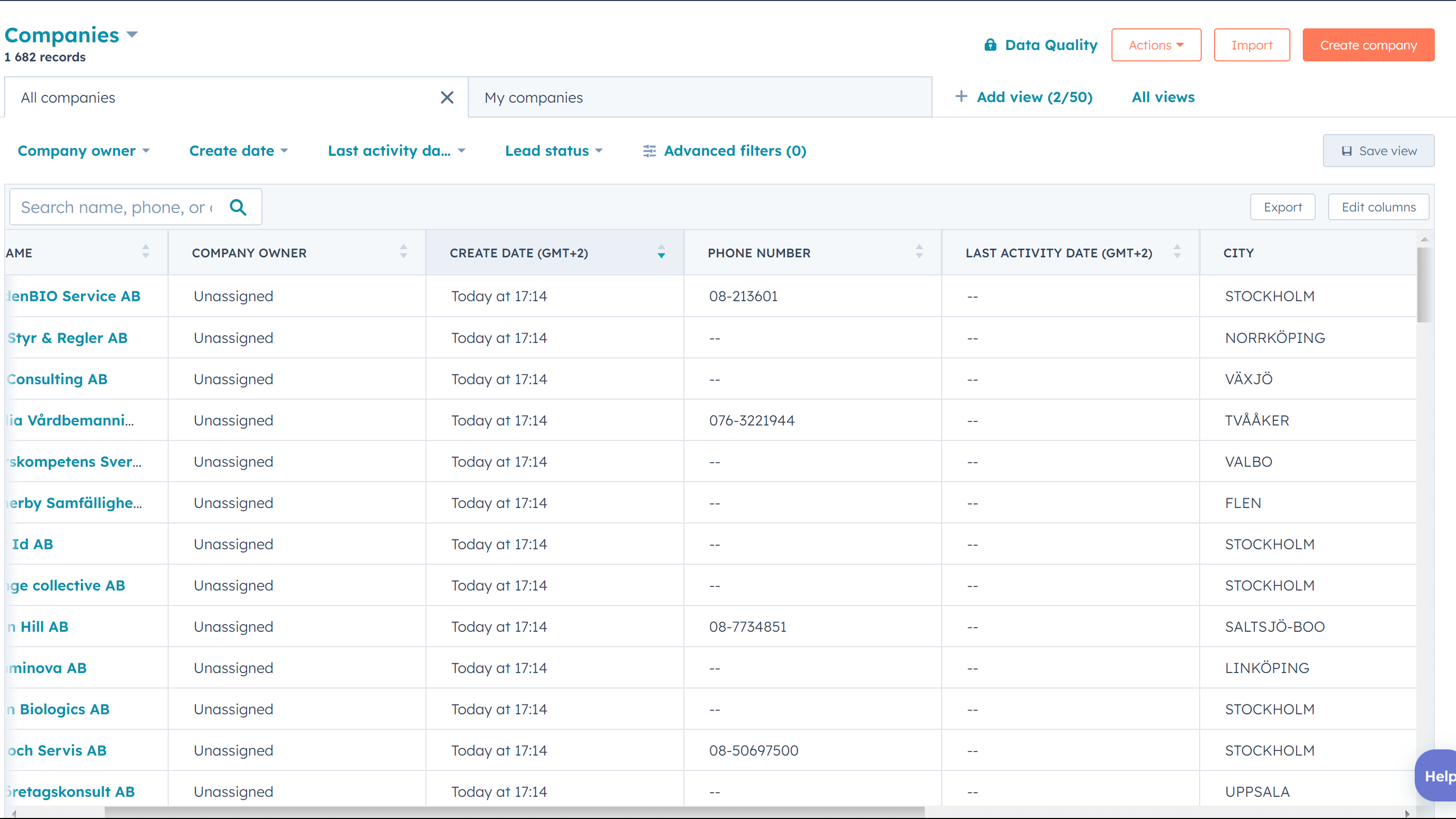
1/3 - Listing of companies synced from Fortnox
Resultify's Fortnox to HubSpot app is a software tool designed to integrate the Fortnox and HubSpot platforms, allowing businesses to streamline their financial and customer relationship management processes. The app serves as a bridge between the two platforms, enabling data to flow seamlessly between them.
At a high level, the app works by syncing data between Fortnox and HubSpot. Fortnox is a popular accounting software used by many businesses to manage their finances, while HubSpot is a leading customer relationship management platform used to track and manage customer interactions.
By integrating these two systems, Resultify's app enables businesses to automate many of their financial and customer management tasks. For example, the app can automatically create and update customer profiles in HubSpot based on data from Fortnox.
Overall, the big picture of Resultify's Fortnox to HubSpot app is to simplify and optimize the financial and customer management processes for businesses. By integrating these two platforms, the app can help businesses operate more efficiently and provide better customer experiences.
Note that you also need to purchase the App for the Fortnox marketplace, to get the integration to work fully. It can be found here: https://www.fortnox.se/integrationer/integration/resultify-i-sverige-ab/fortnox-till-hubspot
Funktionen
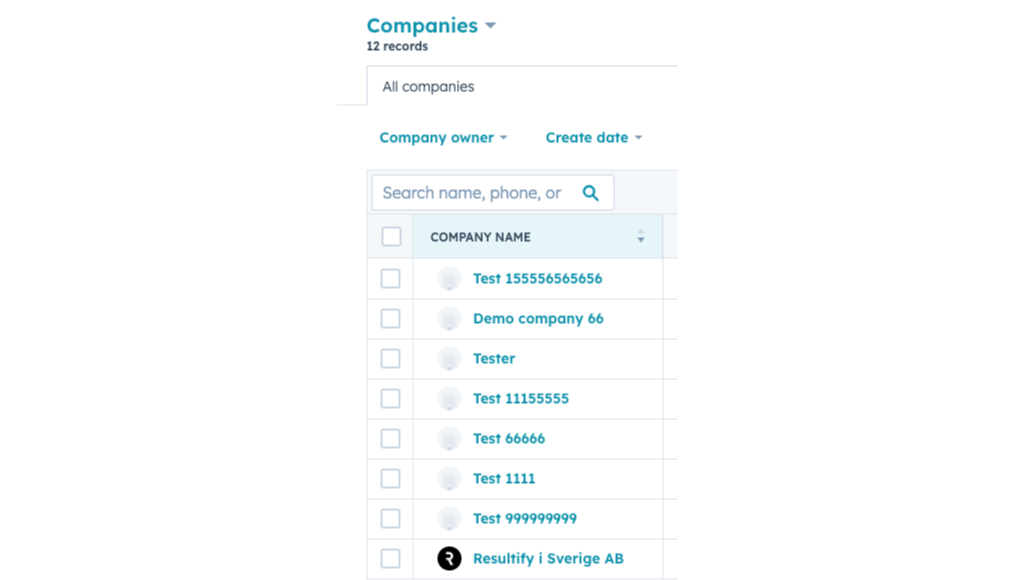
Automated Data Syncing
The app automatically syncs data between Fortnox and HubSpot, ensuring that both systems have the most up-to-date information. This includes customer data.
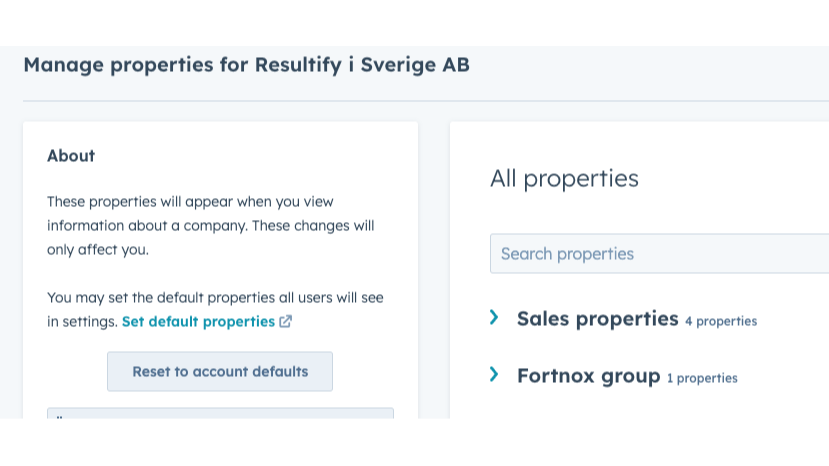
Company Profile Creation
The app can automatically create company profiles in HubSpot based on data from Fortnox. This allows businesses to have a complete view of their client companies in one place.
App-Funktionalität
Datenaustausch
Article | ||
Company | ||
Company | ||
Invoice | ||
Invoice |
Rezensionen
- 31. Juli 2025
Hilfsbereites Personal.
Es ist noch zu früh im Prozess, aber ich habe viel Hilfe von resultify bekommen, die ich empfehlen kann. Hoffentlich eine gute Integration.
Resultify und Fortnox waren ebenfalls hilfreich.
Ein bisschen Lernkurve in hubspot selbst, fortnox UI ist, na ja, ich ein bisschen veraltet - aber so weit so gut. zu früh, um eine anständige Bewertung zu geben.
V, J.
Full plan
399 SEK
/MonatCompany sync
Product sync
Deal sync
Full plan
399 SEK
/MonatCompany sync
Product sync
Deal sync
* Die hier angegebenen Preise dienen nur zu Illustrationszwecken. Alle Preise enthalten keine Steuern, Sonderangebote, Rabatte oder sonstigen Preisvarianten. Bitte wenden Sie sich direkt an den Partner, um aktuelle und korrekte Preisinformationen zu erhalten. HubSpot übernimmt keine Verantwortung für Preisinformationen, die von unseren Partnern bereitgestellt werden. Letzte Aktualisierung der Preisinformationen: 30.10.2025
Weitere Infos
Erstellt von - Resultify
Installationen - 60+ Installationen
Kategorien Sprachen, in denen diese App verfügbar ist Englisch undSchwedisch
Neuzugänge

-1-2.jpeg)
