

Skyvia

Führend
Anforderungen
HubSpot-Produktversion HubSpot-Account-Berechtigungen Keine HubSpot-Berechtigungen erforderlich. Skyvia fordert beim Verknüpfen möglicherweise zusätzliche Berechtigungen an. Zugriffstyp Geteilt Skyvia-Abonnement - Produktversionen: Datenintegration Kostenlos, Datenintegration Basic, Datenintegrationsstandard, Fachmann für Datenintegration oder Kostenlose Sicherung
Übersicht
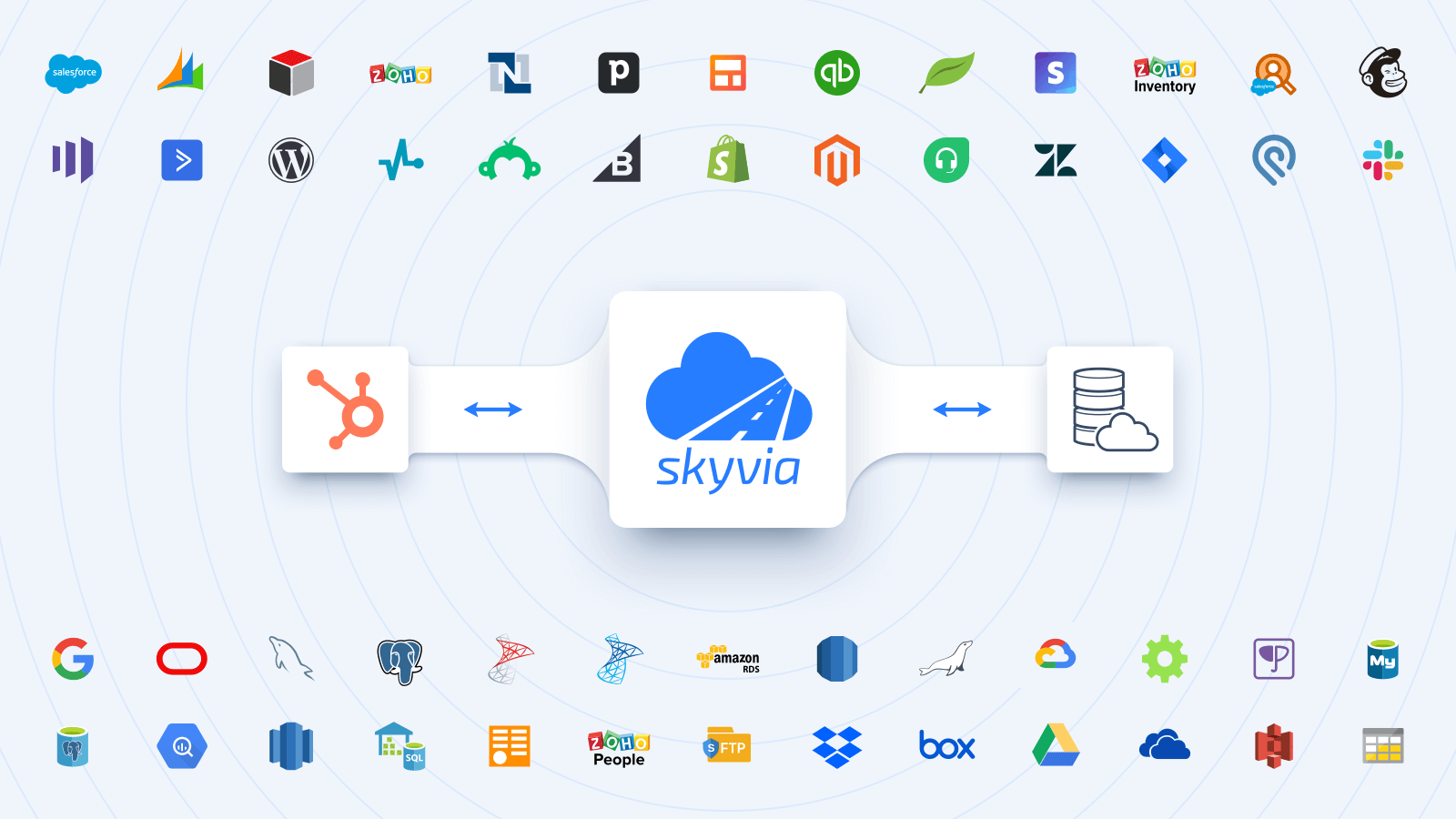
1/6 - Integrate HubSpot with major cloud & on-premise data sources.
Skyvia ist eine programmierfreie Cloud-Datenintegrationsplattform, die es Ihnen ermöglicht:
Integration von HubSpot-Daten mit den wichtigsten Cloud-Anwendungen (Salesforce, Dynamics 365, NetSuite, SugarCRM, Zoho CRM, Close, Nimble, Mailchimp, Marketo, Shopify, Intercom, Stripe, Square, Zuora usw.), Datenbanken/Data Warehouses (SQL Server, MySQL, PostgreSQL, Oracle, Snowflake, BigQuery, Redshift usw.) und CSV-Dateien (FTP, SFTP, Dropbox, Box, Google Drive, Amazon S3, OneDrive usw.) zur Automatisierung von Datenflüssen. Volle Unterstützung für ETL-, ELT- und Reverse-ETL-Szenarien.
Sichern Sie HubSpot-Daten auf einem sicheren Azure GRS und stellen Sie sie mit wenigen Klicks wieder her.
Zugriff auf HubSpot-Daten über SQL oder Query Builder und Visualisierung, um wertvolle Einblicke zu erhalten (Google Sheets und Excel-Add-ons sind verfügbar)
Veröffentlichen Sie Ihre Daten über programmierfreie Web-API-Endpunkte. Erstellen Sie OData-Endpunkte und geben Sie Daten über das standardmäßige OData-Protokoll frei, oder erstellen Sie SQL-Endpunkte mit einer benutzerdefinierten API, die die SQL-Ausführung über das Web ermöglicht (ODBC-Treiber und ADO.NET-Anbieter verfügbar).
Analysieren Sie HubSpot-Daten mit dem Skyvia Looker Studio-Direktkonnektor oder replizieren Sie Daten in eine beliebige Datenbank oder ein Data Warehouse Ihrer Wahl, um eine Verbindung zu BI-Tools (Power BI, Tableau, Looker Studio usw.) für weitere Analysen und Berichte herzustellen.
Funktionen

HubSpot mit wichtigen Cloud-Anwendungen und Datenbanken visuell integrieren
Integrieren Sie HubSpot mit über 200 Anwendungen wie Salesforce, Dynamics 365, NetSuite, SugarCRM, Zoho, Marketo, Shopify, Square, Zuora usw. Automatisieren Sie das Laden von CSV-Daten zwischen HubSpot und Speicherorten wie FTP, SFTP, Google Drive, Box, Dropbox, OneDrive, S3. Die visuelle No-Code-Schnittstelle und die leistungsstarken Mapping-Einstellungen ermöglichen die einfache Konfiguration nahezu jeder Art von Integration.

Replizieren Sie HubSpot-Daten mit Leichtigkeit
Automatisieren Sie die HubSpot-Datenreplikation (ELT) in Datenbanken oder Data Warehouses, einschließlich SQL Server, MySQL, PostgreSQL, Oracle, SQL Azure, Snowflake, BigQuery, Redshift für weitere Analysen und Berichte mit BI-Tools wie Power BI, Tableau, Looker Studio usw. Laden Sie die erforderlichen Daten für betriebliche Zwecke zurück in Cloud-Anwendungen (Reverse-ETL-Prozess).

Veröffentlichen von HubSpot-Daten über OData und SQL-API
Rufen Sie ganz einfach Daten von HubSpot über Web-API ab - erstellen Sie OData- und benutzerdefinierte SQL-API-Endpunkte und konfigurieren Sie sie visuell mit Skyvia Connect. Wenden Sie zusätzliche Endpunktsicherheit an, indem Sie Benutzerkonten mit Passwörtern erstellen und den Zugriff nach IP-Adressen einschränken.

HubSpot-Daten visuell oder über SQL abfragen
Erstellen Sie benutzerdefinierte Berichte aus Ihren HubSpot-Daten mit Visual Query Builder oder der vollen Leistungsfähigkeit von SQL. Zeigen Sie die zurückgegebenen Daten im Browser an oder exportieren Sie sie in CSV oder PDF. Erstellen Sie mit Skyvia Query schneller Berichte und treffen Sie leichter datengesteuerte Entscheidungen.

Automatische tägliche Sicherung mit Wiederherstellung in wenigen Klicks für Ihr HubSpot
Konfigurieren Sie die tägliche Sicherung Ihrer HubSpot-Daten in zwei Minuten. Sichern Sie Ihre Daten bei Bedarf manuell. Stellen Sie einzelne Datensätze, ganze Objekte oder alle Daten mit ein paar Klicks wieder her. Zeigen Sie exportierte Daten im Browser an oder exportieren Sie sie in CSV.
App-Funktionalität
Datenaustausch
Any Connector | ||
Any Connector |
Rezensionen
3,9
29
3,9
29
- 17. Juni 2026
Benutzerfreundlichkeit und Support sind wirklich gut
Ich bin mit der Benutzerfreundlichkeit und dem Support zufrieden
Der Support ist wirklich sehr, sehr gut
Manchmal ist das Datenlimit bereits in der Anfangsphase der Einrichtung aufgebraucht.
Silvey, P.
- 2. Dez. 2025
Einfache Einrichtung, aber frustrierende Spaltenbegrenzungen und fehlende Analysedaten behindern die Anwendung
Die Einrichtung der ersten Verbindung mit Skyvia war einfach und benutzerfreundlich. Allerdings stieß ich beim Abrufen von Daten aus bestimmten Objekten aufgrund von Spaltenbeschränkungen auf einige Probleme. Das System erfordert die manuelle Eliminierung von Spalten, um innerhalb dieser Grenzen zu bleiben, was angesichts der großen Spaltenmengen mühsam wurde. Es war schwierig, die auszuschließenden Spalten zu identifizieren, was den Prozess zeitaufwändig machte. Ein weiterer großer Nachteil ist, dass die Daten der HubSpot-Analyseberichte nicht über Skyvia verfügbar sind. Diese Einschränkung schränkt die Möglichkeit ein, umfassende Berichtsdaten abzurufen, die für eine gründliche Analyse wertvoll wären. Insgesamt ist die Einrichtung zwar einfach, aber die Probleme bei der Spaltenverwaltung und der fehlende Zugriff auf Analysedaten sind für Benutzer, die mit komplexen HubSpot-Datensätzen arbeiten, ein erheblicher Nachteil.
Die anfängliche Einrichtung der Verbindung ist einfach und intuitiv Benutzerfreundliche Schnittstelle zur Einrichtung der Integration
Spaltenbeschränkungen beim Extrahieren von Daten aus bestimmten HubSpot-Objekten erfordern den manuellen Ausschluss von Spalten Schwierig festzustellen, welche Spalten bei der Arbeit mit großen Datensätzen mit zahlreichen Feldern zu entfernen sind Die Daten von HubSpot-Analyseberichten sind über Skyvia nicht zugänglich, was umfassende Berichtsfunktionen einschränkt
PC, S.
Datenintegration Kostenlos
0 $
Einfache Integration für kleine Datenmengen
Datensätze: 10k Datensätze/Monat
Zeitplanung: einmal pro Tag
Geplante Integrationen: 2
Integrations-Szenarien: Grundlagen
Mapping-Merkmale: Einfach
Datenintegration Kostenlos
0 $
Einfache Integration für kleine Datenmengen
Datensätze: 10k Datensätze/Monat
Zeitplanung: einmal pro Tag
Geplante Integrationen: 2
Integrations-Szenarien: Grundlagen
Mapping-Merkmale: Einfach
* Die hier angegebenen Preise dienen nur zu Illustrationszwecken. Alle Preise enthalten keine Steuern, Sonderangebote, Rabatte oder sonstigen Preisvarianten. Bitte wenden Sie sich direkt an den Partner, um aktuelle und korrekte Preisinformationen zu erhalten. HubSpot übernimmt keine Verantwortung für Preisinformationen, die von unseren Partnern bereitgestellt werden. Letzte Aktualisierung der Preisinformationen: 10.04.2026