
Skyvia

Ledende
Krav
HubSpot-abonnement HubSpot-kontotillatelser Ingen HubSpot-tillatelser kreves. Skyvia kan be om ekstra tillatelser ved tilkobling. Tilgangstype Delt Skyvia-abonnement - Dataintegrasjon Gratis, Dataintegrasjon Basic, Standard for dataintegrasjon, Data Integration Professional eller Sikkerhetskopiering gratis-abonnementer
Oversikt
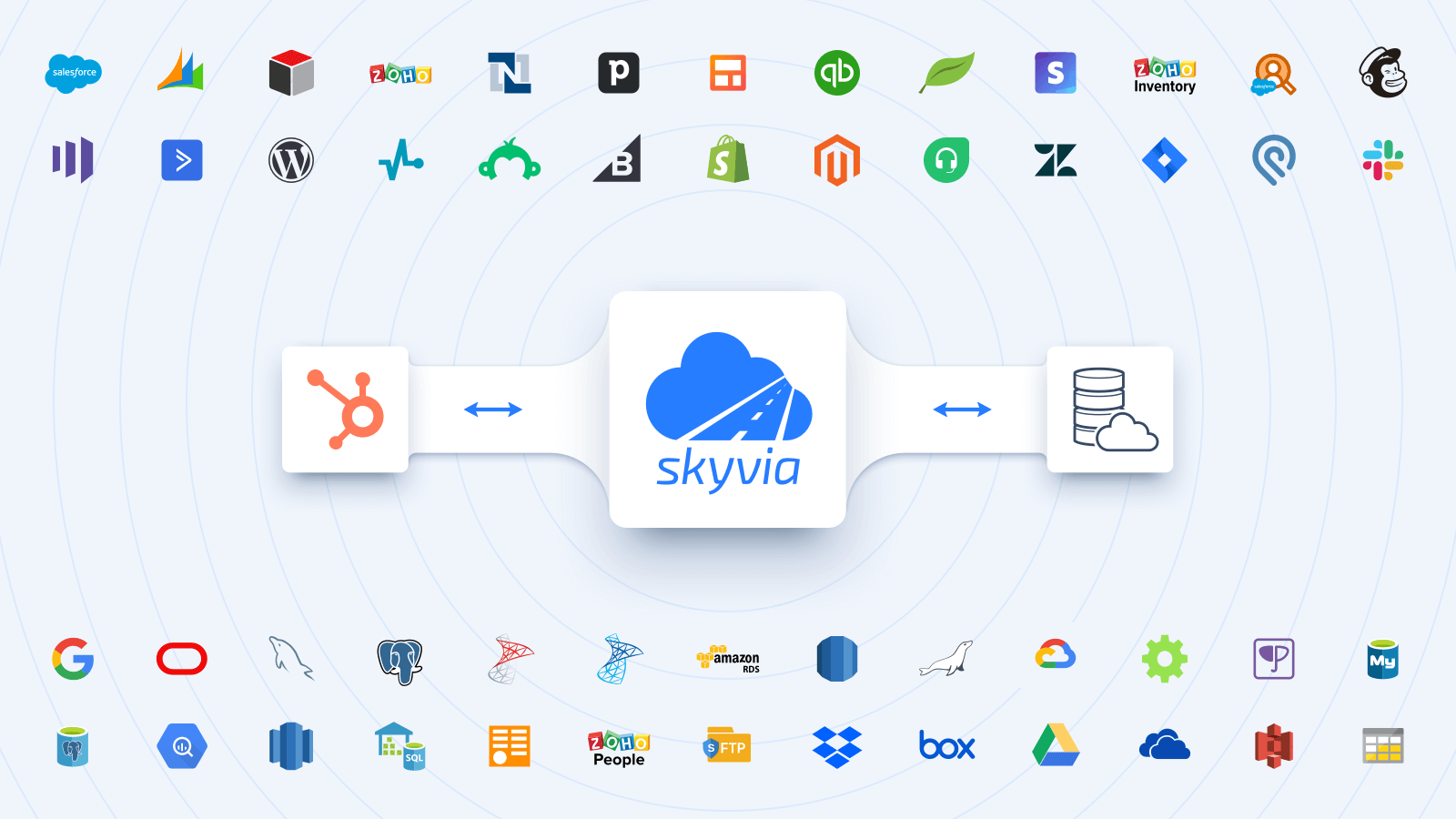
1/6 - Integrate HubSpot with major cloud & on-premise data sources.
Skyvia er en plattform for skybasert dataintegrasjon uten koding som lar deg:
Integrere HubSpot-data med store skyapper (Salesforce, Dynamics 365, NetSuite, SugarCRM, Zoho CRM, Close, Nimble, Mailchimp, Marketo, Shopify, Intercom, Stripe, Square, Zuora, etc.), databaser / datalagre (SQL Server, MySQL, PostgreSQL, Oracle, Snowflake, BigQuery, Redshift, etc.) og CSV-er (FTP, SFTP, Dropbox, Box, Google Drive, Amazon S3, OneDrive, etc.) for å automatisere dataflyter. Full støtte for ETL-, ELT- og Reverse ETL-scenarier.
Sikkerhetskopier HubSpot-data til sikker Azure GRS og gjenopprett dem med noen få klikk
Få tilgang til HubSpot-data via SQL eller Query Builder og visualiser dem for å få verdifull innsikt (Google Sheets og Excel-tillegg er tilgjengelige)
Publiser dataene dine via web-API-endepunkter uten koding. Opprett OData-endepunkter og del data via standard OData-protokoll, eller opprett SQL-endepunkter med tilpasset API som tillater SQL-kjøring over nettet (med ODBC-driver og ADO.NET-leverandør tilgjengelig).
Analyser HubSpot-data ved hjelp av Skyvia Looker Studio Direct Connector, eller repliker data til en hvilken som helst database eller datavarehus for å koble til BI-verktøy (Power BI, Tableau, Looker Studio osv.) for videre analyse og rapportering.
Funksjoner

Integrer HubSpot med de største skyappene og databasene visuelt
Integrer HubSpot med mer enn 200 apper som Salesforce, Dynamics 365, NetSuite, SugarCRM, Zoho, Marketo, Shopify, Square, Zuora osv. Automatiser innlasting av CSV-data mellom HubSpot og lagringssteder som FTP, SFTP, Google Drive, Box, Dropbox, OneDrive, S3. Visuelt grensesnitt uten kode og kraftige kartleggingsinnstillinger gjør det enkelt å konfigurere nesten alle typer integrasjoner.

Repliker HubSpot-data med enkelhet
Automatiser HubSpot-datareplikering (ELT) til databaser eller datavarehus, inkludert SQL Server, MySQL, PostgreSQL, Oracle, SQL Azure, Snowflake, BigQuery, Redshift for videre analyse og rapportering ved hjelp av BI-verktøy som Power BI, Tableau, Looker Studio osv. Laste nødvendige data tilbake til skyapplikasjoner for operasjonelle formål (omvendt ETL-prosess).

Publiser HubSpot-data via OData og SQL API
Hent enkelt data fra HubSpot via web-API - opprett OData- og egendefinerte SQL API-endepunkter, og konfigurer dem visuelt med Skyvia Connect. Bruk ekstra endepunktsikkerhet ved å opprette brukerkontoer med passord og begrense tilgangen ved hjelp av IP-adresser.

Spør HubSpot-data visuelt eller via SQL
Lag egendefinerte rapporter fra HubSpot-dataene dine ved hjelp av Visual Query Builder eller SQL. Vis returnerte data i nettleseren eller eksporter dem til CSV eller PDF. Lag rapporter raskere med Skyvia Query og gjør det enklere å ta datadrevne beslutninger.

Automatisk daglig sikkerhetskopiering med gjenoppretting med få klikk for HubSpot
Konfigurer daglig sikkerhetskopiering av HubSpot-dataene dine på to minutter. Sikkerhetskopier data manuelt når det er nødvendig. Gjenopprett separate poster, hele objekter eller alle data med et par klikk. Vis eksporterte data i nettleseren eller eksporter dem til CSV.
Appfunksjonalitet
Delt data
Any Connector | ||
Any Connector |
Gjennomganger
3,9
29
3,9
29
- 17. juni 2026
Ease of use and support really good
I am happy with the ease of use and the support
Support is really really good
Sometimes your data limit runs out during initial phase of setting things up
Silvey, P.
- 2. des. 2025
Easy Setup But Frustrating Column Limits and Missing Analytics Data Hold It Back
Setting up the initial connection with Skyvia was straightforward and user-friendly. However, I encountered some challenges when pulling data from certain objects due to column limitations. The system requires manual elimination of columns to stay within these limits, which became tedious given the large column sets. It was difficult to identify which specific columns to exclude, making the process time-consuming. Additionally, a significant disadvantage is that HubSpot analytics reports data is not available through Skyvia. This limitation restricts the ability to pull comprehensive reporting data, which would be valuable for thorough analysis. Overall, while the setup is easy, the column management issues and lack of analytics data access are notable drawbacks for users working with complex HubSpot datasets.
Initial connection setup is straightforward and intuitive User-friendly interface for establishing the integration
Column limitations when extracting data from certain HubSpot objects require manual column exclusion Difficult to identify which columns to remove when working with large datasets containing numerous fields HubSpot analytics reports data is not accessible through Skyvia, limiting comprehensive reporting capabilities
PC, S.
Dataintegrasjon Gratis
USD 0
Grunnleggende integrasjon for små datamengder
Records: 10 000 poster/måned
Planlegging: en gang om dagen
Planlagte integrasjoner: 2
Integrasjonsscenarier: Grunnleggende
Kartleggingsfunksjoner: Enkel
Dataintegrasjon Gratis
USD 0
Grunnleggende integrasjon for små datamengder
Records: 10 000 poster/måned
Planlegging: en gang om dagen
Planlagte integrasjoner: 2
Integrasjonsscenarier: Grunnleggende
Kartleggingsfunksjoner: Enkel
* Prissettingen her er kun for illustrasjonsformål. Prisene inkluderer ikke avgifter, insentiver, rabatter eller andre prissettingsvariabler. Kontakt partneren for å få oppdatert og riktig prissettingsinformasjon. HubSpot tar ikke ansvar for denne prissettingsinformasjonen, som gis av våre partnere. Prissetting sist oppdatert: 10.04.2026