

Skyvia

Leading
Requirements
HubSpot Plan HubSpot Account permissions No HubSpot permissions required. Skyvia may request additional permissions while connecting. Access Type Shared Skyvia Subscription - Data Integration Free, Data Integration Basic, Data Integration Standard, Data Integration Professional, or Backup Free plans
Overview
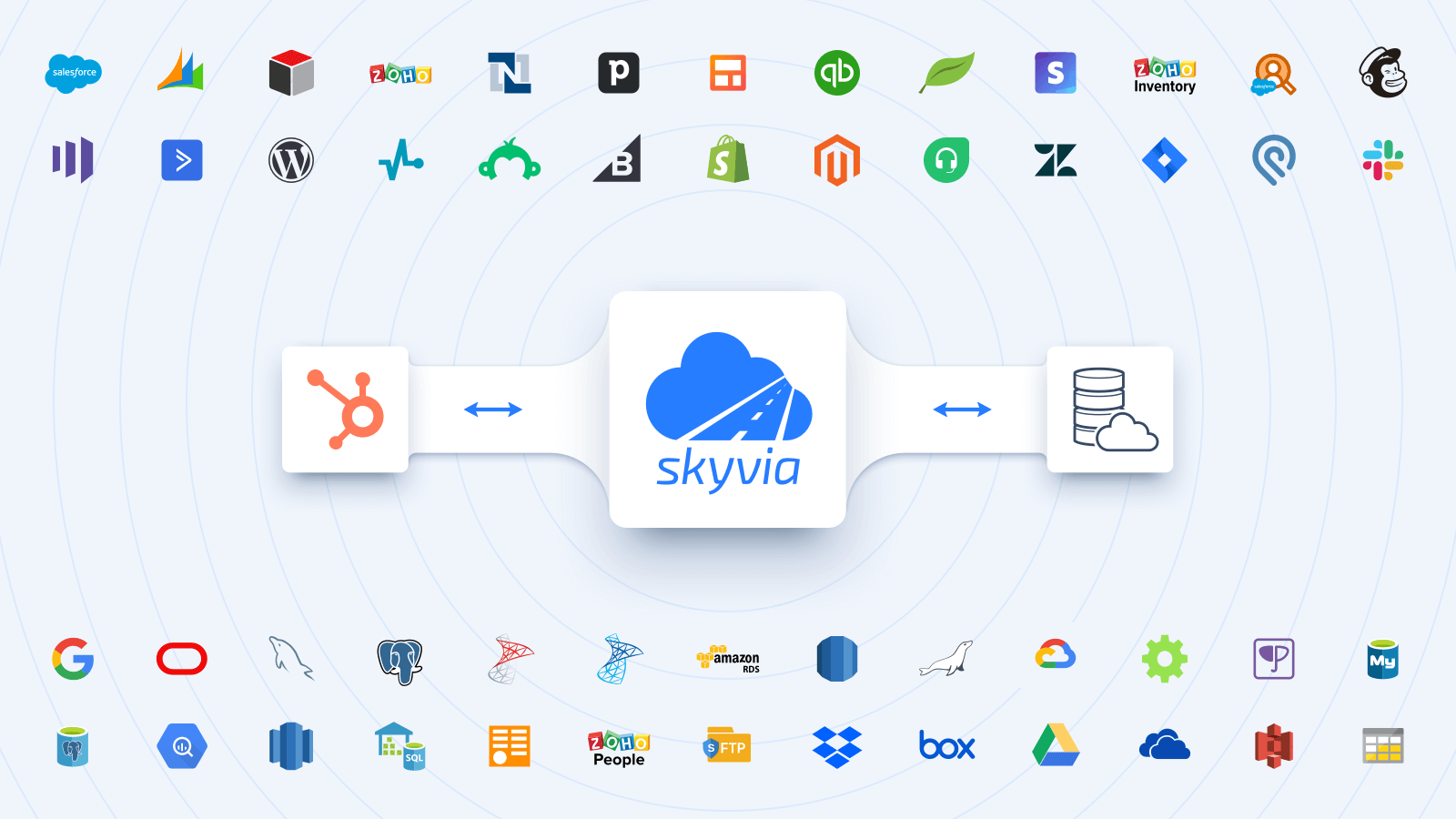
1/6 - Integrate HubSpot with major cloud & on-premise data sources.
Skyvia is a no-coding cloud data integration platform that allows you to:
Integrate HubSpot data with major cloud apps (Salesforce, Dynamics 365, NetSuite, SugarCRM, Zoho CRM, Close, Nimble, Mailchimp, Marketo, Shopify, Intercom, Stripe, Square, Zuora, etc.), databases / data warehouses (SQL Server, MySQL, PostgreSQL, Oracle, Snowflake, BigQuery, Redshift, etc.) and CSVs (FTP, SFTP, Dropbox, Box, Google Drive, Amazon S3, OneDrive, etc.) to automate data flows. Full support for ETL, ELT and Reverse ETL scenarios.
Backup HubSpot data to secure Azure GRS and restore it in a few clicks
Access HubSpot data via SQL or query builder and visualize it to get valuable insights (Google Sheets and Excel add-ons are available)
Publish your data via no-coding web API endpoints. Create OData endpoints and share data via standard OData protocol, or create SQL endpoints with custom API that allows SQL execution over the web (with ODBC driver and ADO.NET provider available).
Analyze HubSpot data using Skyvia Looker Studio direct connector, or replicate data to any database or data warehouse of your choice to connect to BI tools (Power BI, Tableau, Looker Studio, etc.) for further analysis and reporting.
Features

Integrate HubSpot with Major Cloud Apps and Databases Visually
Integrate HubSpot with 200+ apps like Salesforce, Dynamics 365, NetSuite, SugarCRM, Zoho, Marketo, Shopify, Square, Zuora, etc. Automate CSV data loading between HubSpot & storages like FTP, SFTP, Google Drive, Box, Dropbox, OneDrive, S3. Visual no-code interface & powerful mapping settings allow configuring almost any type of integration easily.

Replicate HubSpot data with Ease
Automate HubSpot data replication (ELT) to databases or data warehouses, including SQL Server, MySQL, PostgreSQL, Oracle, SQL Azure, Snowflake, BigQuery, Redshift for further analysis and reporting using BI tools like Power BI, Tableau, Looker Studio, etc. Load necessary data back to cloud apps for operational purposes (Reverse ETL process).

Publish HubSpot Data via OData and SQL API
Get data from HubSpot via web API easily - create OData and custom SQL API endpoints and configure them visually with Skyvia Connect. Apply additional endpoint security by creating user accounts with passwords and restricting access by IP addresses.

Query HubSpot data visually or via SQL
Create custom reports from your HubSpot data using Visual Query Builder or full power of SQL. View returned data in the browser or export them to CSV or PDF. Create reports faster with Skyvia Query and make data-driven decisions easier.

Automatic Daily Backup with Restore in Few Clicks for Your HubSpot
Configure daily backup of your HubSpot data in two minutes. Back up data manually whenever needed. Restore separate records, whole objects or all the data in a couple of clicks. View exported data in the browser or export them to CSV.
App Functionality
Shared Data
Any Connector | ||
Any Connector |
Reviews
3.9
29
3.9
29
- Jun 17, 2026
Ease of use and support really good
I am happy with the ease of use and the support
Support is really really good
Sometimes your data limit runs out during initial phase of setting things up
Silvey, P.
- Dec 2, 2025
Easy Setup But Frustrating Column Limits and Missing Analytics Data Hold It Back
Setting up the initial connection with Skyvia was straightforward and user-friendly. However, I encountered some challenges when pulling data from certain objects due to column limitations. The system requires manual elimination of columns to stay within these limits, which became tedious given the large column sets. It was difficult to identify which specific columns to exclude, making the process time-consuming. Additionally, a significant disadvantage is that HubSpot analytics reports data is not available through Skyvia. This limitation restricts the ability to pull comprehensive reporting data, which would be valuable for thorough analysis. Overall, while the setup is easy, the column management issues and lack of analytics data access are notable drawbacks for users working with complex HubSpot datasets.
Initial connection setup is straightforward and intuitive User-friendly interface for establishing the integration
Column limitations when extracting data from certain HubSpot objects require manual column exclusion Difficult to identify which columns to remove when working with large datasets containing numerous fields HubSpot analytics reports data is not accessible through Skyvia, limiting comprehensive reporting capabilities
PC, S.
Pricing
Data Integration Free
$0
Basic integration for small volume of data
Records: 10k records/month
Scheduling: once a day
Scheduled Integrations: 2
Integration Scenarios: Basic
Mapping Features: Simple
Data Integration Free
$0
Basic integration for small volume of data
Records: 10k records/month
Scheduling: once a day
Scheduled Integrations: 2
Integration Scenarios: Basic
Mapping Features: Simple
* The pricing here is for display purposes only. All prices do not include taxes, incentives, discounts, or other pricing variables. You should contact the partner for the most up to date and correct pricing information. HubSpot does not take any responsibility for this pricing information, which is provided by our partners. Pricing last updated: 04/10/2026
Most popular

Gmail
Bring HubSpot to your inbox with the HubSpot integration for Gmail.

Google Calendar
Book meetings quickly and easily with HubSpot and Google Calendar.
