
SSIS Integration Toolkit
Créé par - KingswaySoft Inc.
Installation - 300+ installations
Évaluation 4,5
(2)
Exigences
Abonnement HubSpot Autorisations de compte HubSpot - Afficher les autorisations de compte requises
Type d'accès Partagé Abonnement à SSIS Integration Toolkit - Abonnements : Free developer license, Perpetual License ou Subscription License
Vue d'ensemble
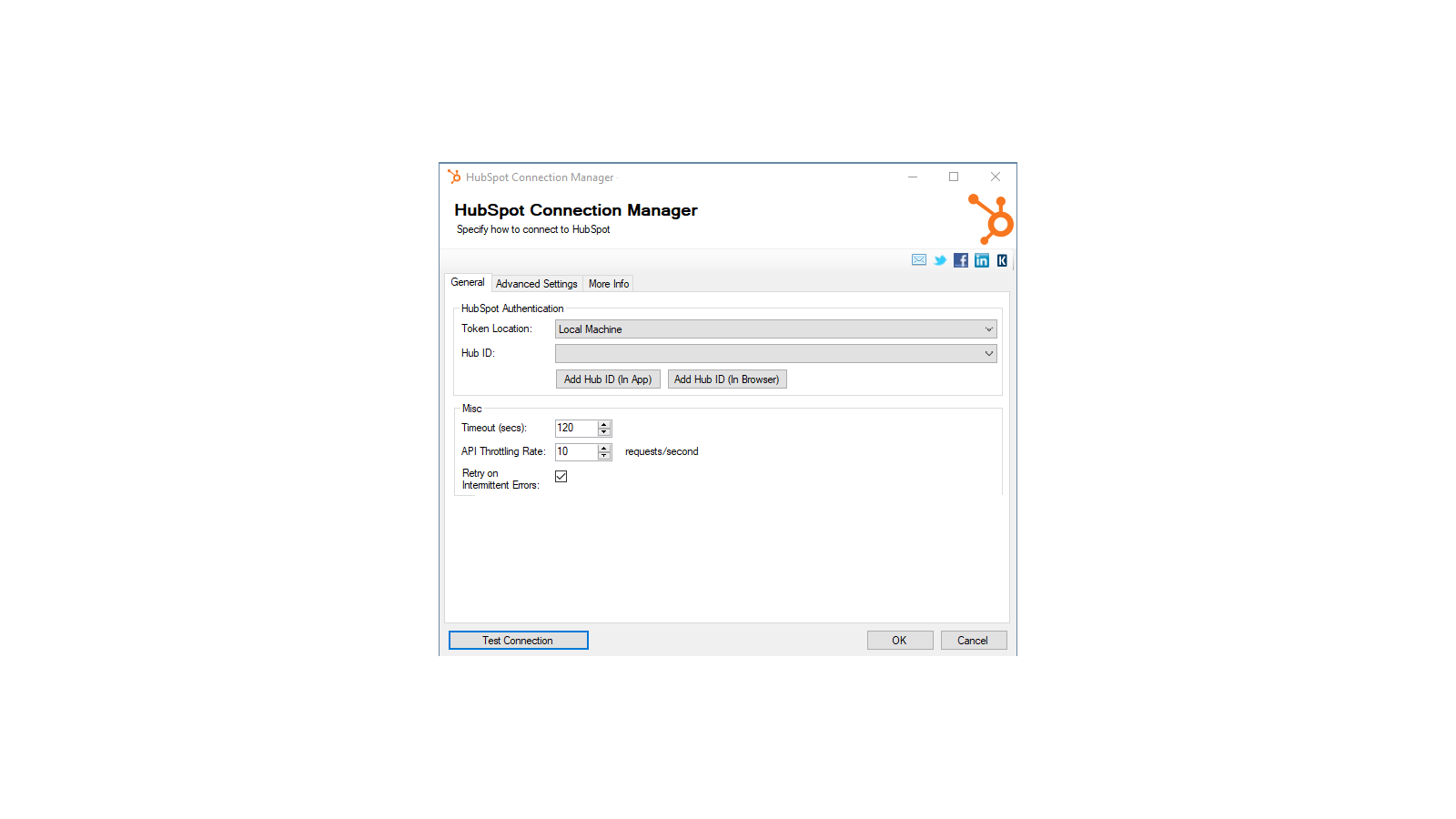
1/4 - Establish connections to HubSpot with HubSpot Connection Manager
SSIS Integration Toolkit for HubSpot enables zero code integration between HubSpot and virtually any other application or database system.
The solution is built utilizing Microsoft SQL Server Integration Services (SSIS), a high-performance and flexible ETL platform, allowing your team to take advantage of the technologies and skills they already have. The drag-and-drop user interface makes it easy to set up powerful integrations within a matter of minutes to automate your day-to-day tasks and thus, improve the productivity of your agents.
Fonctionnalités

High-performance data integration solution for HubSpot
Freedom, flexibility and power of the SSIS ETL engine. Quick integration development and scheduling that can be done in minutes.
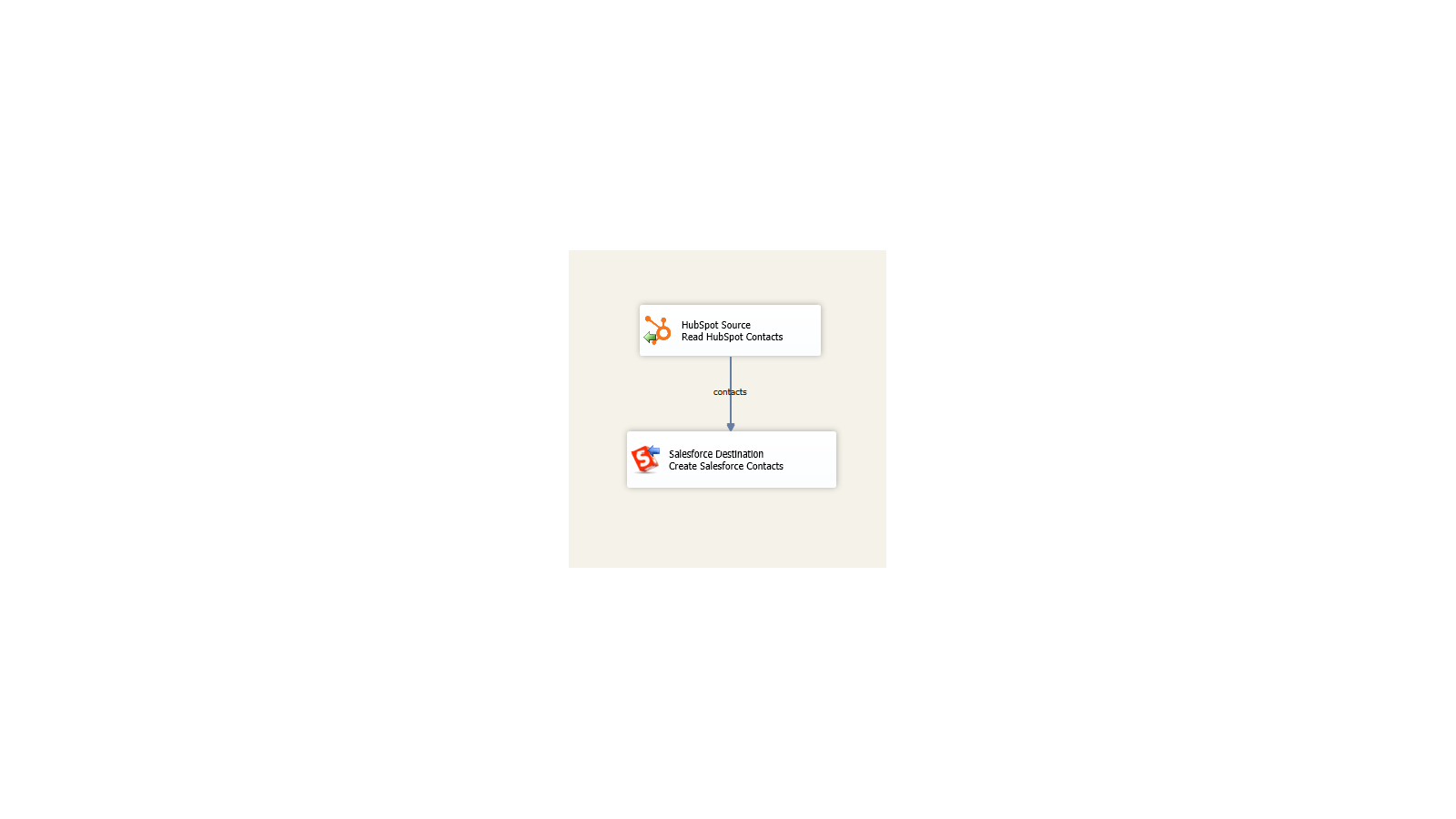
Integrate virtually any application or database system
Build unique integration scenarios with HubSpot and virtually any other application or database system.
Fonctionnalité de l'application
Données partagées
Company | ||
Contact | ||
Deal | ||
Engagement | ||
Workflow | ||
Ticket | ||
Contact List |
- 21 août 2021
The toolkit is solid and so is their support
The SSIS Integration Toolkit performs well and worked seamlessly within Visual Studio. I initially thought there might be a performance issues, but working with both KingswaySoft and HubSpot tech support we determined that the toolkit was reacting as expected and was performant.
Two way integration from our Sql Server based legacy business systems with HubSpot Contact and Deal objects (so far).
The toolkit installs add-on into MS Visual Studio and works immediately without limitations. This enabled me to quickly test our initial use cases. KingswaySoft tech support and responsiveness was outstanding. They responded to my inquires quickly via phone or email.
None that I uncovered.
Slayton, M.
Hôtellerie - 201 à 1 000 employés
- 16 juin 2020
Tableau de bord entre Google, HubSpot, Salesforce
Beaucoup, car nous avons maintenant une visibilité et nous pouvons créer des rapports sur les sessions, les visiteurs, les prospects, les opportunités et les clients.
J'ai l'habitude de créer des tableaux de bord entre Google, HubSpot et Salesforce. Nous utilisons le rapport Power BI. Nous vérifions également que les données sont exactes entre les systèmes.
Pacheco, J.
Éducation
Tarification
Free developer license
0 $US
Works within development tools (SSDT, BIDS, or Visual Studio) without requiring a commercial license
The free developer edition comes with all features included, as long as it is running within the development tools (SSDT, or Visual Studio).
Free developer license
0 $US
Works within development tools (SSDT, BIDS, or Visual Studio) without requiring a commercial license
The free developer edition comes with all features included, as long as it is running within the development tools (SSDT, or Visual Studio).
* Les prix mentionnés ici sont uniquement présentés à titre indicatif. Tous les prix n'incluent pas les taxes, les offres spéciales, les réductions ni les autres facteurs pouvant affecter les tarifs. Vous devez contacter le partenaire pour obtenir les tarifs les plus récents. HubSpot n'assume aucune responsabilité pour les informations de tarification fournies par ses partenaires. Dernière mise à jour des prix : 11/08/2025
Informations supplémentaires
Créé par - KingswaySoft Inc.
Installation - 300+ installations
Catégories Langues dans lesquelles cette application est disponible Anglais