
SSIS Integration Toolkit
สร้างโดย - KingswaySoft Inc.
ติดตั้ง - 300+ การติดตั้ง
คะแนน 4.5
(2)
ข้อกำหนด
แผน HubSpot สิทธิ์บัญชี HubSpot - ดูสิทธิ์บัญชี ที่จำเป็น
ประเภทสิทธิ์การเข้าถึง แชร์แล้ว การสมัครใช้บริการ SSIS Integration Toolkit - Free developer license, Perpetual License หรือ Subscription License แพ็กเกจ
ภาพรวม
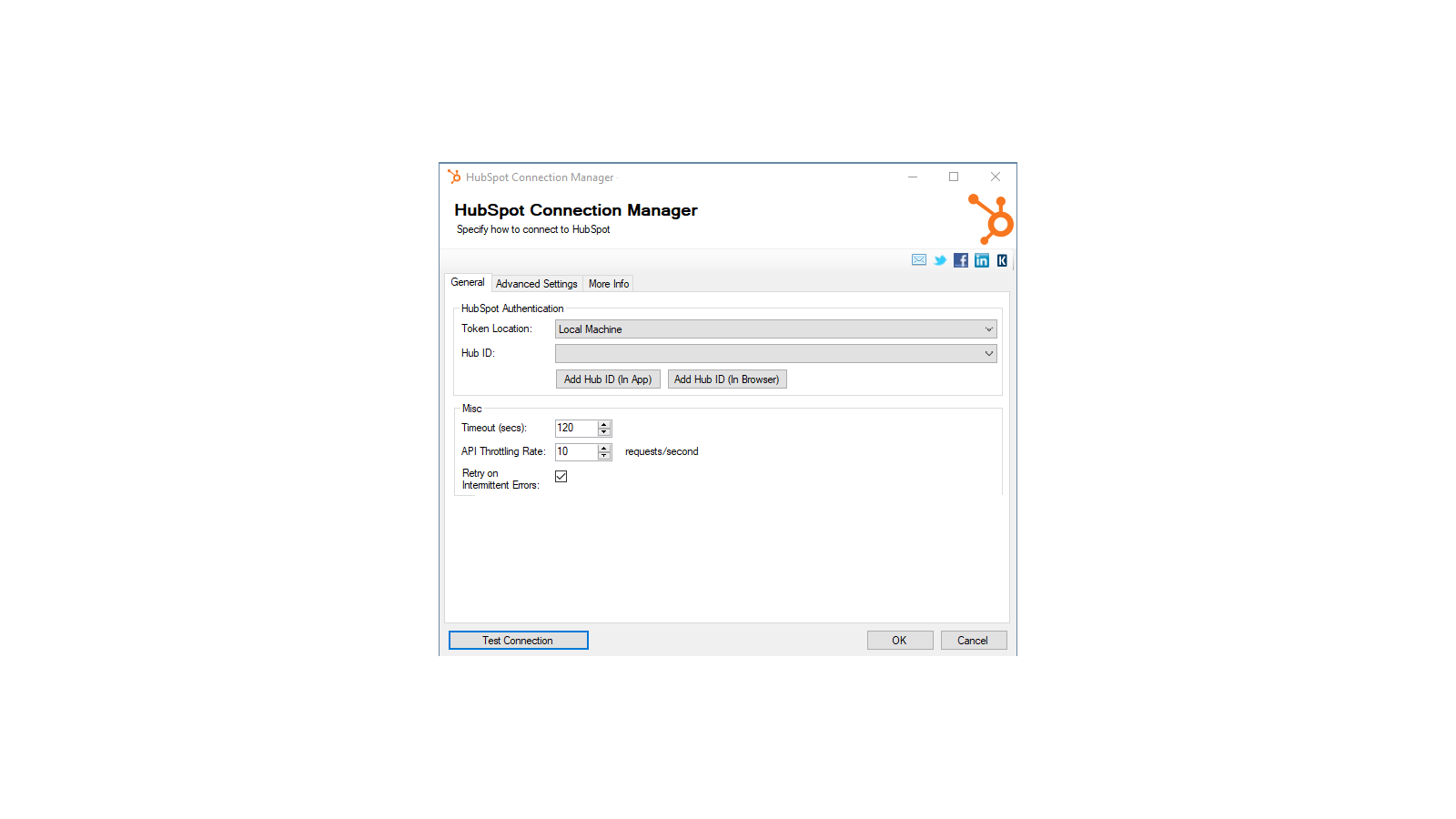
1/4 - Establish connections to HubSpot with HubSpot Connection Manager
SSIS Integration Toolkit for HubSpot enables zero code integration between HubSpot and virtually any other application or database system.
The solution is built utilizing Microsoft SQL Server Integration Services (SSIS), a high-performance and flexible ETL platform, allowing your team to take advantage of the technologies and skills they already have. The drag-and-drop user interface makes it easy to set up powerful integrations within a matter of minutes to automate your day-to-day tasks and thus, improve the productivity of your agents.
ฟีเจอร์

High-performance data integration solution for HubSpot
Freedom, flexibility and power of the SSIS ETL engine. Quick integration development and scheduling that can be done in minutes.
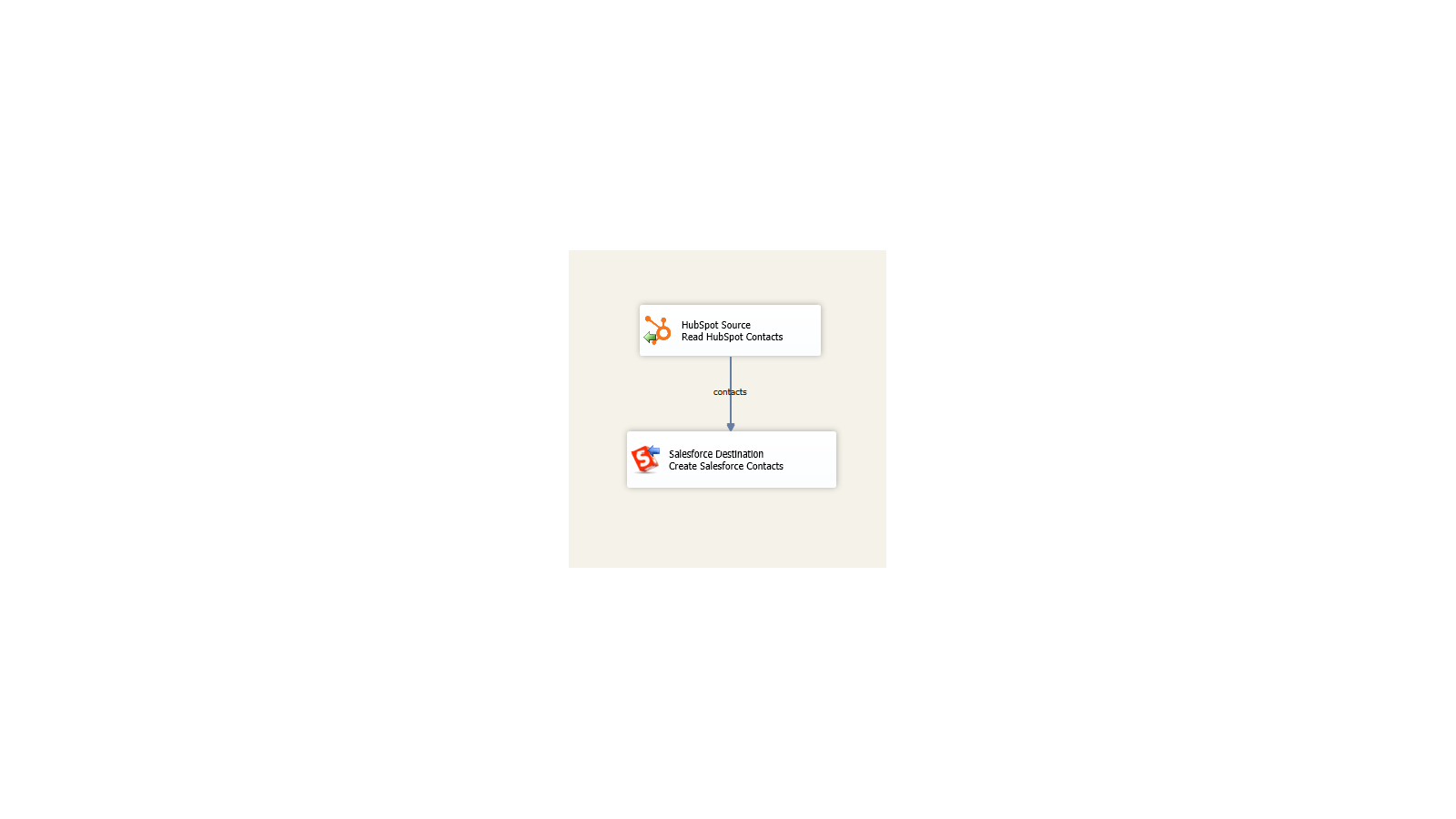
Integrate virtually any application or database system
Build unique integration scenarios with HubSpot and virtually any other application or database system.
ฟังก์ชันการทำงานแอป
ข้อมูลที่แบ่งปัน
Company | ||
Contact | ||
Deal | ||
Engagement | ||
Workflow | ||
Ticket | ||
Contact List |
รีวิว
- 21 ส.ค. 2021
The toolkit is solid and so is their support
The SSIS Integration Toolkit performs well and worked seamlessly within Visual Studio. I initially thought there might be a performance issues, but working with both KingswaySoft and HubSpot tech support we determined that the toolkit was reacting as expected and was performant.
Two way integration from our Sql Server based legacy business systems with HubSpot Contact and Deal objects (so far).
The toolkit installs add-on into MS Visual Studio and works immediately without limitations. This enabled me to quickly test our initial use cases. KingswaySoft tech support and responsiveness was outstanding. They responded to my inquires quickly via phone or email.
None that I uncovered.
Slayton, M.
บริการดูแลต้อนรับ - พนักงาน 201 ถึง 1,000 คน
- 16 มิ.ย. 2020
Dashboard between Google, HubSpot, Salesforce
A lot, because now we have visibilty and we can create reports from session, visitors,leads, opportunities and customers
I use to create dashboard between Google, HubSpot, Salesforce . We use Power BI Report. Also we check if the data is accuracy between the systems.
Pacheco, J.
การศึกษา
การกำหนดราคา
Free developer license
US$0
Works within development tools (SSDT, BIDS, or Visual Studio) without requiring a commercial license
The free developer edition comes with all features included, as long as it is running within the development tools (SSDT, or Visual Studio).
Free developer license
US$0
Works within development tools (SSDT, BIDS, or Visual Studio) without requiring a commercial license
The free developer edition comes with all features included, as long as it is running within the development tools (SSDT, or Visual Studio).
* ราคาที่แสดงนี้มีไว้เพื่อแสดงข้อมูลเท่านั้น ราคาทั้งหมดยังไม่รวมภาษี สิทธิพิเศษ ส่วนลด หรือตัวแปรราคาอื่นๆ คุณควรติดต่อพาร์ทเนอร์เพื่อรับข้อมูลราคาล่าสุดและถูกต้องที่สุด HubSpot จะไม่รับผิดชอบใดๆ ต่อข้อมูลราคานี้ซึ่งจัดทำโดยพาร์ทเนอร์ของเรา การกำหนดราคาอัปเดตล่าสุด: 11/08/2025
ข้อมูลเพิ่มเติม
สร้างโดย - KingswaySoft Inc.
ติดตั้ง - 300+ การติดตั้ง
หมวดหมู่ ภาษาที่แอปนี้สามารถใช้ได้ อังกฤษ