
SSIS Integration Toolkit
Built by - KingswaySoft Inc.
Installs - 300+ installs
Rating 4.5
(2)
Requirements
HubSpot Plan HubSpot Account permissions - View the required account permissions
Access Type Shared SSIS Integration Toolkit Subscription - Free developer license, Perpetual License, or Subscription License plans
Overview
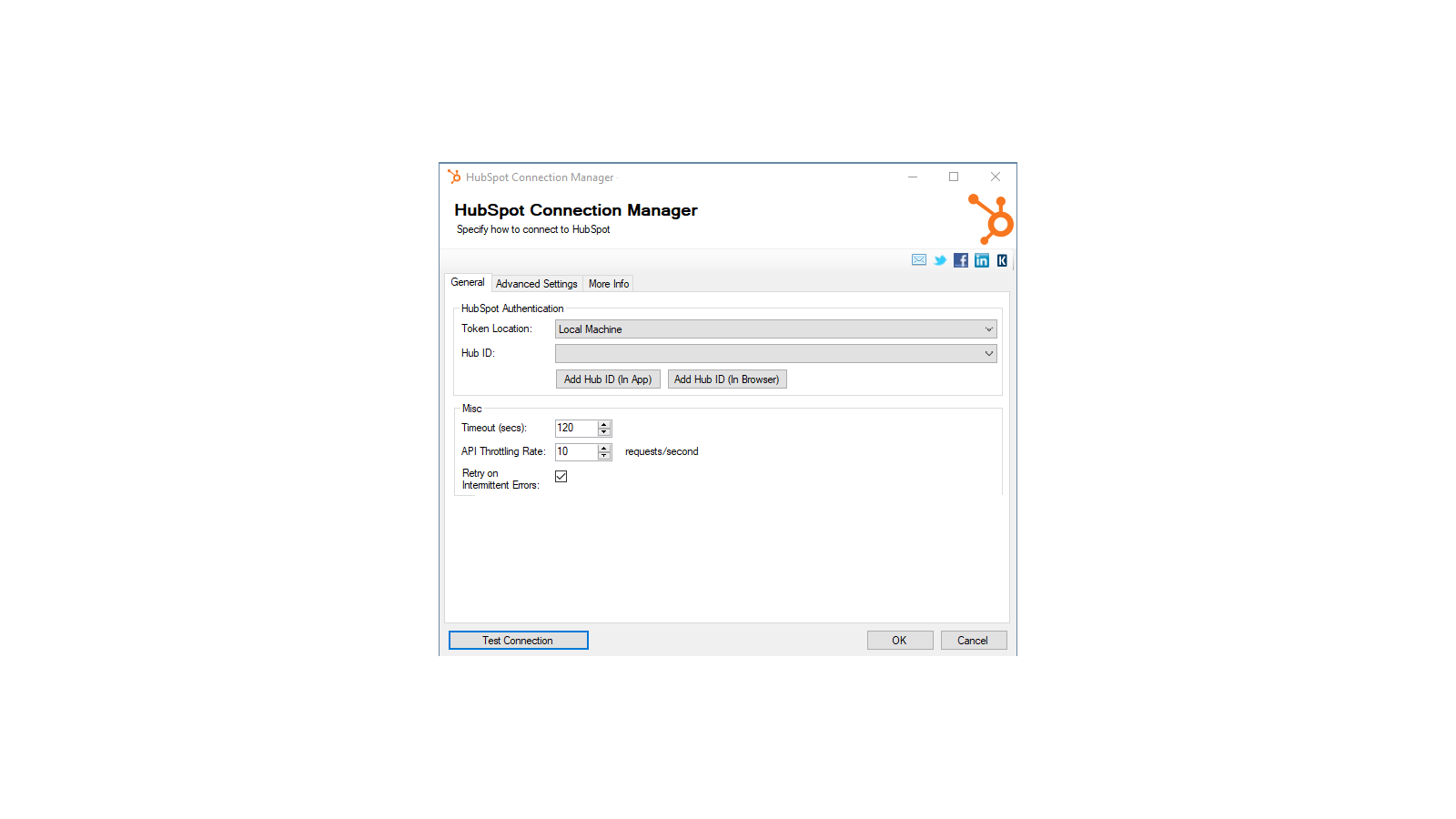
1/4 - Establish connections to HubSpot with HubSpot Connection Manager
SSIS Integration Toolkit for HubSpot enables zero code integration between HubSpot and virtually any other application or database system.
The solution is built utilizing Microsoft SQL Server Integration Services (SSIS), a high-performance and flexible ETL platform, allowing your team to take advantage of the technologies and skills they already have. The drag-and-drop user interface makes it easy to set up powerful integrations within a matter of minutes to automate your day-to-day tasks and thus, improve the productivity of your agents.
Features

High-performance data integration solution for HubSpot
Freedom, flexibility and power of the SSIS ETL engine. Quick integration development and scheduling that can be done in minutes.
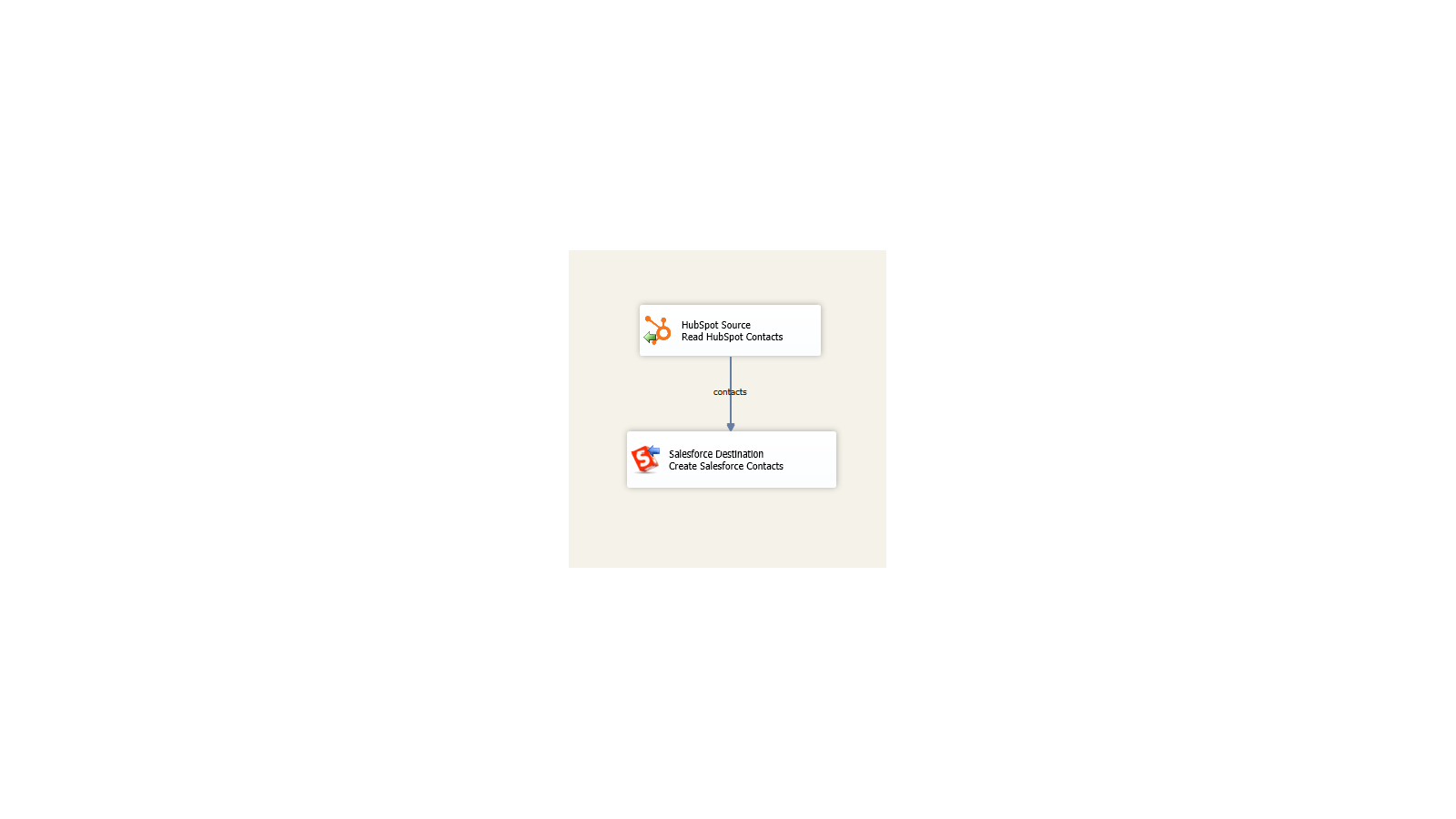
Integrate virtually any application or database system
Build unique integration scenarios with HubSpot and virtually any other application or database system.
App Functionality
Shared Data
Company | ||
Contact | ||
Deal | ||
Engagement | ||
Workflow | ||
Ticket | ||
Contact List |
Reviews
- Aug 21, 2021
The toolkit is solid and so is their support
The SSIS Integration Toolkit performs well and worked seamlessly within Visual Studio. I initially thought there might be a performance issues, but working with both KingswaySoft and HubSpot tech support we determined that the toolkit was reacting as expected and was performant.
Two way integration from our Sql Server based legacy business systems with HubSpot Contact and Deal objects (so far).
The toolkit installs add-on into MS Visual Studio and works immediately without limitations. This enabled me to quickly test our initial use cases. KingswaySoft tech support and responsiveness was outstanding. They responded to my inquires quickly via phone or email.
None that I uncovered.
Slayton, M.
Hospitality - 201 to 1,000 employees
- Jun 16, 2020
Dashboard between Google, HubSpot, Salesforce
A lot, because now we have visibilty and we can create reports from session, visitors,leads, opportunities and customers
I use to create dashboard between Google, HubSpot, Salesforce . We use Power BI Report. Also we check if the data is accuracy between the systems.
Pacheco, J.
Education
Pricing
Free developer license
$0
Works within development tools (SSDT, BIDS, or Visual Studio) without requiring a commercial license
The free developer edition comes with all features included, as long as it is running within the development tools (SSDT, or Visual Studio).
Free developer license
$0
Works within development tools (SSDT, BIDS, or Visual Studio) without requiring a commercial license
The free developer edition comes with all features included, as long as it is running within the development tools (SSDT, or Visual Studio).
* The pricing here is for display purposes only. All prices do not include taxes, incentives, discounts, or other pricing variables. You should contact the partner for the most up to date and correct pricing information. HubSpot does not take any responsibility for this pricing information, which is provided by our partners. Pricing last updated: 08/11/2025