

Calendah! Calendar
Built by - SyncMatters
Installs - 700+ installs
Rating 4.7
(6)

Leading
Requirements
HubSpot Plan HubSpot Account permissions - View the required account permissions
Access Type Shared Calendah! Calendar Subscription - Basic, Pro, or Enterprise plans
Overview
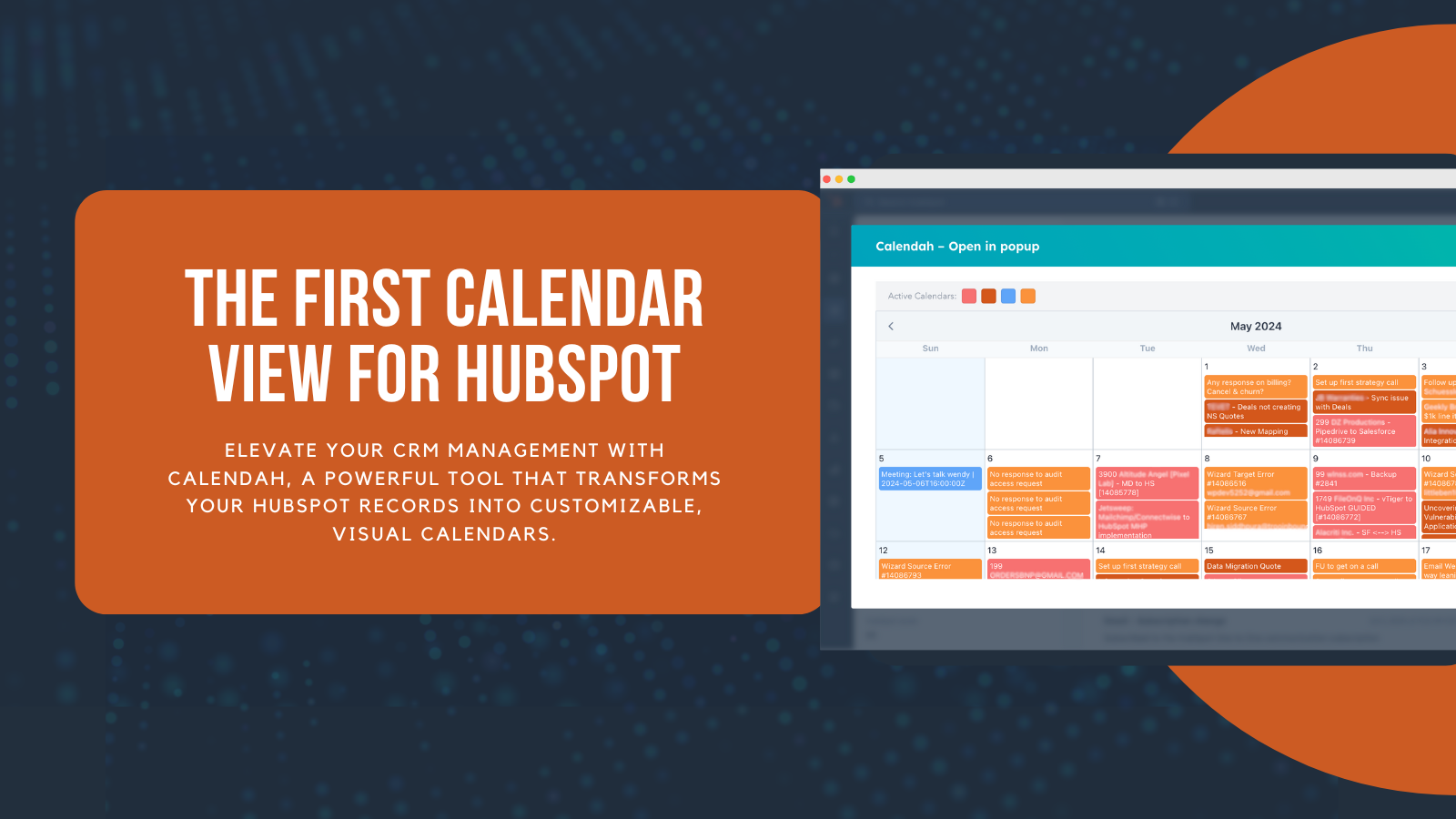
1/8 - Elevate CRM management with Calendah’s customizable calendars.
Description
Calendah is a versatile and powerful tool designed to transform your HubSpot records into an intuitive, visual calendar format.
Whether you're managing sales pipelines, customer success tasks, or real estate transactions, Calendah offers a wide array of use cases to enhance your CRM experience. By allowing you to visualize records based on custom or native fields, Calendah provides clarity and efficiency, making it an essential addition to your HubSpot toolkit.
Key Business Problems Solved by Calendah
1. Lack of Visualization in CRM Data:
Calendah transforms HubSpot records into a visual, monthly calendar view, making it easier for users to see and understand their data at a glance. This visual representation helps users quickly identify important dates and timelines, enhancing their ability to manage and prioritize tasks effectively.
2. Inefficient Sales Pipeline Management:
Sales teams often struggle to track and manage their deals efficiently. Calendah allows users to visualize their sales pipelines based on key dates such as close dates and install dates. This helps sales teams stay organized, follow up on leads promptly, and close deals more effectively.
3. Poor Customer Success Tracking:
Customer success teams need to monitor customer onboarding, renewals, and engagement activities. Calendah provides a clear visualization of these processes, helping teams to track customer interactions and ensure timely follow-ups, thereby improving customer retention and satisfaction.
4. General Business Operations:
Businesses of all types need to manage various operational tasks, deadlines, and milestones. Calendah helps visualize and track these activities, ensuring that all tasks are completed on time and nothing falls through the cracks. This improves overall operational efficiency and team productivity.
5. Project Management and Deadlines:
Teams working on complex projects often face challenges in managing tasks and meeting deadlines. Calendah helps project managers and teams visualize project timelines, track key milestones, and ensure timely completion of tasks, improving overall project efficiency and collaboration.
Calendah addresses these key business problems by providing an intuitive and customizable calendar interface that integrates seamlessly with HubSpot, making it an essential tool for various industries.
Features
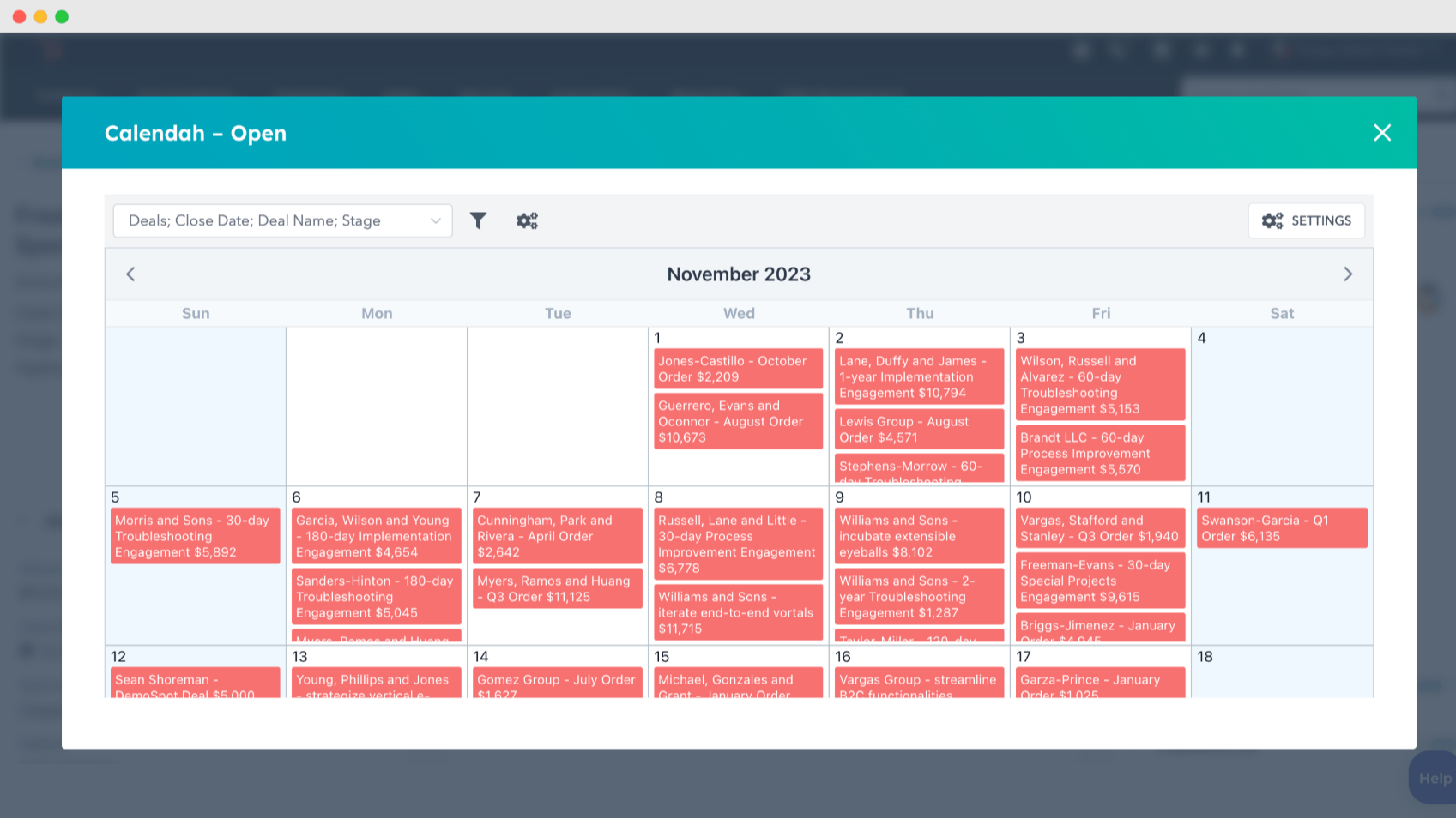
Customize calendar views with your HubSpot records
Create calendars based on any HubSpot records using custom or native fields, such as Install Date or Close Date. Display the most relevant information for your business needs, like deal names or amounts, to get a clear visual representation of your CRM data.
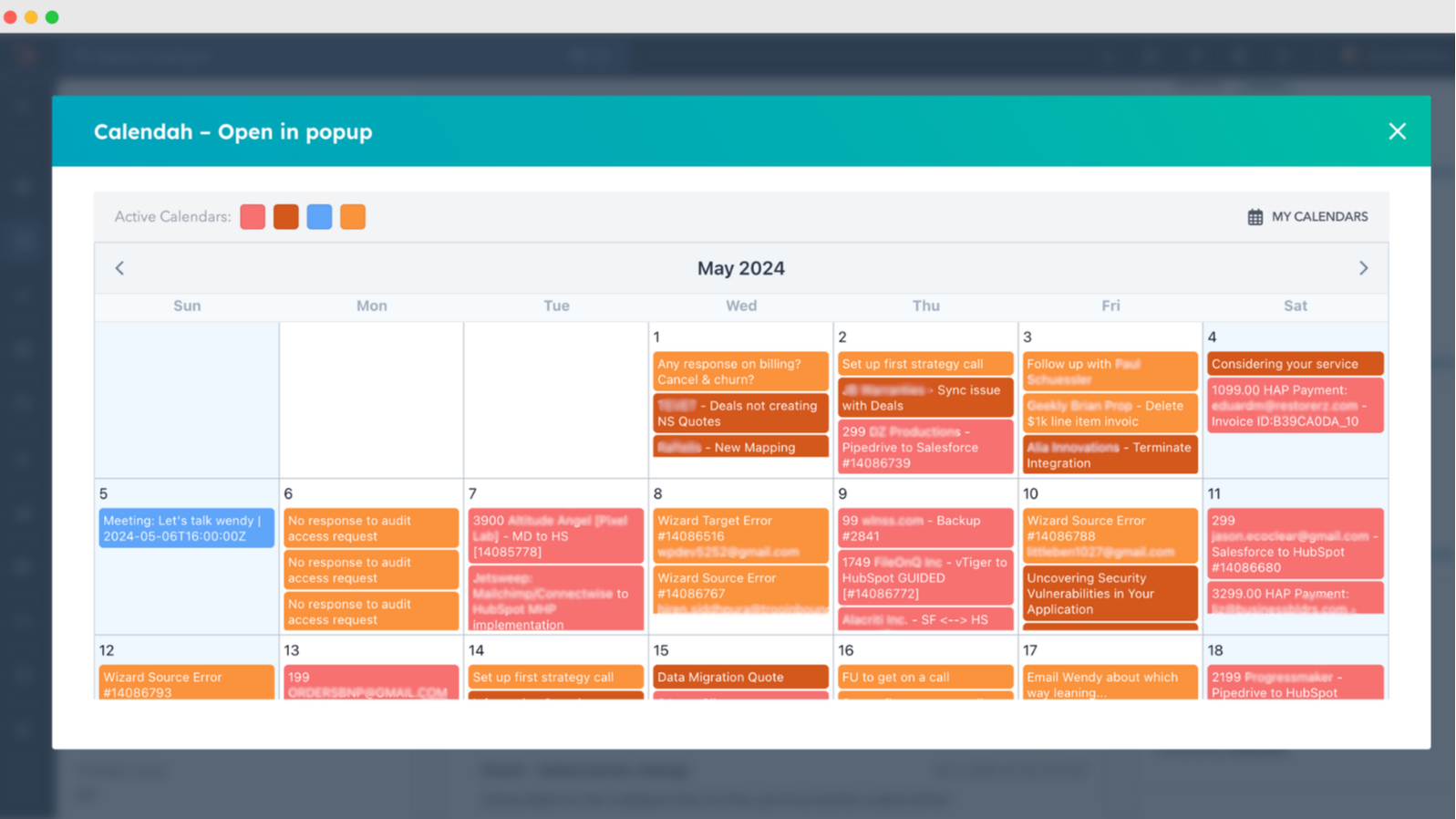
Manage multiple, color-coded calendars at once
Set up and display multiple calendars simultaneously with color-coding options for easy identification. This feature enhances organization and allows you to track various records and tasks across different teams or projects in a single view.
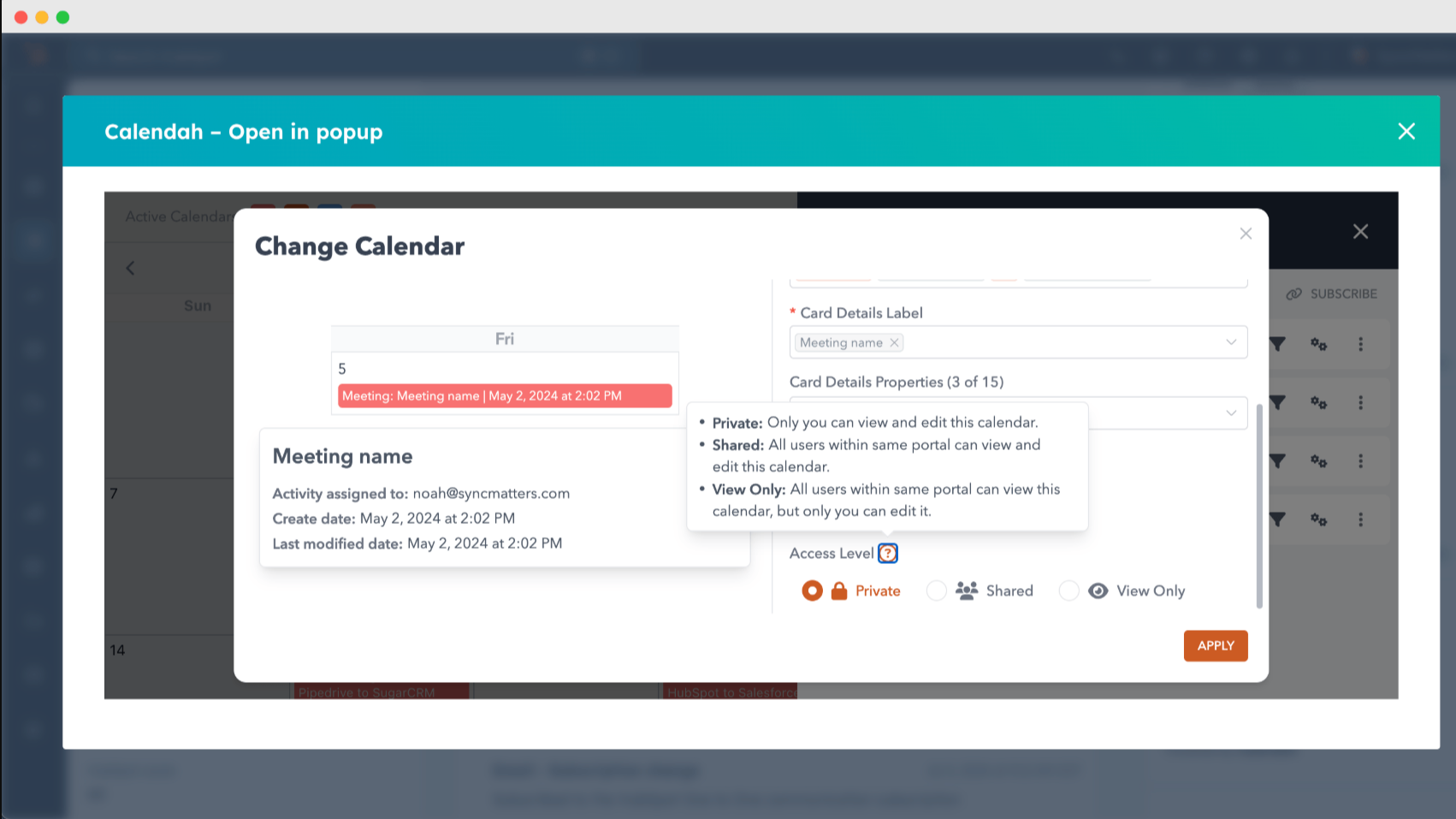
Secure and collaborative private and team calendars
Enjoy the flexibility of private calendars, view-only access, and team calendars in our paid plan. Enhance collaboration while ensuring data privacy with options tailored to your business needs.
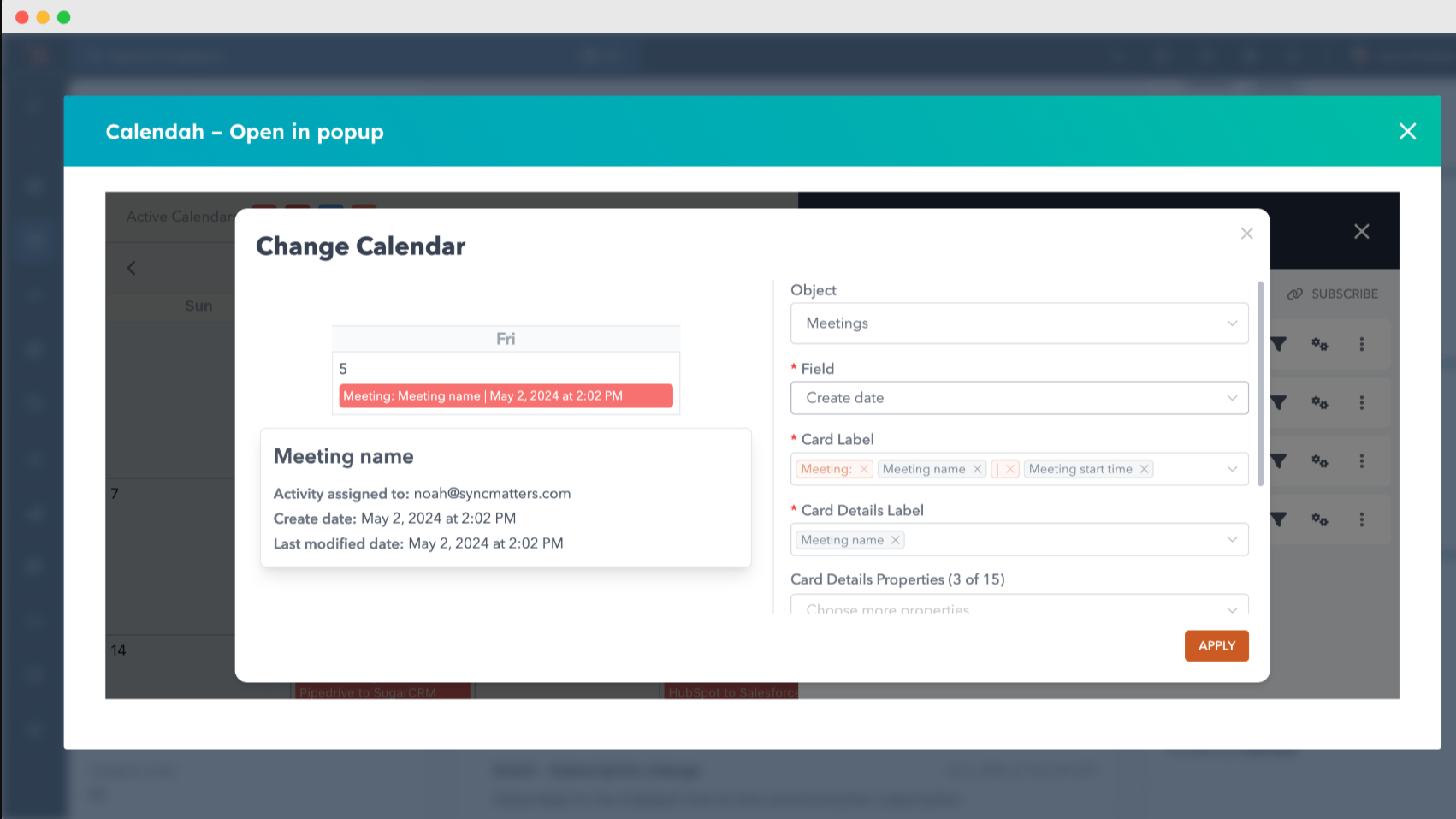
Flexible data display options for all records
Choose what information to display on your calendar, from deal names and amounts to any relevant custom fields. Customize views based on what's most important to your business, ensuring you see the data that matters most.
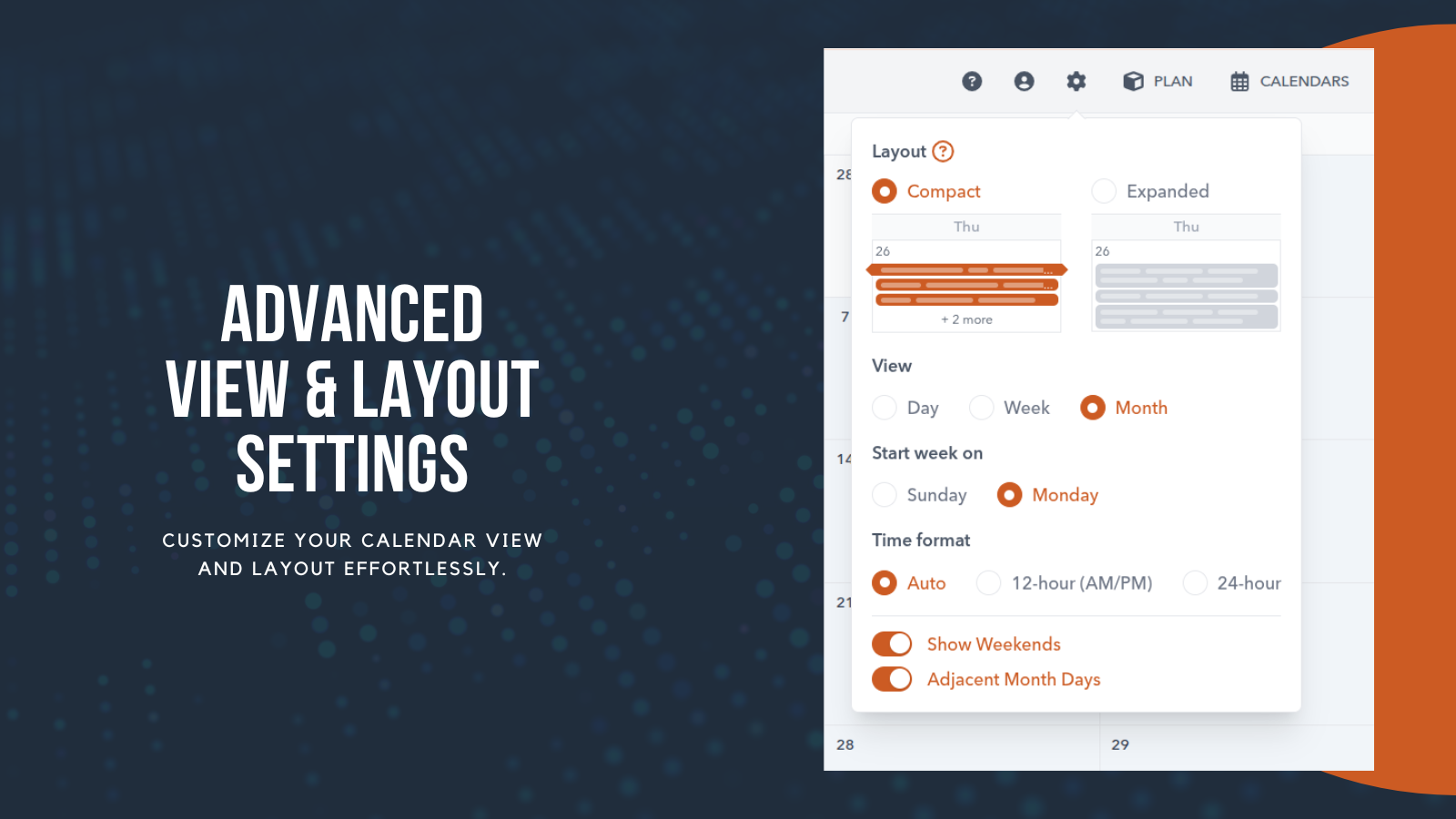
Advanced View & Layout Settings
Customize how time is displayed with automatic, 12-hour, or 24-hour formats, and toggle options like weekends or adjacent month days for a cleaner or more detailed view. Designed to give you full control over how you plan, see, and manage your schedule in Calendah.
App Functionality
Shared Data
Companies | ||
Contacts | ||
Deals | ||
Tickets | ||
Meetings | ||
Tasks | ||
Calls | ||
Owners |
Reviews
4.7
6
4.7
6
- Apr 22, 2026
Great features & support
Calendah does exactly what we need in terms of scheduling HubSpot properties into highly customisation views, would highly recommend. Also the product support and ongoing feature implementations has been fantastic! Well done Calendah team!
Colour Coding different tiles & the search field are outstanding!
Nikolov, T.
- Apr 22, 2026
Great Support!!
Calendah is great!! We are using it to view our Outlook Calendars and HubSpot meeting all in one place which is very helpful for intake when they need a full view of someone's day.
It works. Support staff is very helpful and is ready to make time to meet. They are also open to suggestions and new implementations.
Goubran, M.
Pricing
Basic
$31
/month/ portal / month
Up to 5 active users
Up to 5 active calendars
Private, Portal-based, User-specific, and Public calendars
Only Month view
Range unavailable
Basic
$31
/month/ portal / month
Up to 5 active users
Up to 5 active calendars
Private, Portal-based, User-specific, and Public calendars
Only Month view
Range unavailable
* The pricing here is for display purposes only. All prices do not include taxes, incentives, discounts, or other pricing variables. You should contact the partner for the most up to date and correct pricing information. HubSpot does not take any responsibility for this pricing information, which is provided by our partners. Pricing last updated: 04/09/2026
More info
Built by - SyncMatters
Installs - 700+ installs
Categories Languages this app is available in English
New arrivals

Use AI
The universal AI assistant for work, study, and everyday life

Backdrop
Live in-call sales assistant with HubSpot deal context
