
Google Ads
Get full ROI, cross-network reporting, and more in HubSpot.
Built by HubSpot
Installs - 123K installs
Rating 3
(208)
Requirements
HubSpot Plan HubSpot Account permissions No permissions required Google Ads Subscription - Google Ads Account plan
Overview
1/6
With Google Ads in HubSpot, targeting your customers with highly relevant ads and reporting on the true ROI of your campaigns is simple. Start by quickly connecting your account, and decide whether or not you want to turn on ad tracking and apply your tracking pixel. From there, leverage the HubSpot CRM to create highly targeted audiences that automatically sync with your Google Ads account. Report on your ads success through a number of attribution views, and see how your ad spend is influencing your bottom line. And because you're managing your ad campaigns in the same place you run the rest of your marketing, creating a consistent narrative between your follow up and the rest of your marketing is easy.
Features
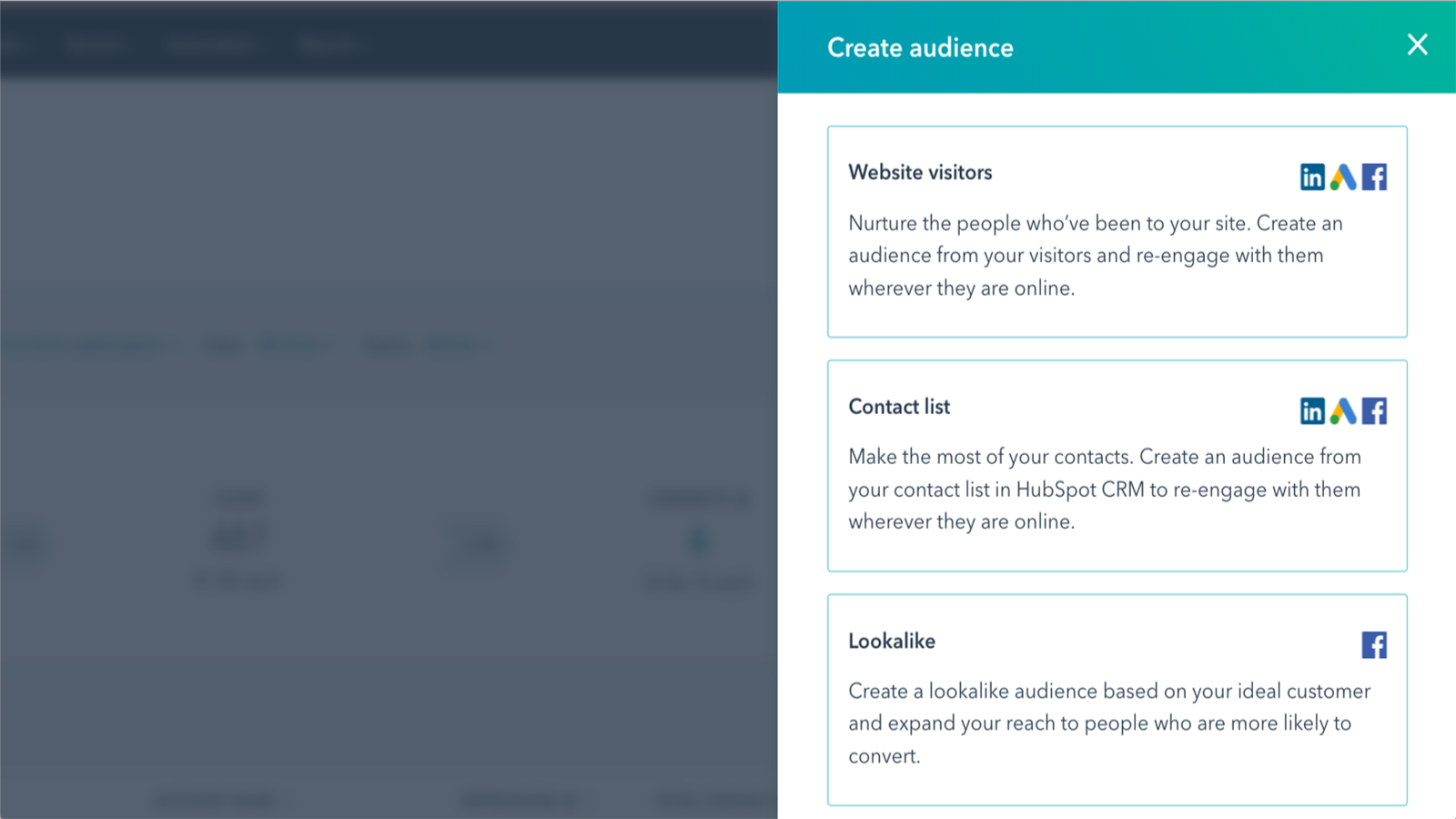
Create highly targeted audiences.
Attach your pixel to HubSpot and start creating website audiences off of granular interactions customers have with your website. Use nearly any CRM data point to create specific audiences to create targeted messages, and increase your ads engagement.

Track the success of your targeted keywords.
Analyze which keywords have the highest CPC, and which ones are generating the most revenue for your business. Based on which keywords are influencing your bottom line, you can make smarter decisions on which keywords you should continue bidding on.
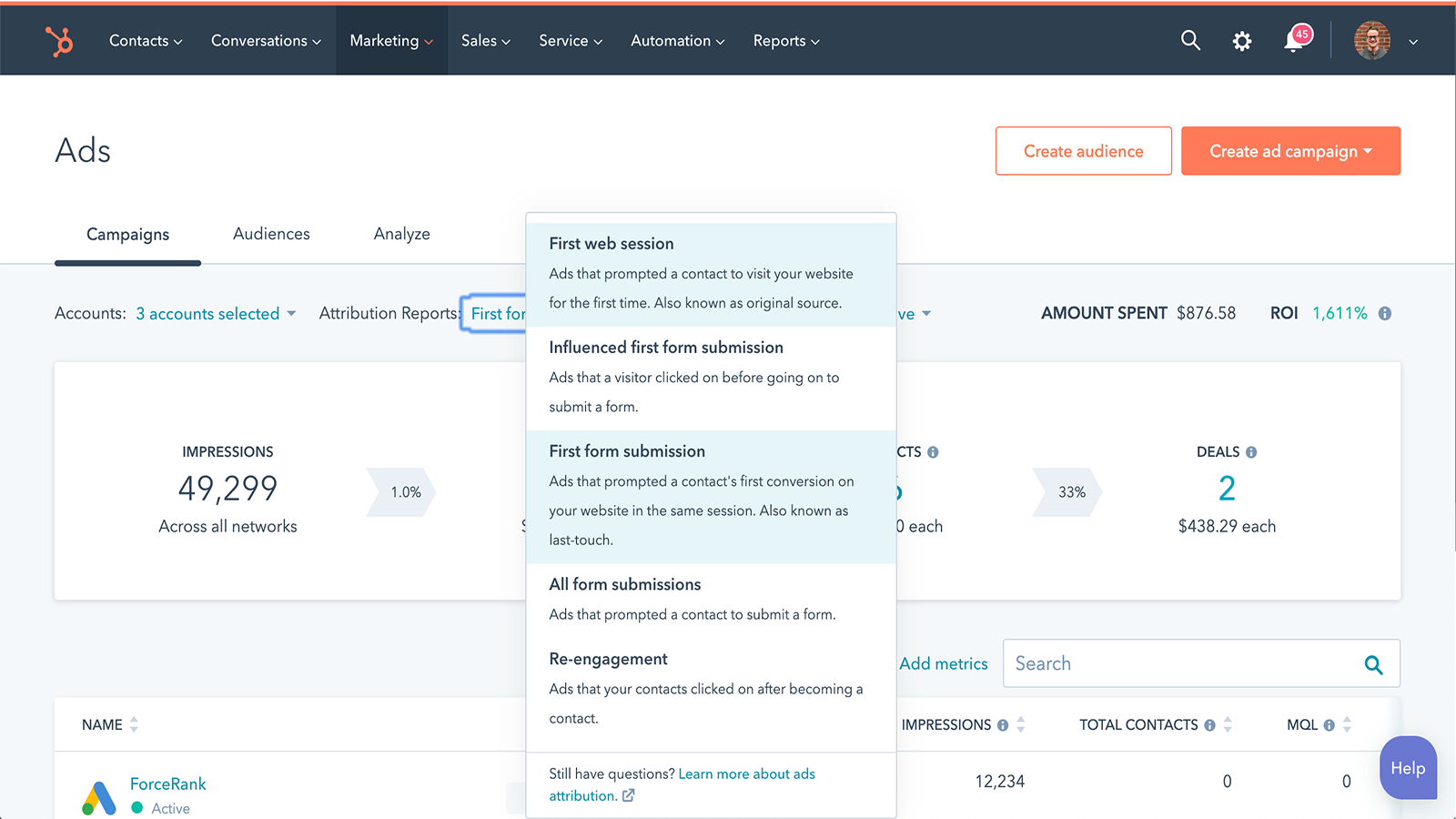
Understand which ads are influencing your bottom line.
Clicks and leads are great, but they don’t always equal money in the bank. Running your Google Ad campaigns in HubSpot, you’ll be able to draw a direct line between clicks on your ads, and return on your ad spend. Never again will you struggle to prove the ROI of your advertising.
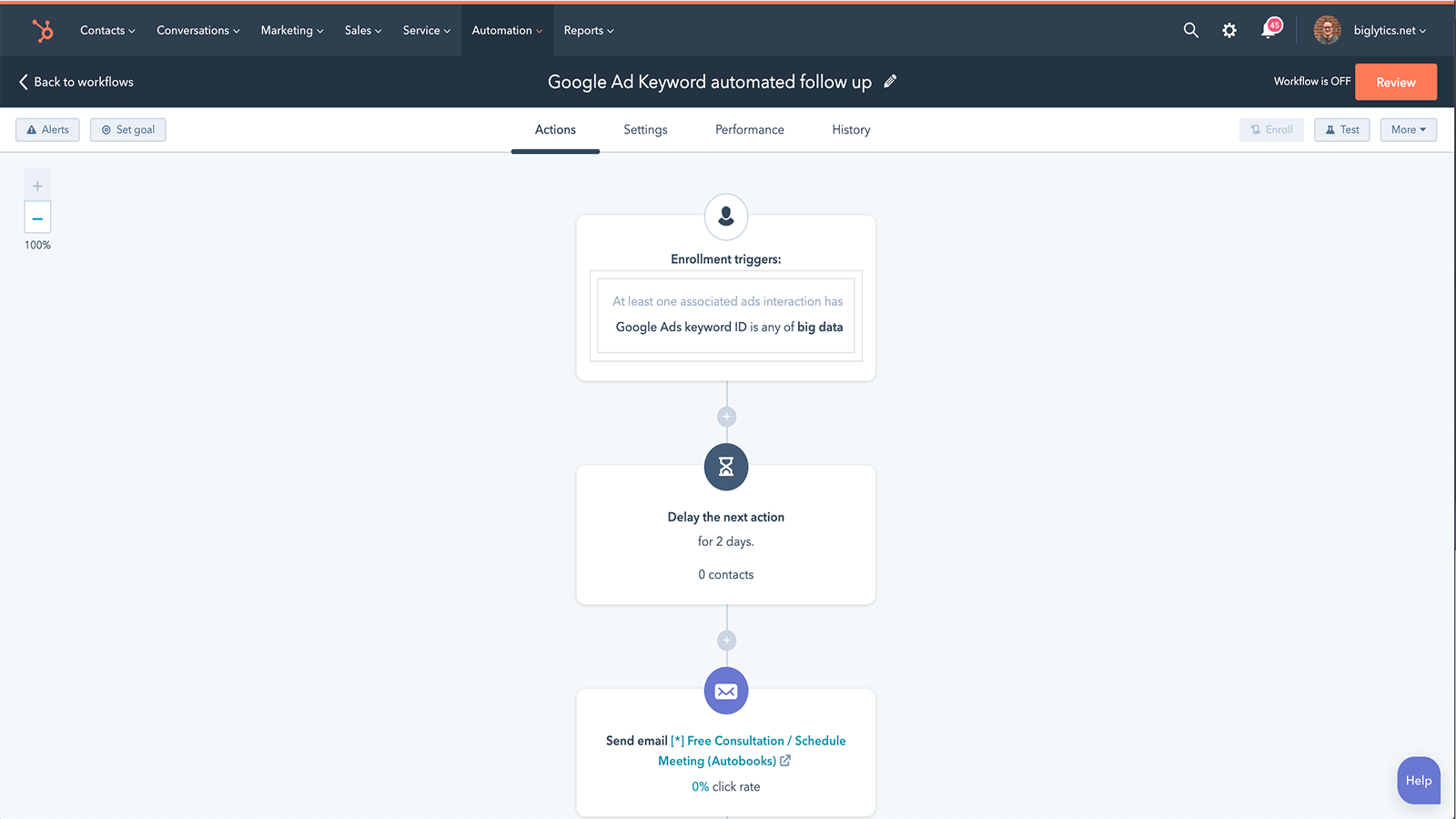
Create a consistent narrative across all your marketing efforts.
Ensure that you continue the conversation with your leads after they interact with your ads. Create workflows triggered off of ad interactions that deliver necessary follow up, and enroll them in a nurturing campaign to ensure consistency across all customer touch points.
App Functionality
Shared Data
Ad performance | ||
Audiences | ||
Audiences | ||
Tracking Pixel |
Reviews
3.0
208
3.0
208
- Mar 4, 2026
Minimal Impact So Far - Centralized Dashboard is Nice But Editing Capabilities Fall Short
It hasn't had that much of an impact at all yet.
Centralized view
Limited ability to edit ads.
Perez, C.
- Mar 4, 2026
Fairly basic functionality, but I prefer to go directly to the full tool
Not so good
Easy to set up, but it is fairly basic
Rather, I do it directly in the Google Ads tool
Tolman, M.
Pricing
Google Ads Account
$0
Google Ads Account
$0
* The pricing here is for display purposes only. All prices do not include taxes, incentives, discounts, or other pricing variables. You should contact the partner for the most up to date and correct pricing information. HubSpot does not take any responsibility for this pricing information, which is provided by our partners. Pricing last updated: 08/22/2025
Most popular


