

BigCommerce by MakeWebBetter
Automate your marketing and sales with HubSpot BigCommerce Integration
Built by - MakeWebBetter
Installs - 100+ installs
Rating 5
(7)
Requirements
HubSpot Plan HubSpot Account permissions - View the required account permissions
BigCommerce by MakeWebBetter Subscription - Free, Beginner, Advanced, or Ultimate plans
Overview
1/6
Sync your BigCommerce store data like contacts, orders, and products in HubSpot CRM with this HubSpot BigCommerce Integration. Get ready-to-go HubSpot lists, workflows, to automate your redundant tasks for better productivity.
- Sync products, customers, & orders from BigCommerce to HubSpot CRM effortlessly.
- Personalize better using contact segmentation with lists based on RFM values, actions, & lifecycle stages.
- Create popular workflows administered by HubSpot lists & properties suited to your business model.
- Abandoned cart recovery enabling better ROI, facilitated by automatic follow-ups through HubSpot workflows.
Features
-1.webp)
Auto-sync Store Data
Data generated through your online platform will sync directly in the HubSpot CRM — be it the new contacts, orders, or products added to the online store. Through data logs, you will be able to track this data sync and troubleshoot if any sync results in error. The logs are easily accessible through this HubSpot BigCommerce integration dashboard.
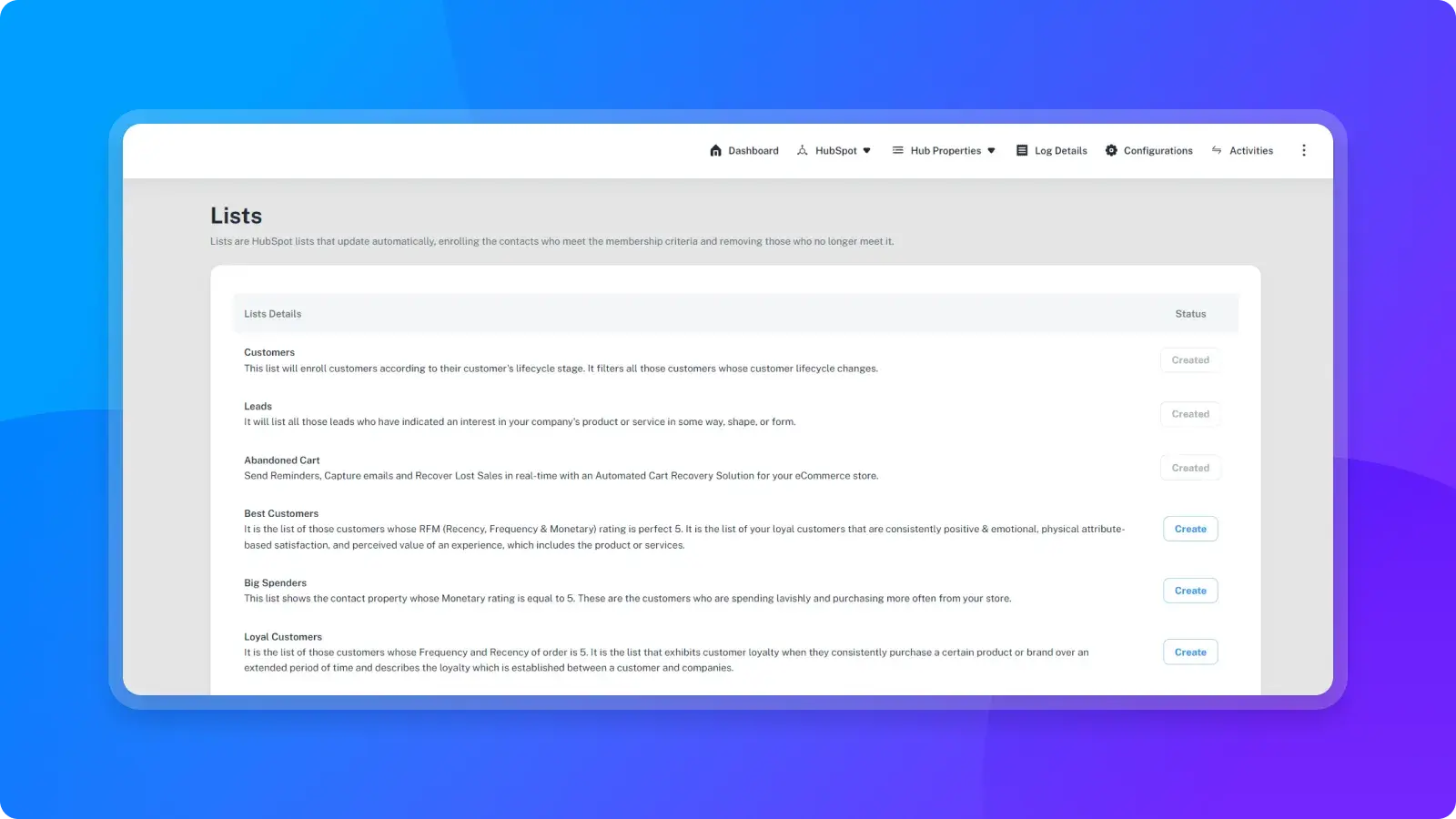
Segmentation with HubSpot Lists
Segment contacts in a single click with lists based on data like — demographics, spending value, buying frequency, behavior and more. This HubSpot BigCommerce integration will also ease up the process to create workflows, running marketing campaigns, and better contact management
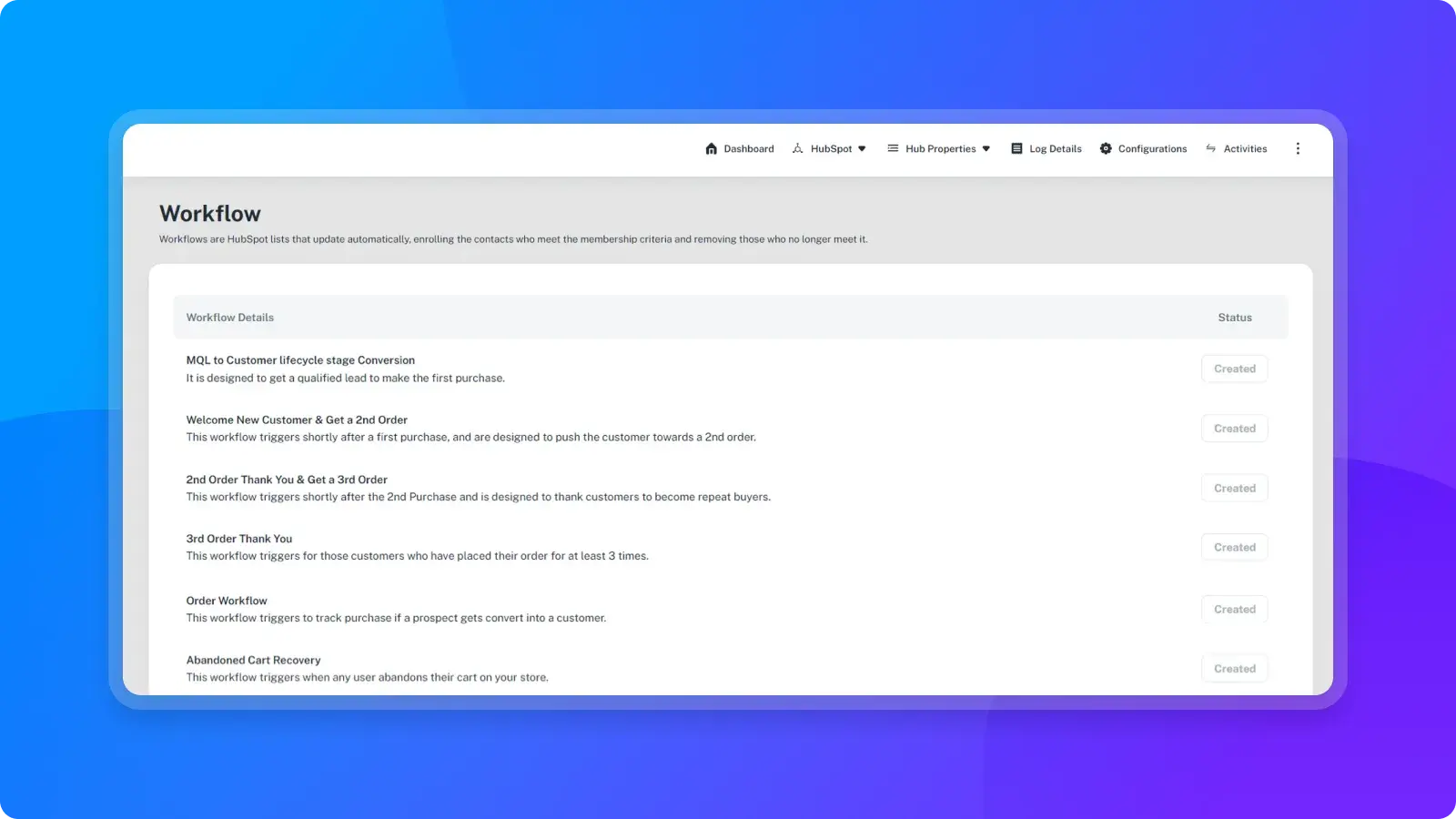
Automated Workflows with Triggers
The data sync and custom property creation in HubSpot will allow workflows based on the nature of your business. Create suitable workflows against order frequency, spending rate, marketing contacts, demographics, etc. with this HubSpot BigCommerce integration. These workflows help you automate marketing & communication with customers.
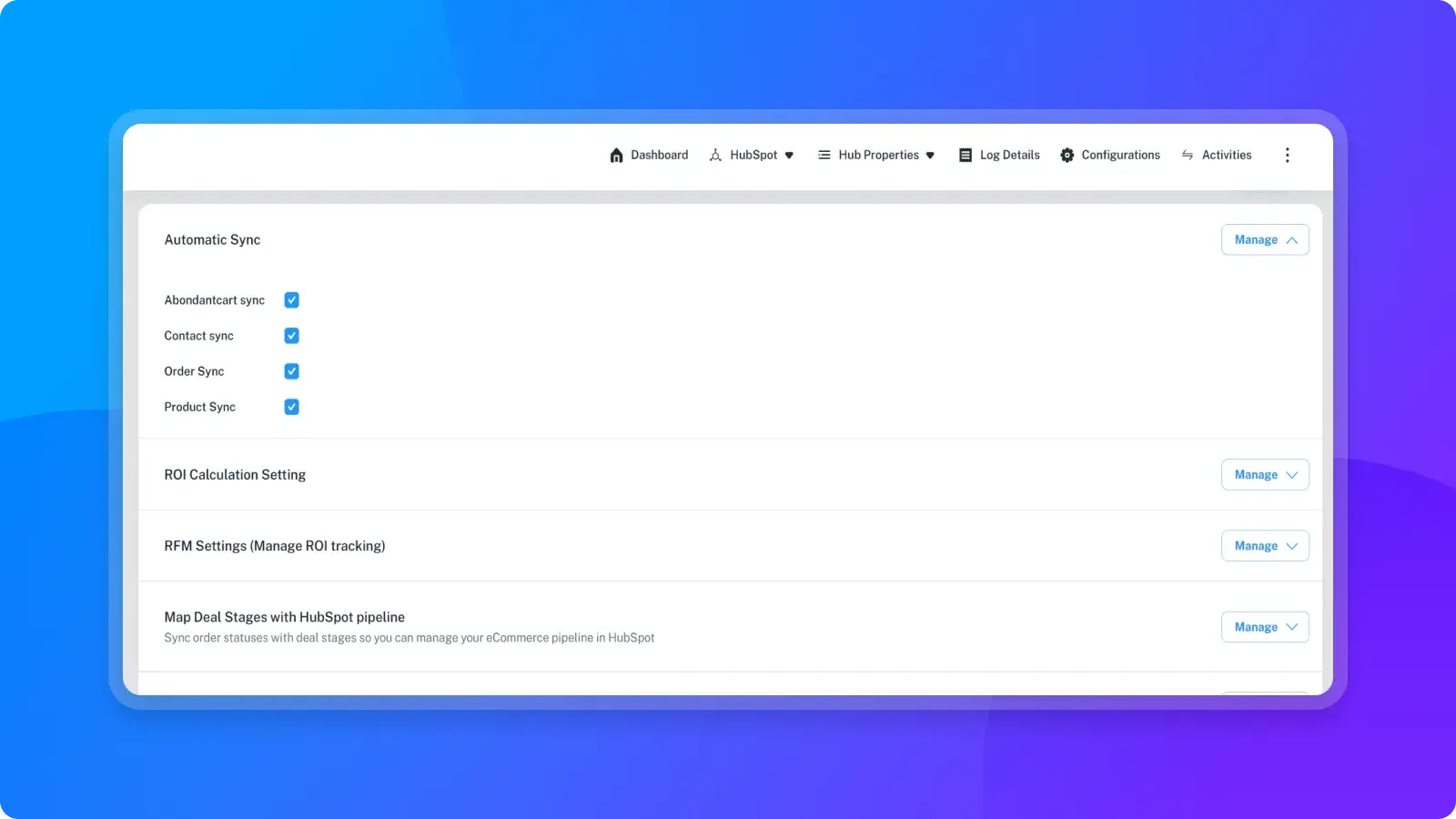
Increased Revenue via Abandoned Cart recovery
Bring down the cart abandonment. Get the auto-created list of contacts having abandoned carts, enabling suitable follow-ups through workflows for abandoned cart recovery. Use this HubSpot BigCommerce integration, if you have historical data on abandoned carts in your BigCommerce store then too you can trigger such workflows using HubSpot.
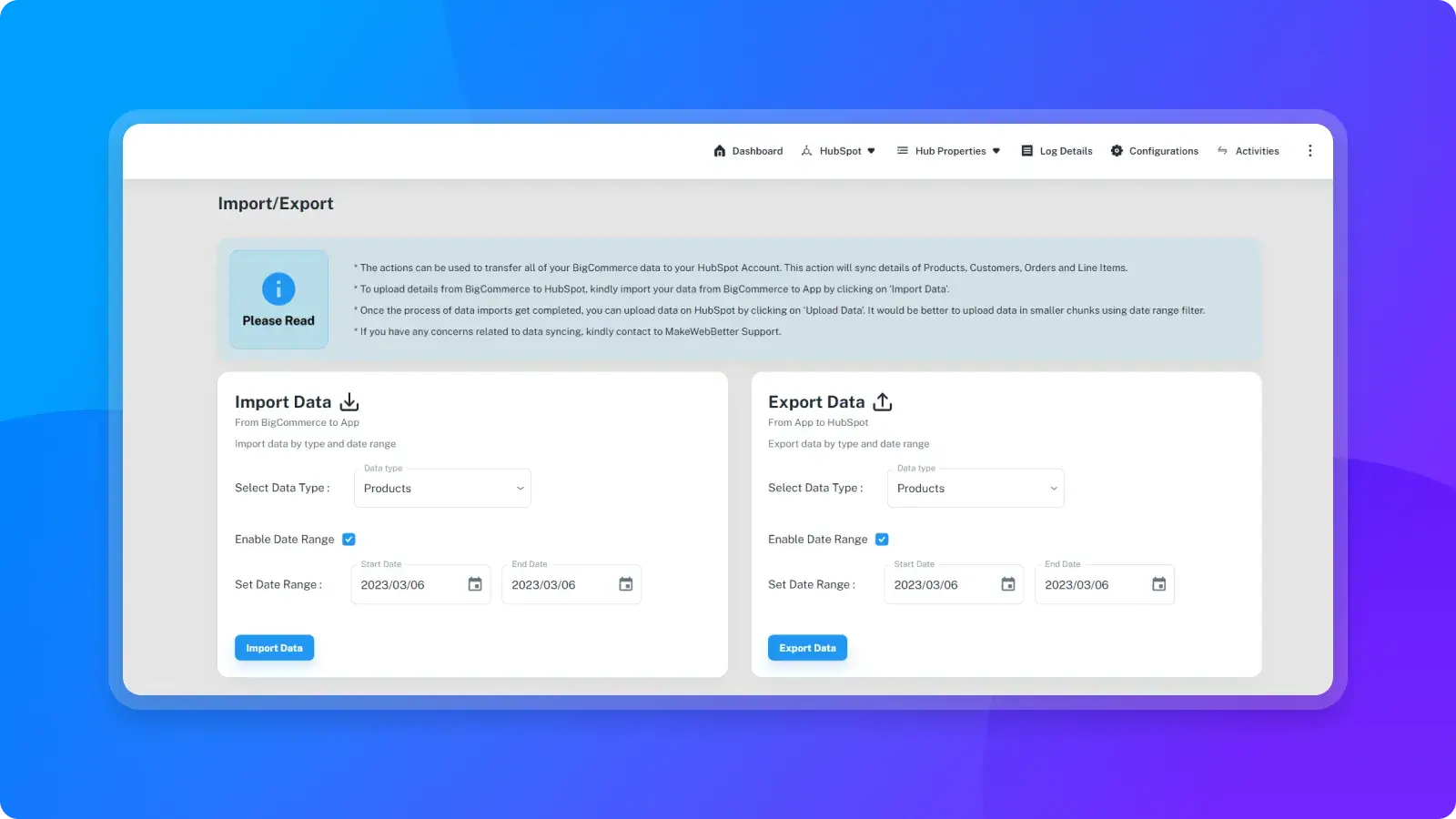
Sync your Historical BigCommerce Data
This HubSpot BigCommerce integration will enable you to export your historical data to the HubSpot CRM. Bring existing data on contacts, deals, products, abandoned carts, and everything to CRM. Enjoy the all-embracing functionality of HubSpot (workflows, emails, reports, & lists) on the historical data consisting of the above-mentioned objects too.
App Functionality
Shared Data
BigCommerce Products | ||
BigCommerce Abandoned Carts | ||
BigCommerce Contacts | ||
BigCommerce Customer's Fields | ||
BigCommerce Orders |
Reviews
5.0
7
5.0
7
- Nov 15, 2024
Jensen, A.
- Feb 20, 2024
Great support team!!
Great support team and timely response. Able to get full integration with HubSpot and Big Commerce up and working right away.
Integration with HubSpot
Springer, G.
Nonprofit - 51 to 200 employees
Free
$0
Sync upto 50 Orders
Customers sync
Products Sync
Sync up to 50 orders/month
Sync abandoned carts
No historical Data Sync
RFM Segmentation
Technical support for Onboarding Process
Free
$0
Sync upto 50 Orders
Customers sync
Products Sync
Sync up to 50 orders/month
Sync abandoned carts
No historical Data Sync
RFM Segmentation
Technical support for Onboarding Process
* The pricing here is for display purposes only. All prices do not include taxes, incentives, discounts, or other pricing variables. You should contact the partner for the most up to date and correct pricing information. HubSpot does not take any responsibility for this pricing information, which is provided by our partners. Pricing last updated: 08/11/2025
More info
Built by - MakeWebBetter
Installs - 100+ installs
Categories Languages this app is available in English
Most popular


