
AEDA
Built by - myAeda
Installs - 10+ installs
Requirements
HubSpot Plan HubSpot Account permissions - View the required account permissions
Access Type Shared AEDA Subscription - For agencies or For senders plans
Overview
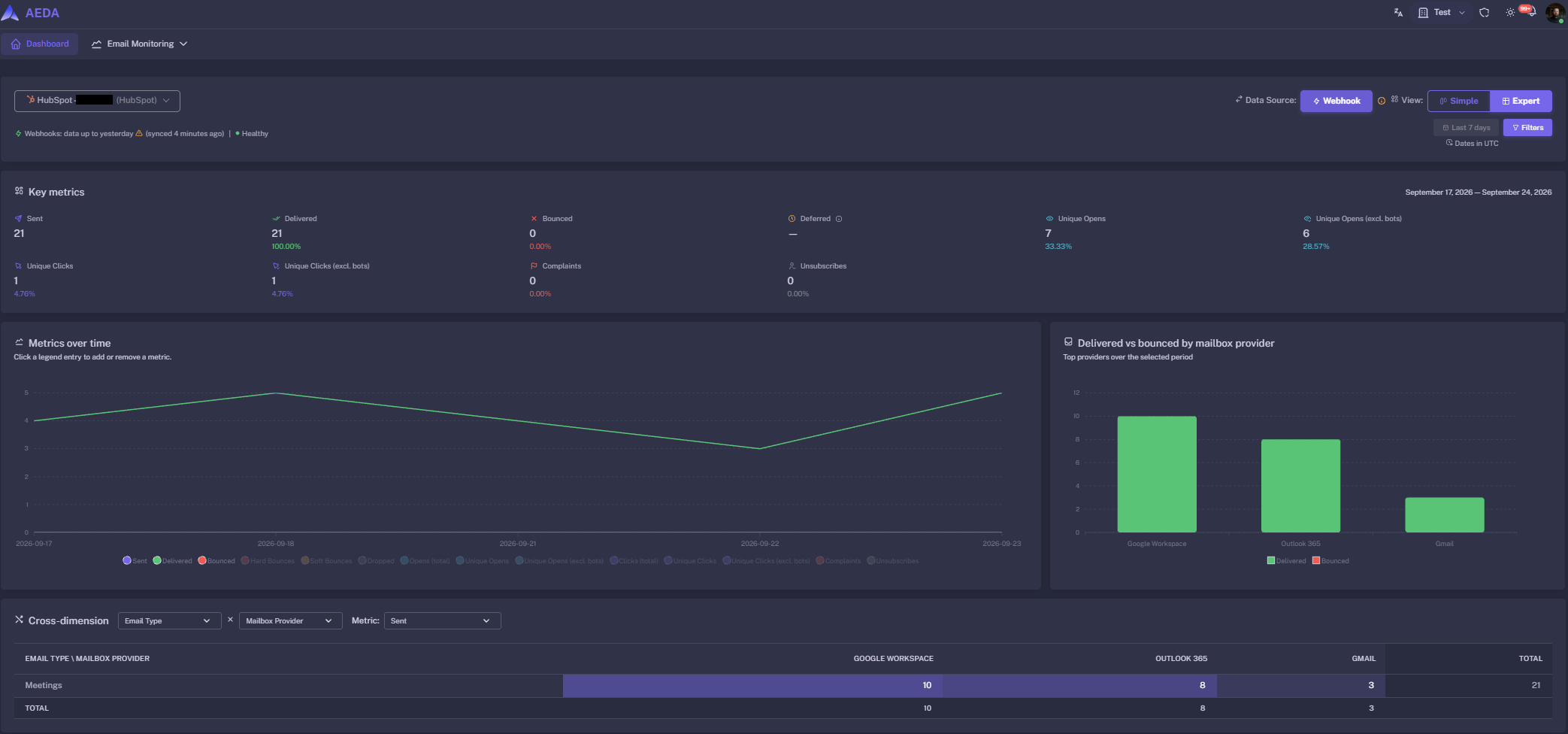
1/2 - Dashboard
AEDA is an email deliverability monitoring platform. Connect your HubSpot account and AEDA automatically collects the delivery and engagement events of your marketing emails — sent, delivered, opened, clicked, bounced, spam complaints and unsubscribes — and turns them into a deliverability dashboard you can't get inside HubSpot.
See at a glance whether a campaign is landing, which mailbox providers are rejecting you, and why emails bounce, grouped by SMTP reason. Compare every marketing email side by side, get alerted as soon as bounce or complaint rates cross your thresholds, and monitor your sending domains' reputation (blocklists, Google Postmaster, DMARC) in the same place.
With the Marketing Hub Enterprise email permission, AEDA can also run inbox placement tests straight from your HubSpot portal, so you know whether a message lands in the inbox or in spam before your audience receives it.
AEDA is privacy-first: recipient addresses are stored only as one-way hashes, and your OAuth tokens are encrypted at rest.
Features
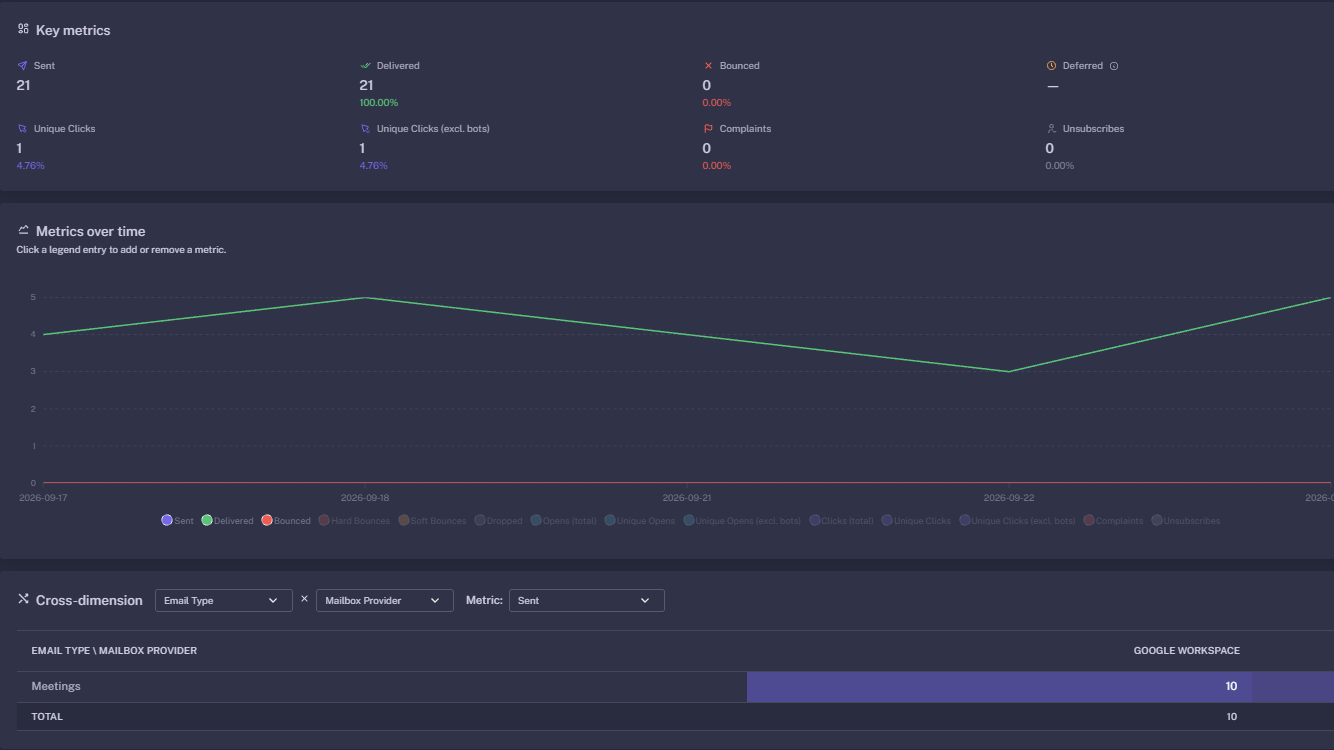
Email performances
Automatically pull statistics from all your email communication and aggregate statistics
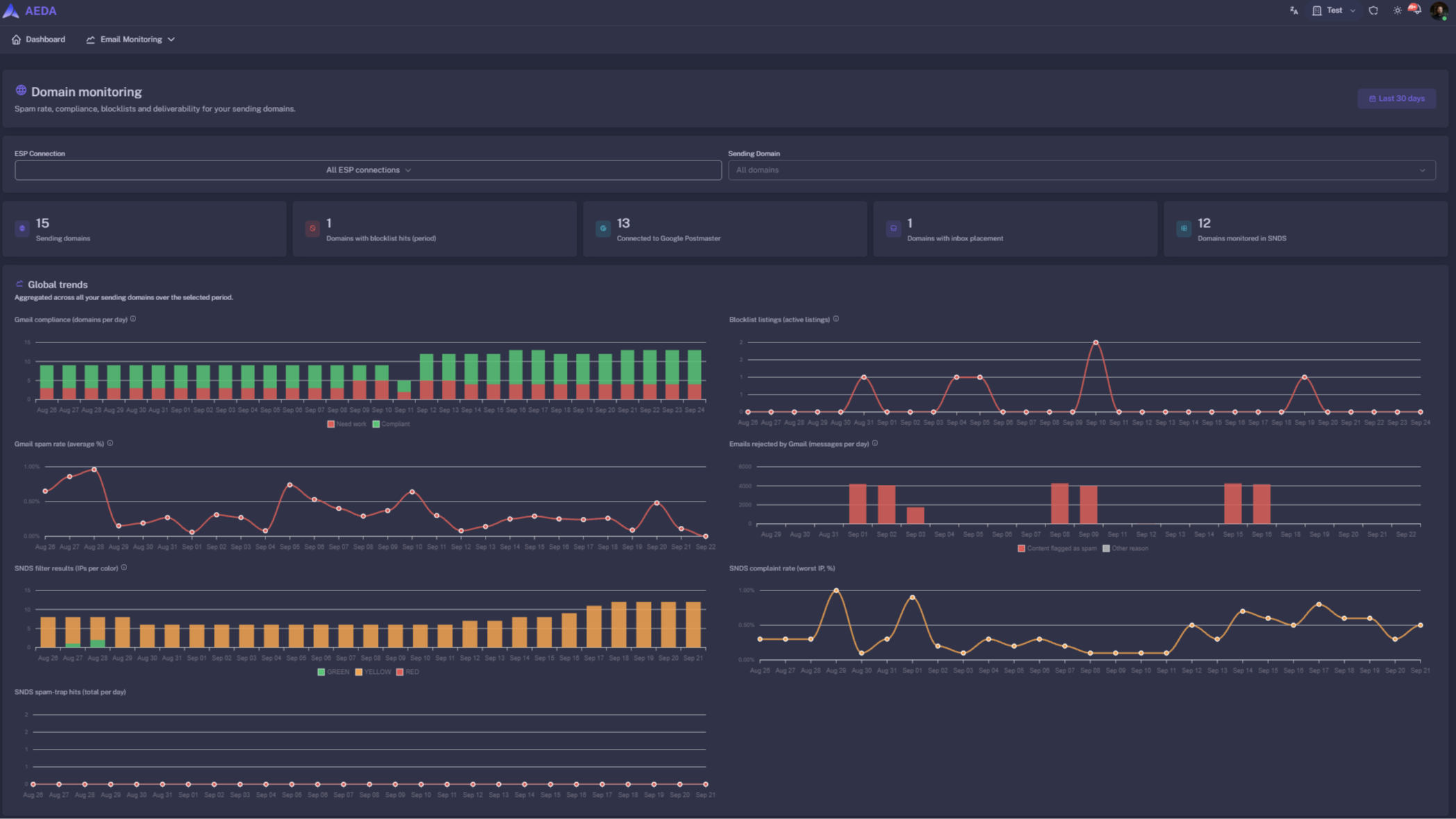
Domain monitoring
Consolidate your domain reputation in one page.
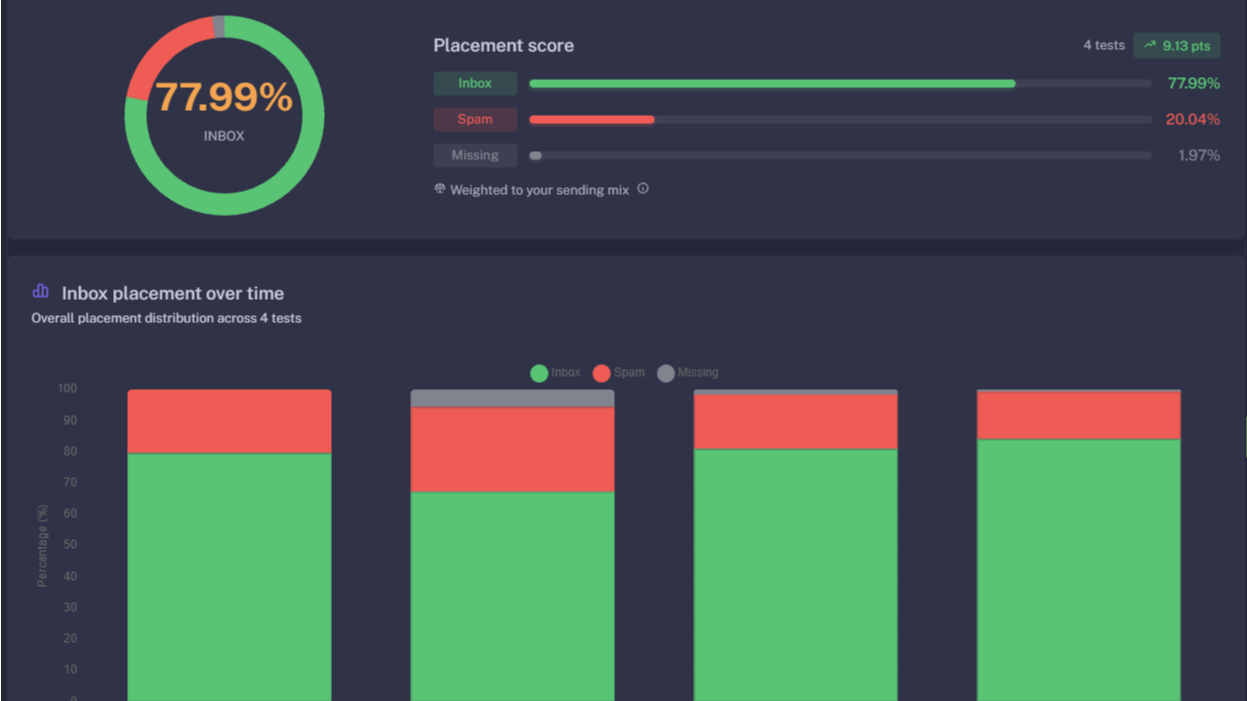
Inbox Placement
Automatically run inbox placement periodically to estimat your inbox placement through major Mailboxes providers: GMAIL, Gsuite, Microsoft, Yahoo and more
App Functionality
Shared Data
Email events | ||
Campaigns | ||
Sendings domains | ||
Senders | ||
Seed contacts | ||
Seed List | ||
Placement test |
AEDA reads your marketing email activity; it never modifies your existing contacts, lists or emails. The only data AEDA writes to HubSpot is for optional inbox placement tests: a dedicated list of seed test addresses and a test email, both prefixed "AEDA".
Reviews
For agencies
For agencies that manage email for several clients: each client has its own organization, with its own users, connections and alerts, and your team reaches all of them from a single account.
For agencies
For agencies that manage email for several clients: each client has its own organization, with its own users, connections and alerts, and your team reaches all of them from a single account.
* The pricing here is for display purposes only. All prices do not include taxes, incentives, discounts, or other pricing variables. You should contact the partner for the most up to date and correct pricing information. HubSpot does not take any responsibility for this pricing information, which is provided by our partners. Pricing last updated: 10/06/2026
New arrivals

Portal Checker
Audit your HubSpot portal and get it ready for the Context Era. In minutes, Portal Checker scores Smart CRM, data quality, every Hub and your AI readiness, shows the evidence behind each finding and tells you what to fix first. Read-only: nothing in your account changes, and the access key is deleted when the audit finishes.

cobuilders-sales
AI operating system for Swedish sales teams: Every morning, today's call list is ready: who each rep should call, why, and what to say. Calls are made in the browser and everything is logged back to your CRM automatically.
