

Chirp
Built by - CHIRP LABS PTY LTD
Installs - 10+ installs
Requirements
HubSpot Plan HubSpot Account permissions - View the required account permissions
Access Type Shared Chirp Subscription - Free plan
Overview
1/3 - Screen recording of the Birdie app mid voice session, briefing a deal update as Birdie talks it back
Chirp is an AI voice assistant for HubSpot. Talk the way you would talk to a colleague, and Birdie, Chirp's voice agent, updates HubSpot for you. Log a call, capture voice notes, move a deal stage, change an amount or close date, create a follow-up task, add a contact, or ask a question about your pipeline and get an answer in seconds. No forms, no field hunting, no typing.
The problem it solves
Sales reps lose close to an hour a day to CRM admin. Notes get written up hours after the call, if at all. Deal stages go stale, follow-ups slip, and the pipeline you report on stops matching the pipeline you actually have. Chirp takes the typing out of it, so updating HubSpot is 30 seconds of talking on the walk back to the car instead of 20 minutes at a keyboard.
What reps use it for
Log a call in under 30 seconds. "Just spoke to Sarah at Acme, they're comparing us to two other vendors, move it to Proposal, close date end of month."
Get prepped before a meeting. "Prepare me for my call with Acme."
Ask your pipeline anything. "What deals are in Proposal?" "Who haven't I talked to in two weeks?"
Get follow-ups out. "Create a task to send the contract by Friday."
Voice, context and action, not just transcription
Birdie reads your HubSpot data before it writes anything. It knows your deals, contacts, companies, pipeline stages , so it maps what you say to the right record and the right field rather than dropping a raw transcript into a note. Transcription tools capture the call. Chirp acts on it.
Who it is for
Account executives, SDRs, sales managers and founders who run their pipeline in HubSpot and spend too much of the day feeding it, especially reps working from their phone between meetings.
Chirp installs with HubSpot OAuth in a couple of minutes, works with your existing properties, pipelines and permissions, and starts on your live pipeline straight away. Built for sales. Not bolted on.
Features
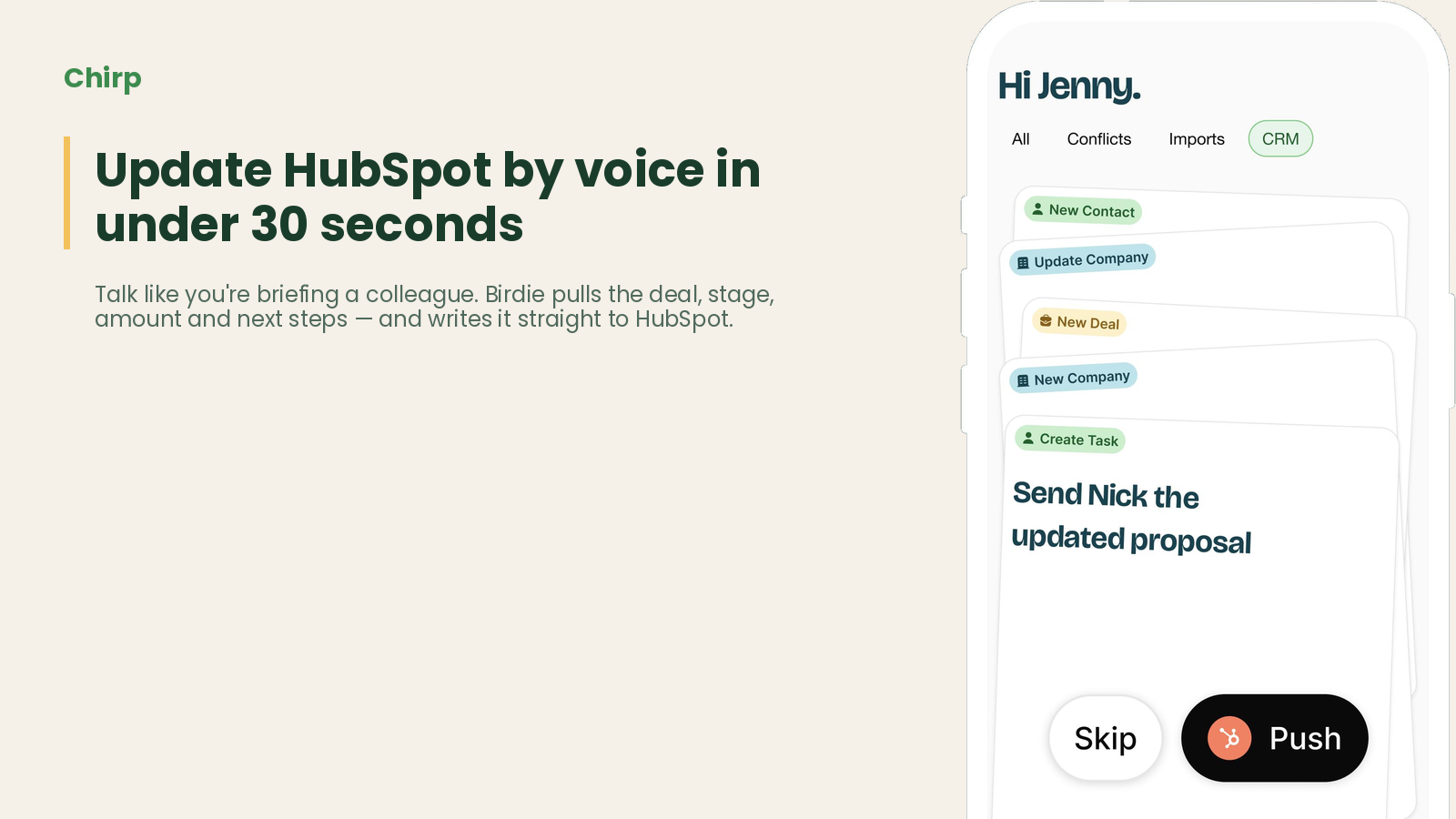
Update HubSpot by voice in under 30 seconds
Tap Start Conversation. Talk like you're briefing a colleague after a call. Birdie pulls the deal, stage, amount, close date, next steps, and contact details — and writes it straight to HubSpot. The update that used to cost you 20 minutes at a keyboard now takes one sentence in the car park.
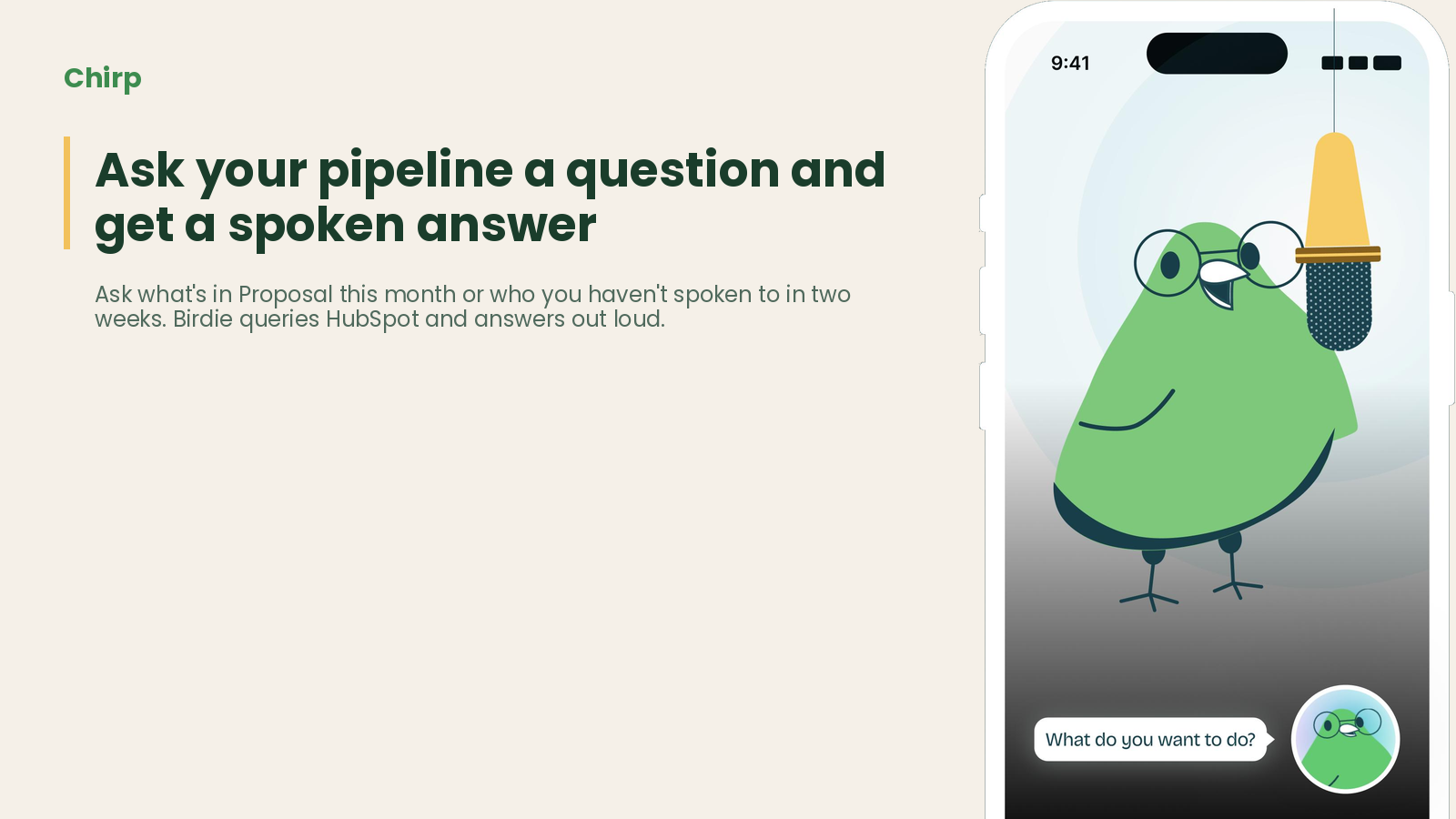
Ask your pipeline a question and get a spoken answer
Ask things like what is in Proposal this month, who have I not spoken to in two weeks, or what did we agree with Acme on the last call. Birdie queries your HubSpot deals, contacts, companies and notes and answers out loud in seconds, so a rep can check where they stand between meetings without opening a dashboard.
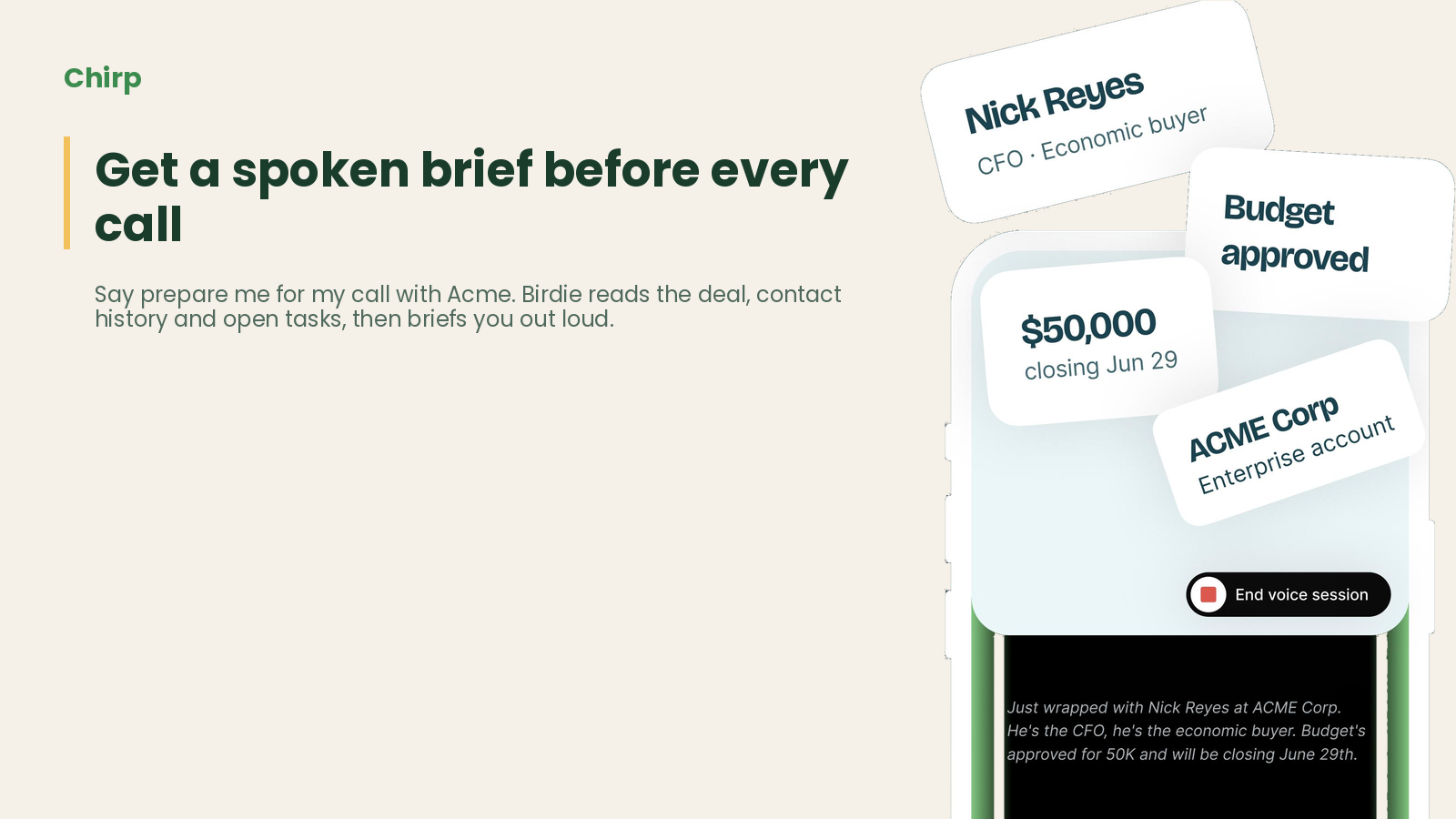
Get a spoken brief before every call
Say prepare me for my call with Acme and Birdie reads the deal, the contact history, the recent notes and any open tasks, then gives you a short brief out loud. Reps walk into meetings with the context they would otherwise skip because pulling it together took too long.
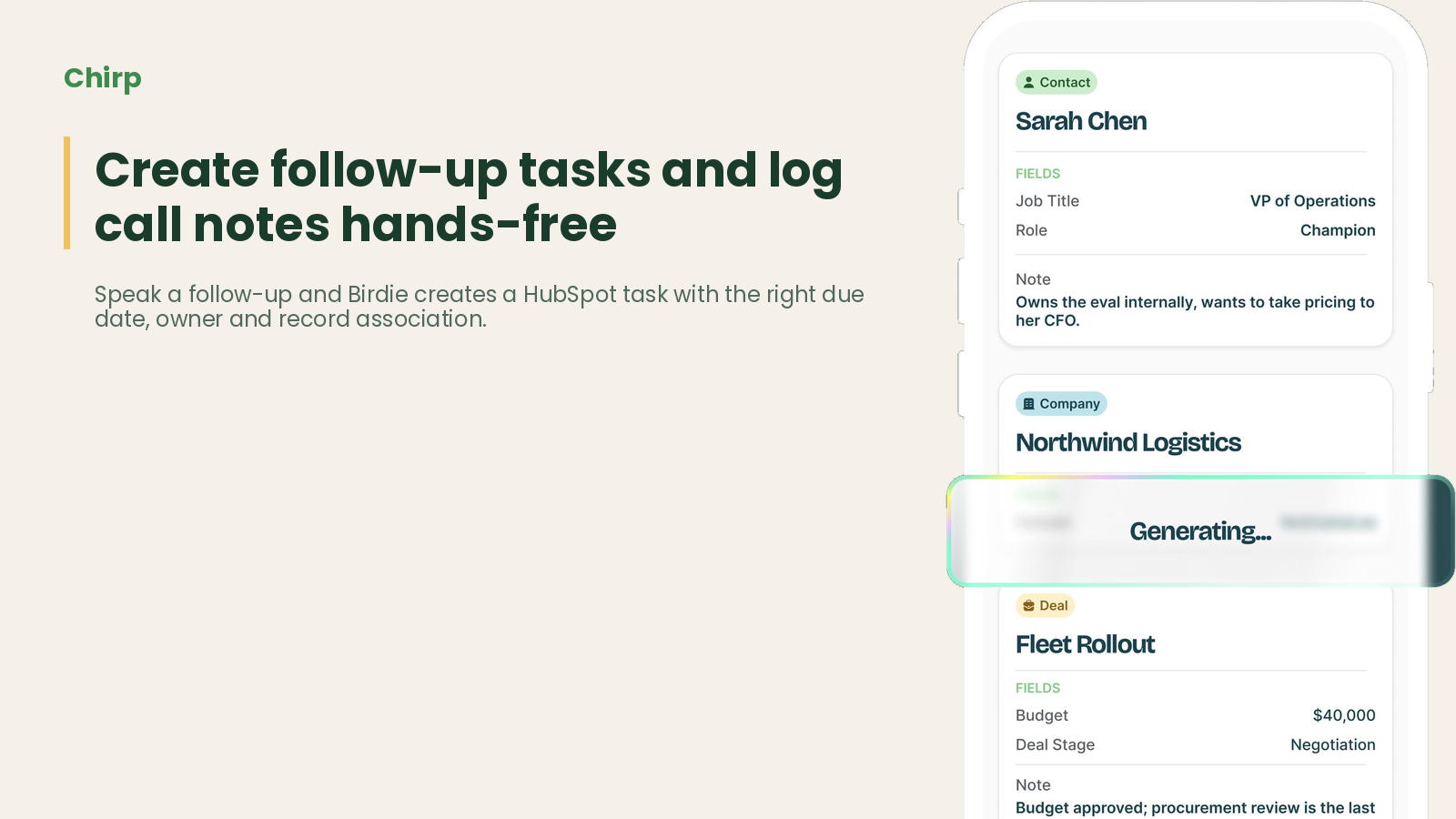
Create follow-up tasks and log call notes hands-free
Speak a follow-up and Birdie creates a HubSpot task with the right due date and record association. Voice notes and call summaries are transcribed, structured and logged on the correct contact, company or deal timeline, instead of sitting in a notes app on someone's phone.
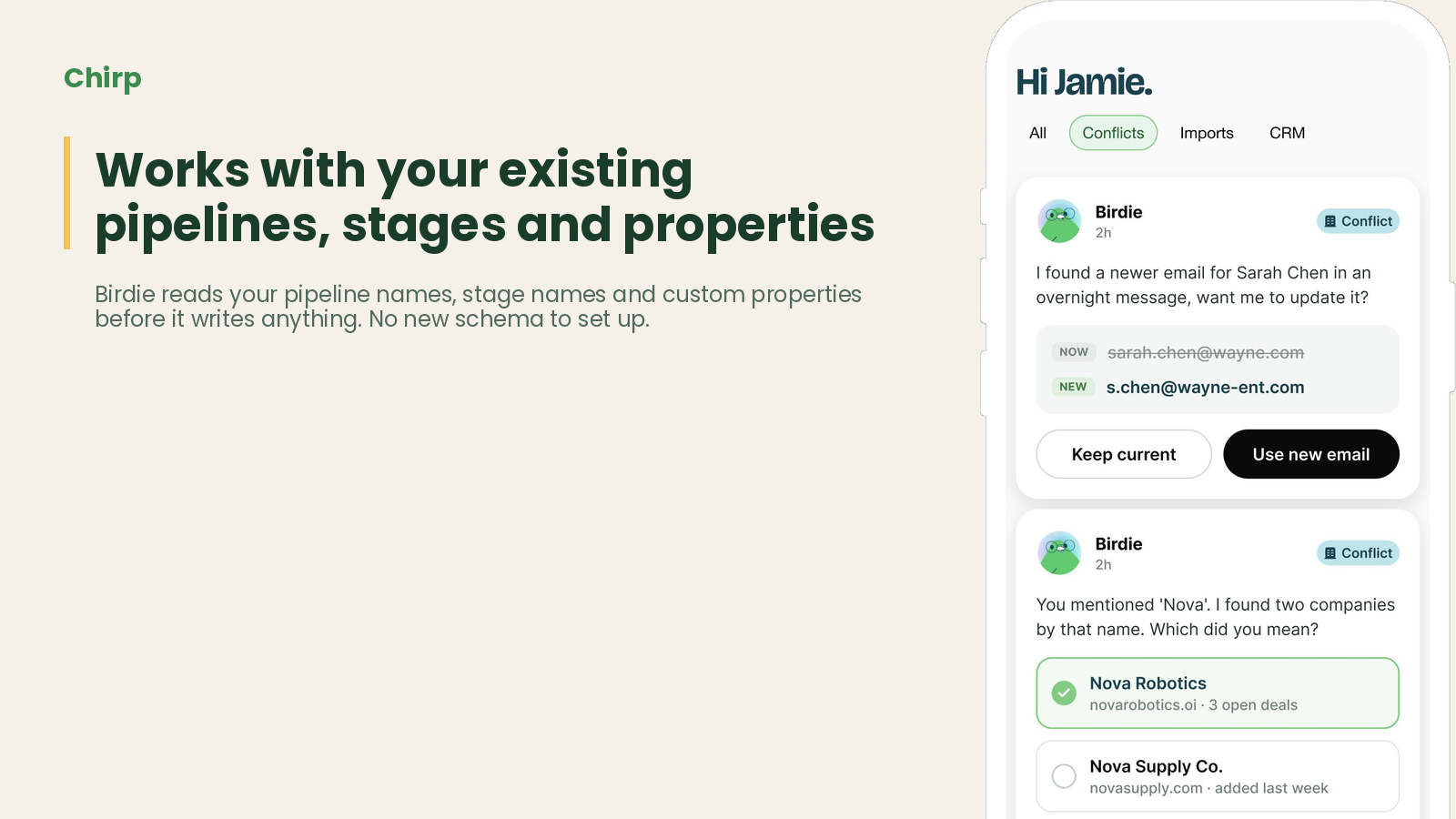
Works with your existing pipelines, stages and properties
Birdie reads your pipeline names and stage names before it writes anything, so move it to Proposal lands on the stage your team actually uses and a spoken number goes into the right field. There is no new schema to set up, no field mapping spreadsheet and nothing for reps to relearn.
App Functionality
Shared Data
Deals | ||
Contacts | ||
Companies | ||
Notes | ||
Tasks | ||
Meetings | ||
Pipelines and deal stages | ||
Users and record owners | ||
Deal Properties | ||
Contact Properties | ||
Company Properties | ||
Email Activities |
Chirp connects through the standard HubSpot OAuth install, so it only accesses the scopes you approve and it inherits each user's existing HubSpot permissions. A rep can only see and change the records they could already see and change in HubSpot. What Chirp reads: contact, company and deal records and their properties, associated notes, tasks, calls and meetings, plus your pipelines and stage names. That context is what lets Birdie answer questions and map a spoken update to the right record and the right field instead of guessing. What Chirp writes: property updates on contacts, companies and deals, new contacts, companies and deals, notes on the correct record timeline, and tasks with due dates. Chirp only writes when you ask it to, and every change is attributed to the connected HubSpot user so your audit history stays intact. Voice input is transcribed only to produce the CRM update or answer the question you asked. Uninstalling the app from HubSpot revokes Chirp's access immediately, and anything Chirp has already written stays in your portal.
Reviews
Pricing
Free
A$0
Voice updates to deals, contacts and companies
Spoken answers to pipeline questions
Pre-call briefs built from your HubSpot data
Voice-created tasks and timeline notes
Works with your existing pipelines, stages and custom properties
Free
A$0
Voice updates to deals, contacts and companies
Spoken answers to pipeline questions
Pre-call briefs built from your HubSpot data
Voice-created tasks and timeline notes
Works with your existing pipelines, stages and custom properties
* The pricing here is for display purposes only. All prices do not include taxes, incentives, discounts, or other pricing variables. You should contact the partner for the most up to date and correct pricing information. HubSpot does not take any responsibility for this pricing information, which is provided by our partners. Pricing last updated: 09/09/2026
More info
Built by - CHIRP LABS PTY LTD
Installs - 10+ installs
Categories Languages this app is available in English
Getting attention today

Microsoft Teams
Use Microsoft Teams and HubSpot for meetings, conversations, and more!

Adobe Acrobat Sign
Create and manage agreements directly from HubSpot
