
Custom API Workflow Action
Built by - 👑 King Henry
Installs - 80+ installs
Requirements
HubSpot Plan HubSpot Account permissions No HubSpot permissions required. Custom API Workflow Action may request additional permissions while connecting. Access Type Shared Custom API Workflow Action Subscription - Free plan
Overview
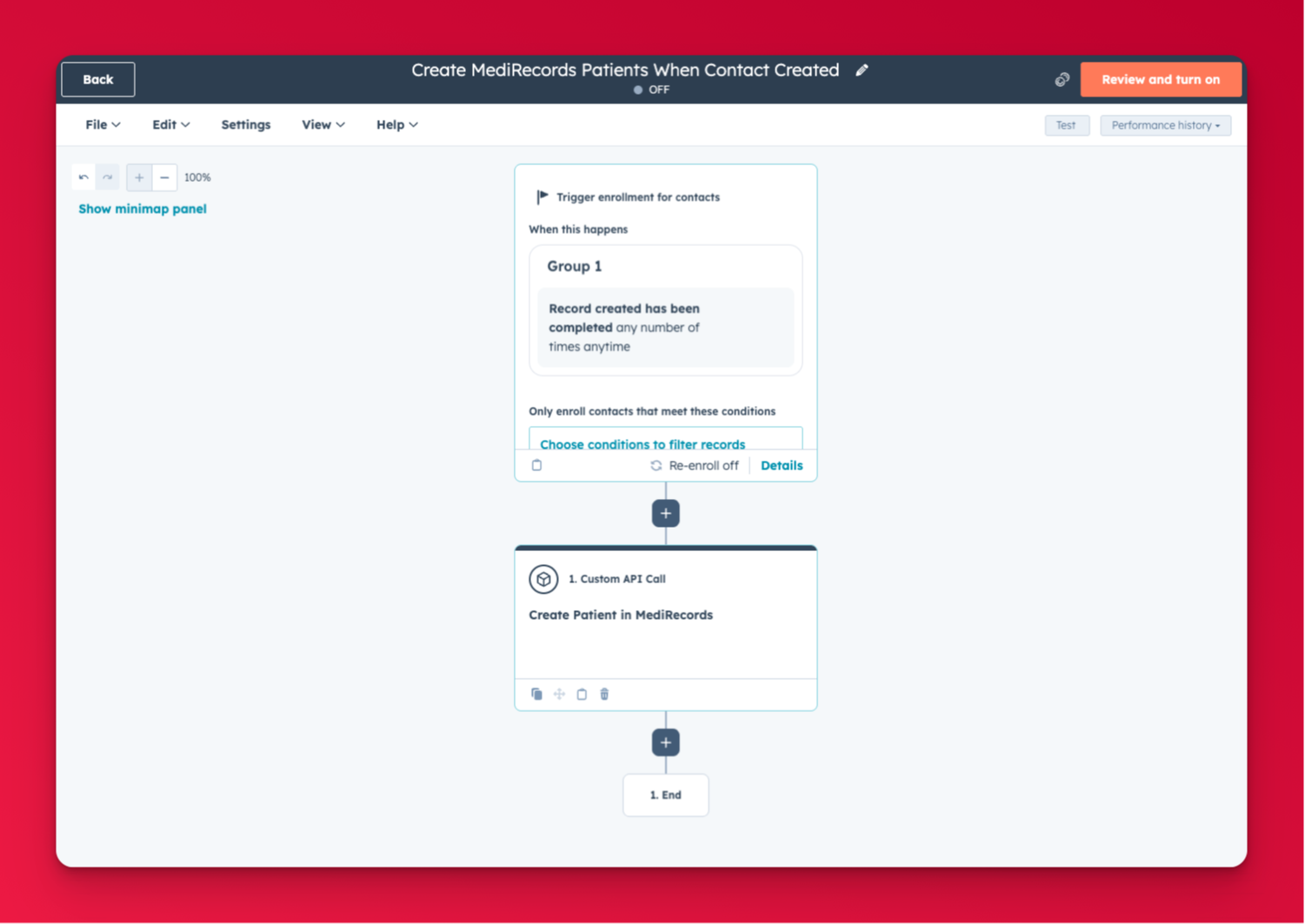
1/6 - Example Custom API Workflow Action
HubSpot workflows are powerful, but they stop at your HubSpot data. The Custom API Workflow Action bridges that gap by letting you send HTTP requests to any external API directly from a workflow step, no code, no middleware, no Zapier required.
⭐ What it does
Add a Custom API Call step to any HubSpot workflow. When the workflow runs, it sends an HTTP request to the endpoint you configure, and returns the response back into the workflow as output fields you can use in subsequent steps.
Supports all standard HTTP methods: GET, POST, PUT, PATCH, DELETE.
⭐ Flexible authentication
Configure per-action authentication without storing credentials in HubSpot properties:
- Bearer token — for APIs using OAuth or JWT
- API key header — for APIs using a custom header like `X-Api-Key`
- HTTP Basic auth — for APIs requiring username and password
- None — for open or IP-whitelisted endpoints
⭐ Dynamic requests
Use HubSpot workflow tokens in the URL, request body, headers, and query parameters to build requests that include live contact, deal, or company data at the time the workflow runs.
⭐ Act on the response
Every API call returns four output fields: 'status_code ', 'response_body ', 'success ', and 'error_message ' that you can use in downstream workflow steps. Branch your workflow on success or failure, store the response to a property, or pass it into another API call.
⭐ Who it's for
Any HubSpot user who wants to connect their workflows to external systems without building a custom integration. Ideal for developers, RevOps teams, and agencies managing complex automation stacks.
Features
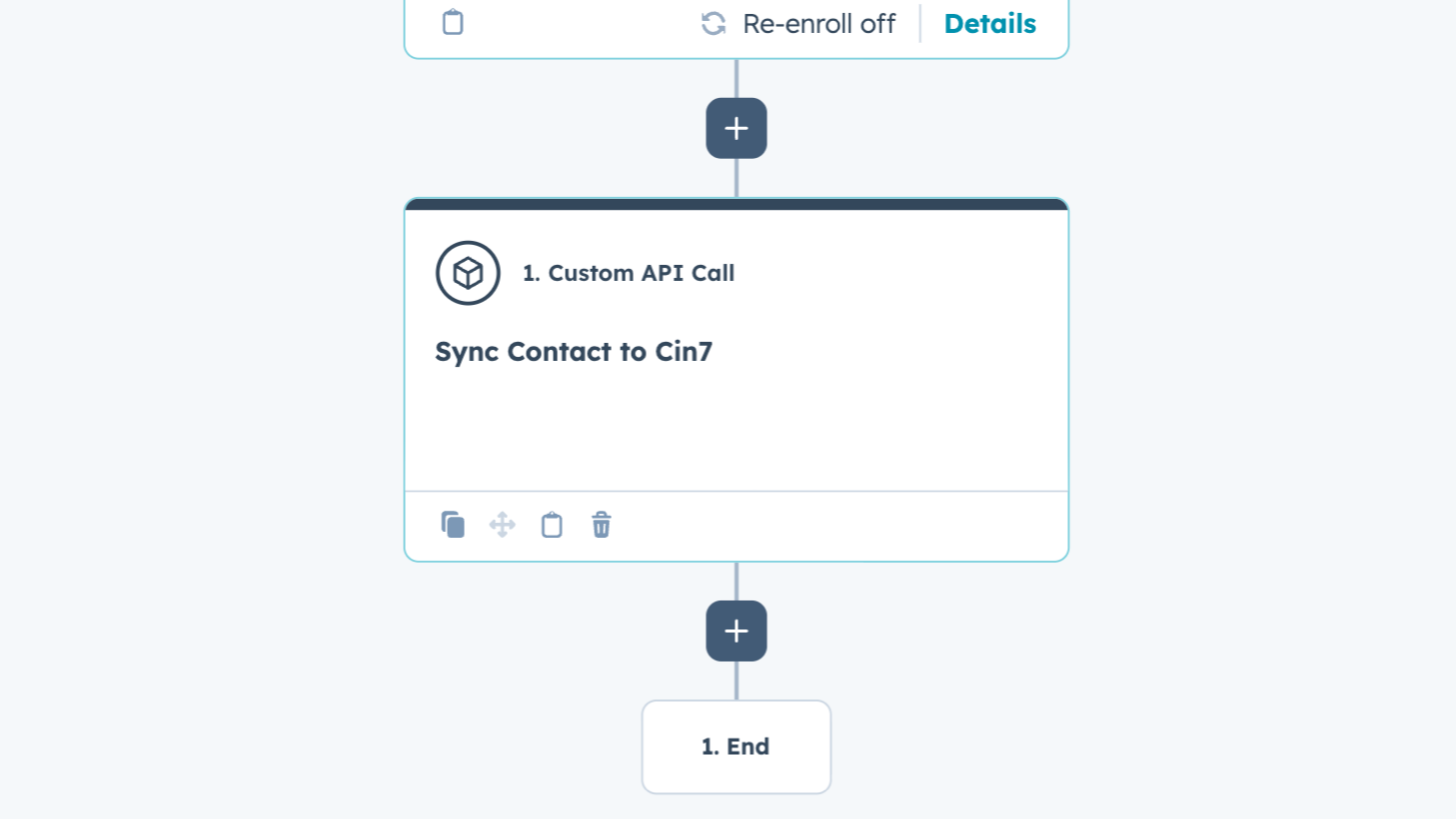
Custom API Call Workflow Action
Adds a configurable HTTP request step to HubSpot Workflows. Supports GET, POST, PUT, PATCH and DELETE with bearer token, API key, basic auth or no auth. Set query parameters, custom headers and a JSON body using workflow tokens. Returns status_code, response_body, success and error_message as output fields.
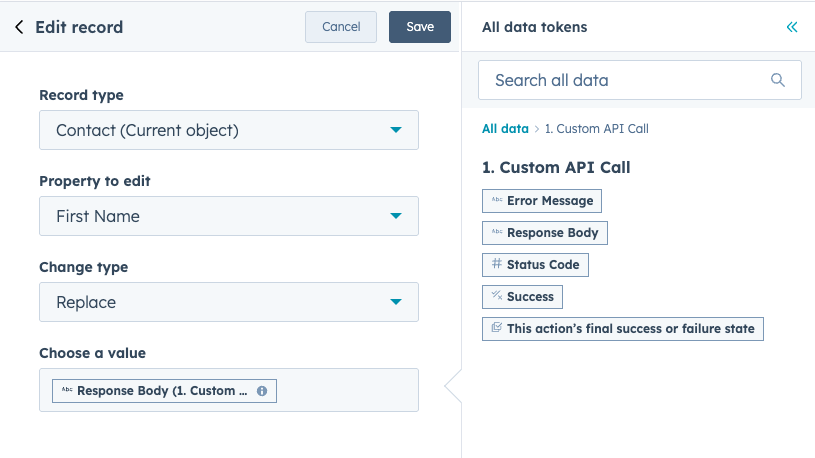
Use API Responses to Enrich HubSpot Records
Fetch data from any external API and store the response in HubSpot. Use a GET request to pull data from an external system, then pass the raw response_body into a HubSpot property for logging, reference or further processing with Operations Hub data formatting actions.
App Functionality
Any API |
When a workflow runs the Custom API Call action, HubSpot sends the configured action inputs to King Henry's backend server (oauth.kinghenry.au), which forwards the HTTP request to the external API endpoint specified by the user. The request may include HubSpot object property values (such as contact email, deal name, or custom properties) if the user has embedded workflow tokens in the request body, headers, or query parameters.
The external API's response (status code and response body) is returned to HubSpot and made available as output fields for use in subsequent workflow steps.
King Henry's backend acts as a secure proxy only. No HubSpot object data is stored by King Henry beyond the duration of the request. No HubSpot objects are created, updated, or deleted by this app. The user is responsible for the data they choose to send to external APIs via workflow tokens.
Reviews
Pricing
Free
A$0
For teams that want to connect HubSpot workflows to any API without the complexity
Unlimited API calls from any HubSpot workflow
Free
A$0
For teams that want to connect HubSpot workflows to any API without the complexity
Unlimited API calls from any HubSpot workflow
* The pricing here is for display purposes only. All prices do not include taxes, incentives, discounts, or other pricing variables. You should contact the partner for the most up to date and correct pricing information. HubSpot does not take any responsibility for this pricing information, which is provided by our partners. Pricing last updated: 05/22/2026
More info
Built by - 👑 King Henry
Installs - 80+ installs
Categories Languages this app is available in English ,English - Australia ,English - New Zealand ,English - United Kingdom , andEnglish - United States
New arrivals

Strivelabs.ai
Connect HubSpot to StriveLabs and bring your marketing data into one place. Sync contacts, campaigns, and deals with Google Ads, GA4, and Search Console to understand what drives pipeline. AI agents suggest next steps and write back to HubSpot with your approval. Built for growth and revenue teams.

Moments
Turn the cold deals and dormant contacts in your CRM into booked calls.
