
Daeda Throttle
Built by - Daeda Technologies LTD
Installs - 100+ installs
Rating 5
(5)
Requirements
HubSpot Plan HubSpot Account permissions - View the required account permissions
Access Type Shared Daeda Throttle Subscription - Free, Starter, Growth, or Enterprise plans
Overview
1/8 - Daeda Throttle controlling shared HubSpot workflow rate limits
Protect API limits and downstream systems without slowing down your HubSpot automation strategy.
Daeda Throttle queues workflow records and releases them at a controlled rate. Use one shared rate limit when several workflows call the same provider, or set a predictable pace for a single workflow. Combined demand stays inside the allowance you configure—even when workflows run at the same time.
Configure once, reuse everywhere
Create a portal-level shared queue, set its batch size and release interval, then select it in every relevant workflow action. The settings view shows whether the queue is active, how many records are waiting and when the latest release happened.
Fit throughput around real operations
Choose which days a queue can release and use a HubSpot property to prioritise urgent records. Daeda Throttle gives RevOps teams explicit control over throughput while preserving the automation already built in HubSpot.
Install free with 150 controlled executions per month.
Features
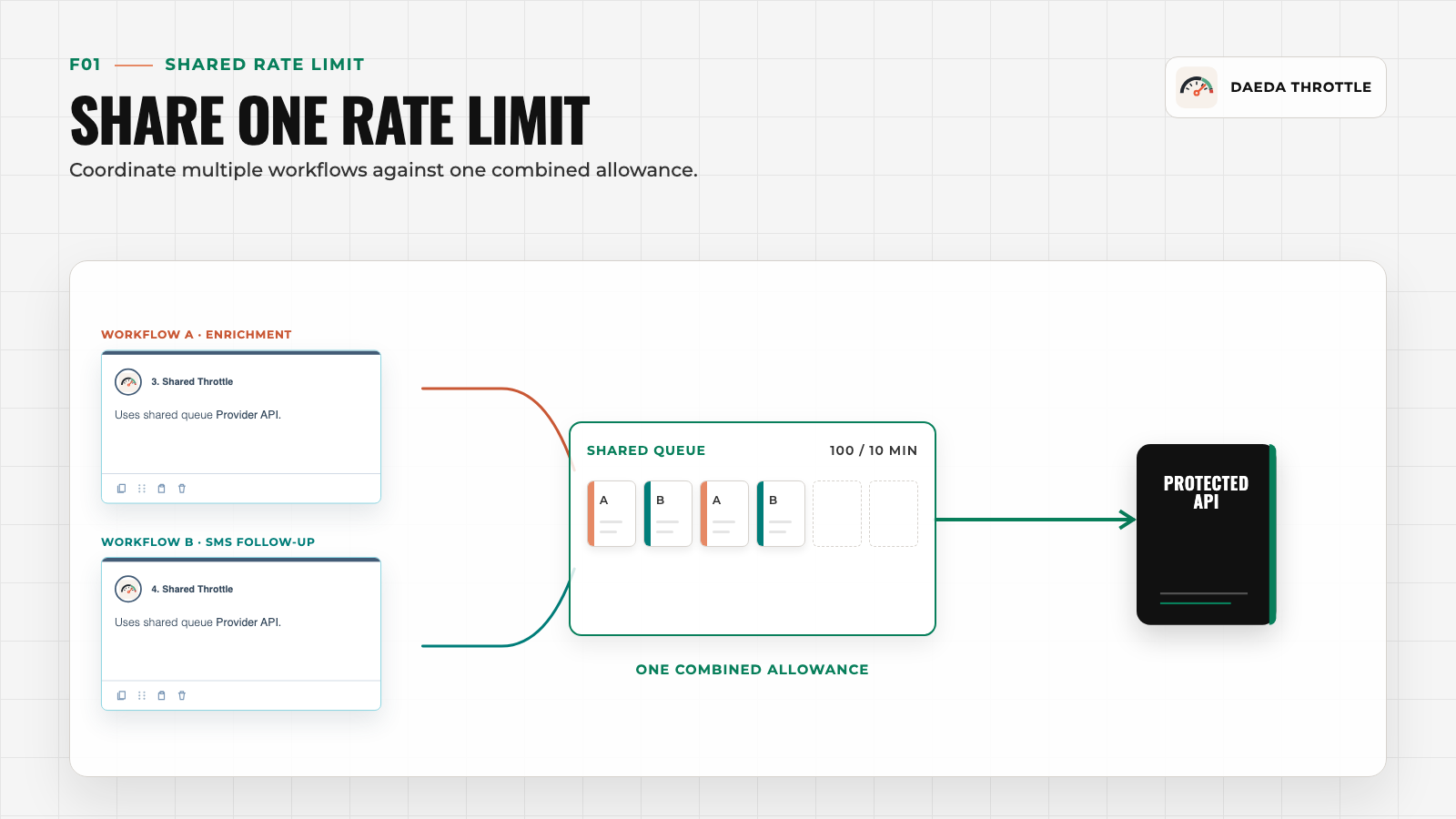
Shared Rate Limit
Coordinate multiple HubSpot workflows against one combined allowance so simultaneous bursts stay inside the API or downstream system limit you set.
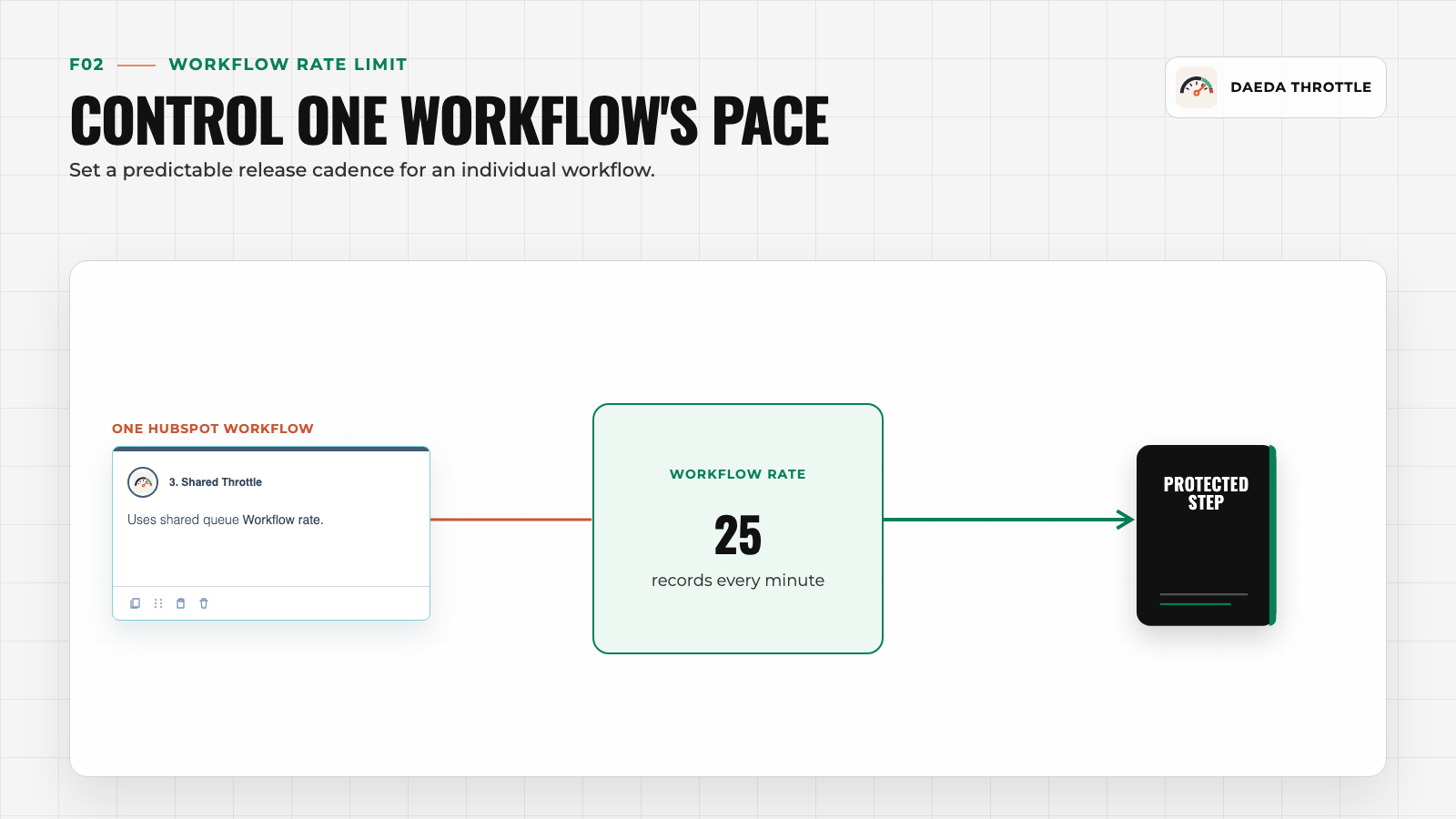
Workflow Rate Limit
Release records from one workflow in predictable batches at the interval you configure, protecting rate-sensitive actions without rebuilding the workflow.
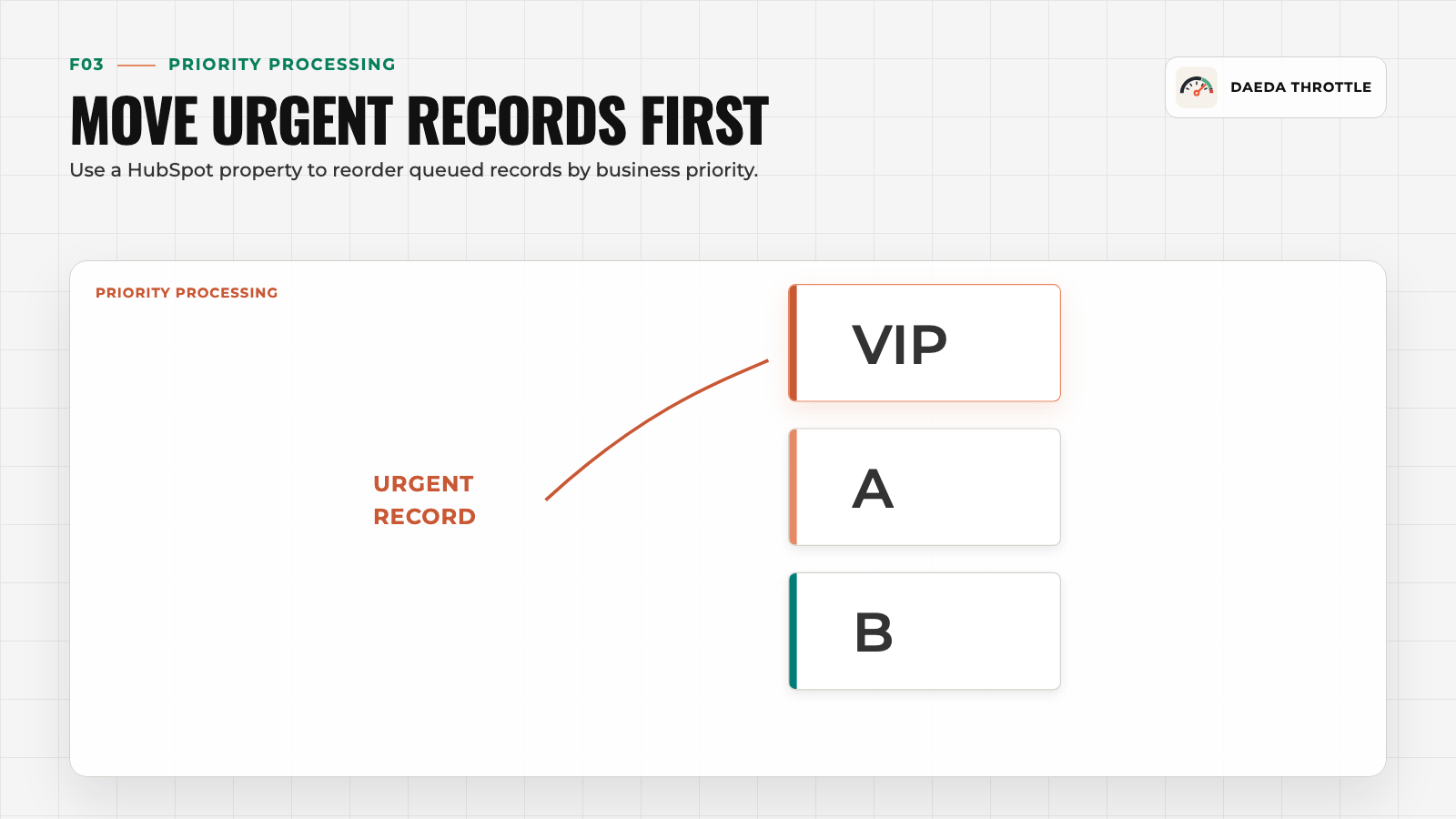
Priority Processing
Use a HubSpot property to move urgent records through the queue before lower-priority work, while preserving the same overall release rate.
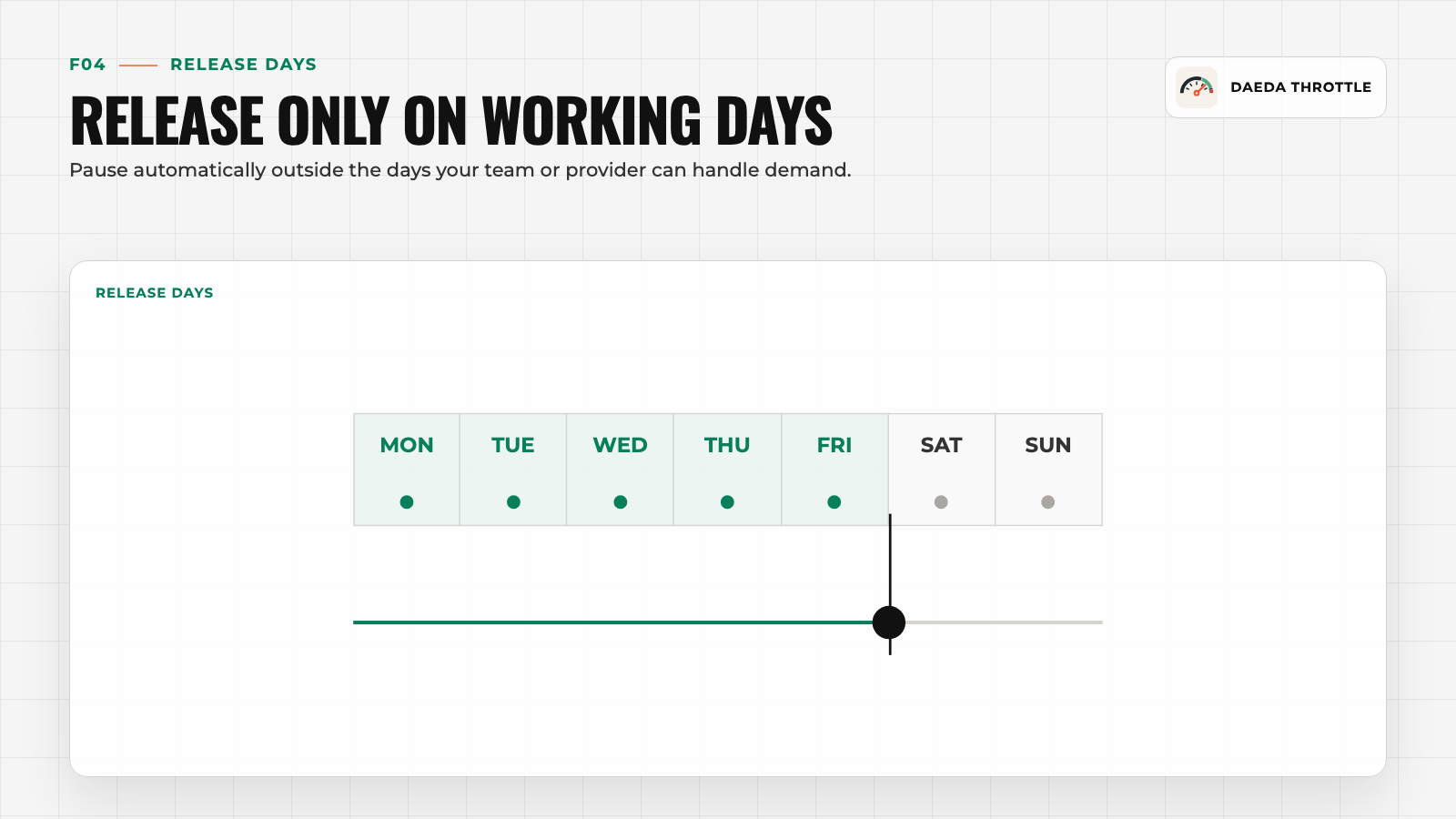
Release Days
Run queues only on selected days so releases align with the days your team or downstream provider can handle demand.
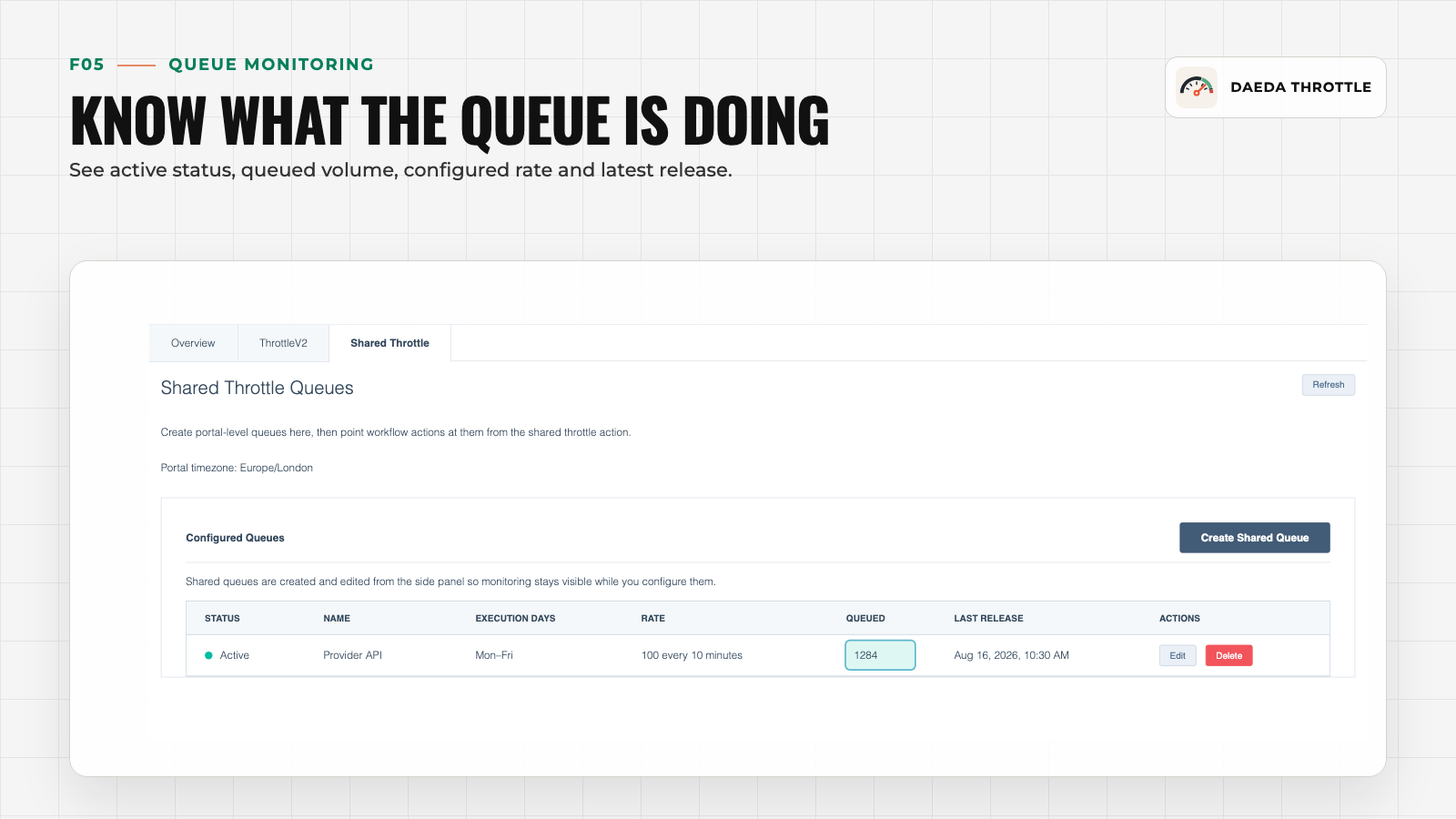
Queue Monitoring
See active status, queued volume, configured rate and latest release from one settings view.
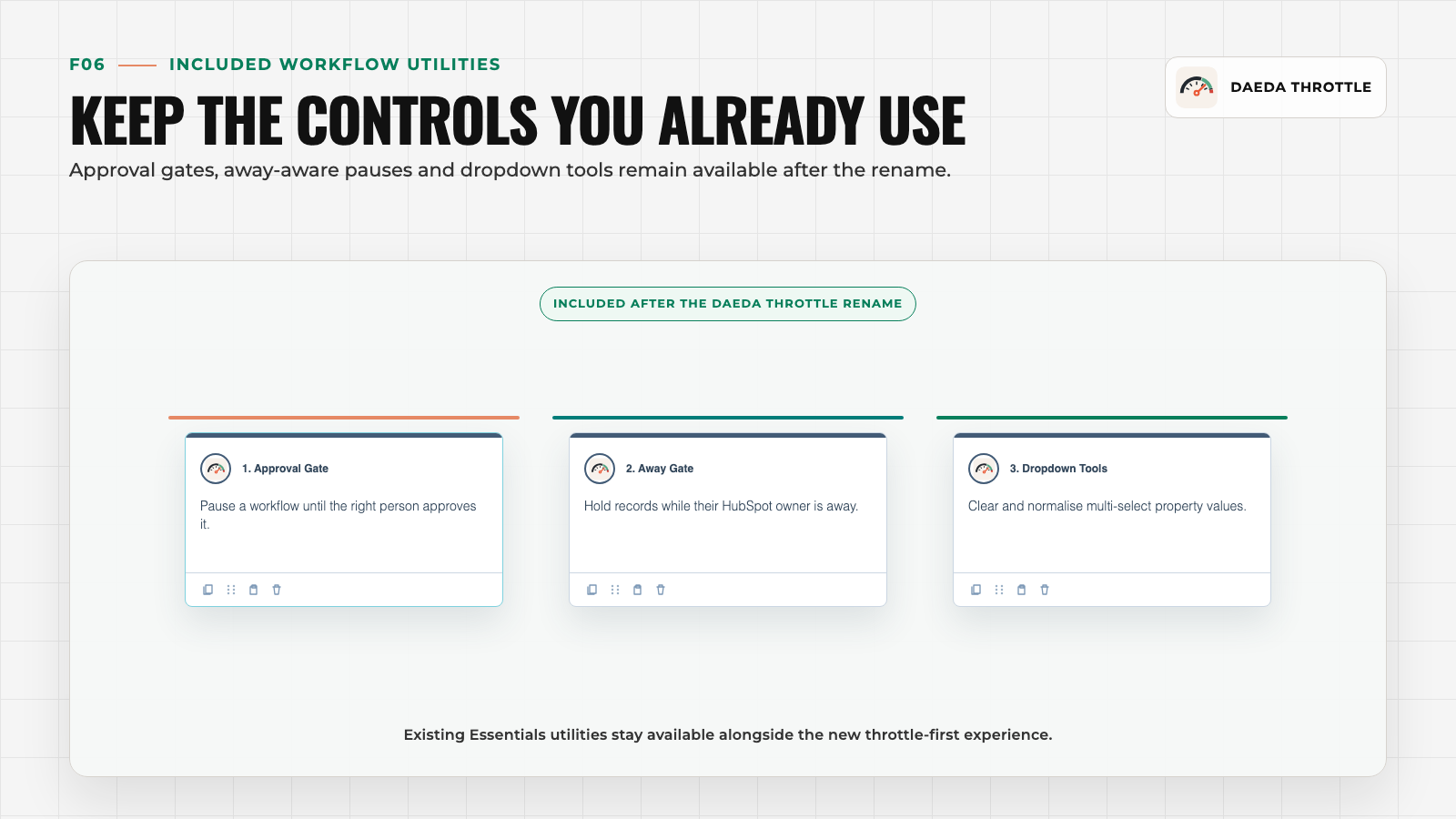
Included Utilities
Approval gates, away-aware pauses and dropdown tools remain available after the rename.
App Functionality
AwayBlock | ||
AwayBlock | ||
AwayBlock | ||
AwayBlock | ||
AwayBlock | ||
AwayBlock | ||
AwayBlock | ||
Dropdown Unselect | ||
Individual throttle executions | ||
Shared throttle executions |
Daeda Throttle follows a data-minimisation policy. We store only the information required to install, bill and execute the application, including authentication information, account charges and asynchronous callback identifiers. Temporary processing data is deleted as soon as it is no longer required.
Reviews
5.0
5
5.0
5
- Jul 10, 2025
Essential Tool for HubSpot Optimization with Amazing Features
This is the #1 app to download if you are serious about optimizing HubSpot. Easy to use, high impact & great value for money if you upgrade to the paid versions.
A single app that solves multiple problems. I personally use the 'throttle' function the most to throttle my workflows calling external API's. I also love the 'approval gate' functionality that allows me to approve certain workflow progress. Such as automating postal deliveries etc. The team is also always working to add more and improve the app, it is a delight to watch the progress.
That more people don't know about this app.
Delaney, T.
- Jun 16, 2025
Must-Have HubSpot Workflow Enhancement with Great Developer Support
A must have app for anyone that uses HubSpot Workflows seriously
Includes a lot of the little things that you get used to in workflow software that makes HubSpot workflow feel more complete. Plus a few things you dont realise you need. Jack is also a super responsive developer!!!
That I have multiple Daeda apps to install.. but hey I'd rather have the functionality.
Boys, J.
Pricing
Free
$0
Start controlling workflow volume for free
150 controlled executions per month
Free
$0
Start controlling workflow volume for free
150 controlled executions per month
* The pricing here is for display purposes only. All prices do not include taxes, incentives, discounts, or other pricing variables. You should contact the partner for the most up to date and correct pricing information. HubSpot does not take any responsibility for this pricing information, which is provided by our partners. Pricing last updated: 08/18/2026
More info
Built by - Daeda Technologies LTD
Installs - 100+ installs
Categories Languages this app is available in English
Most popular

Gmail
Bring HubSpot to your inbox with the HubSpot integration for Gmail.

Google Calendar
Book meetings quickly and easily with HubSpot and Google Calendar.
