

Requirements
HubSpot Plan HubSpot Account permissions No HubSpot permissions required. Xappex may request additional permissions while connecting. Access Type Shared Xappex Subscription - Free plan
Overview
1/7 - Bi-directional data sync between HubSpot and Excel
Xappex — the two-way HubSpot to Excel connector that makes your CRM data truly live.
Xappex lets you work with your HubSpot contacts, deals, companies, tickets, and custom objects right inside Excel — without exporting CSVs or switching tools. You can pull HubSpot data into spreadsheets, manipulate it with Excel’s formulas and analytics, and push changes back to HubSpot with one click. It synchronizes both ways on demand or on a schedule you set, keeping your CRM and spreadsheets aligned automatically.
With HubSync 365 you get:
• Instant two-way sync — Import HubSpot lists, properties, and custom object records into Excel and push inserts, updates, and deletions back to HubSpot without manual exports or uploads.
• Live refresh and scheduling — Refresh your sheets with current HubSpot data with a click, or set automatic updates so your dashboards and reports stay up to date.
• Excel-native editing — Use formulas, pivot tables, filters, and charts on live CRM data, or edit rows in place and write changes back to HubSpot seamlessly.
• Multiple accounts and teams — Connect to more than one HubSpot portal with the same login and switch between them as needed.
• Improved workflows — Cleanse, transform, validate, and bulk update records faster than ever, saving hours compared to manual data entry.
• Secure connection — All transmissions happen directly between your spreadsheet and HubSpot over encrypted channels using HubSpot’s own API protocols.
Xappex is ideal for sales operations, RevOps, reporting teams, and finance groups that rely on accurate data in both HubSpot and Excel, letting you analyze and act on CRM data in the spreadsheet environment you already know.
Start your free trial and see how easily you can keep HubSpot and Excel perfectly aligned — no CSVs, no rework, no headaches.
Features
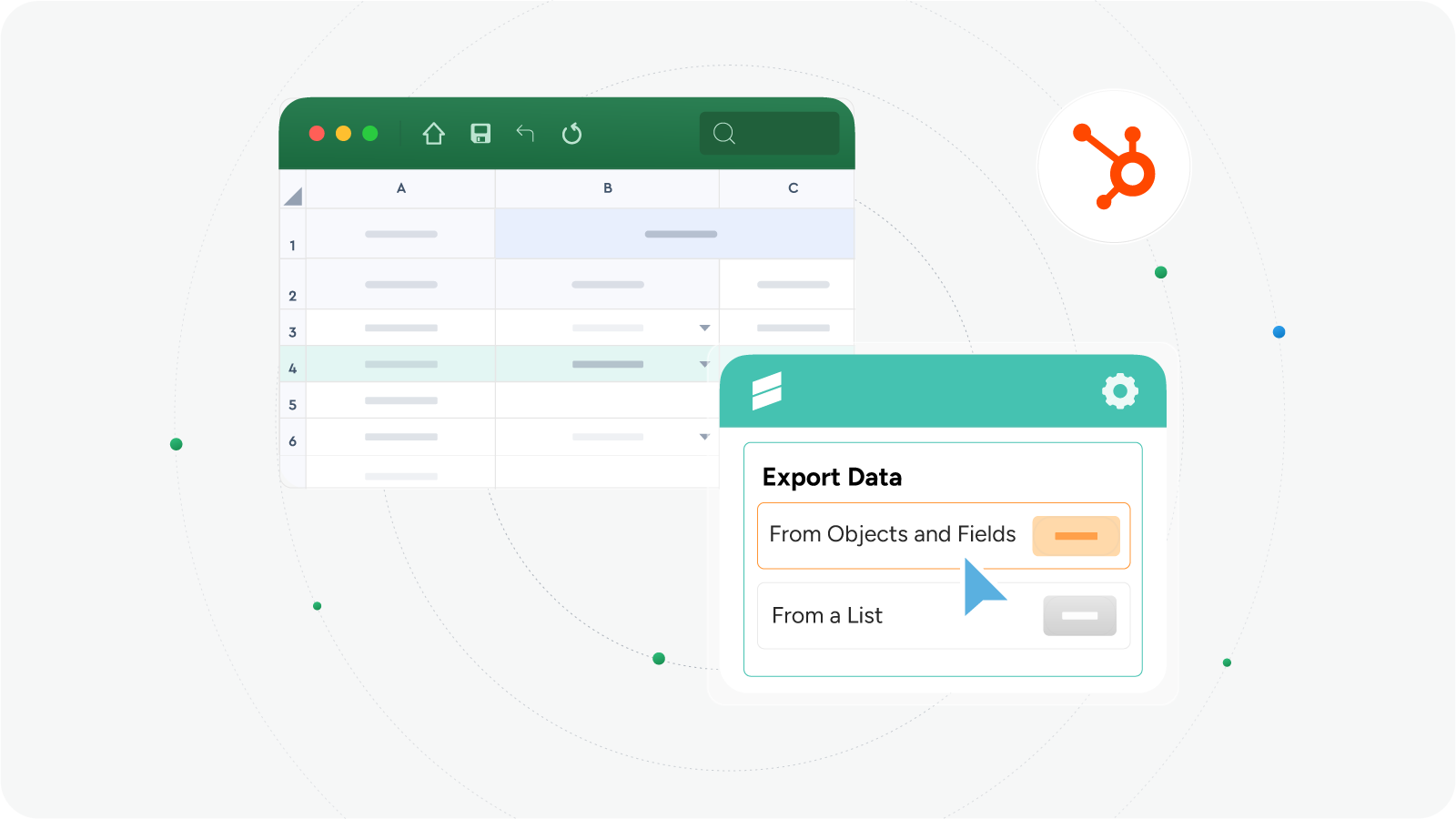
Export HubSpot Data to Excel
Easily pull object-based data and import entire HubSpot lists. Zero effort building of custom HubSpot reports directly in Excel
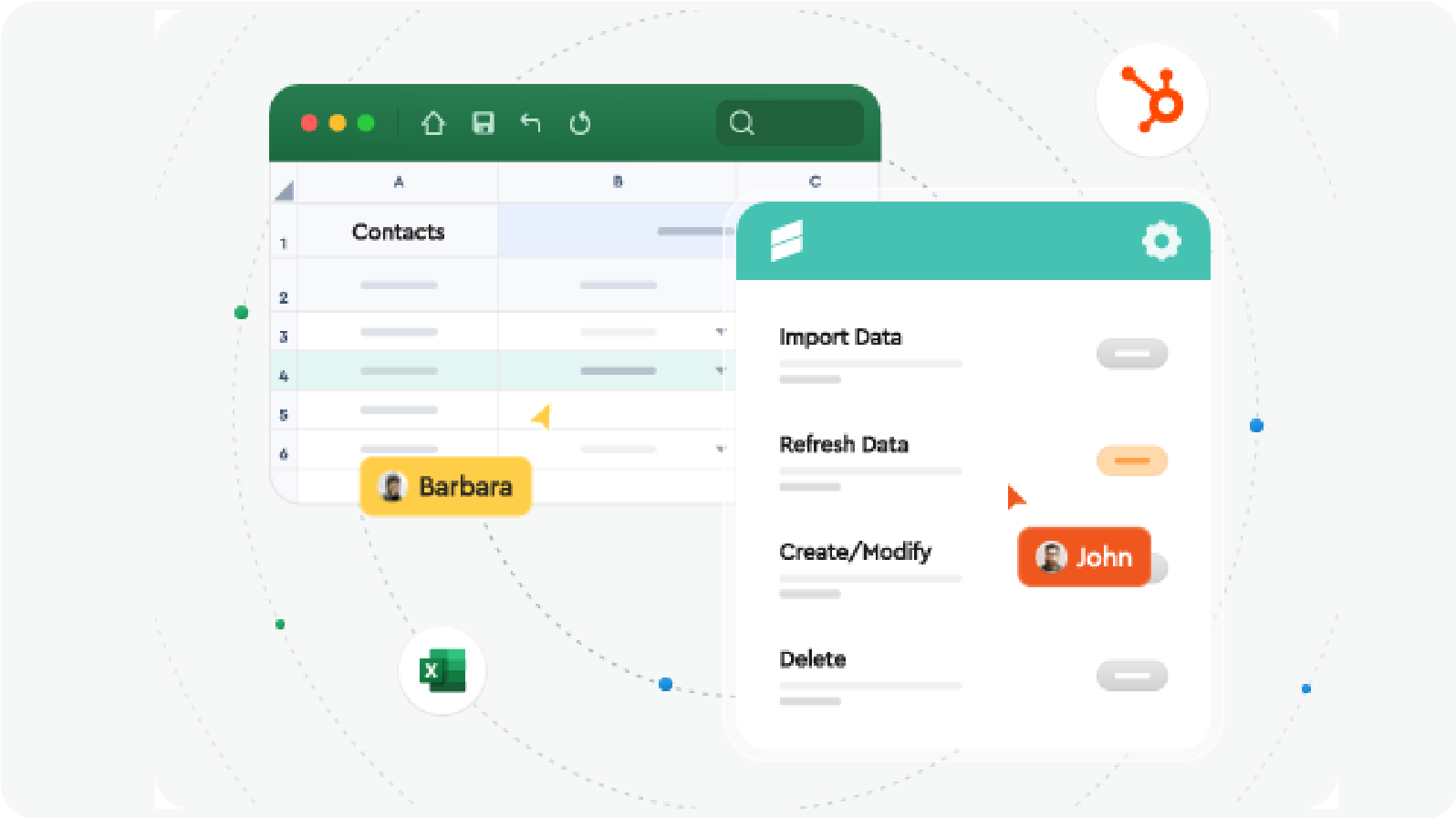
Easy Hubspot data management directly from Excel
Use Excel’s complete toolset to correct inconsistent values, standardize fields, remove duplicates. Apply formatting, formulas, and other Excel logic for transformations. Once validated, push the corrected data back to HubSpot.
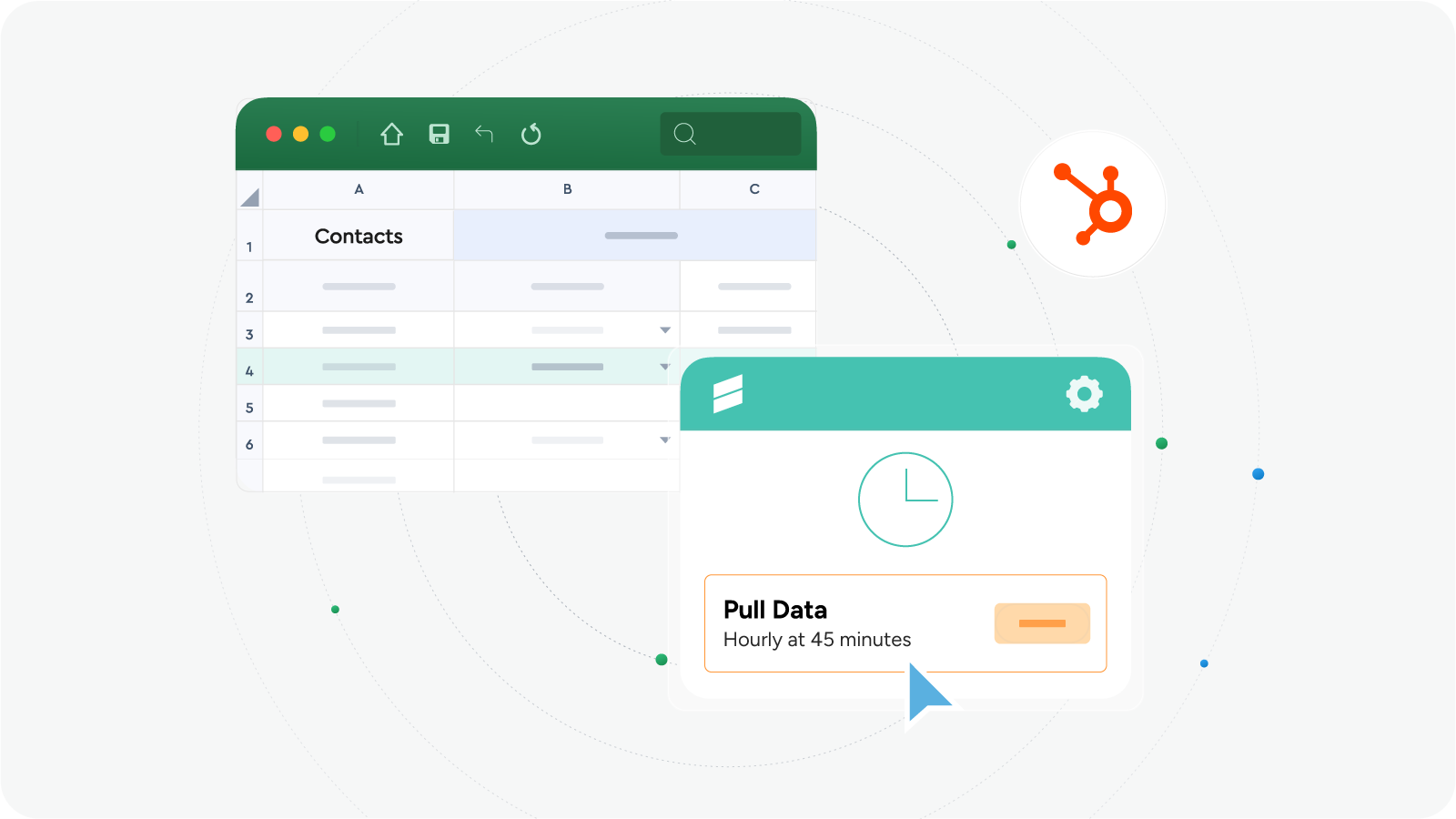
Powerful automation
Automate hubspot reporting by scheduling a data import to a shared sheet up to every five minutes. Perfect for having live sharable dashboards. Data writebacks are highly configurable and can also be scheduled for automatic execution.
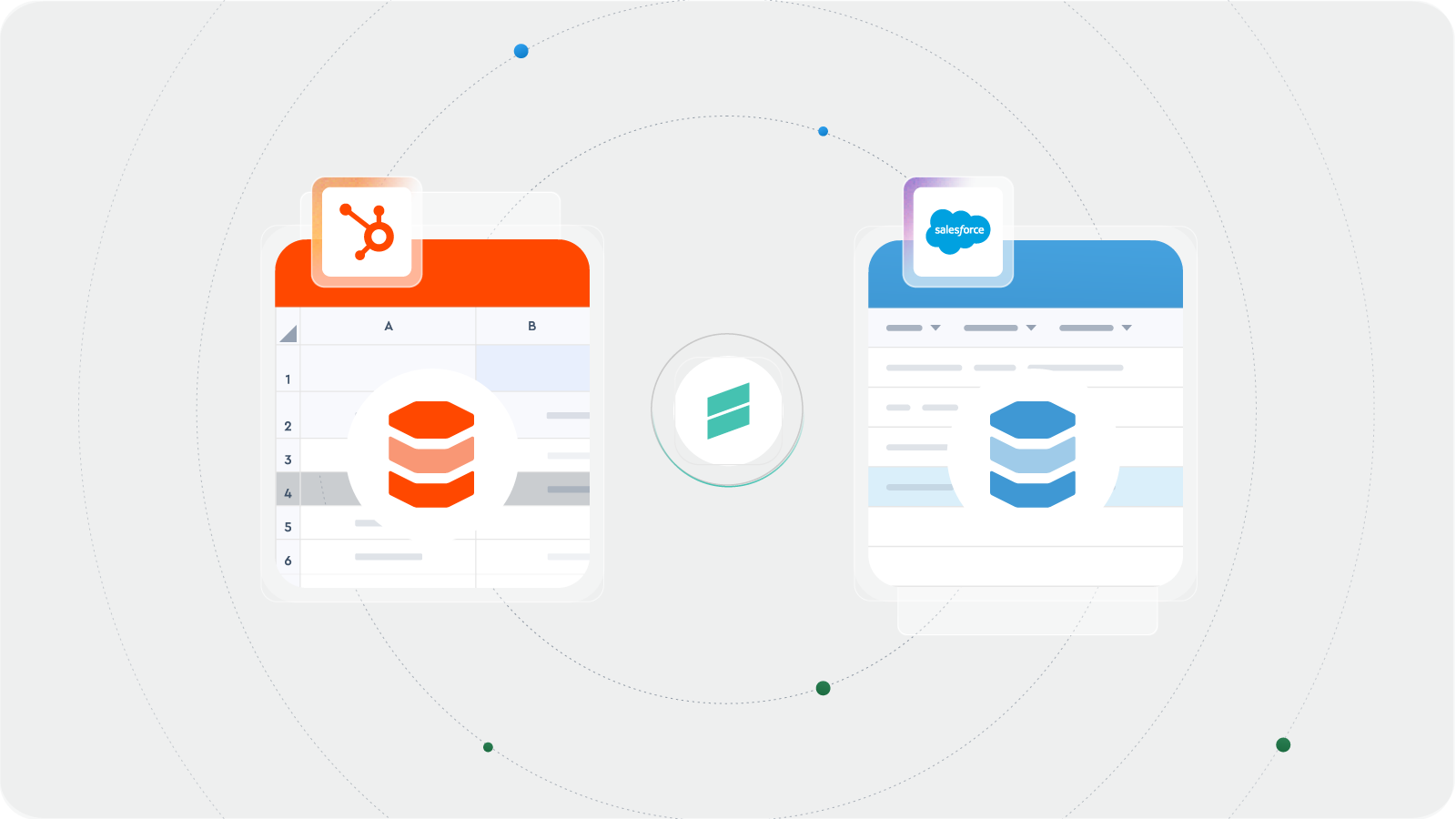
Salesforce to Hubspot Data Migration
Migrate and exchange data between Salesforce and Hubspot. Use Excel as an interim layer when migrating your data from other systems.
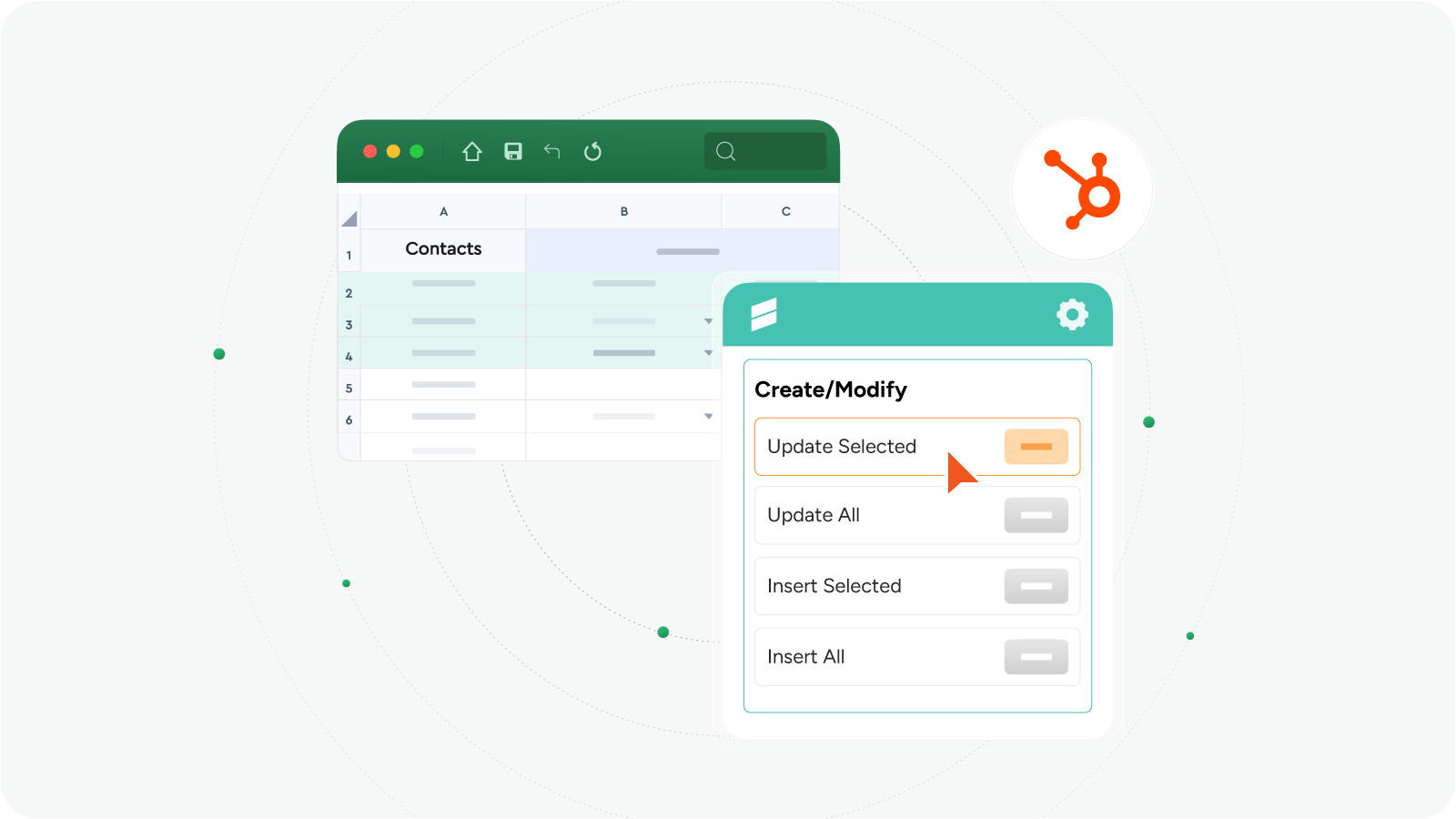
Import data to Hubspot
Import HubSpot records directly from Excel. Choose all records or just a selection to update or insert in seconds.
App Functionality
Shared Data
Line Items | ||
Carts | ||
Orders | ||
Leads | ||
Partner Clients | ||
Contact Lists | ||
Goal Targets | ||
Companies | ||
Deals | ||
Contacts | ||
Service | ||
Subscriptions | ||
Owners | ||
Commerce Payments | ||
Invoices | ||
Course | ||
Listing | ||
Users | ||
Appointment | ||
Events | ||
Custom Objects | ||
Quotes |
Xappex does not store any data that is synced between HubSpot and Excel.
Reviews
Pricing
Free
$0
Pulling and refreshing data from HubSpot manually and on a schedule
Export Data from HubSpot to Excel
Import Data from Excel to HubSpot
Mass-update Data in HubSpot Directly from Excel
Mass-delete Data in HubSpot
Automatic Bi-directional Sync Between HubSpot and Excel
Free
$0
Pulling and refreshing data from HubSpot manually and on a schedule
Export Data from HubSpot to Excel
Import Data from Excel to HubSpot
Mass-update Data in HubSpot Directly from Excel
Mass-delete Data in HubSpot
Automatic Bi-directional Sync Between HubSpot and Excel
* The pricing here is for display purposes only. All prices do not include taxes, incentives, discounts, or other pricing variables. You should contact the partner for the most up to date and correct pricing information. HubSpot does not take any responsibility for this pricing information, which is provided by our partners. Pricing last updated: 04/02/2026
New arrivals

FlowSentinel
Know who can see what, in every HubSpot portal you run. FlowSentinel centrally governs permissions across your whole multi-portal HubSpot estate, flags drift from your approved baseline, and gives auditors a trail they can follow. It allows you to centrally provision new users across multiple portals, track portal hygiene, user adoption and off-board users across your whole HubSpot estate.

Loopster
Enrich your HubSpot records with AI research agents and 50+ data providers. Synced both ways.
