
MigrateMyCRM
Easy data migration using a powerful, feature-rich platform.
Built by - SyncMatters (formerly Trujay)
Installs - 5K installs
Rating 4.6
(63)

Leading
Requirements
HubSpot Plan HubSpot Account permissions - View the required account permissions
Access Type Shared MigrateMyCRM Subscription - Launch, Starter, Plus, Premium, or Enterprise plans
Overview
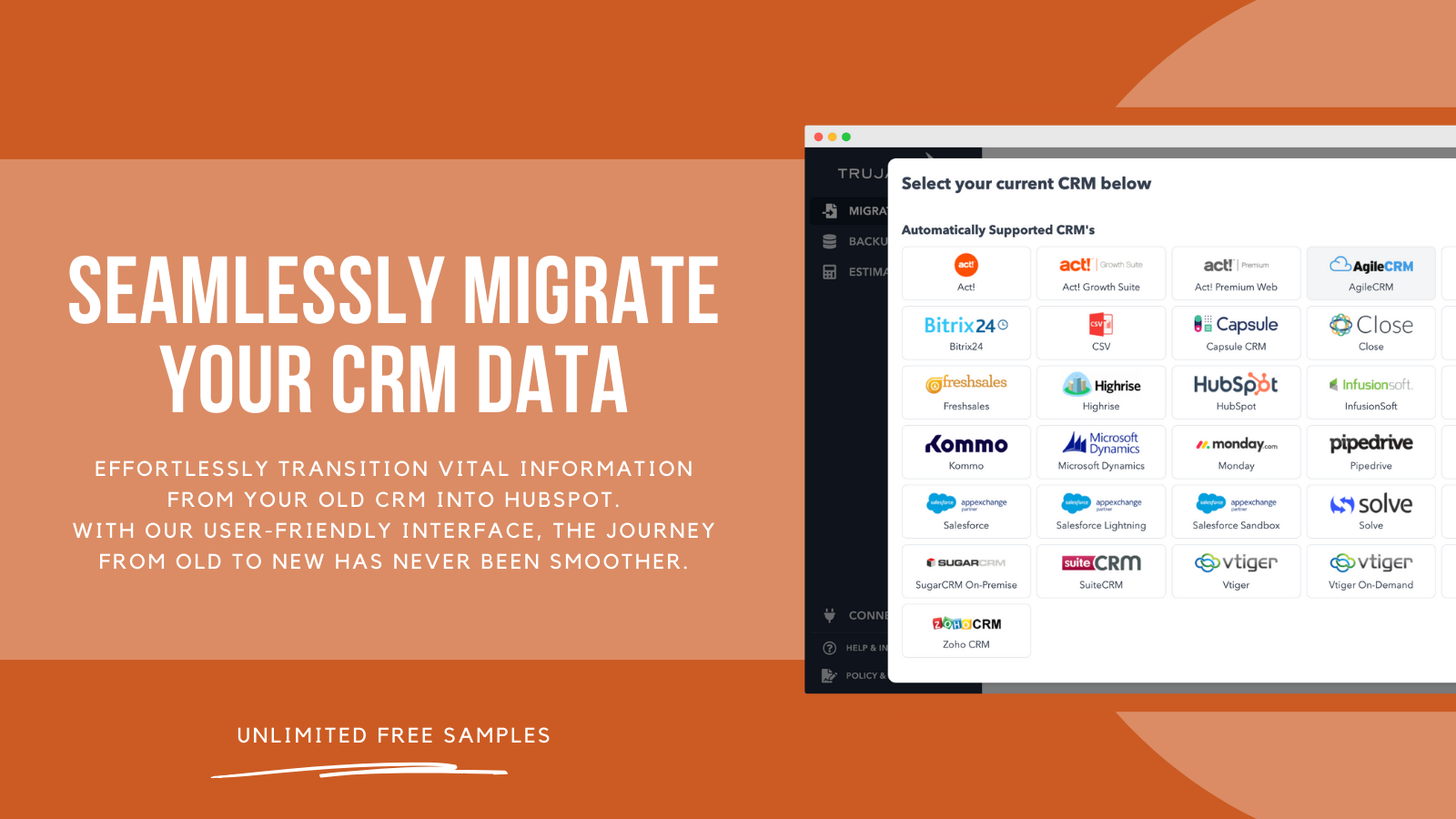
1/8 - Migrate your CRM data
Transitioning your data from a legacy CRM to HubSpot might seem like a complex task, but with our expertise, it becomes a breeze.
Welcome to MigrateMyCRM.
Designed with you in mind, MigrateMyCRM is a robust yet user-friendly tool that simplifies data migration. Whether you want to take control or prefer our guidance, the process is seamless and straightforward.
No technical background? No credit card? No barriers. You can start right away.
Our dedicated support team is here to ensure a smooth journey. They'll alleviate any concerns and let you focus on what's important, leaving the heavy lifting to us.
Ready to get your data where it needs to be? With MigrateMyCRM, it's not just possible; it's easy. Let's embark on this journey together.
Features

Step 1 | Connect CRMs
Fill in your legacy CRM and HubSpot credentials to authorize access. Boom! You now have a secure connection.
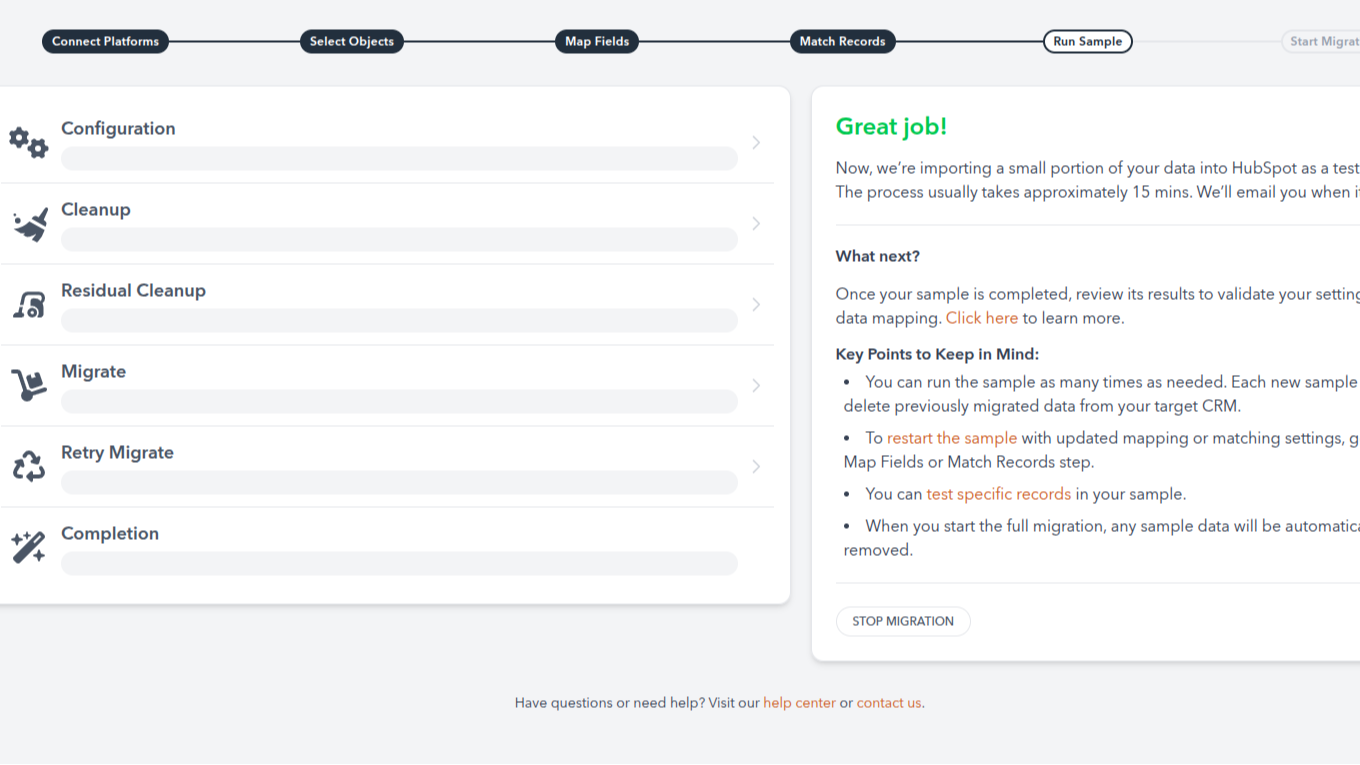
Step 2 | Sample Migrations
After connecting the systems, we'll auto-map your objects and fields. Then, MigrateMyCRM takes ~10% of your records and migrates them into HubSpot. Run these as many times as you need. It's free. (Each time you run a sample, we'll automatically remove the previous one, allowing you to run a fresh test.)

Step 3 | Review Results & Pricing
Evaluate your sample results. (Our auto-mapping is pretty good, but you'll need to add or change your mappings afterward to include custom fields or to adjust the auto-mapped fields.
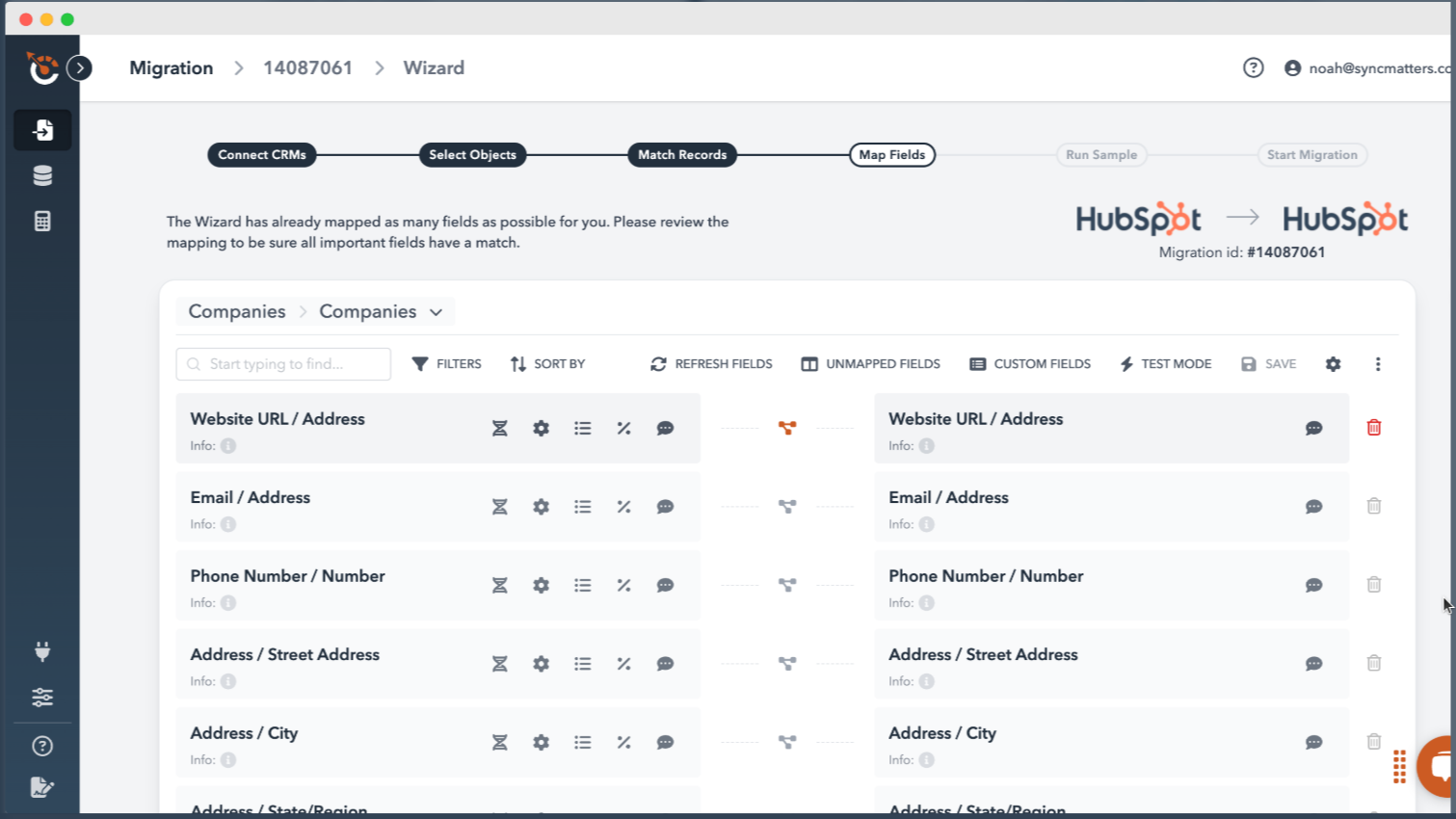
Step 4 | Update Mappings
Review and change existing field mappings for objects, users, and fields according to your business requirements. Automatically create and map custom fields and Users through the mapping interface. (And SO much more!)
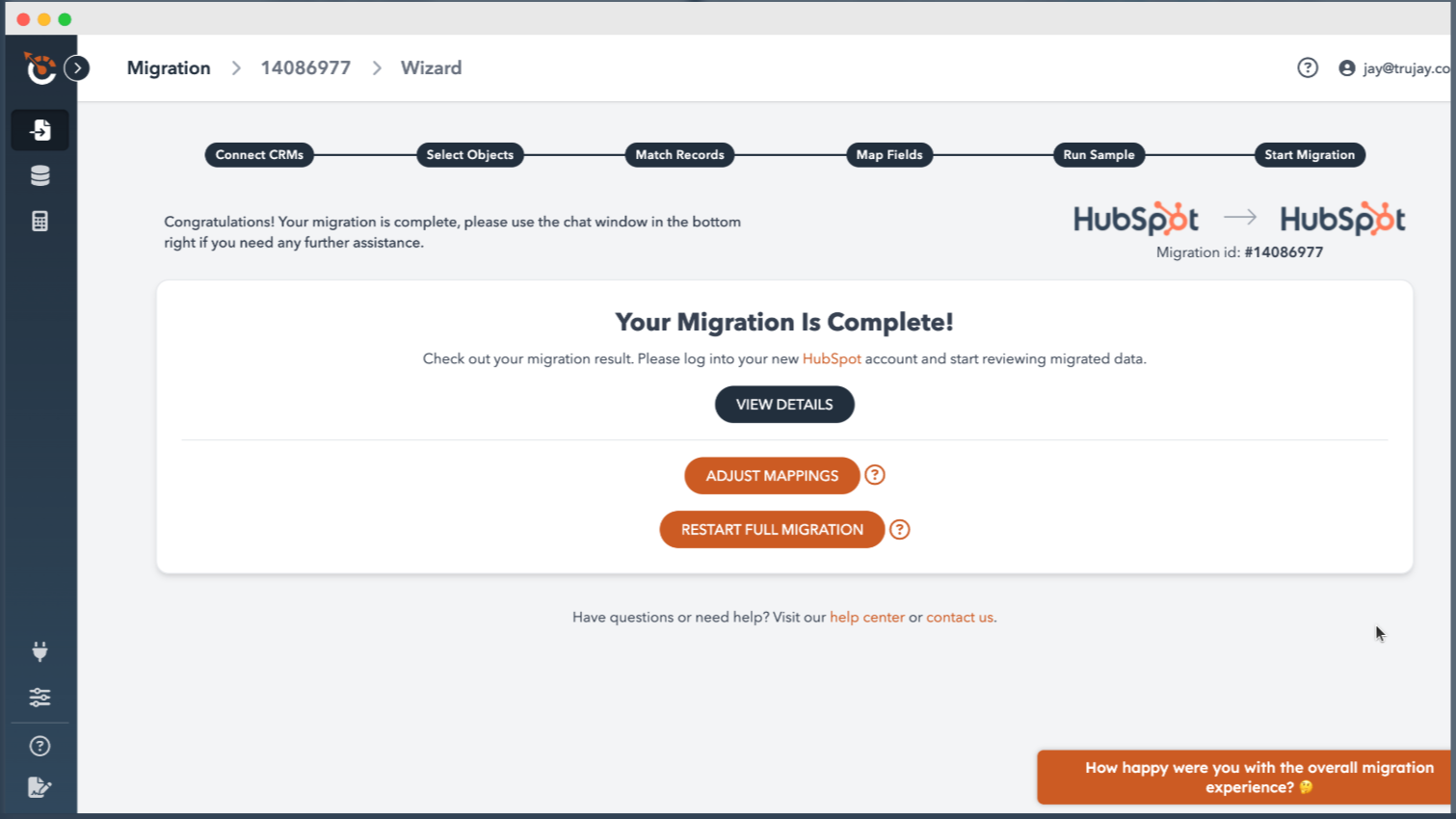
Step 5 | Full Migration
When you're happy with the samples, proceed with payment and start the full migration. Hooray! You're done 🎉
App Functionality
Shared Data
Accounts | ||
Attachments | ||
Calls | ||
Cases | ||
Contacts | ||
Emails | ||
Leads | ||
Line Items | ||
Meetings | ||
Notes | ||
Opportunities | ||
Pipelines | ||
Products | ||
Tasks | ||
Users |
Reviews
4.6
63
4.6
63
- Feb 27, 2026
Excellent support team and user-friendly interface make testing and sample migrations a breeze
Friendly UI, great options to test and do sample migration. And more then excellent support.
- Easy interface - Great support team - Possible to do unlimited sample migrations to get all the settings right
-
Verstraeten, R.
- Nov 25, 2025
Standard migration flows work well but leads transfer remains problematic
It's was easy to use with standard flows.
Fast mirgation, and easy to setup
Leads' hard to migrate.
Skov, L.
Launch
$99
one-time fee<<< Free! Migration up to 100 records >>> From 101 to 5,000 records
Native & custom fields
Native & custom objects
Create a custom object (New!)
Filtering (New!)
Picklist updating (New!)
Field usage %
Launch
$99
one-time fee<<< Free! Migration up to 100 records >>> From 101 to 5,000 records
Native & custom fields
Native & custom objects
Create a custom object (New!)
Filtering (New!)
Picklist updating (New!)
Field usage %
* The pricing here is for display purposes only. All prices do not include taxes, incentives, discounts, or other pricing variables. You should contact the partner for the most up to date and correct pricing information. HubSpot does not take any responsibility for this pricing information, which is provided by our partners. Pricing last updated: 04/10/2026
More info
Built by - SyncMatters (formerly Trujay)
Installs - 5K installs
Categories Languages this app is available in English
Getting attention today