

Notion Connector
Built by - Notion
Installs - 700+ installs
Requirements
HubSpot Plan HubSpot Account permissions No permissions required Access Type Personal Notion Connector Subscription - Free plan
Overview
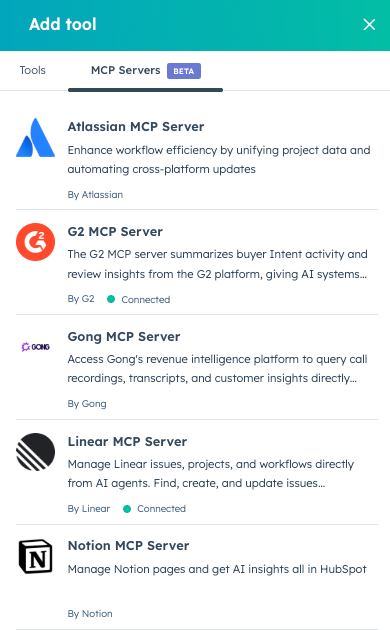
1/1 - Notion MCP in Breeze Studio tools
Notion Connector provides easy authentication for your Breeze Agents to take action with your Notion projects, tasks and documentation.
Once connected, the Notion Connector allows your Agents to:
Create documentation — Generate PRDs, tech specs, and architecture docs from your research and project data
Search and find answers — Let AI search across all your Notion and connected workspace content
Manage tasks — Generate code snippets from task descriptions and update project status automatically
Build reports — Create release notes, project updates, and performance reports from multiple sources
Plan campaigns — Generate comprehensive briefs and track progress across marketing channels
To connect your Notion MCP:
In your HubSpot account, navigate to Breeze > Breeze Studio.
On the Agents tab, click the name of the agent you want to edit.
In the top right, click Configure agent.
In the top right, click Clone to clone the agent.
Back on the Agents tab, click the name of your cloned agent.
In the top right, click Configure agent.
In the What this agent can access section, click Add tool.
In the right panel, click the MCP Servers tab.
Hover over the MCP Server you want to connect. Then click Connect and add.
Follow the on-screen prompts to authorize the connection.
Features
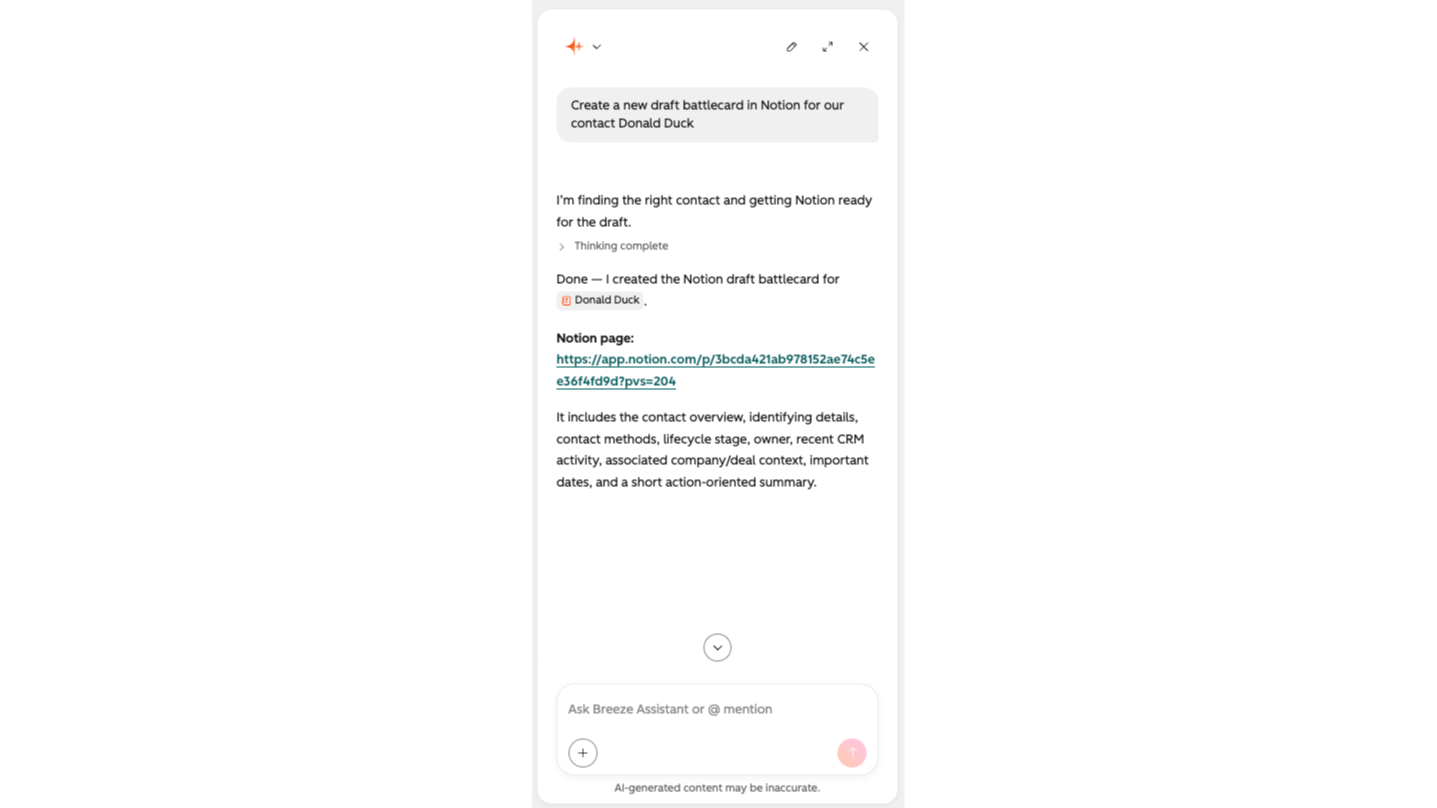
Create Notion documentation
Generate PRDs, tech specs, and architecture docs from your research and project data
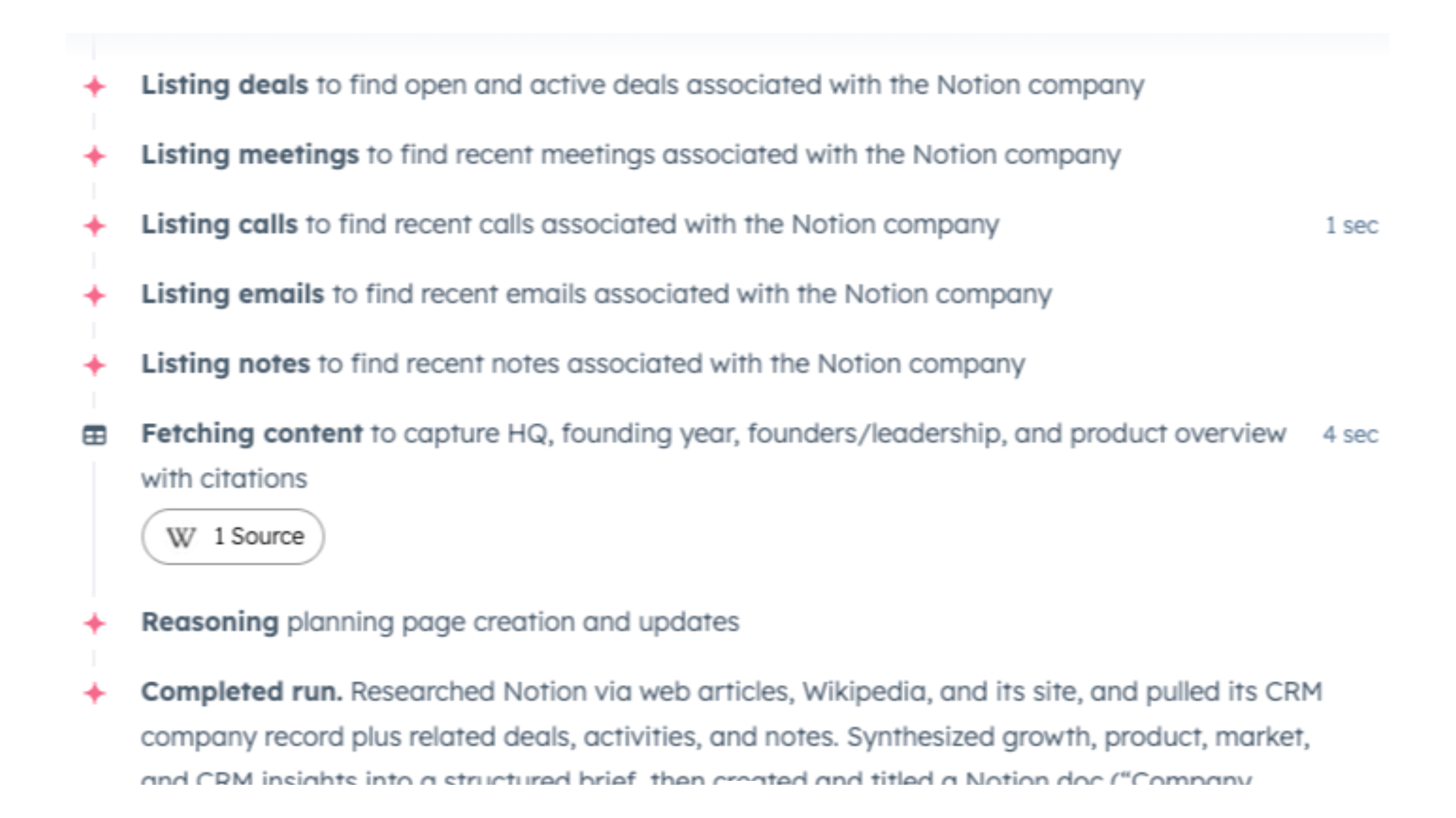
Search and find answers in Notion
Let AI search across all your Notion and connected workspace content
App Functionality
MCP Server
Notion workspace content management via AI agents
Project and Campaign Tracking via Agents
Automated documentation generation
notion-search
notion-fetch
notion-create-pages
Will this work with Breeze Assistant?
Reviews
Pricing
Free
$0
No additional fees
$0 (Breeze Credits may apply as you leverage Breeze Agents)Free
$0
No additional fees
$0 (Breeze Credits may apply as you leverage Breeze Agents)* The pricing here is for display purposes only. All prices do not include taxes, incentives, discounts, or other pricing variables. You should contact the partner for the most up to date and correct pricing information. HubSpot does not take any responsibility for this pricing information, which is provided by our partners. Pricing last updated: 08/14/2026
Most popular

Gmail
Bring HubSpot to your inbox with the HubSpot integration for Gmail.

Google Calendar
Book meetings quickly and easily with HubSpot and Google Calendar.
