

Notion Connector
สร้างโดย - Notion
ติดตั้ง - 700+ การติดตั้ง
ข้อกำหนด
แผน HubSpot สิทธิ์บัญชี HubSpot ไม่จำเป็นต้องมีสิทธิ์ ประเภทสิทธิ์การเข้าถึง ส่วนตัว การสมัครใช้บริการ Notion Connector - Free แพ็กเกจ
ภาพรวม
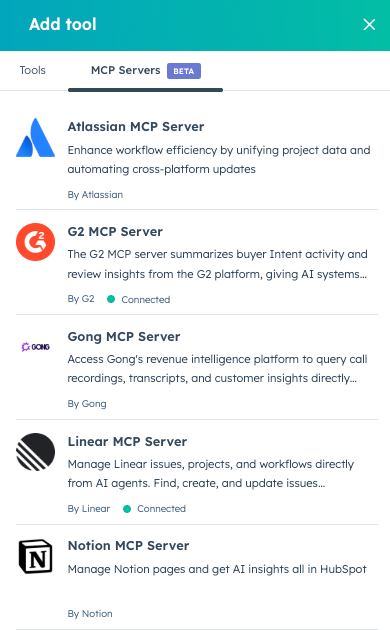
1/1 - Notion MCP in Breeze Studio tools
Notion Connector provides easy authentication for your Breeze Agents to take action with your Notion projects, tasks and documentation.
Once connected, the Notion Connector allows your Agents to:
Create documentation — Generate PRDs, tech specs, and architecture docs from your research and project data
Search and find answers — Let AI search across all your Notion and connected workspace content
Manage tasks — Generate code snippets from task descriptions and update project status automatically
Build reports — Create release notes, project updates, and performance reports from multiple sources
Plan campaigns — Generate comprehensive briefs and track progress across marketing channels
To connect your Notion MCP:
In your HubSpot account, navigate to Breeze > Breeze Studio.
On the Agents tab, click the name of the agent you want to edit.
In the top right, click Configure agent.
In the top right, click Clone to clone the agent.
Back on the Agents tab, click the name of your cloned agent.
In the top right, click Configure agent.
In the What this agent can access section, click Add tool.
In the right panel, click the MCP Servers tab.
Hover over the MCP Server you want to connect. Then click Connect and add.
Follow the on-screen prompts to authorize the connection.
ฟีเจอร์
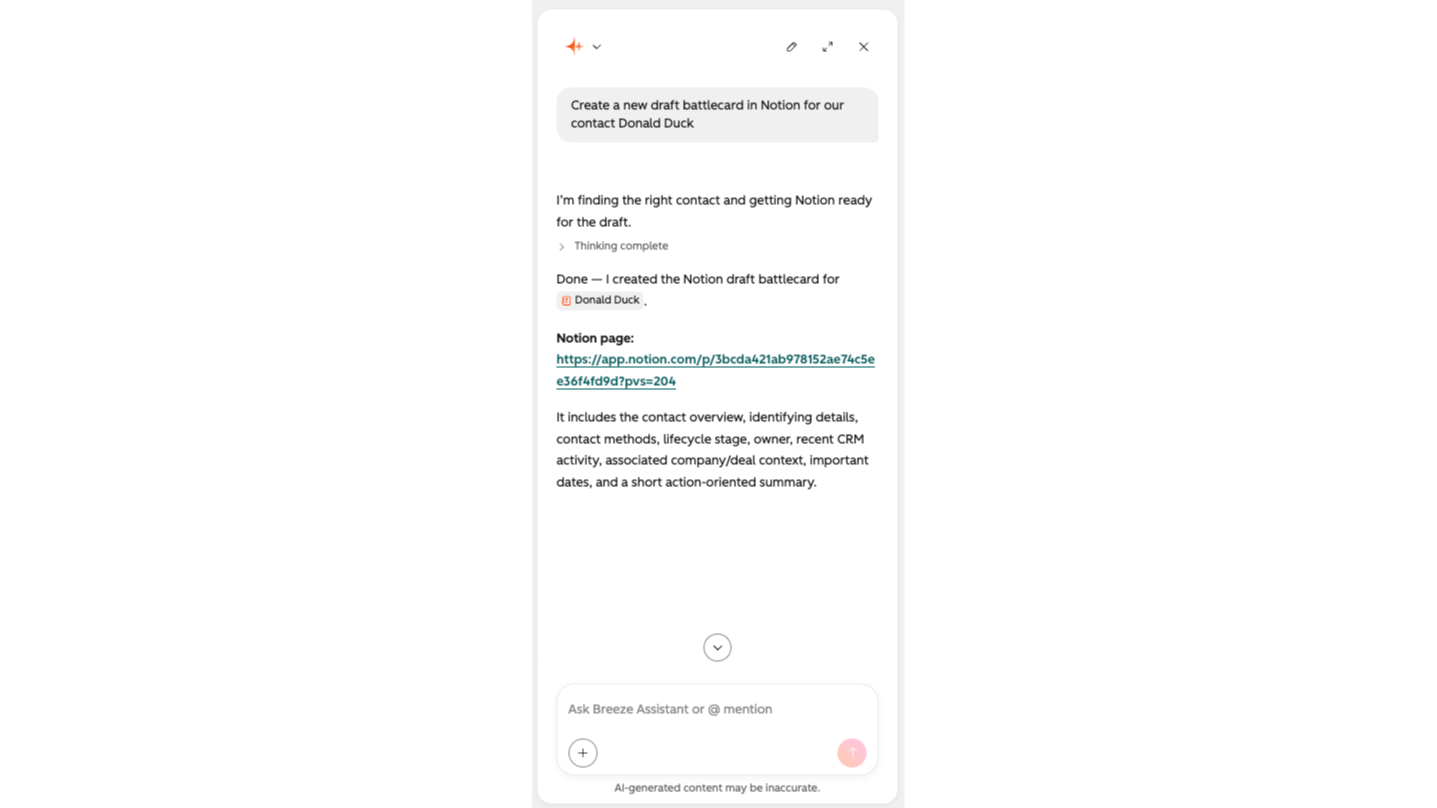
Create Notion documentation
Generate PRDs, tech specs, and architecture docs from your research and project data
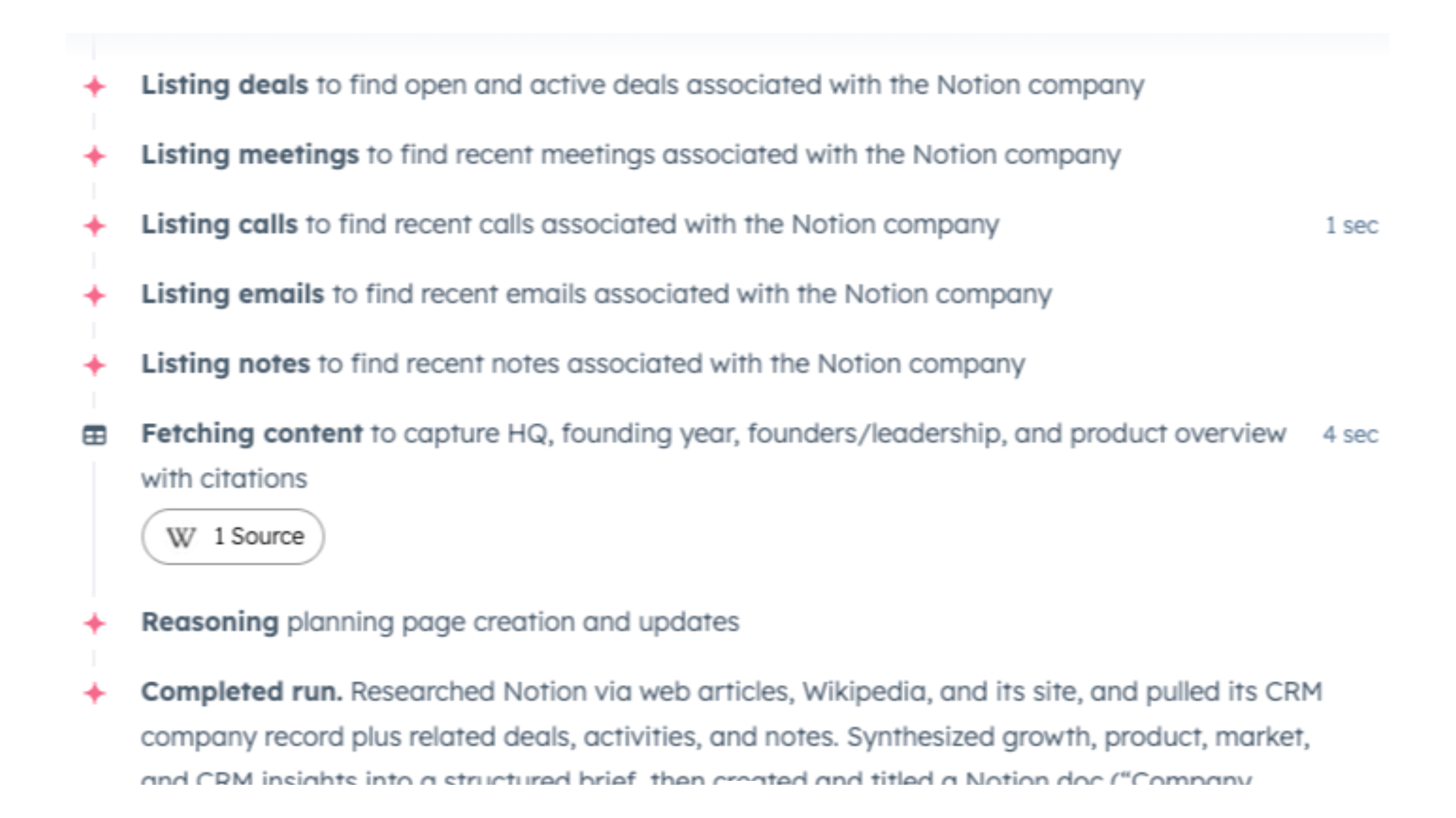
Search and find answers in Notion
Let AI search across all your Notion and connected workspace content
ฟังก์ชันการทำงานแอป
เซิร์ฟเวอร์ MCP
Notion workspace content management via AI agents
Project and Campaign Tracking via Agents
Automated documentation generation
notion-search
notion-fetch
notion-create-pages
Will this work with Breeze Assistant?
รีวิว
การกำหนดราคา
Free
US$0
No additional fees
$0 (Breeze Credits may apply as you leverage Breeze Agents)Free
US$0
No additional fees
$0 (Breeze Credits may apply as you leverage Breeze Agents)* ราคาที่แสดงนี้มีไว้เพื่อแสดงข้อมูลเท่านั้น ราคาทั้งหมดยังไม่รวมภาษี สิทธิพิเศษ ส่วนลด หรือตัวแปรราคาอื่นๆ คุณควรติดต่อพาร์ทเนอร์เพื่อรับข้อมูลราคาล่าสุดและถูกต้องที่สุด HubSpot จะไม่รับผิดชอบใดๆ ต่อข้อมูลราคานี้ซึ่งจัดทำโดยพาร์ทเนอร์ของเรา การกำหนดราคาอัปเดตล่าสุด: 14/08/2026
ข้อมูลเพิ่มเติม
สร้างโดย - Notion
ติดตั้ง - 700+ การติดตั้ง
หมวดหมู่ ภาษาที่แอปนี้สามารถใช้ได้ อังกฤษ
กำลังได้รับความสนใจในวันนี้

Windsor.ai
Move HubSpot data into dashboards, spreadsheets, or a data warehouse

Google Drive
Link drives, folders, and files to CRM records, automate file and folder management through workflows, and get AI-powered document overviews — all without leaving HubSpot.
